
Templates in Neve's Custom Layouts
📝 Note: This is part of the Custom Layouts Module, which is available for the Neve Pro plans.
The Custom Layouts module allows for multiple templates that you can use to design the most suitable pages for your website, including Single Post, Single Page, Search, and Archives.
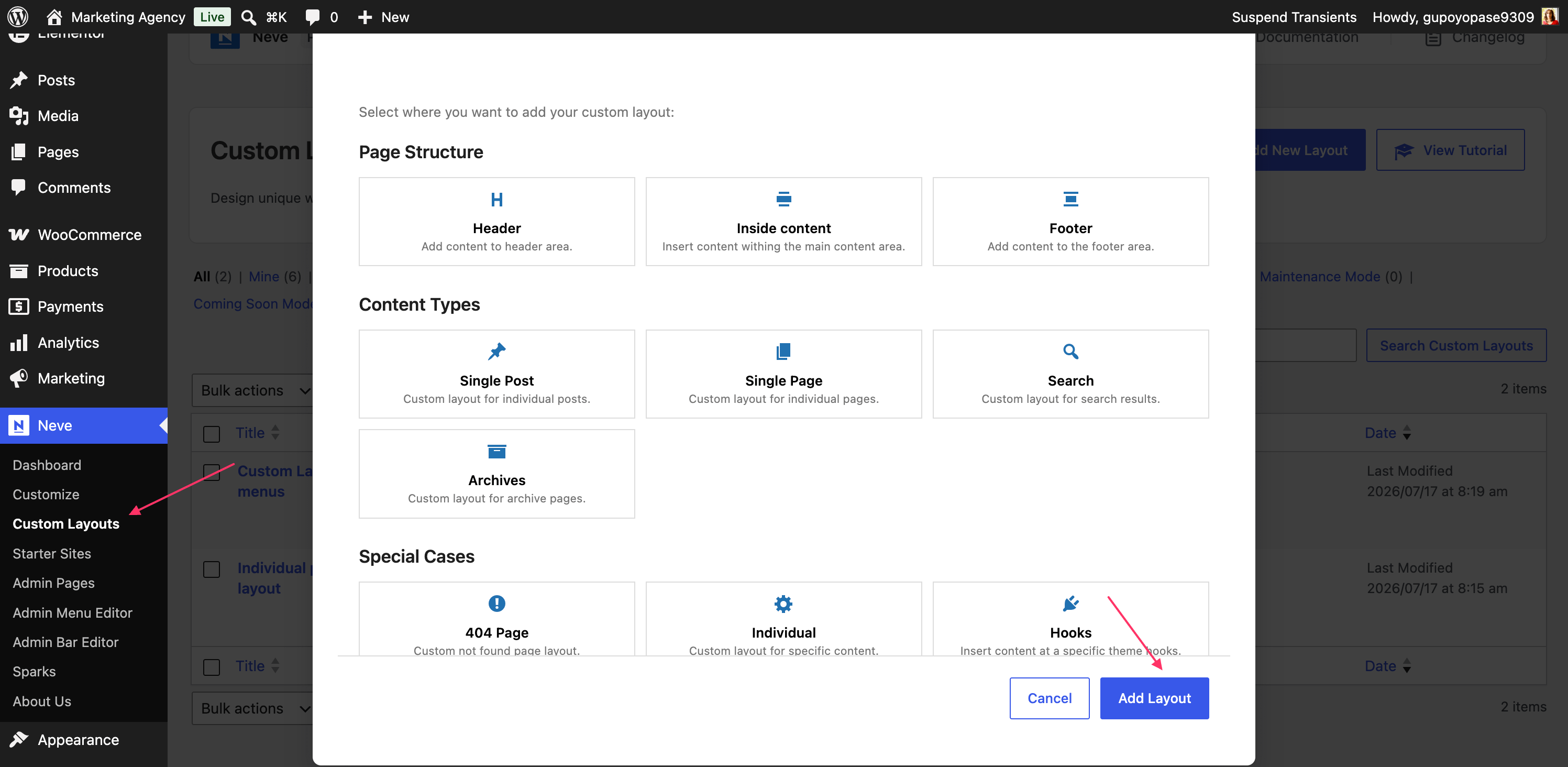
In this article
404 Page Template
404 Page - display the current layout instead of the default 404 page of the theme.
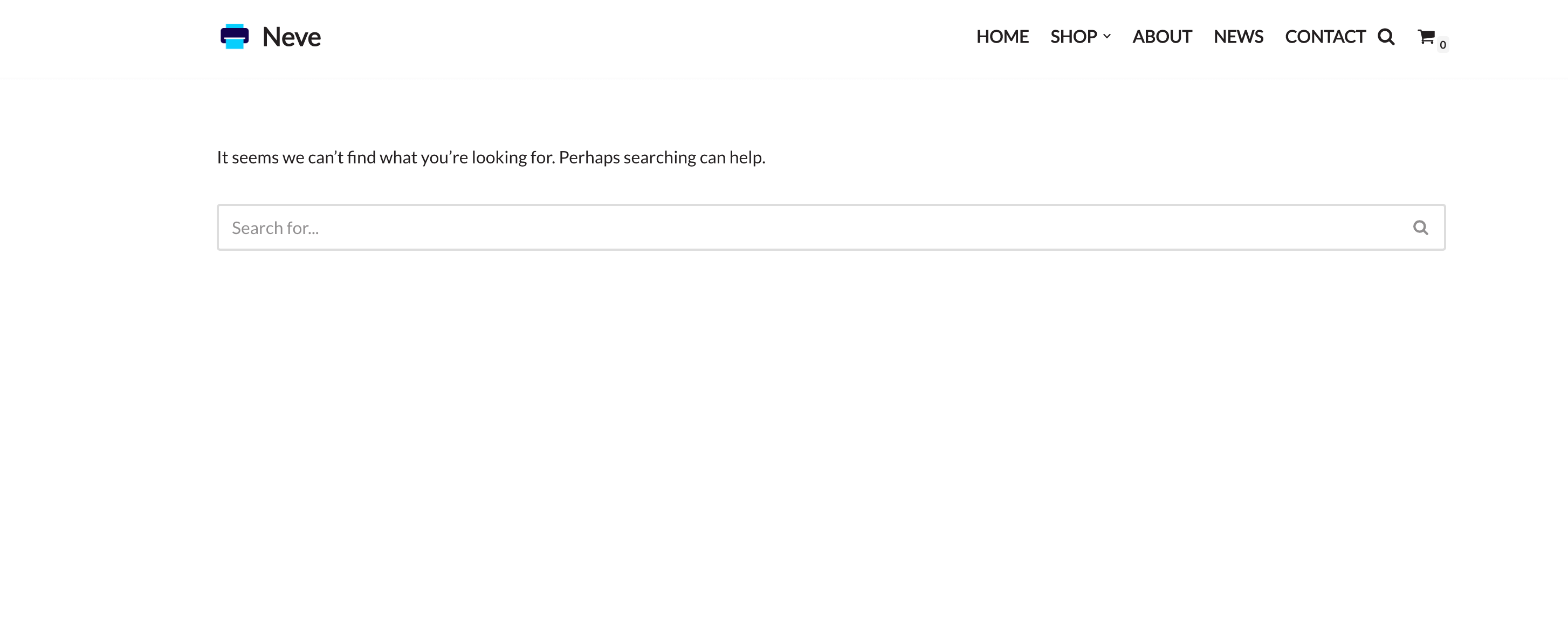
Default 404 page of the theme
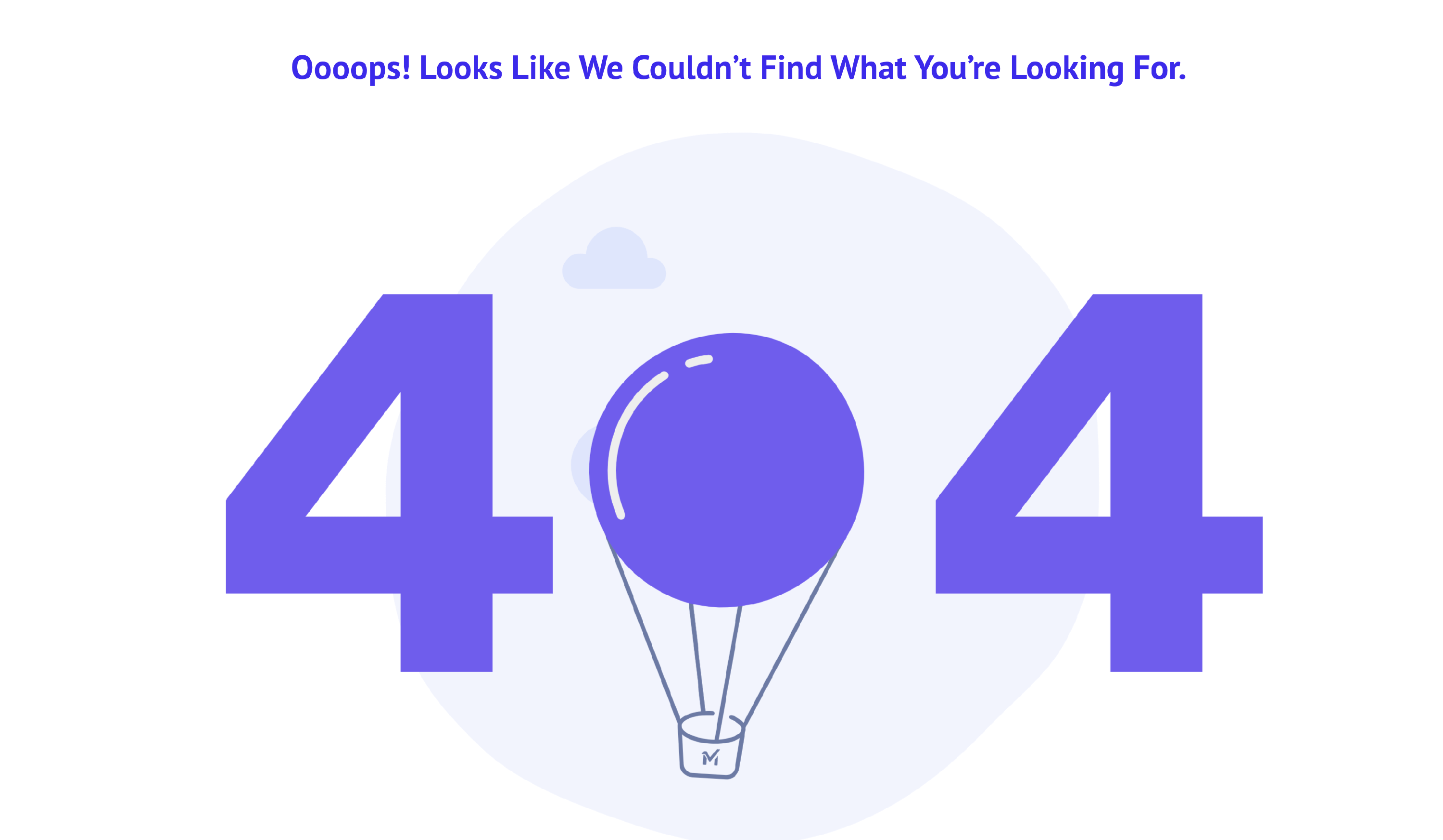
Custom 404 page using Lottie Animations
📝 Note: Here is a video about creating a 404 page using Custom Layouts.
Single Post Template
Single Post - this template will be used for the posts that appear on your website.
Important note: As WordPress removed the Post Content block, the Youtube video below contains some outdated info. Instead of the Post Content block, you can use the {current_single_content} magic tag, that will display the content of the post.
📝 Note: Check out the new Neve Patterns, to help you create the perfect single post.
Single Page Template
Single Page - this will be displayed on all of your pages unless you use the conditional logic that the Custom Layouts settings contain.
Important note: As WordPress removed the Post Content block, the Youtube video below contains some outdated info. Instead of the Post Content block, you can use the {current_single_content} magic tag, that will display the content of the post.
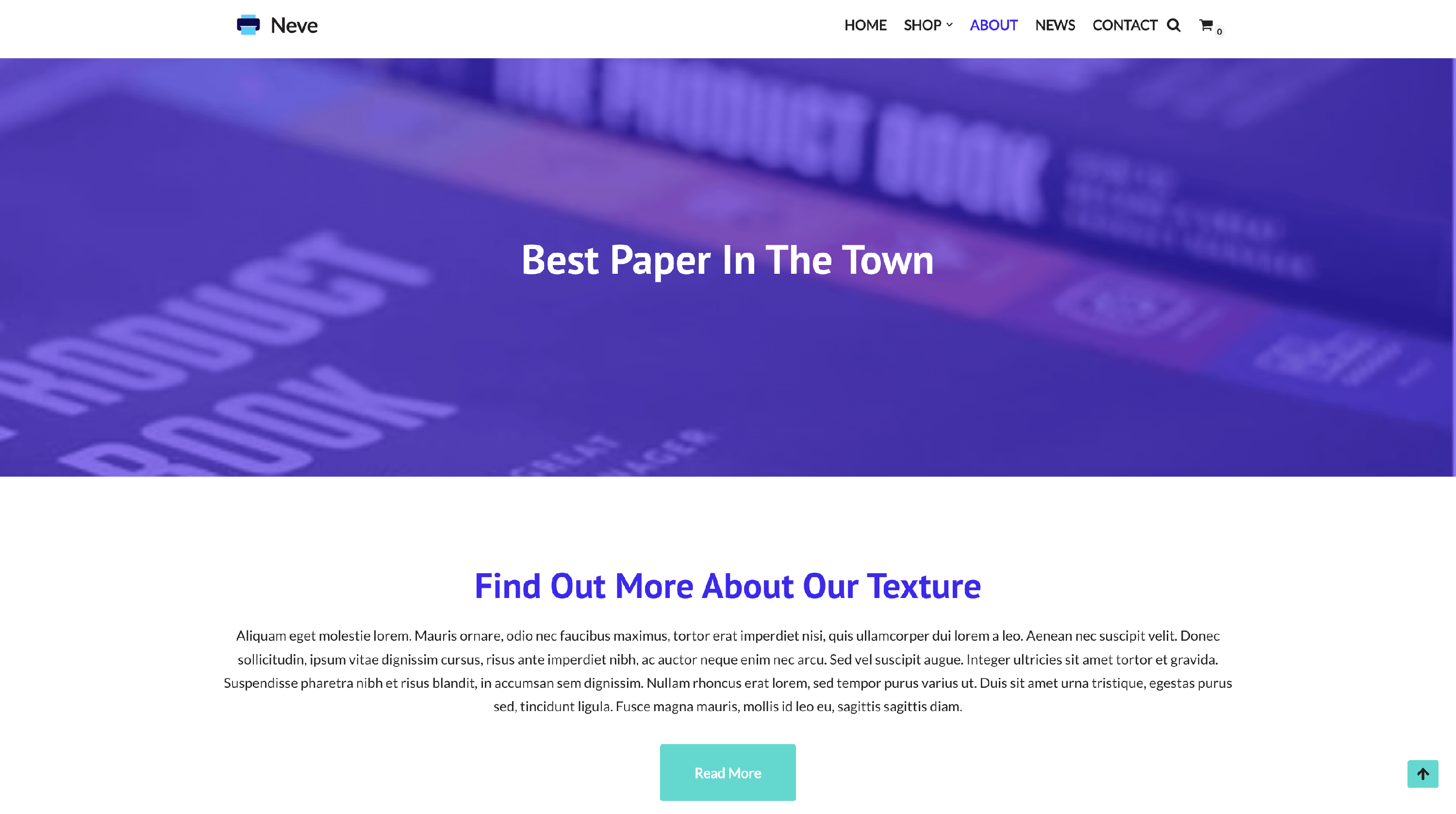
Search Template
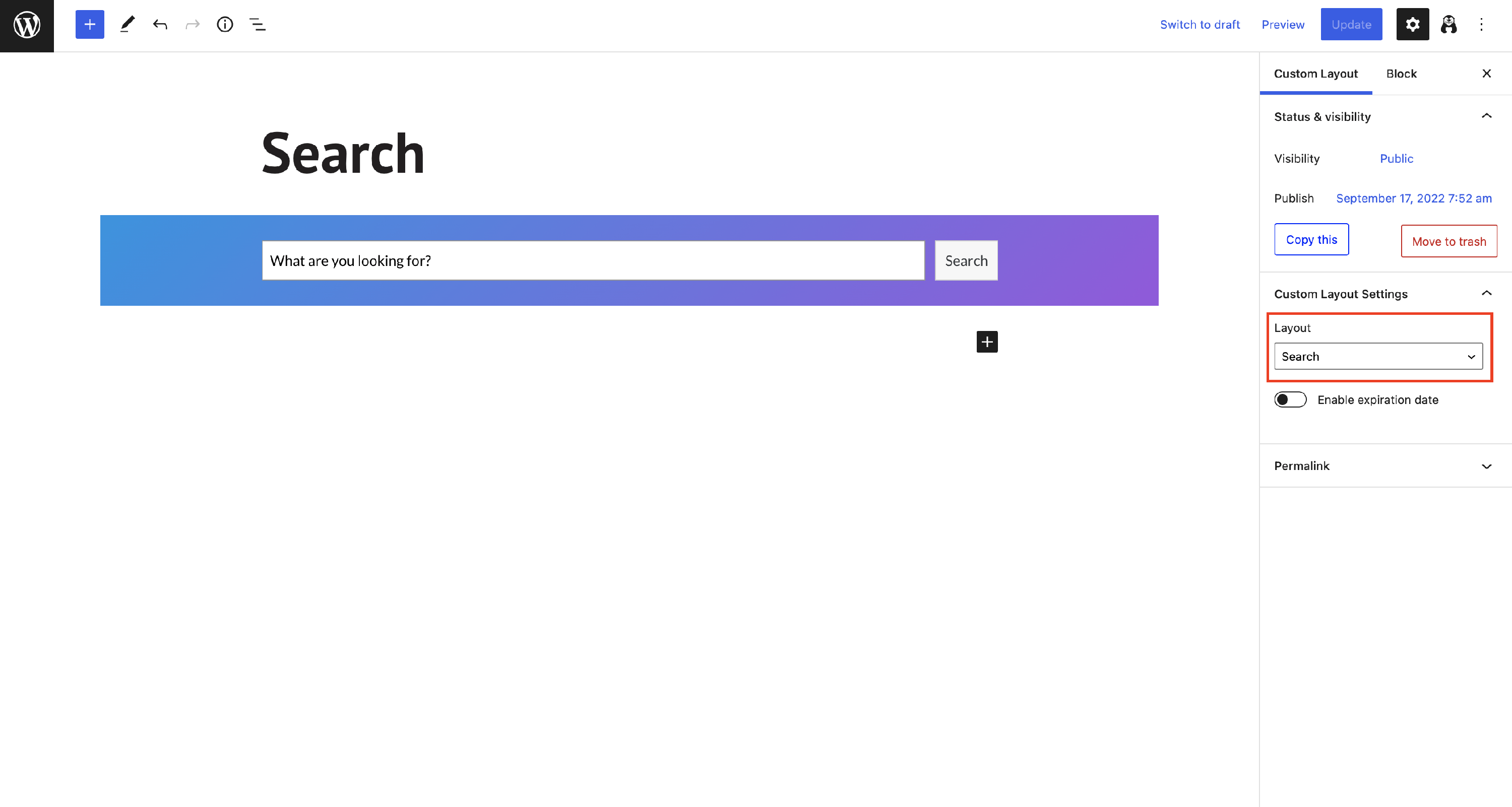
Search - create your own search template using this custom layout type, an example below.
Archives Template
Archives - this template will be used for the archive pages. These are pages that can be used to list posts under specific post types, categories, or tags, as well as for the custom post type.
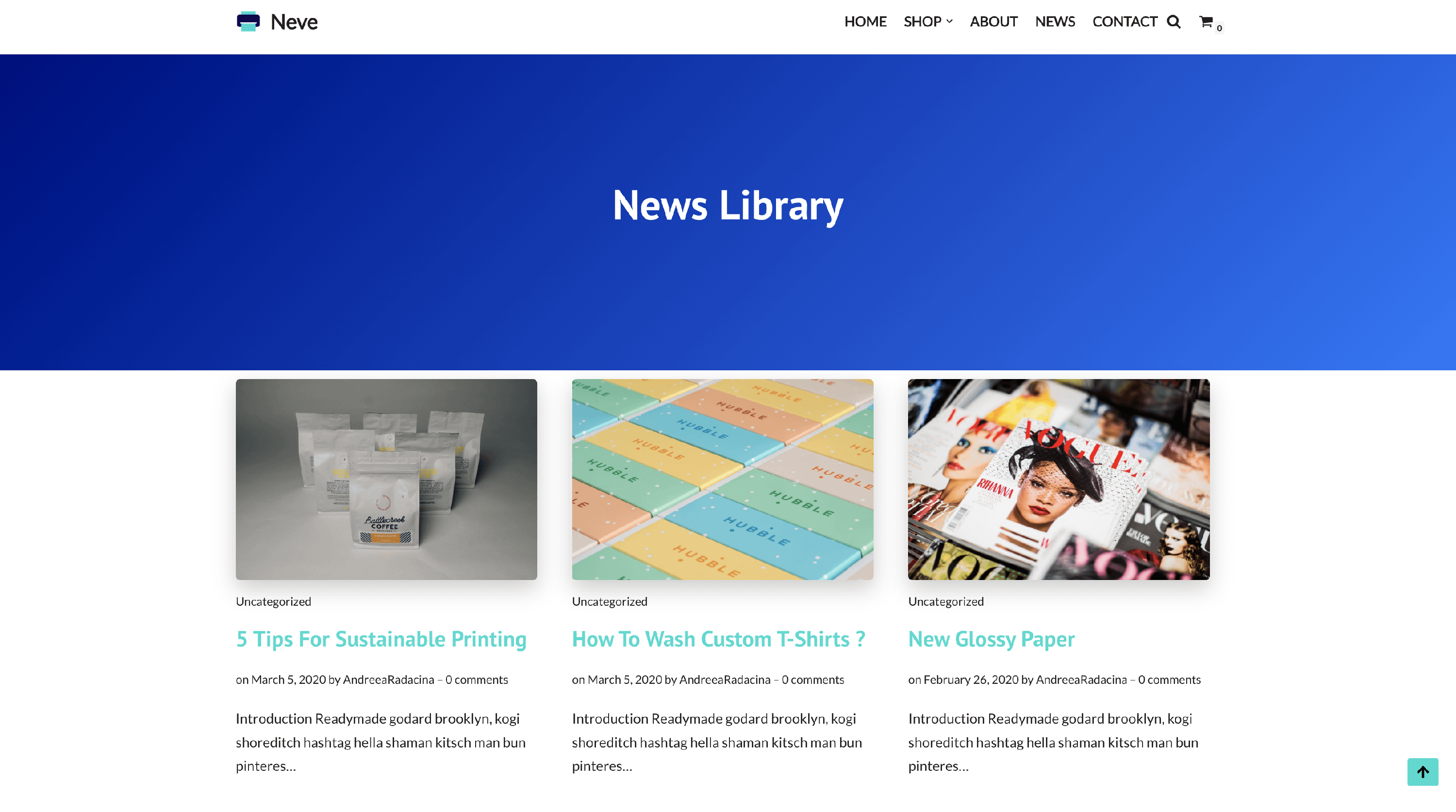
To rebuild a category or tag archive, create the layout with the Archives layout type. It replaces the theme's archive output on every archive page that matches its conditional logic. A Hooks layout does not replace the post list — it only inserts content at a theme hook, so use it to add sections above or below Neve's standard archive output.
The conditional logic only decides which archive pages use the layout. The posts are listed by a Query Loop block placed inside the layout. Set the Query Loop's Query type to Default (on older WordPress versions, enable Inherit query from template) so it displays the posts of the category or tag being viewed. Selecting a tag in the conditional logic does not filter the Query Loop by itself. For the full Query Loop and pagination setup, see How to Add Pagination to Category Archives in Neve Custom Layouts.
If you only want to style Neve's standard archive post list rather than rebuild the template, use the Blog/Archive options instead.
📝 Note: Check out the new Neve Patterns, to help you create the perfect single post.