
Change how fast the Neve mobile menu opens/closes
A CSS transition is defined on the Neve mobile menu sidebar and is visible when opening/closing it.
Visitors who enable Reduce Motion in their operating system or browser see the mobile menu open and close instantly. This accessibility preference disables the sliding transition and takes precedence over custom transition durations.
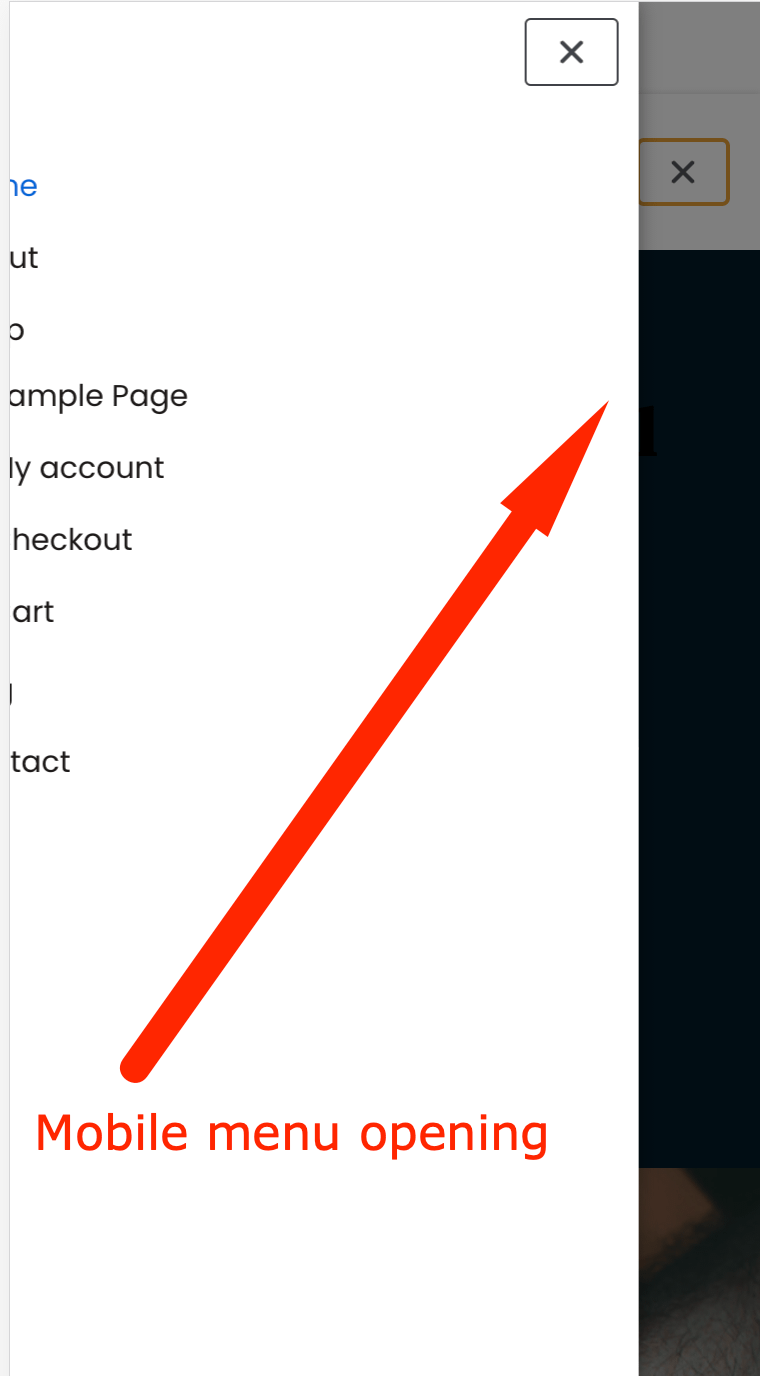
If you want to change the time/speed of this transition, just add the following code into the Additional CSS editor within the Customizer.
/* opening the menu */
.menu_sidebar_slide_left .header-menu-sidebar {
    transform: translate3d(-100%,0,0);
    transition: transform .5s cubic-bezier(.79,.14,.15,.86);
}

/* closing the menu */
.hiding-header-menu-sidebar.menu_sidebar_slide_left .header-menu-sidebar {
    transform: translateX(-100%);
    transition: transform .9s cubic-bezier(.79,.14,.15,.86);
}
<br>
Just the .9 and .5 value should be changed in the following statements, you can try values like .1 .5 or .9,
transition: transform .5s cubic-bezier(.79,.14,.15,.86);and
transition: transform .9s cubic-bezier(.79,.14,.15,.86);