
WooCommerce Booster unavailable after purchasing Neve Pro
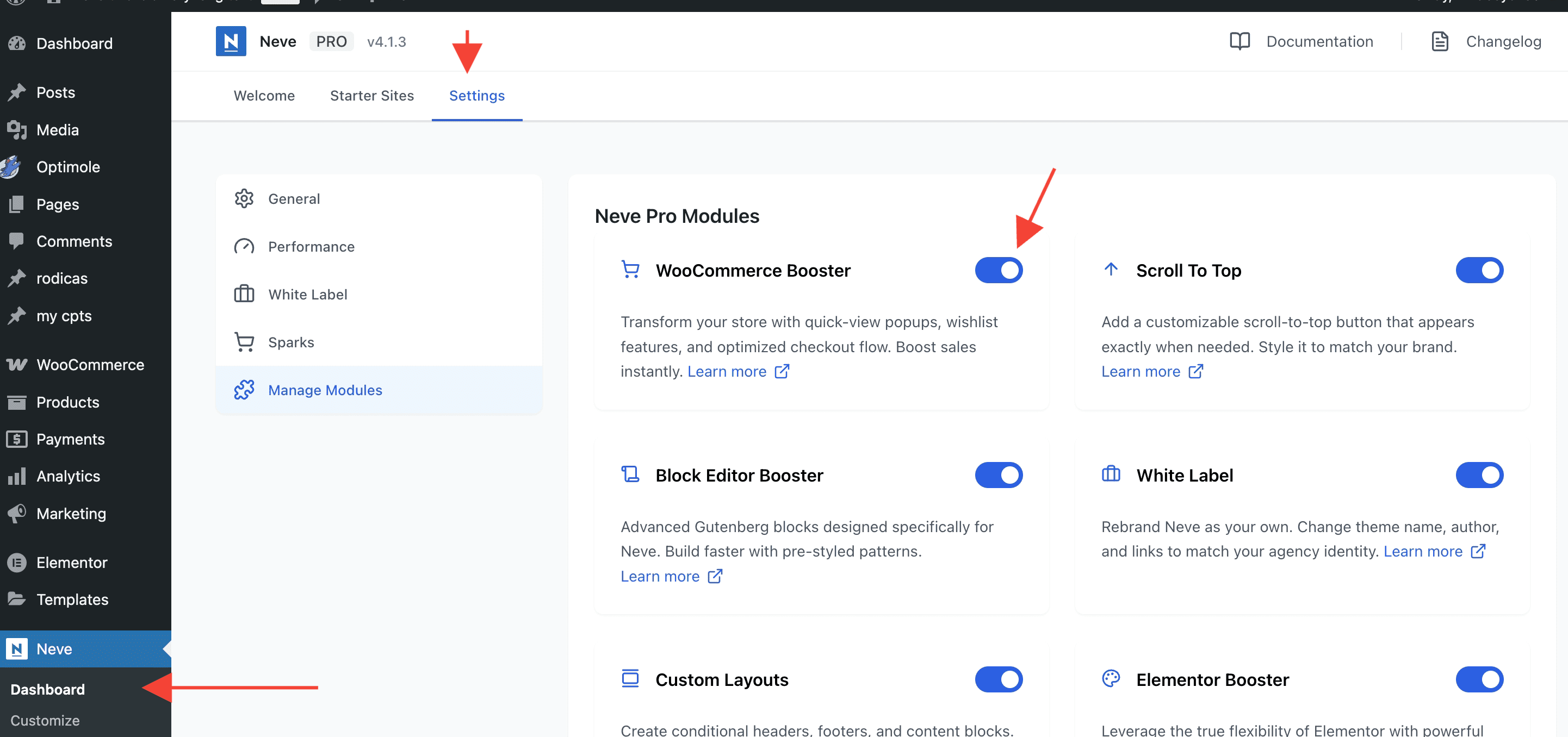
If you have purchased Neve Pro and still can't access the WooCommerce Booster module, there are three things that can be checked.
In this article
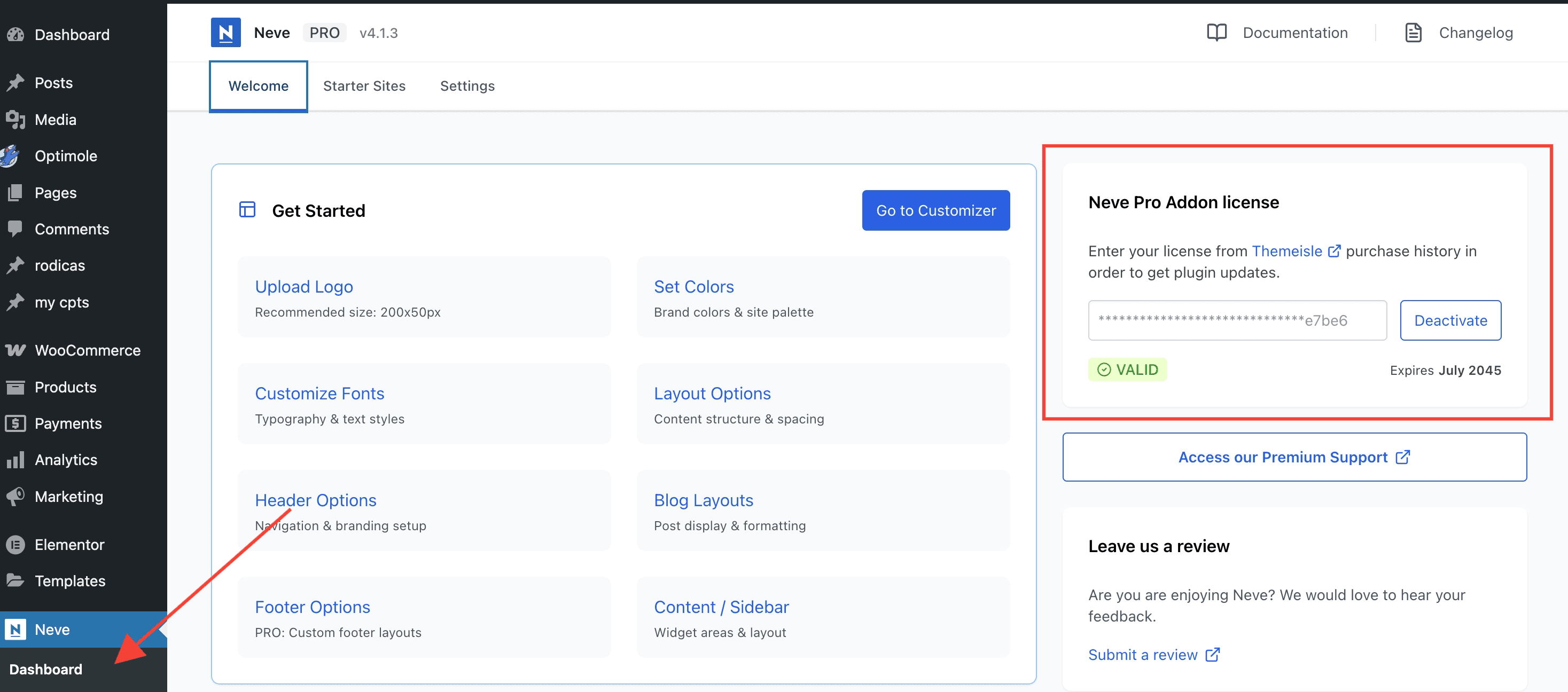
The license key needs to be active
Please check that you have activated the license key available in your Themeisle account.
You have purchased the Personal plan
If you purchased the Personal plan, the WooCommerce Booster module is not included in the subscription. You can upgrade to a higher one from your Themeisle account.
After upgrading your subscription, the license key needs to be reactivated as per this guide, to enable the new options.
The Sparks for WooCommerce plugin is not installed or active
The WooCommerce Booster module requires the Sparks for WooCommerce plugin to be installed and activated. If the plugin is missing or inactive, the module will not load even when your license is valid and your plan includes it.
Install and activate the free Sparks for WooCommerce plugin from the WordPress plugin directory, or follow the prompt shown in the Neve dashboard: "You need to install/activate Sparks for WooCommerce to continue using WooCommerce Booster."