Content Restriction Module Documentation
For more details check out the full Neve documentation and Neve PRO documentation.
📝Note: This component is part of just Neve PRO.
The module allows you to restrict several content types across your website based on allowed users, user roles, or passwords.
To use the module, navigate to Neve > Dashboard > Settings > General > Enable Content Restriction and enable the module for the post types of your choice ( Posts, Pages etc ). After that, select what will be shown when the restriction conditions are not met: Show 404 page, Show default WP login page or Show custom login page.
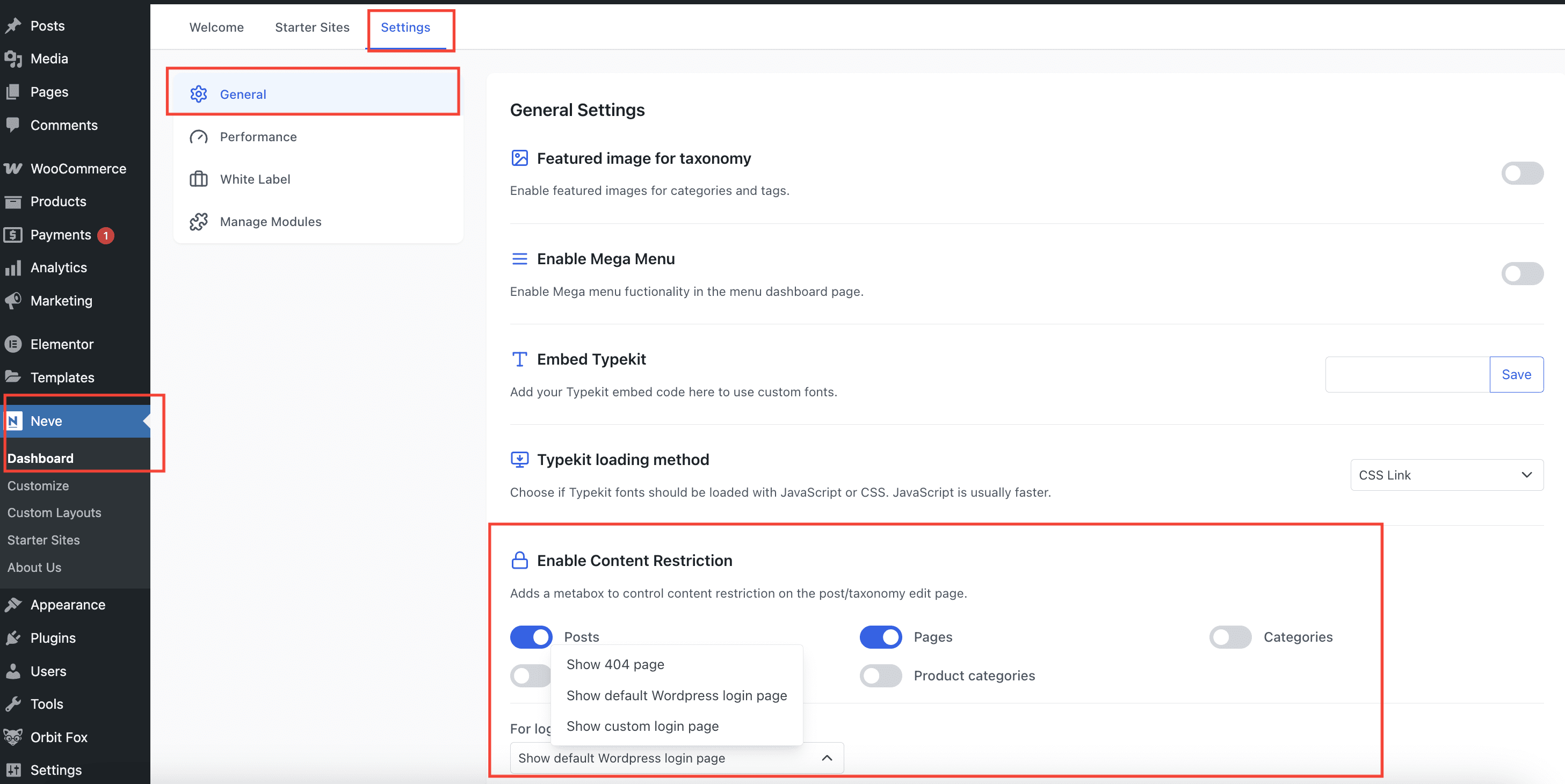
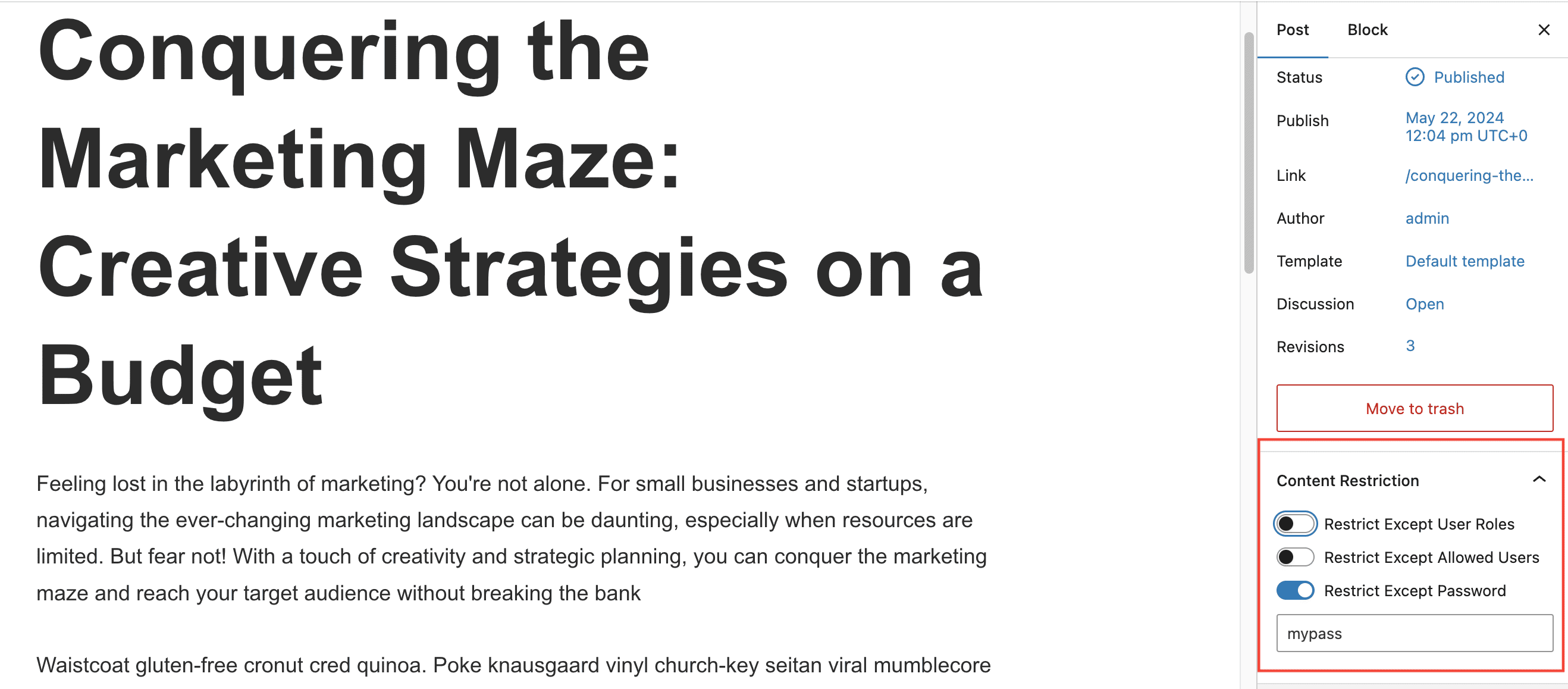
Now, that content restriction is enabled for Posts, navigate to the post that needs to have its content restricted and choose its specific restrictions.
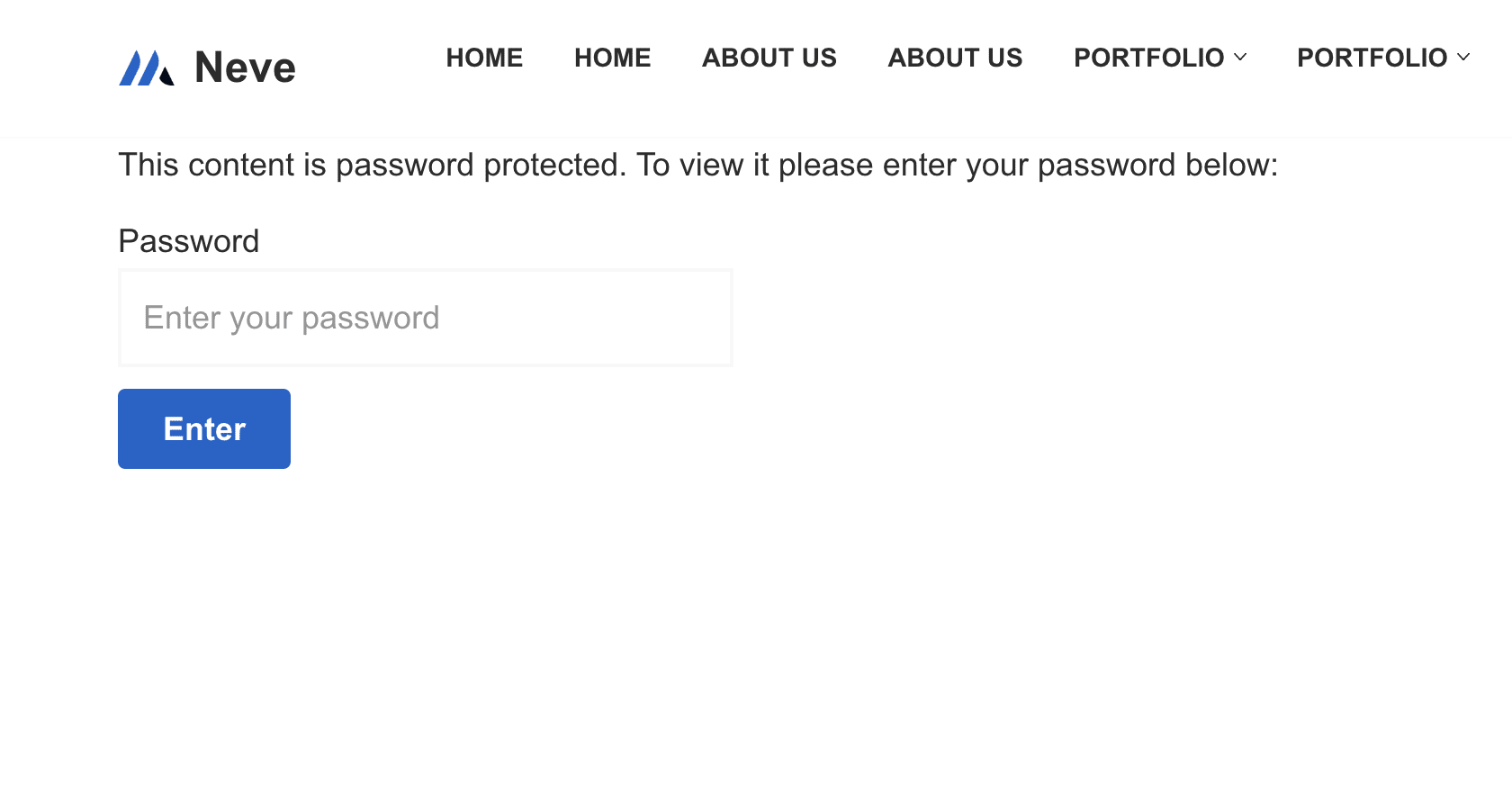
In the example below, the post content will be visible just after the user enters the custom password.
Example of a restricted post.