Change the 'out of stock' label in Neve
Neve integrates with WooCommerce and lets you replace the default 'out of stock' label on shop and archive listing pages with custom text, using a small code snippet in your child theme.
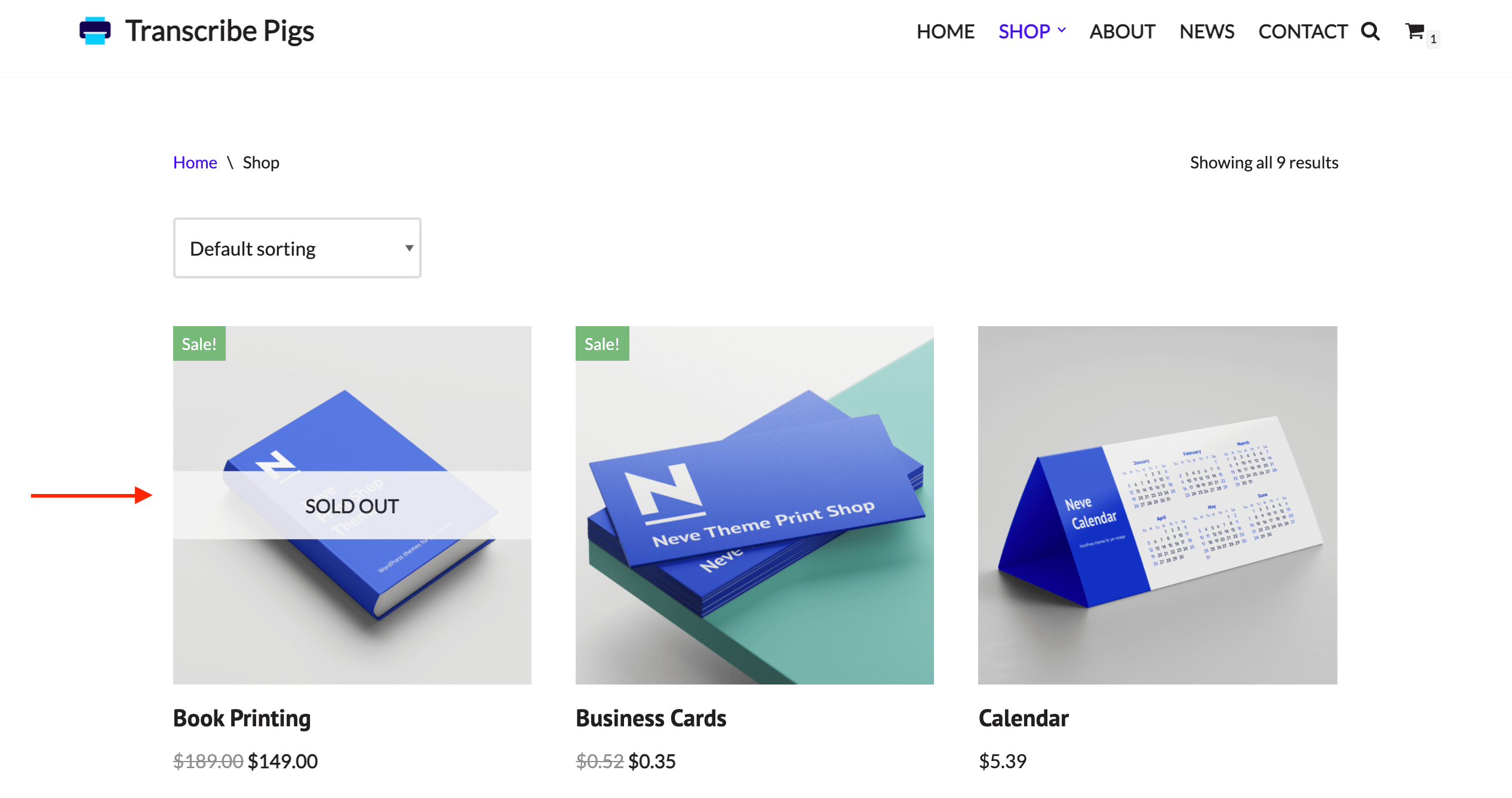
Before
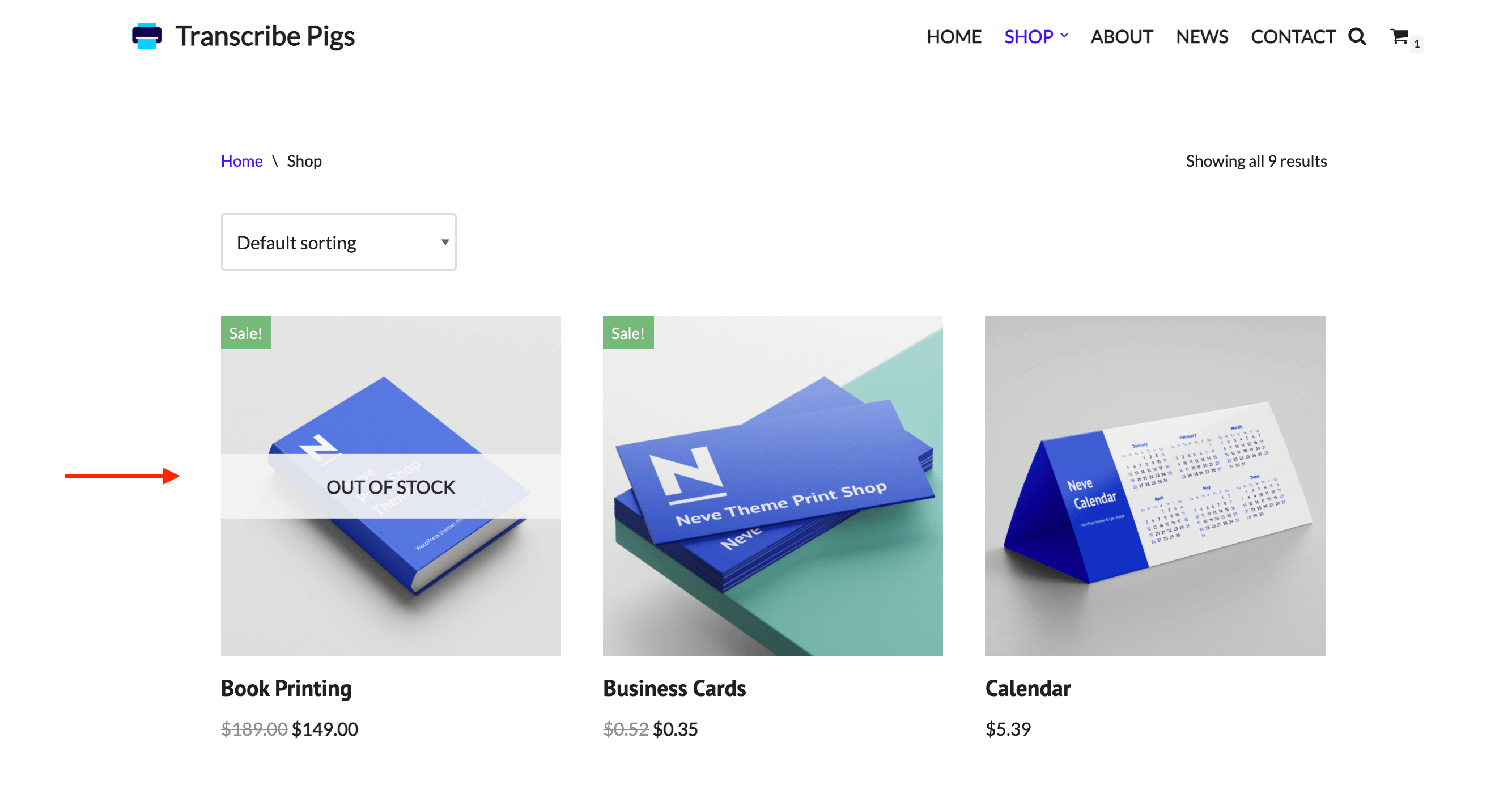
After
To change the "out of stock" label in the Neve theme you need to follow the below steps:
- Download the ready-made child theme for Neve from this guide.
- Install it as a new theme and activate it.
- Add the following code at the end of the functions.php file of the child theme.
/* Themeisle support - change 'out of stock' label */
function custom_out_of_stock() {
	return "Sold out";
}
function change_out_of_stock_text() {
	add_filter( 'nv_out_of_stock_text', 'custom_out_of_stock' );
}
add_action( 'after_setup_theme', 'change_out_of_stock_text' );
Change the "Sold out" text in the above code as per your choice.