
How to activate my license key
Our Pro themes and plugins come with a license key that you will find in your account next to the products. This doc will help you activate the license key on your website for any pro theme / plugin as well as dedicated docs for our pro products.
In this article
Adding the License Key
1. Upload and activate the theme / plugin.
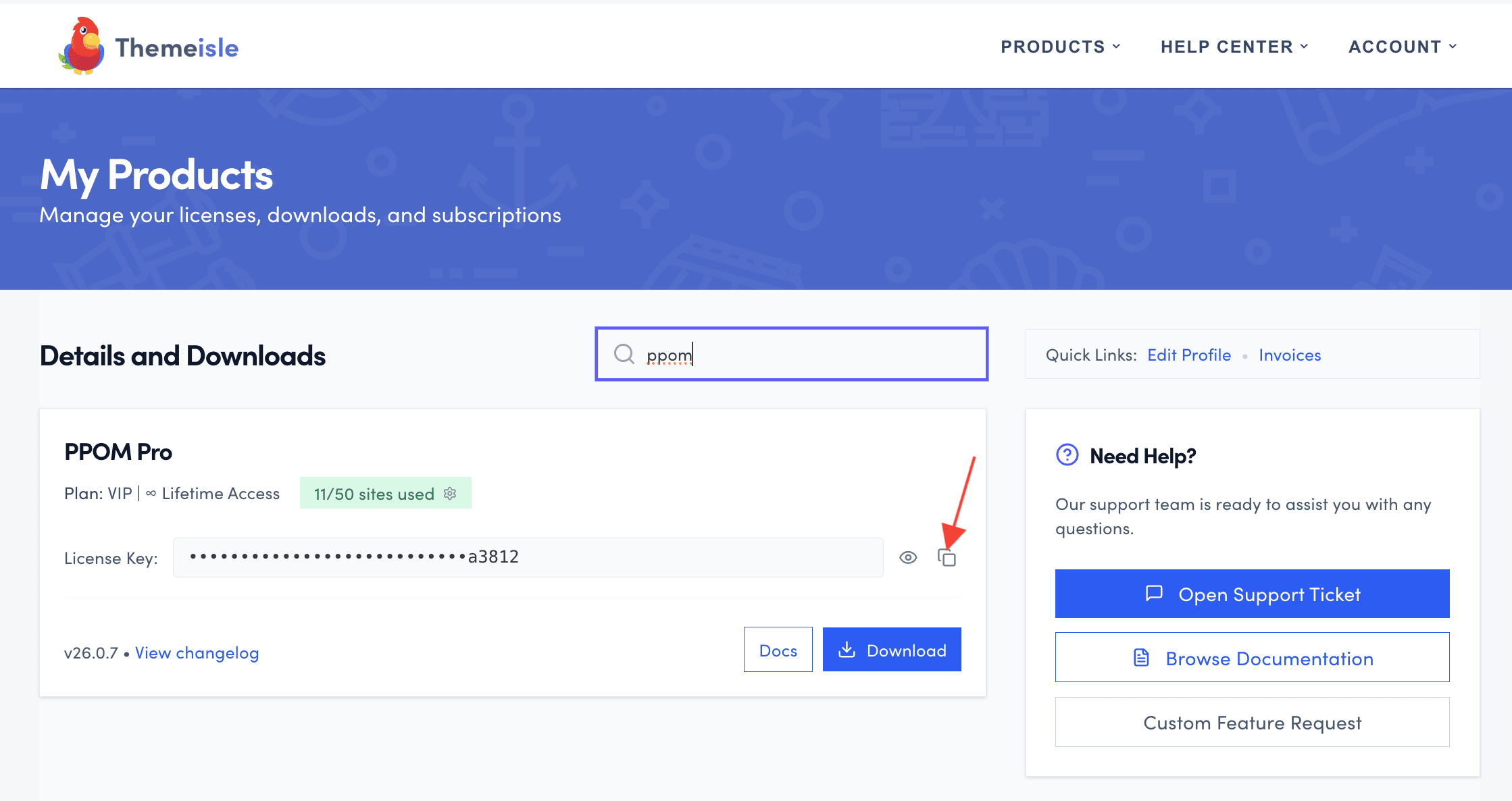
2. To obtain the license key, go to the Purchase History, then click to copy it.
3. Come back to the Dashboard, navigate to Settings > General and scroll down until you see the theme or plugin license input.
⚠️ Important: Not every product uses Settings > General for license activation. Some themes and plugins manage licenses from their own dashboard:
- Neve Pro: go to Neve > Dashboard to enter the license key.
- Feedzy RSS Feeds Pro: go to Feedzy > Dashboard > License. The license panel only appears after you have installed and activated both the free Feedzy RSS Feeds plugin and the Feedzy RSS Feeds Pro add-on. See How to install, activate, and manually update Feedzy Pro for the full steps.
For other products, see the Dedicated Docs section at the bottom of this page.
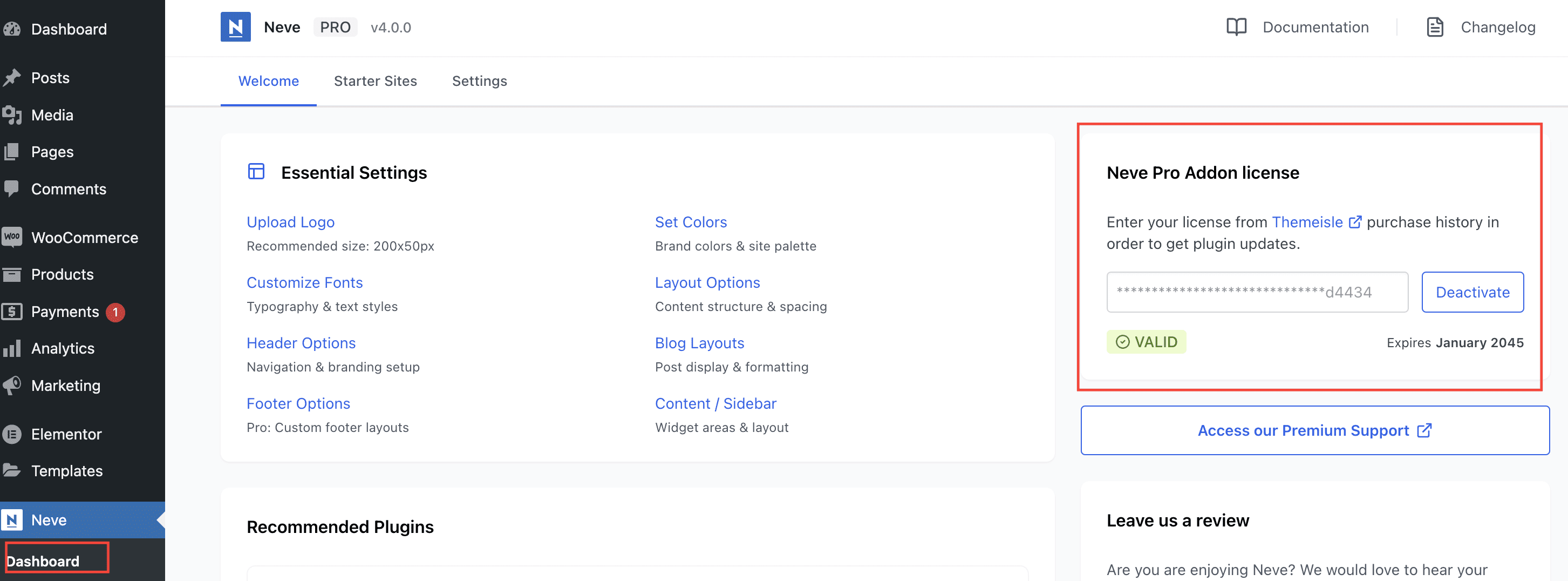
4. Insert the license key into the field and click Activate.
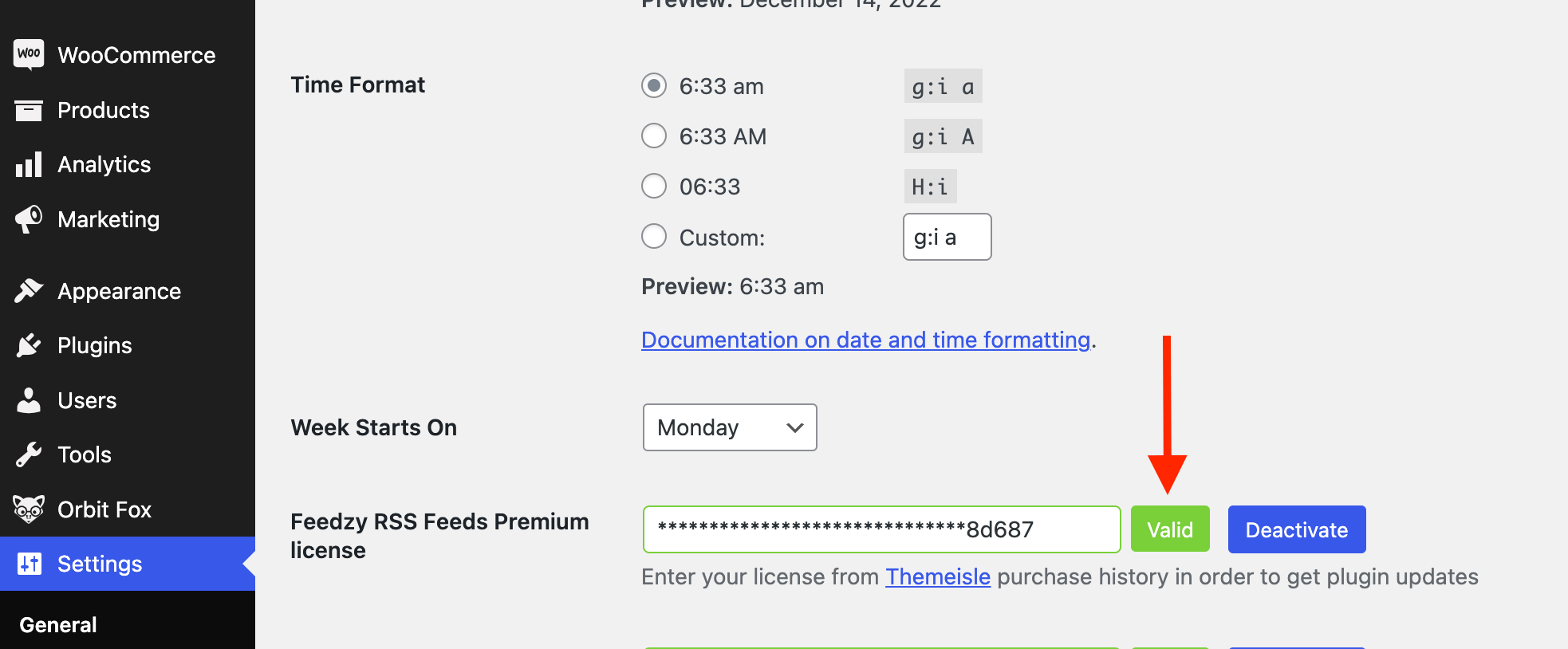
⚠️ Important: If a license is already active for that product, the field shows the key masked with asterisks and the button reads Deactivate instead of Activate. The field does not accept a different key in this state. Click Deactivate first, then paste the new key and click Activate.
5. Check its status to ensure your license key was properly activated.
Troubleshooting
- If activation fails with a network error, see How to Fix cURL Errors 6 and 28 When Activating a License Key.
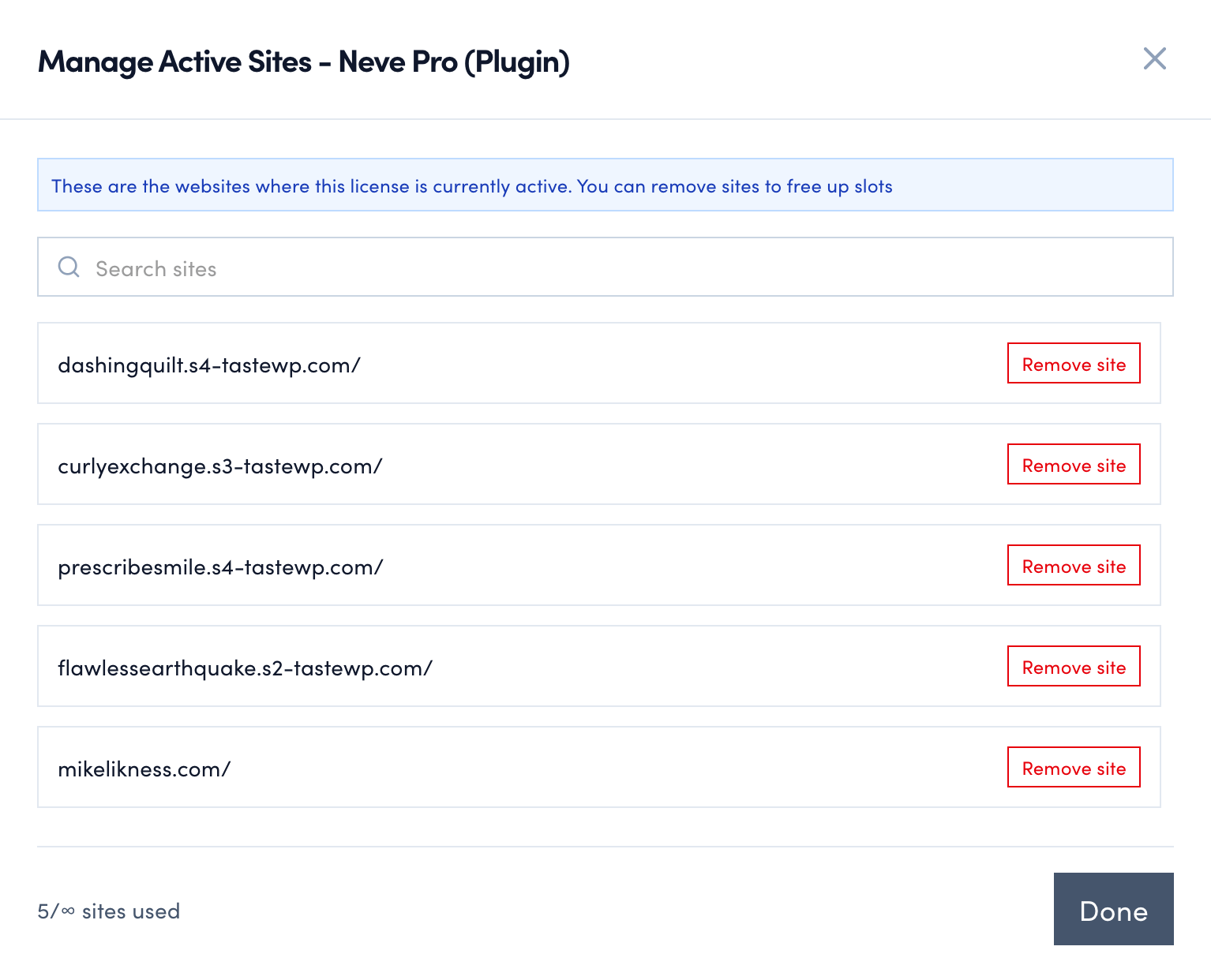
Manage your Domains
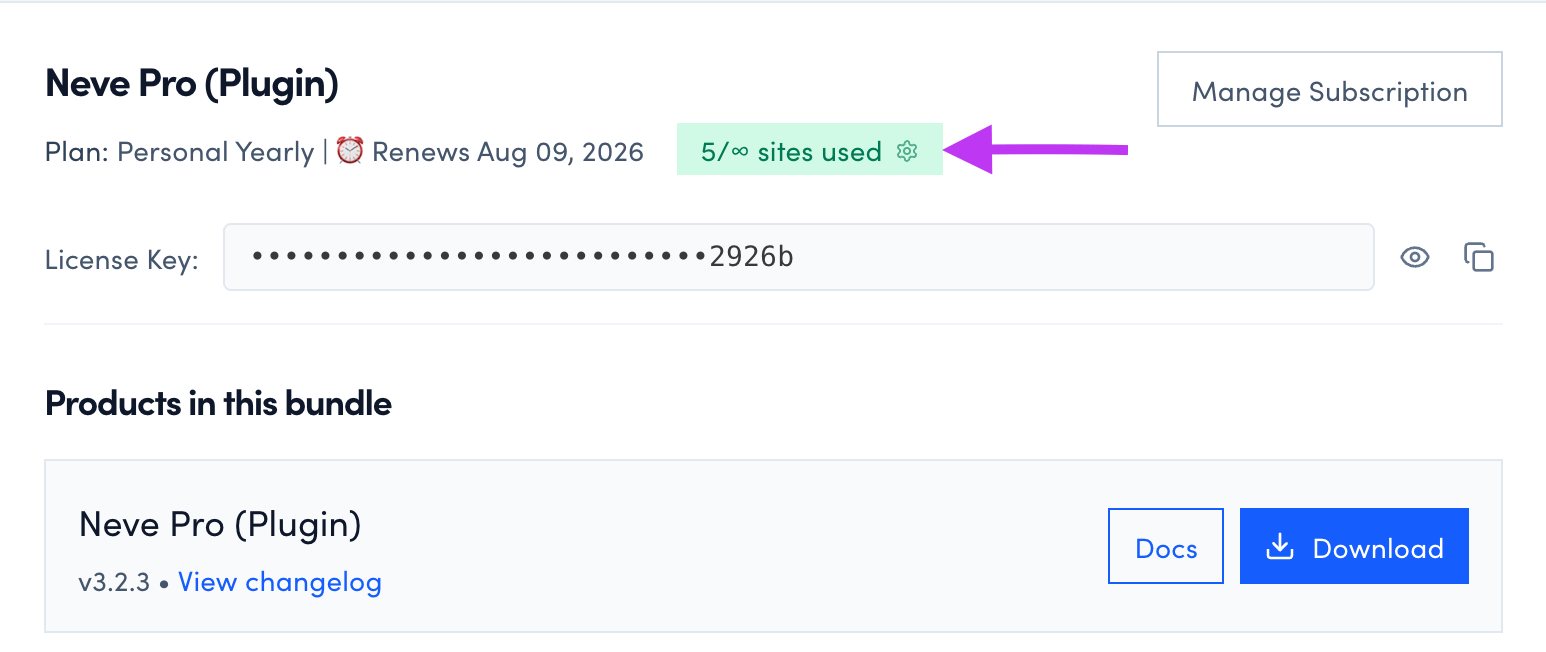
Also, the site where you have activated the license key should be displayed on your ThemeIsle account, in the Manage your domains section.
Dedicated Docs
We have prepared dedicated docs for our premium versions of the products: