How to align submenu items to the left side in Neve
Neve's Primary Menu centers submenu items by default; you can align them to the left or right instead using custom CSS.
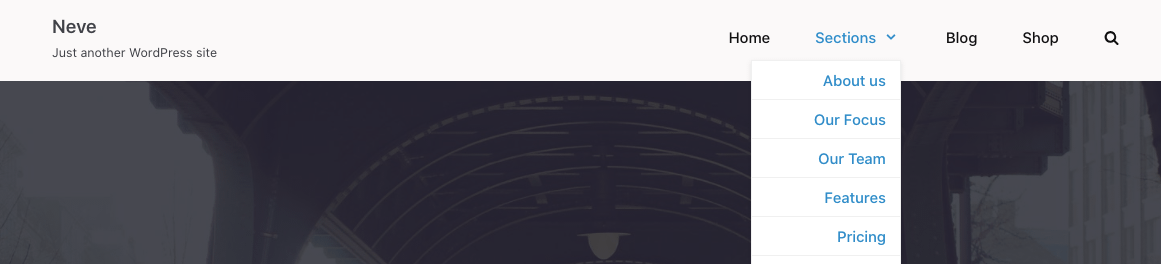
Before
By default, in Neve, the submenu items of the Primary menu are centrally aligned.
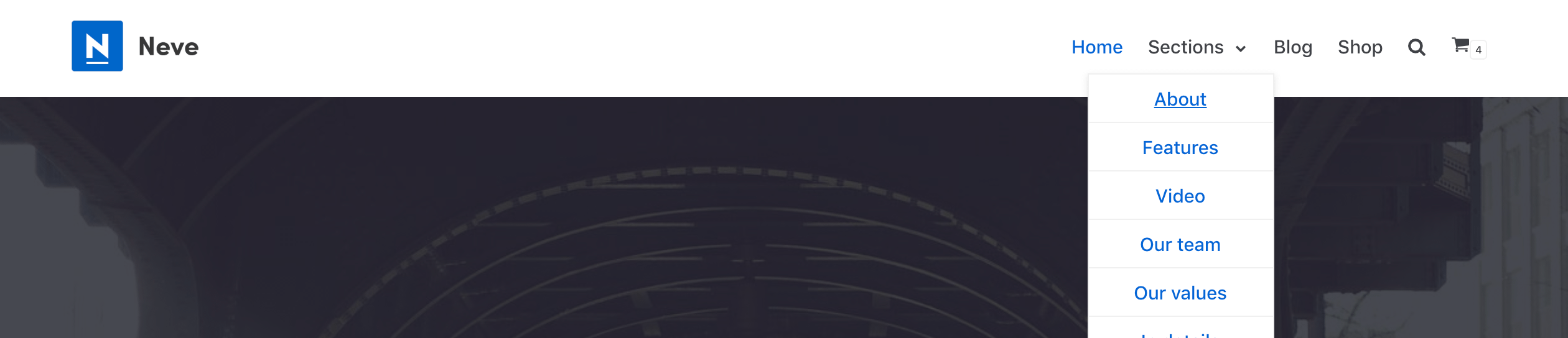
After
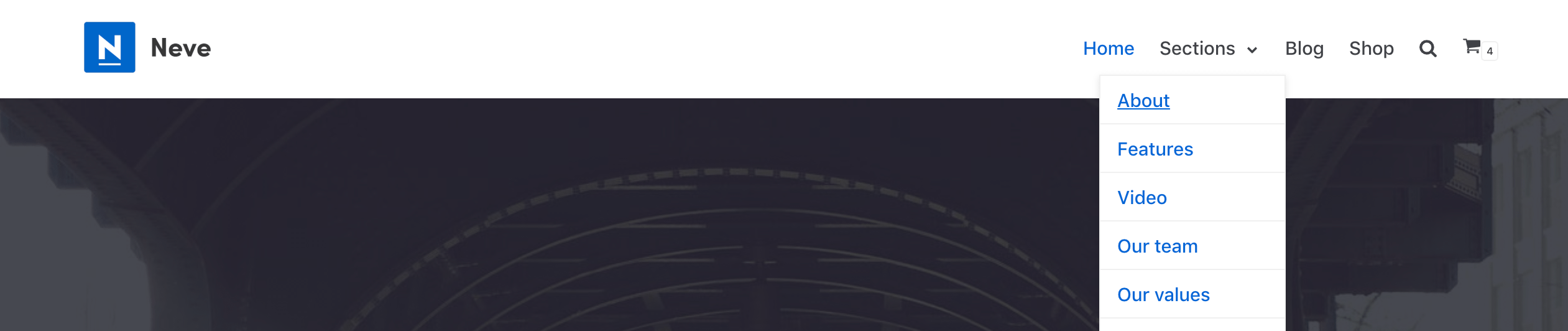
To change the alignment to the left side, all you'd need to do is add this CSS code in Appearance > Customize > Additional CSS:
.primary-menu-ul .sub-menu li a {
	justify-content: left !important;
}
To change the alignment to the right side, you need to add the following code.
.primary-menu-ul .sub-menu li a {
	justify-content: right !important;
}