
How To Build a Taxonomy Header in Neve?
Displaying the featured image for taxonomies is available in Neve Pro, and it can be achieved using the Conditional Header feature.
In this article
Enable the Feature
1. Navigate to Neve > Dashboard > Settings > General.
2. Enable the Featured image for taxonomy option. 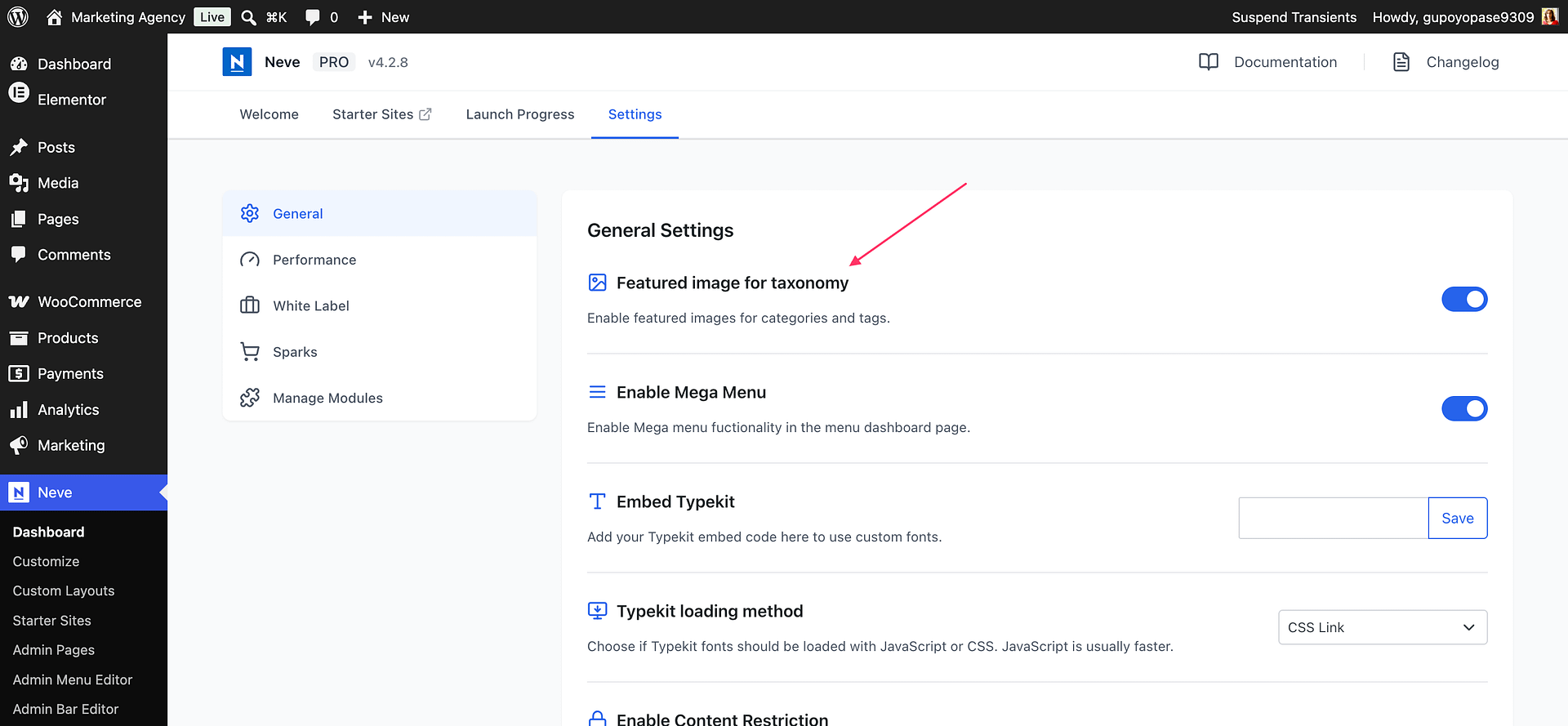
Build the Taxonomy Header
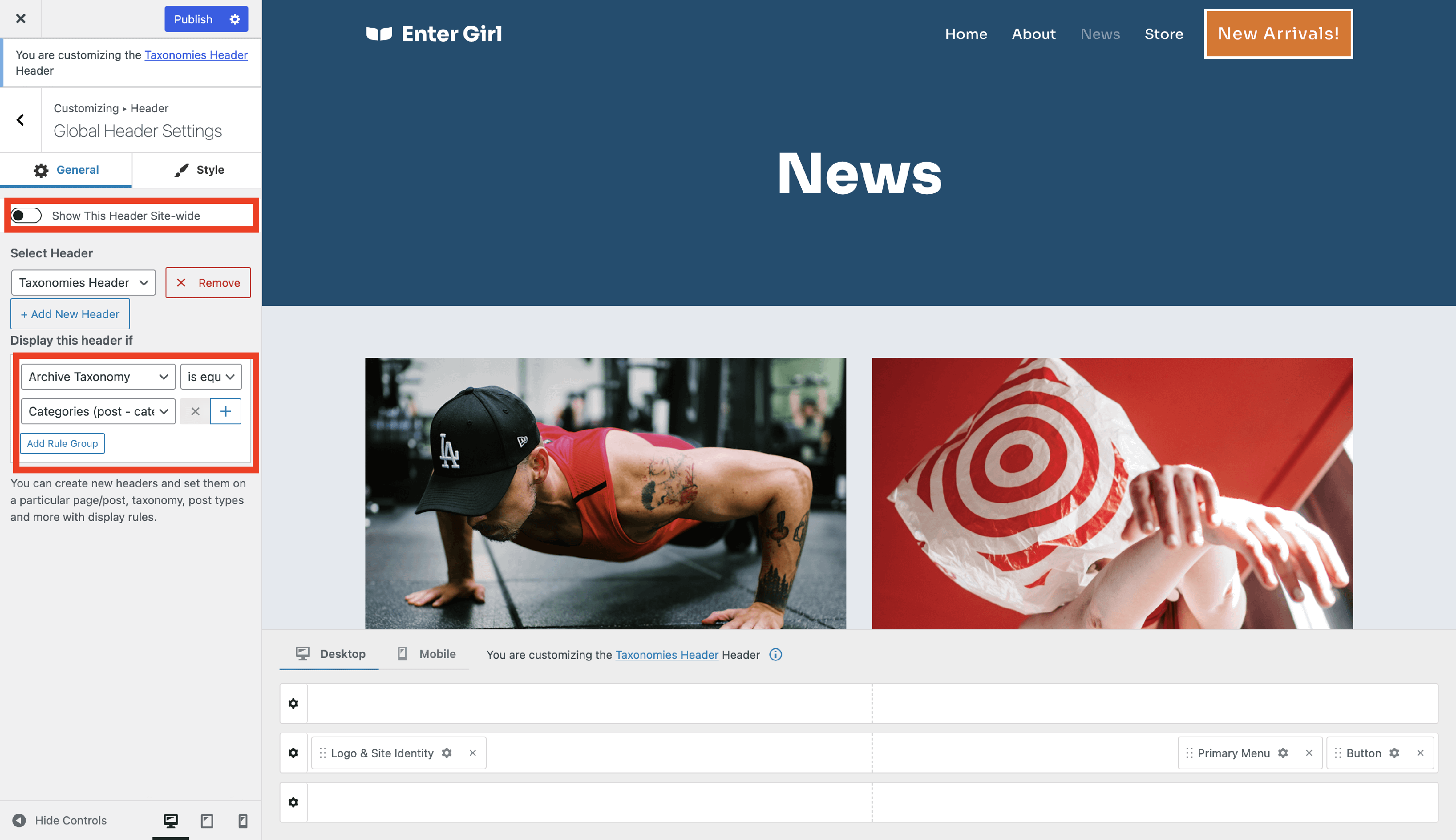
1. Navigate to Appearance > Customizer > Header > Global Header Settings.
2. Disable the Show This Header Site-wide option.
3. Click on the Add New Header button.
4. Insert a name and click on the Add button.
5. Insert the condition: Archive Taxonomy is equal to Categories (post-category).
📝 Note: If you want to use the featured image as background, check this doc.
Result
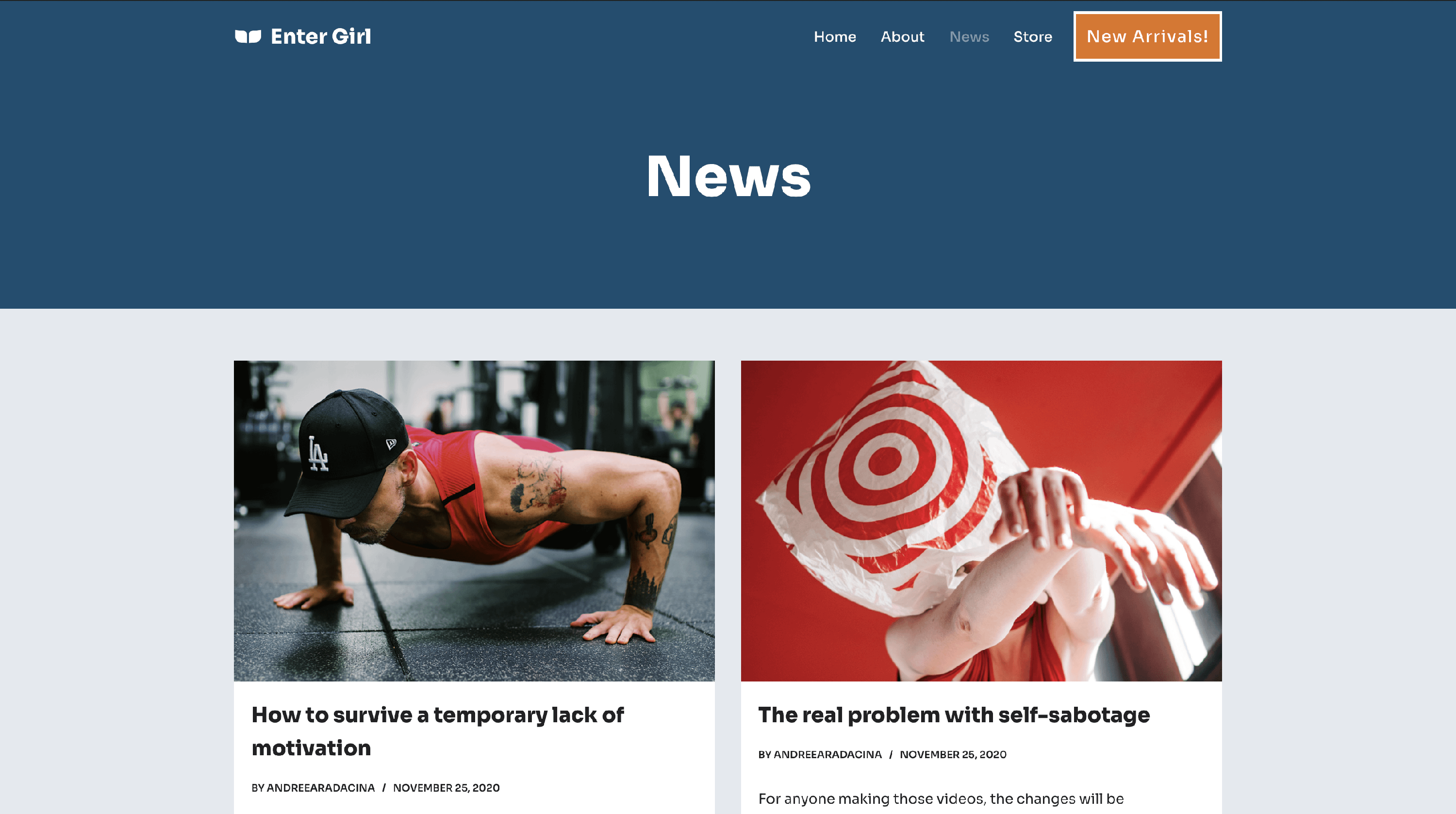
Blog Page Header
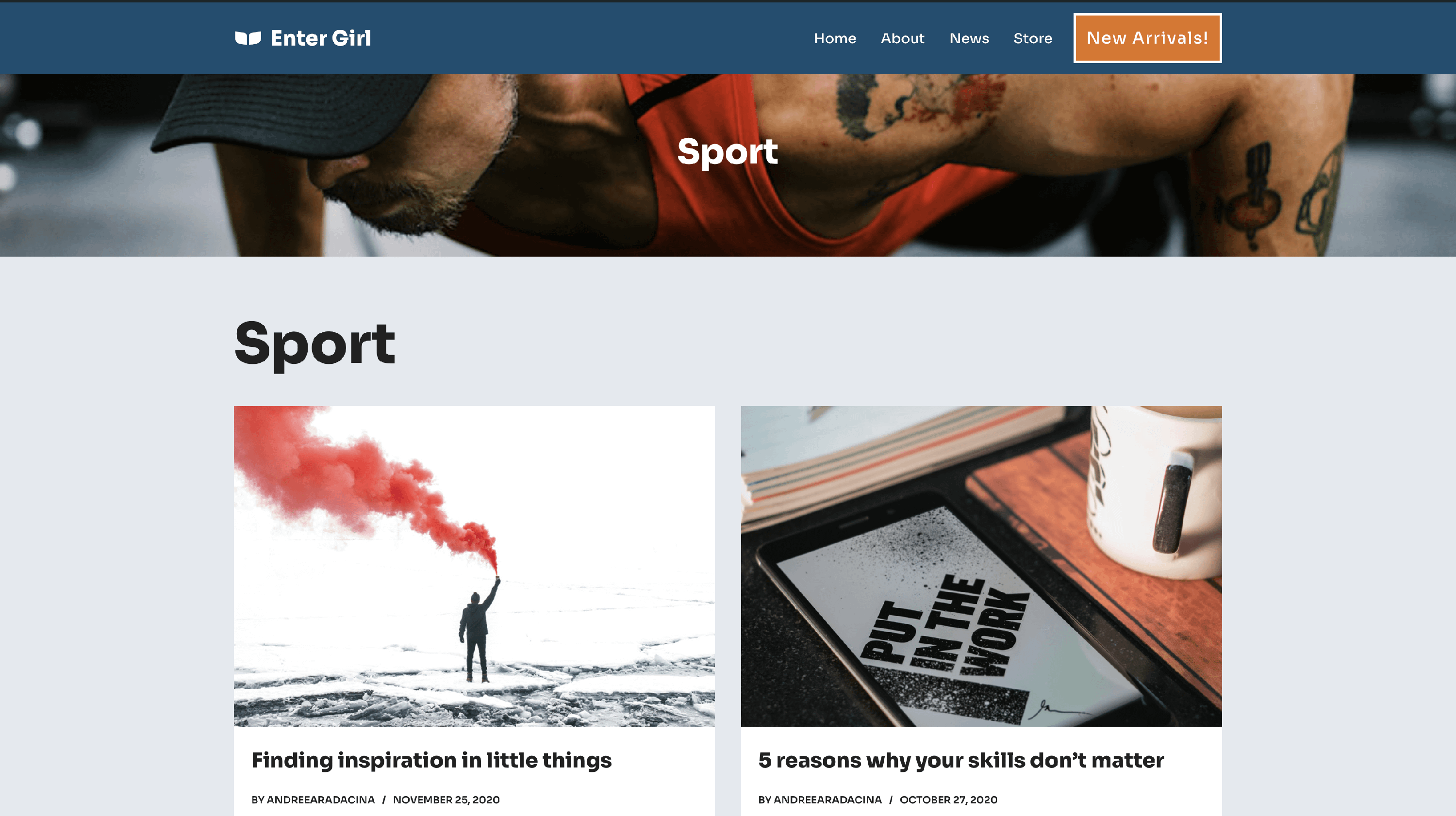
Taxonomy Dynamic Header