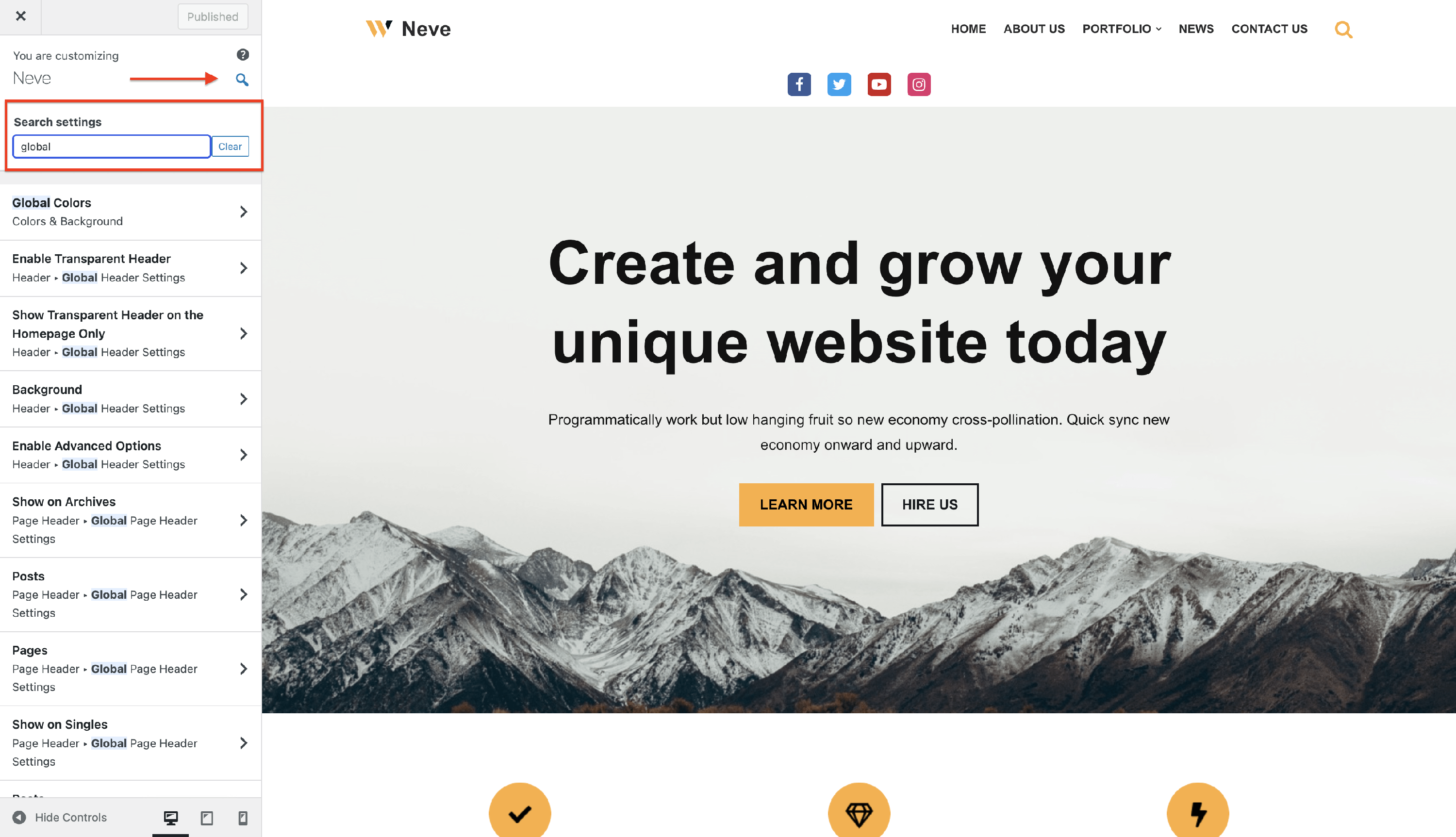
How to search for settings in the Customizer?
This feature will ease your user experience by facilitating searching for settings through the Customizer search component.
To access this component, follow these steps:
1. Navigate to Dashboard > Appearance > Customize.
2. Click on the search icon that appears next to the website name in the customizer.
3. Type in some search topics and access them.