How to display the comment box above the comments in Neve
By default, WordPress displays the comment form below existing comments on post pages, which can cause some visitors to miss it entirely. Moving it above the comments list in Neve takes a simple filter hook.
📝Note: If you are using Neve PRO - applying this code will break the Show/Hide comments mechanism that is available with the Pro version (comments will be always shown):
In WordPress, by default, the commentbox is displayed below the comments, to allow commenters to read all the comments before posting their own comments. But having the comment box below the comments does have its downside as well, as some visitors may not scroll down to leave a comment at all.

How to display the comment box above the comments in Neve
By default, WordPress displays the comment form below existing comments on post pages, which can cause some visitors to miss it entirely. Moving it above the comments list in Neve takes a simple filter hook.
📝Note: If you are using Neve PRO - applying this code will break the Show/Hide comments mechanism that is available with the Pro version (comments will be always shown):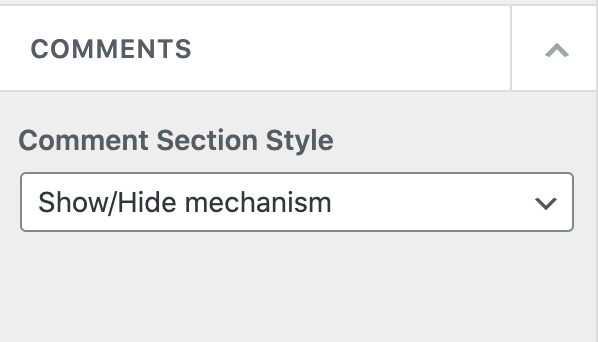
Before
In WordPress, by default, the comment box is displayed below the comments, to allow commenters to read all the comments before posting their own comments. But having the comment box below the comments does have its downside as well, as some visitors may not scroll down to leave a comment at all.
After
To display the comment box before the comments using Neve just follow the steps below:
Step 1: Create and activate a child theme for Neve using this doc.
Step 2: In the child theme's functions.php file add the following code:
Moreover, if you want to add extra space between the title and the comments area, add this code snippet inside Customizer > Additional CSS: