
How to download my invoice and receipt
Thank you for choosing our products. This guide explains how to download your invoice or receipt for any purchase, including renewal and subscription payments. If you did not receive an invoice email, or if you need a copy of a renewal invoice for bookkeeping, you can download it directly from your Themeisle account at any time.
To download your invoice, log in to your Themeisle Account.
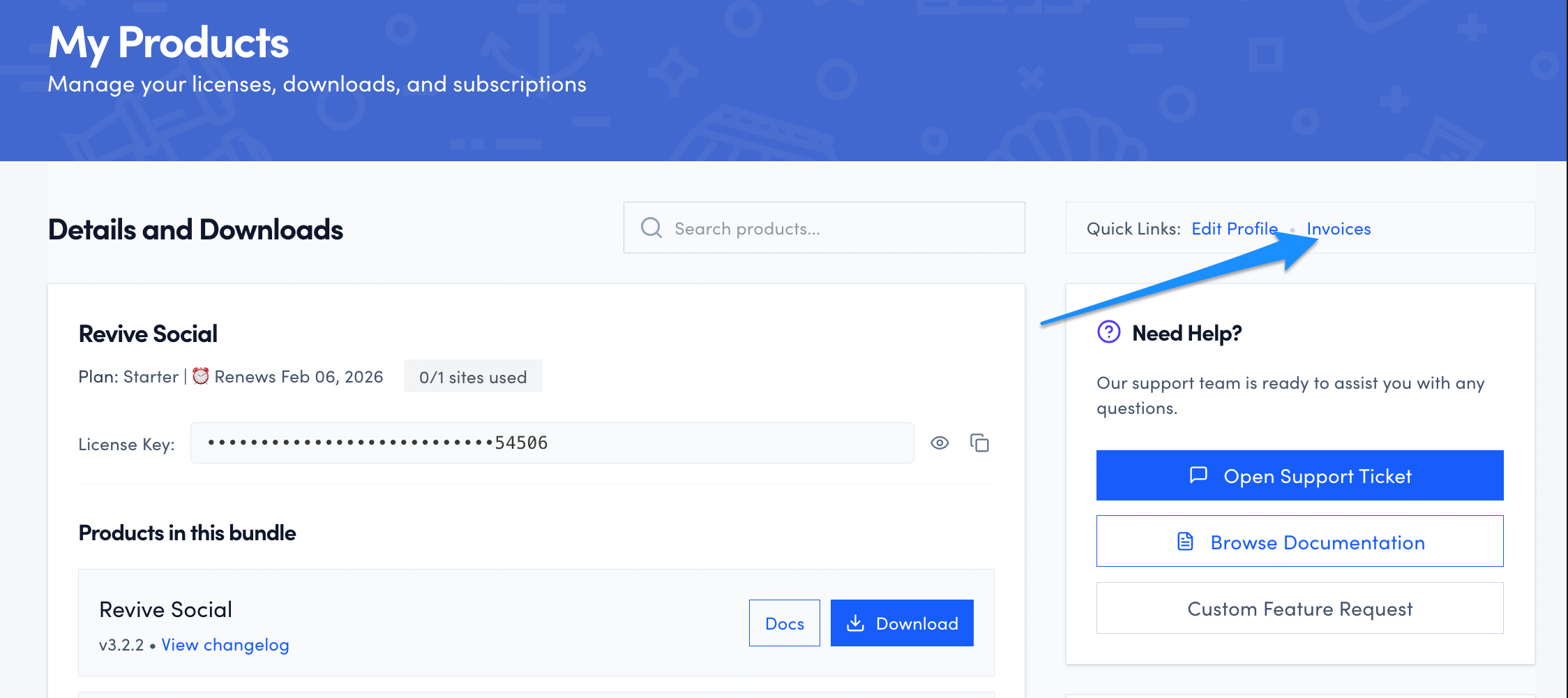
2. On the top of the right sidebar click the Invoices option.
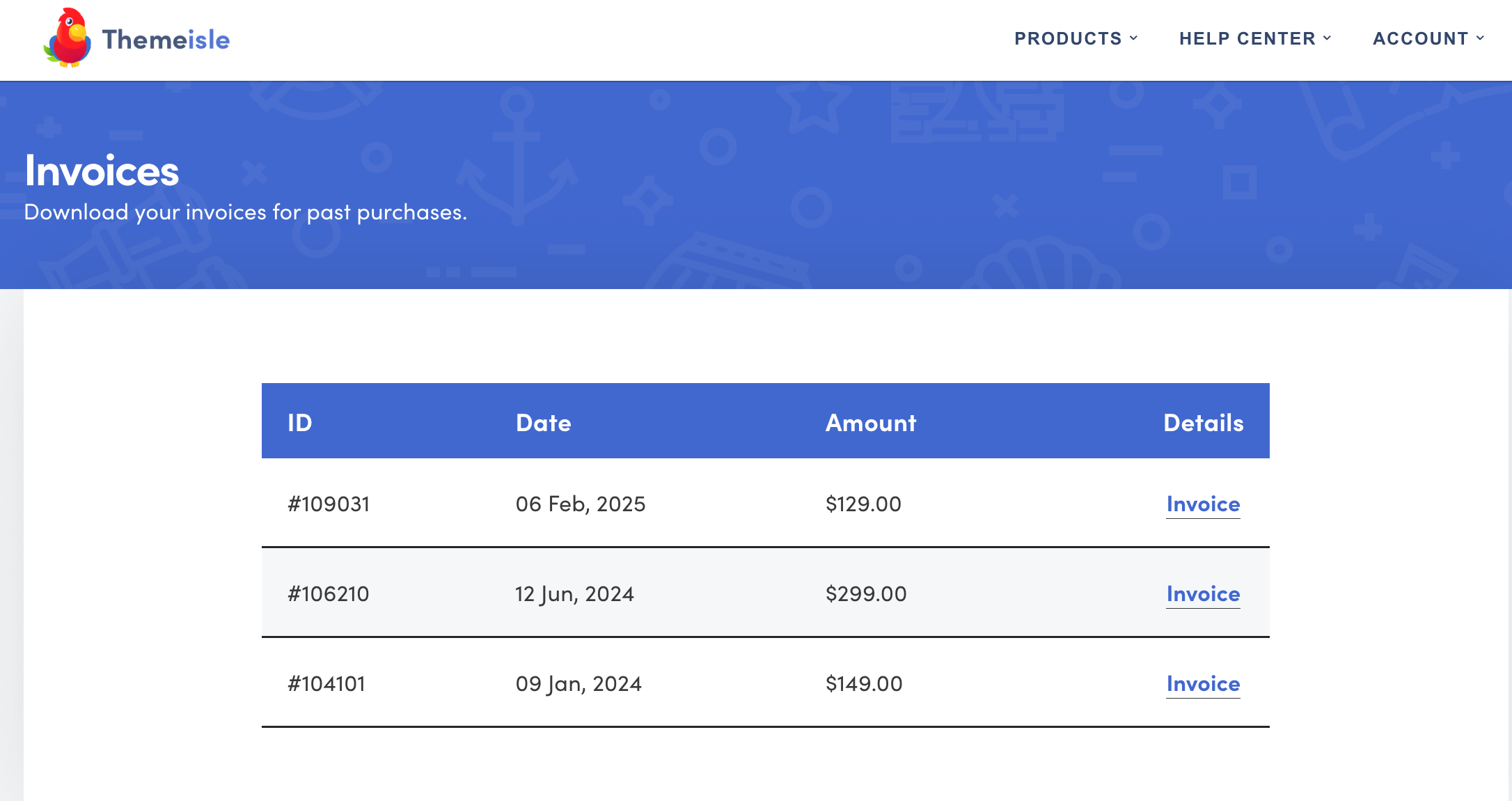
3. Once you get there, you can click on each invoice.
In this article
Downloading the receipt
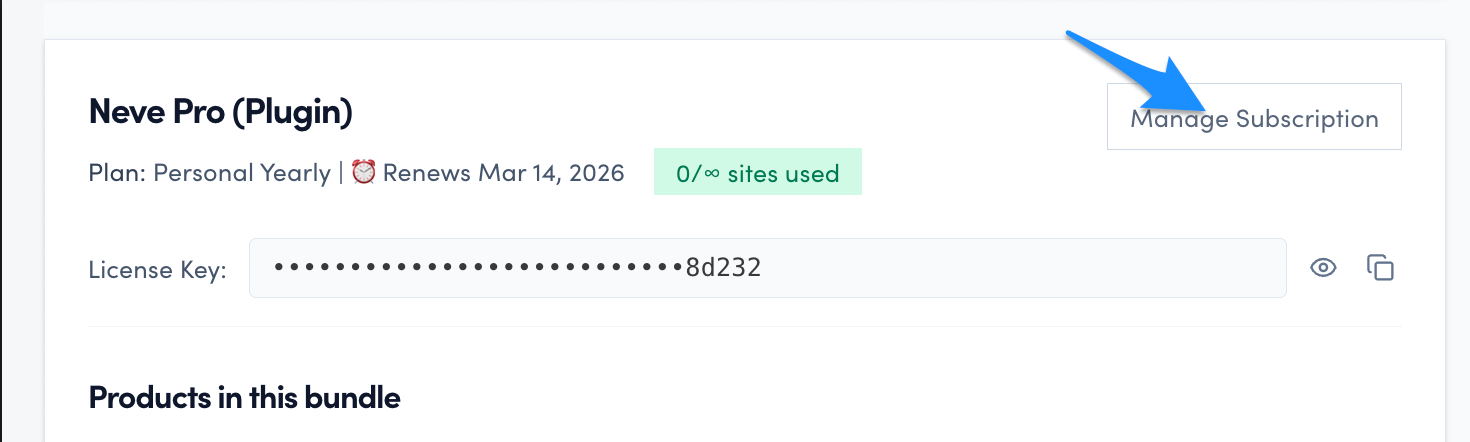
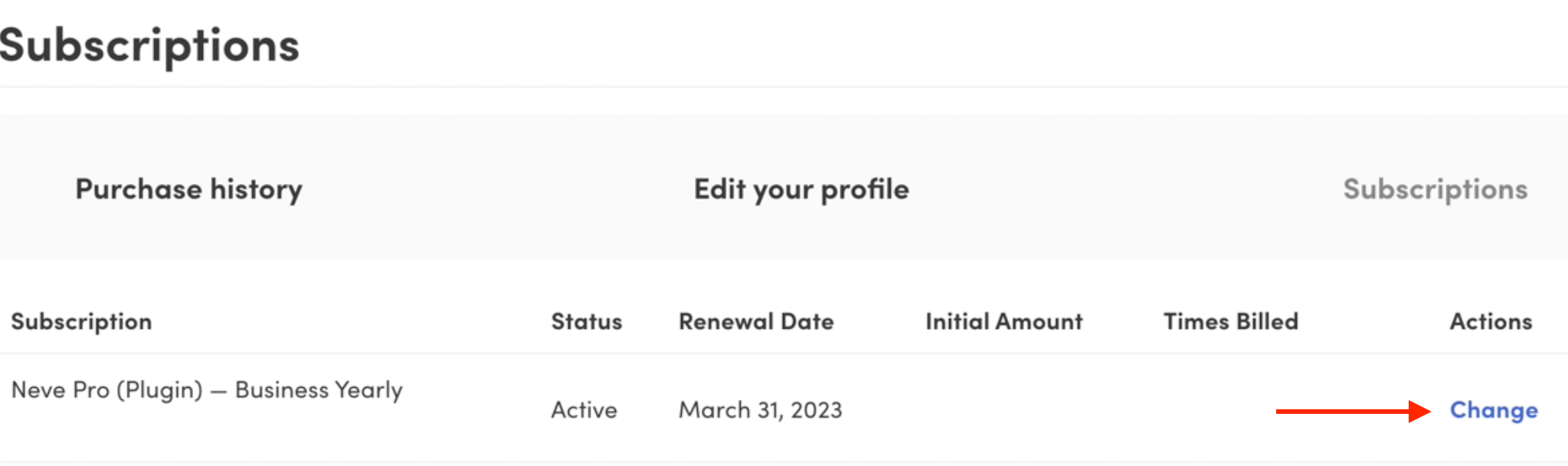
1. From your Themeisle account, in the main My products area click on the Manage Subscription button.
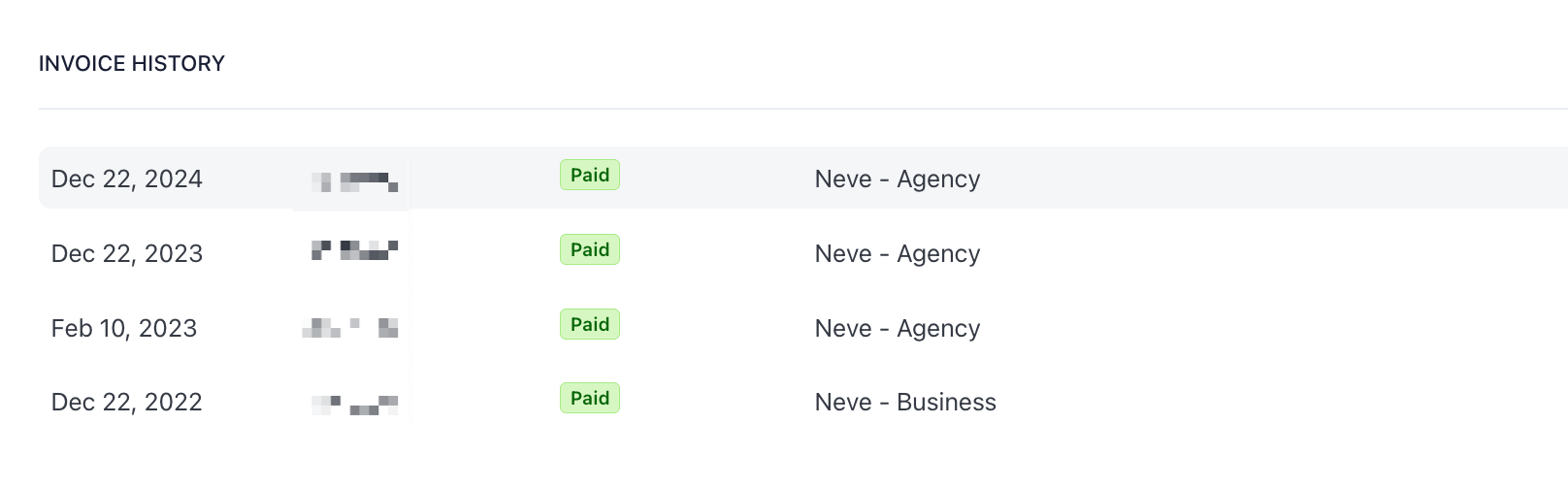
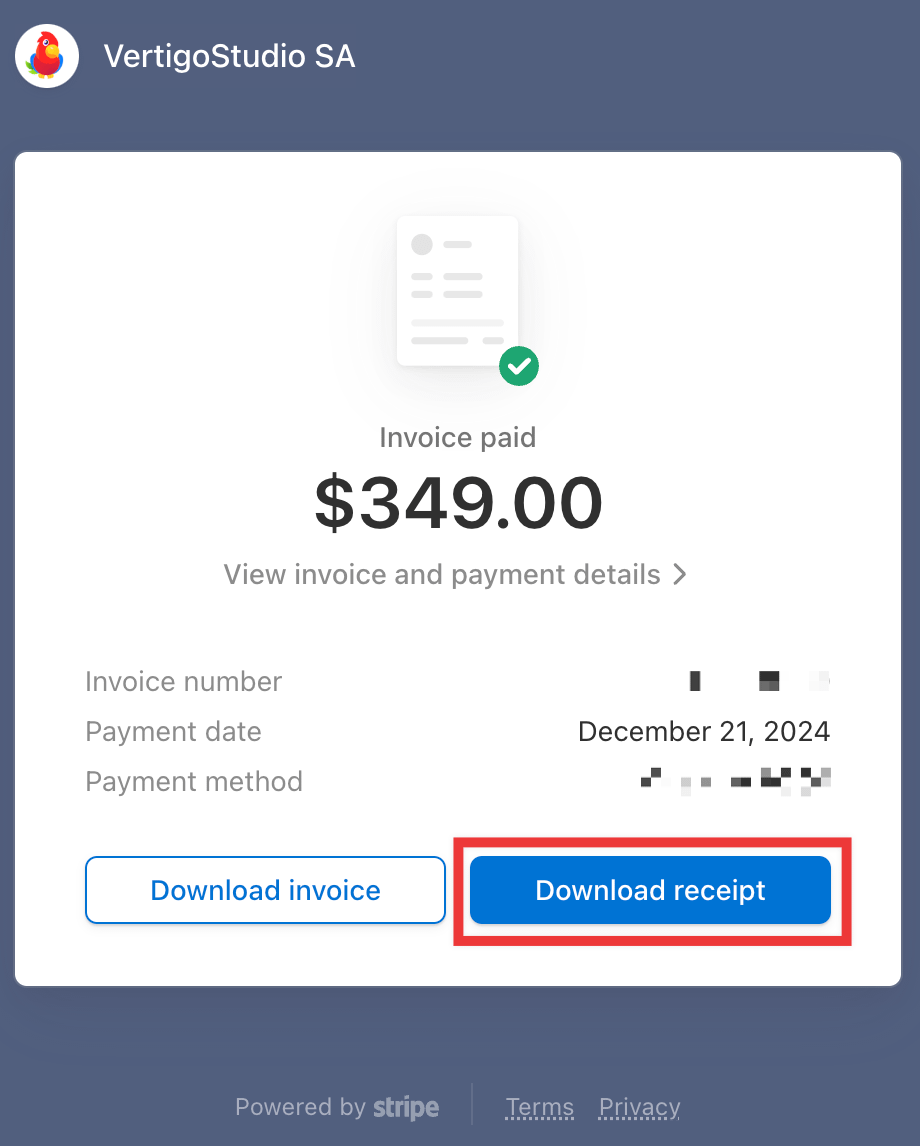
2. You will be redirected to the Stripe portal, from where you can download the receipt for each completed payment at the bottom of the page.
If you did not receive your invoice email
Invoice emails may occasionally be missed, filtered into spam, or misplaced. If you did not receive the email, your invoice is still available in your Themeisle account — you do not need to wait for or search for the email.
To retrieve a missing invoice:
- Log in to https://store.themeisle.com/.
- Click Invoices in the right sidebar.
- Find the invoice by date, product, or amount and click to download it.
📝 Note: Renewal and subscription invoices appear in the same Invoices area as your initial purchase invoices. You do not need a separate page or portal to find them.
Still cannot find the invoice?
Before checking other account email addresses, confirm that the payment for that transaction was completed successfully. If a payment failed or became uncollectible, no completed invoice is generated.
When no invoice is generated, there is also nothing to transmit to external government e-invoicing systems (for example, Romania's RO e-Factura / SPV).
- Failed initial order: Retry checkout or place the order again.
- Failed subscription renewal: Recover the existing subscription from your account instead of purchasing a separate subscription. Use How to manually renew your plan or subscription, where you can renew from Purchase History with Renew Subscription.
After the payment succeeds, the invoice becomes available through the normal flow in this guide (your account Invoices area, and receipt in Manage Subscription in the Stripe portal).
If the payment succeeded and you still cannot locate the invoice, it is usually attached to the Themeisle account created with the email address used at checkout. If you are signed in with a different address, check whether the purchase was completed with a colleague's or predecessor's email, an agency email, a personal email, an alias, or a shared billing mailbox.
If you identify the purchase email and can access it, sign in with that exact address and check Invoices again. For login steps, see Cannot log in / How to access your account.
If the purchaser's account is unavailable, contact Themeisle billing support and include the following details to help the team locate it quickly:
- Product name (for example, Neve Pro, Otter Pro)
- All possible account email addresses tied to the purchase (including colleague, former employee, personal, alias, or shared billing emails)
- Company name (if relevant for the invoice)
- Payment amount
- Renewal month and year, or approximate date of payment
- Any order number or payment reference you have
Can I get a proforma invoice before payment?
Themeisle does not support proforma invoices or VAT invoices before a transaction is completed. Invoices and receipts are generated automatically only after a successful payment.
If you need a document for accounting or procurement purposes before paying, please be aware that this is not available. You will be able to download the invoice or receipt from your Themeisle account or the Stripe portal immediately after the payment is processed.
Renewing with a discount code
If you have a discount code for your subscription renewal, complete the renewal directly from your Themeisle account dashboard:
- Log in to your Themeisle account.
- Navigate to Purchase History and click Manage Subscription.
- Apply the discount code at checkout before completing the payment.
- Once the payment is successful, your invoice or receipt will be available to download as described above.
⚠️ Important: Apply your discount code before completing the payment. Discounts cannot be applied retroactively to a completed transaction.
Need billing or VAT details changed?
Your invoice or receipt reflects the billing details stored in your ThemeIsle account at the time of payment.
- Before paying: Make sure your billing details, VAT number, and company information are correct in your account before completing the transaction.
- After paying: If the generated invoice or receipt contains incorrect billing or VAT details, contact Themeisle support within 30 days of the charge and provide your order details. Manual corrections may be possible depending on the nature of the change. After 30 days the tax declaration for the period has been filed and the issued invoice can no longer be changed — see How to add your company details at checkout.