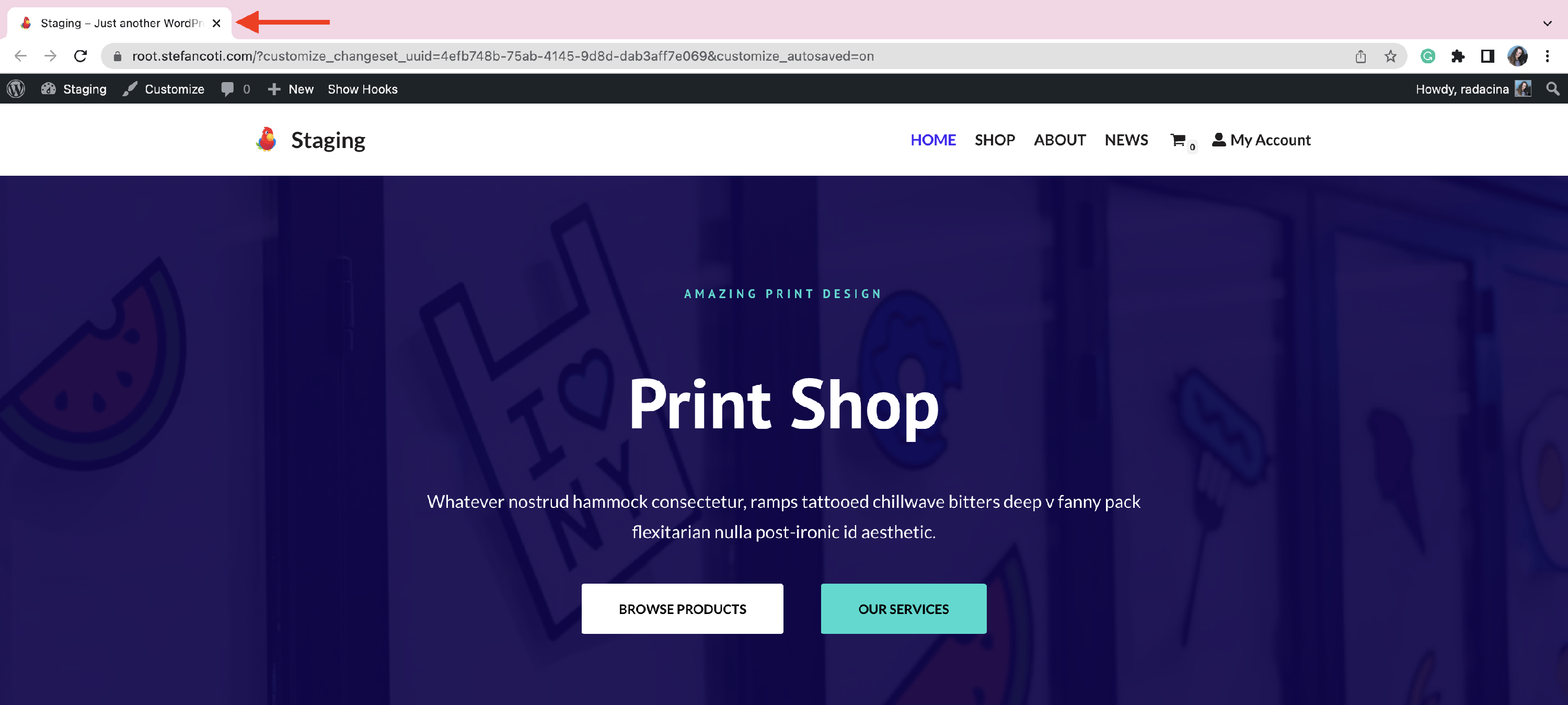
How to Display Favicons in Logo&Site Identity?
Favicon icons can be used in Neve to create a customized title for your website inside the browser.
1. Create and download the wished favicon icon for your website.
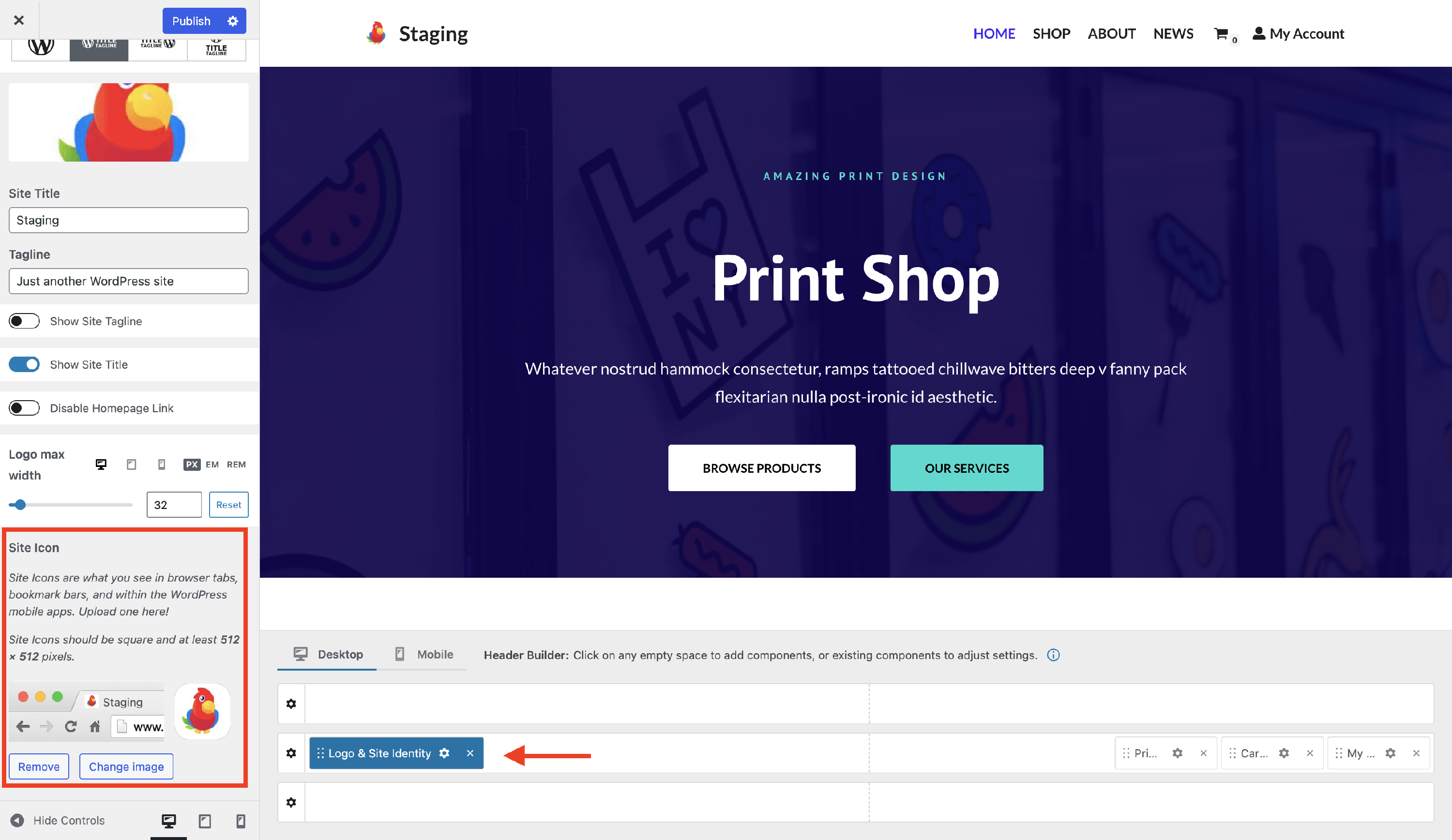
2. Navigate to Dashboard > Appearance > Customize and open the Header.
3. Inside the header rows, click on the Logo & Site Identity wheel to open the settings.
4. Go to the Site Icon and upload the favicon.
Result