
How to change font-size in site title in Neve?
Neve lets you adjust the font size of the site title and tagline using a small CSS snippet in the Customizer's Additional CSS editor.
Before
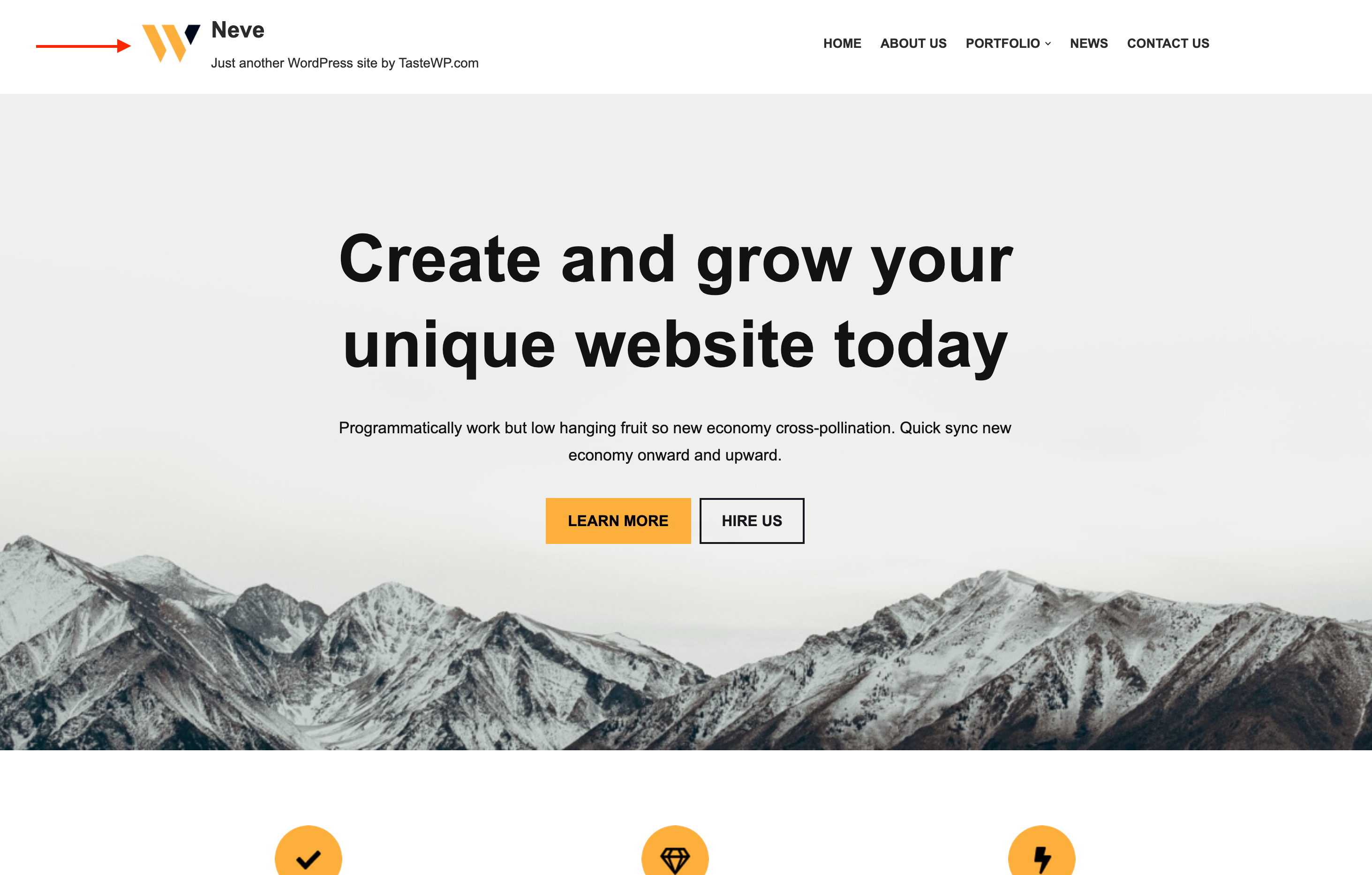
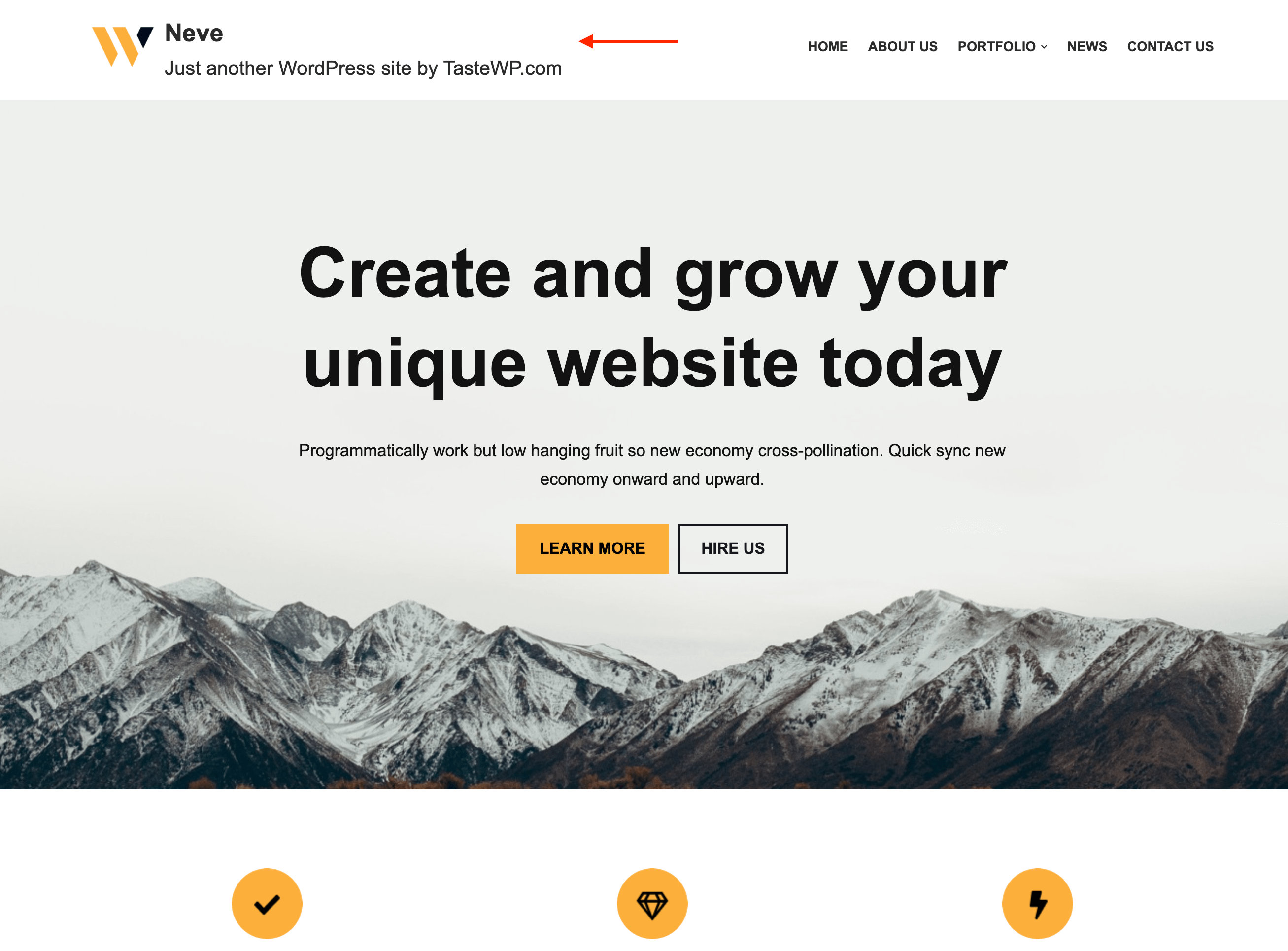
After
For changing the font-size of the site title and tagline, add the following code to the Additional CSS editor within the Customizer.
.site-title {
	font-size: 25px;
}
.site-logo small {
	font-size: 20px;
}
Feel free to change the values as you want. In case this doesn't work as expected, we are here to help you.
📝 Note: You can also set the site title font size directly in the Customizer by navigating to Appearance > Customize > Header, clicking on the Logo & Site Identity component, and adjusting the Site Title Font Size control in the Style tab.