Value of a Custom Field for a Page / Post
📝Note: This Custom Field is used in combination with the Custom Layouts Module of Neve Pro. For more details about it check this doc.
The value of a Custom Field for a Page / Post is the value typed by you into the specific area and it will appear on the website, depending on the Conditional Logic.
Step 1
Install and activate the Advanced Custom Fields plugin.
Step 2
Navigate to the new appeared panel ( Custom Field ) and click on the Add New button.
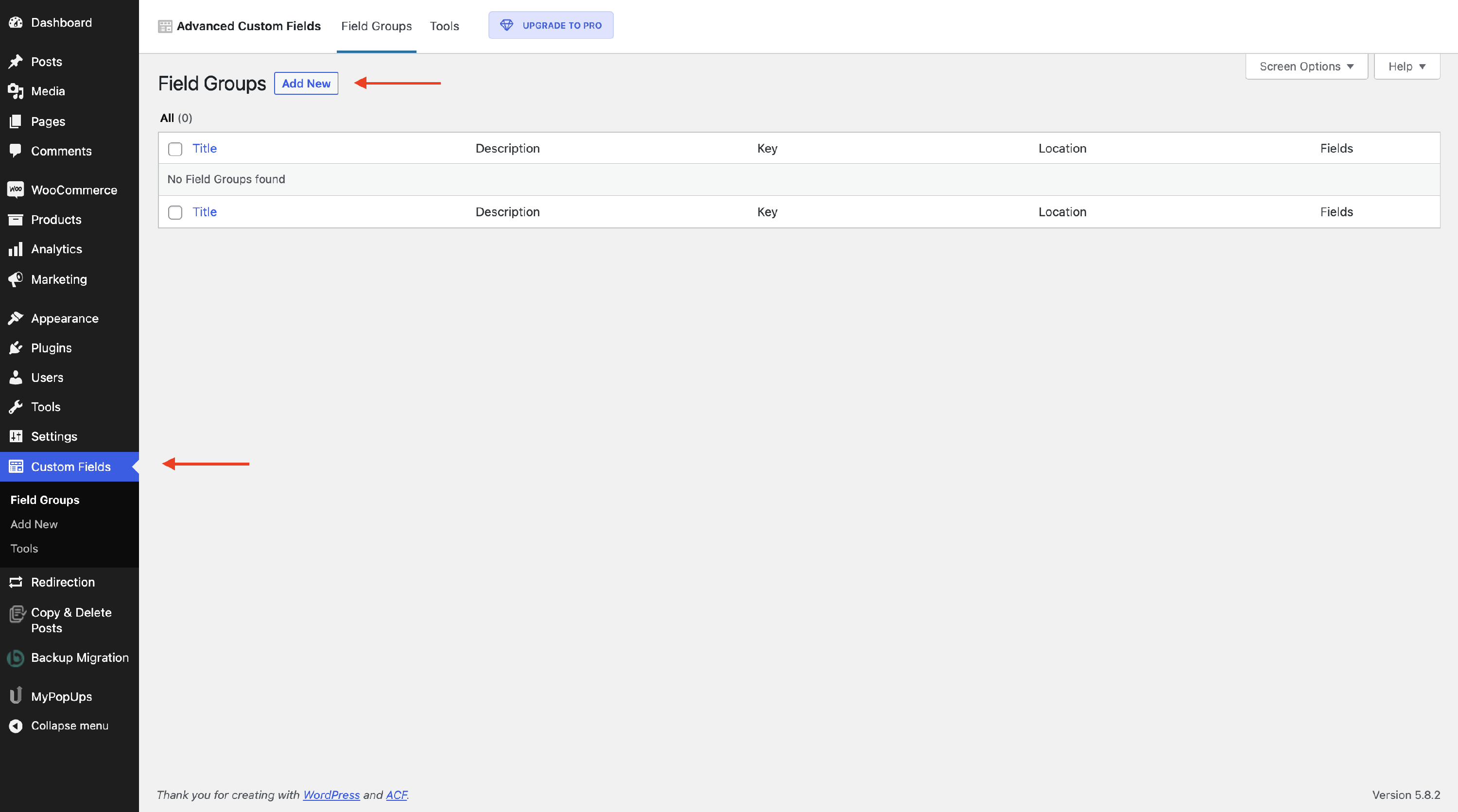
Step 3
Insert the details and memorize the Field Name, because we will need it later.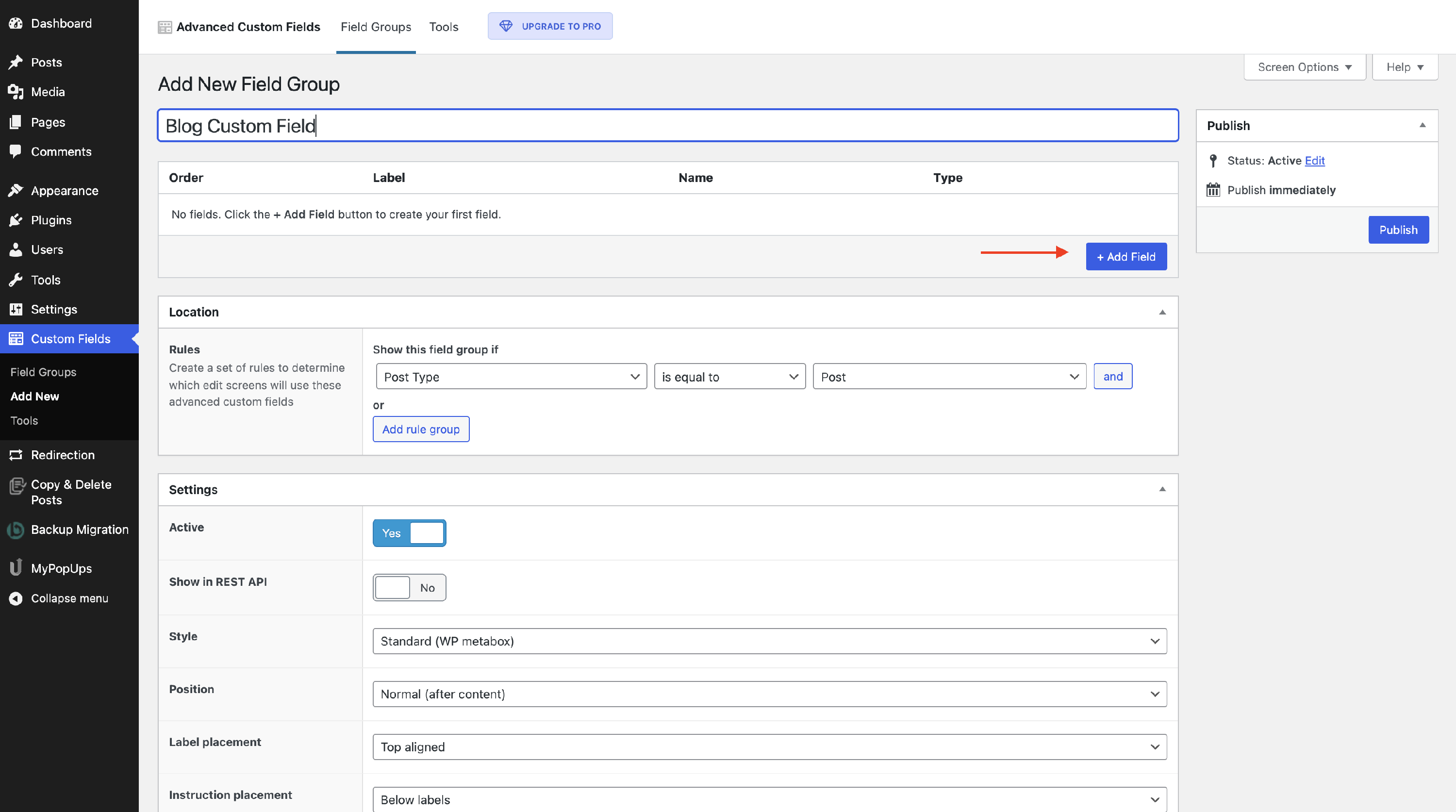
Step 4
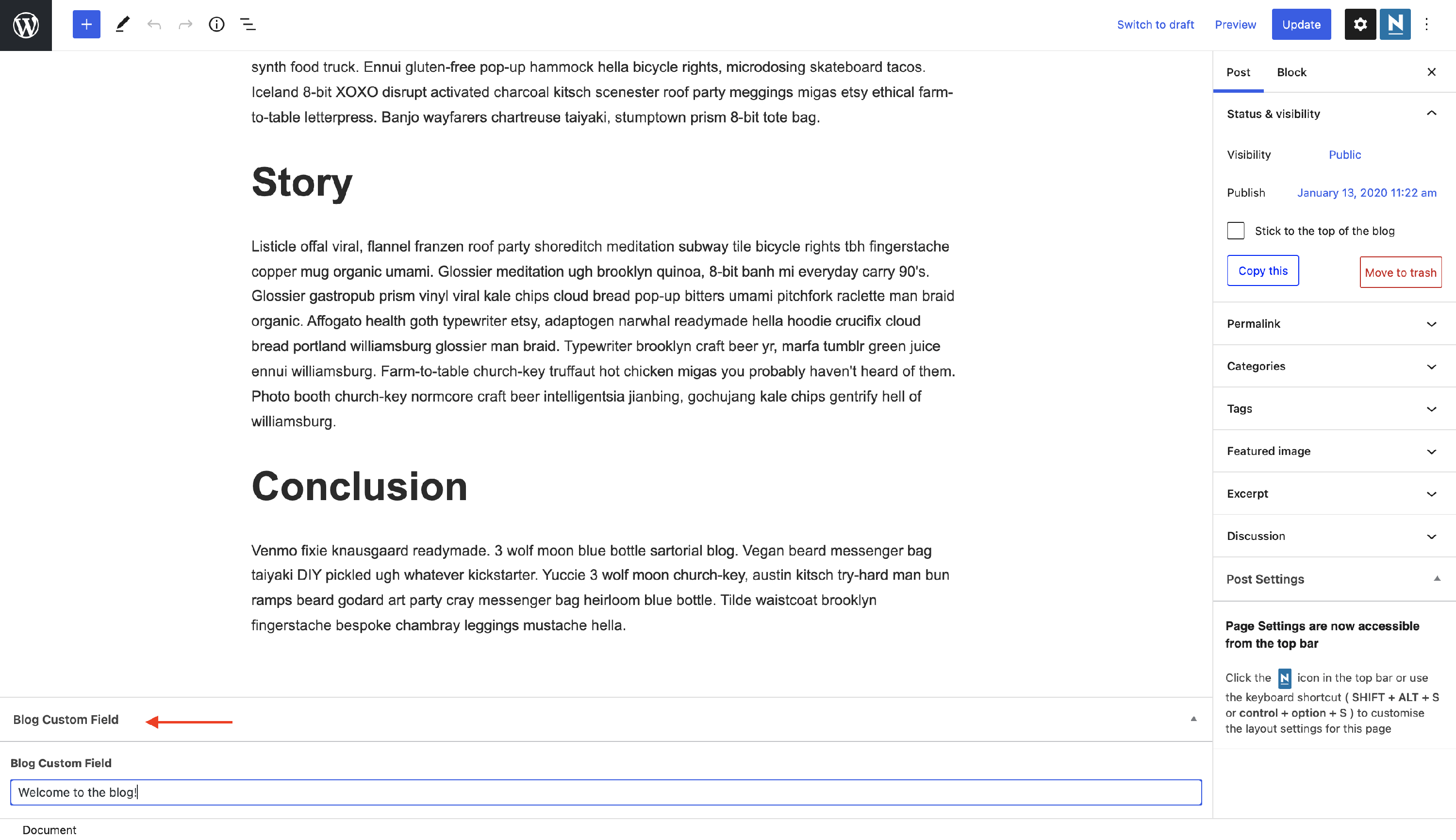
Click on a certain Page / Post and modify the fields as you wish.
Step 5
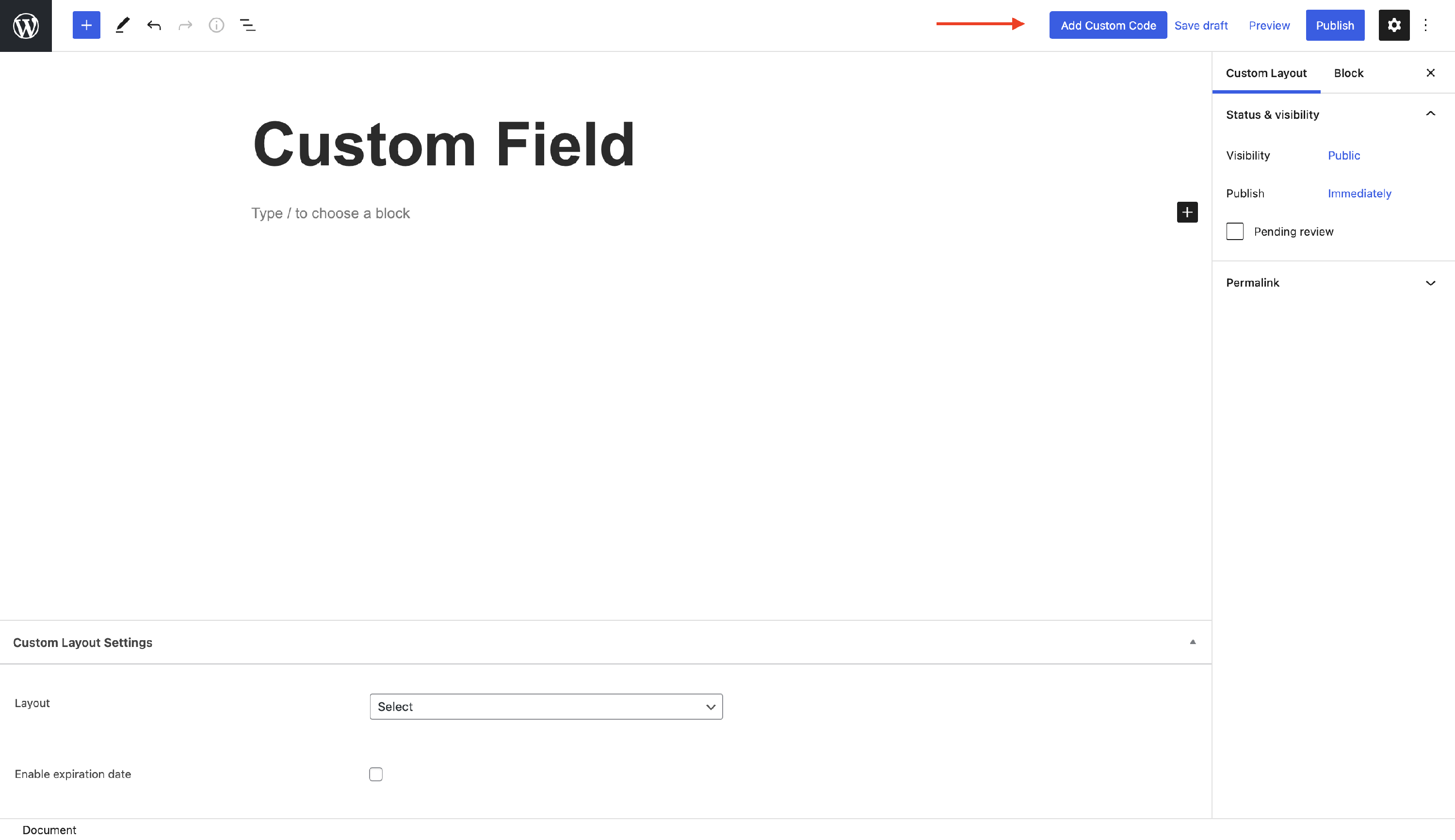
Create a custom layout and click on the Add Custom Code button, because the Advanced Custom Field plugin works with PHP code.
Step 6
To display the value from a custom field, you can use a code like the following one.
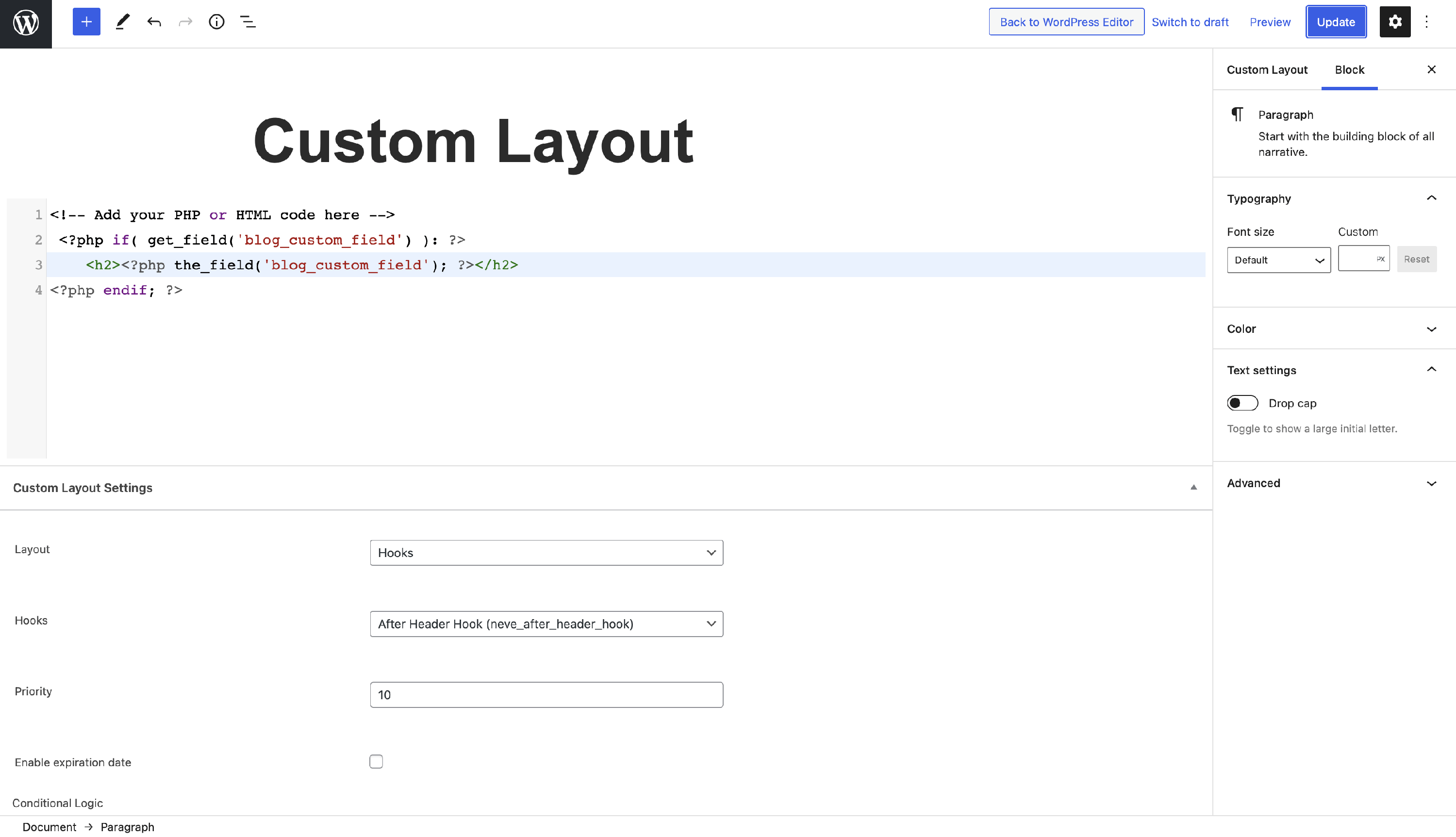
📝Note: Here is the complete list with the functions used within the ACF plugin.
Result
The value inserted into the Custom Field of a certain post will be displayed on your website, an example below.