How to enable the Edit Post link in Neve?
Neve lets you add an Edit Post link to the front end of single posts and archive (blog) pages using a child theme snippet, so you can jump into the editor while browsing.
📝Note: Before using the following code snippets, please create a child theme for Neve using this doc.
In this article
Single Post
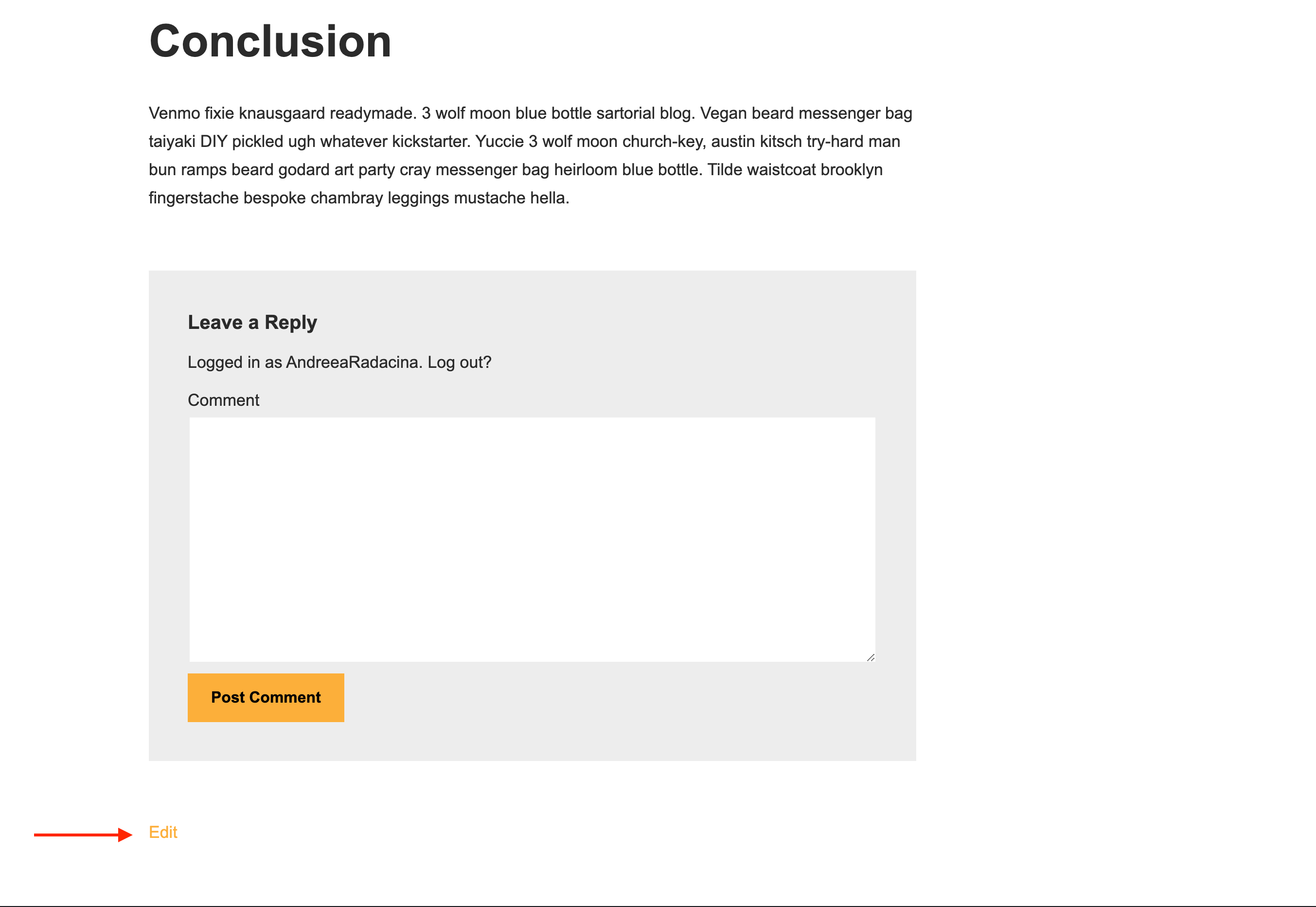
If you want to have an edit link at the bottom of each post so that you can edit it quickly, all you need to do is following these steps:
1. Copy the code snippet below.
add_action('neve_after_post_content','neve_edit_link');
function neve_edit_link() {
    edit_post_link(
        sprintf(
        /* translators: %s: Post title. */
            __( 'Edit<span class="screen-reader-text"> "%s"</span>', 'neve' ),
            get_the_title()
        ),
        '<span class="edit-link">',
        '</span>'
    );
}
2. Paste it in the child theme's functions.php file.
3. Save the changes and check the result.
Result
Archive Page
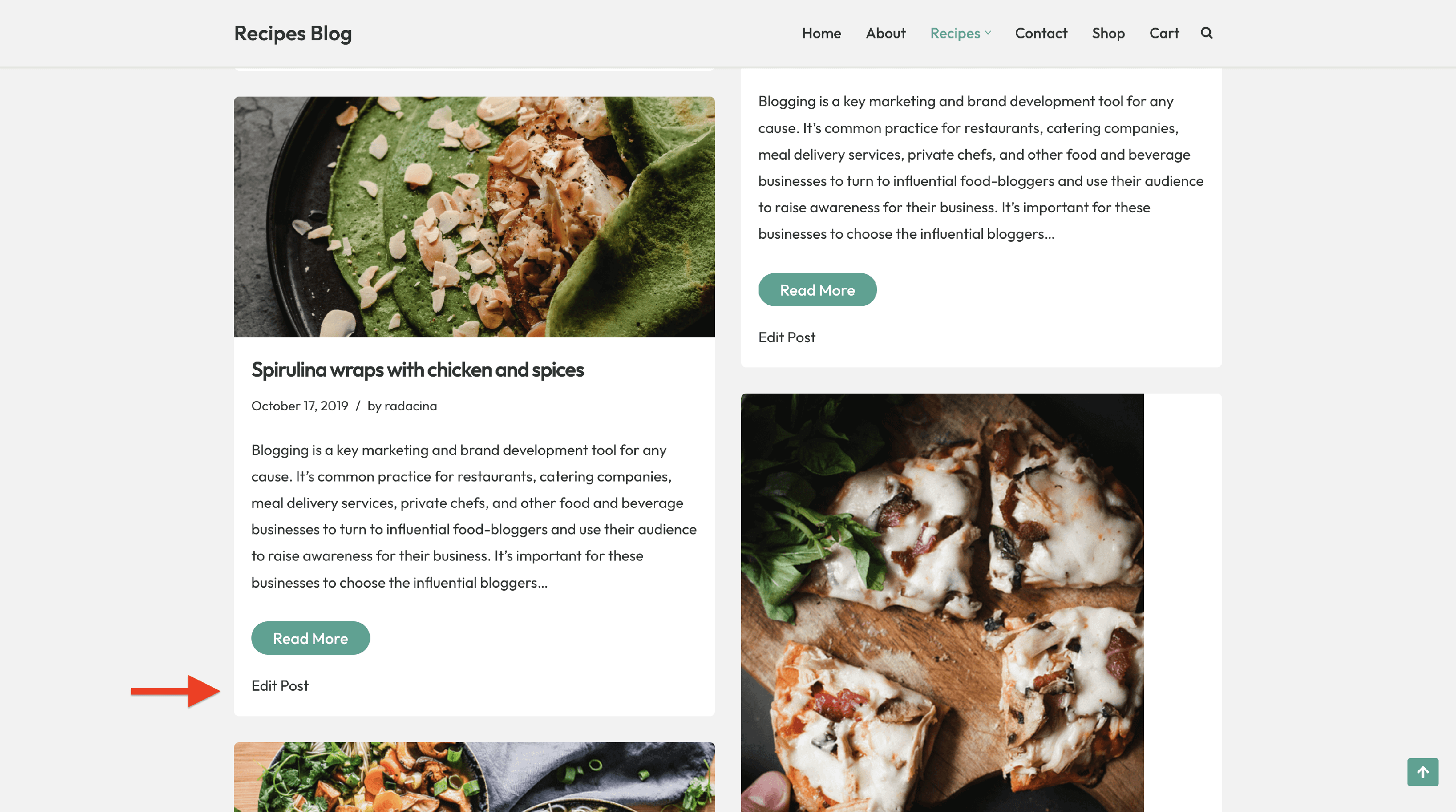
If you want to add an edit bottom on the blog page, below each post, follow these steps:
1. Copy the code snippet below.
add_action('neve_loop_entry_after','neve_archive_edit_link');
function neve_archive_edit_link() {
    edit_post_link(
        sprintf(
        /* translators: %s: Post title. */
            __( 'Edit Post<span class="screen-reader-text"> "%s"</span>', 'neve' ),
            get_the_title()
        ),
        '<span class="edit-link">',
        '</span>'
    );
}
2. Paste it in the child theme's functions.php file.
3. Save the changes and check the result.
Result