
WP-Config Support in Neve
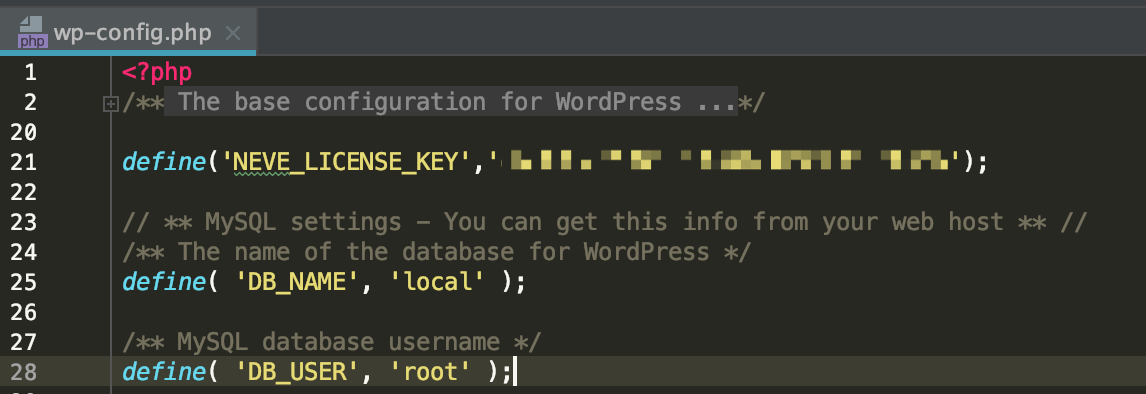
The license key of Neve Pro can be active by adding it to the wp-config.php file of WordPress.
define('NEVE_LICENSE_KEY','your license code');Below is an example:
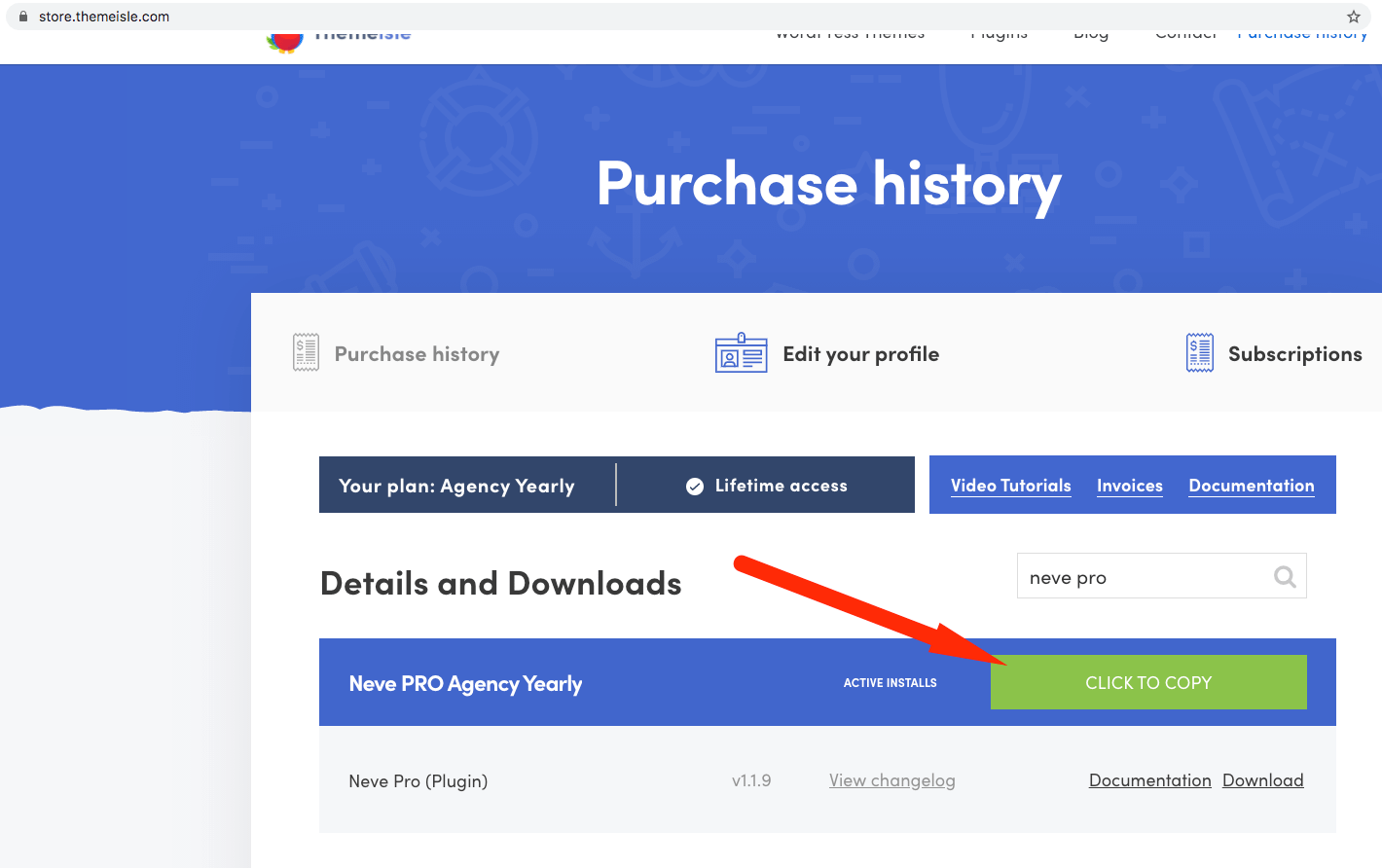
First, get your license key from your Themeisle account and add it to the wp-config.php file of your WordPress instance.
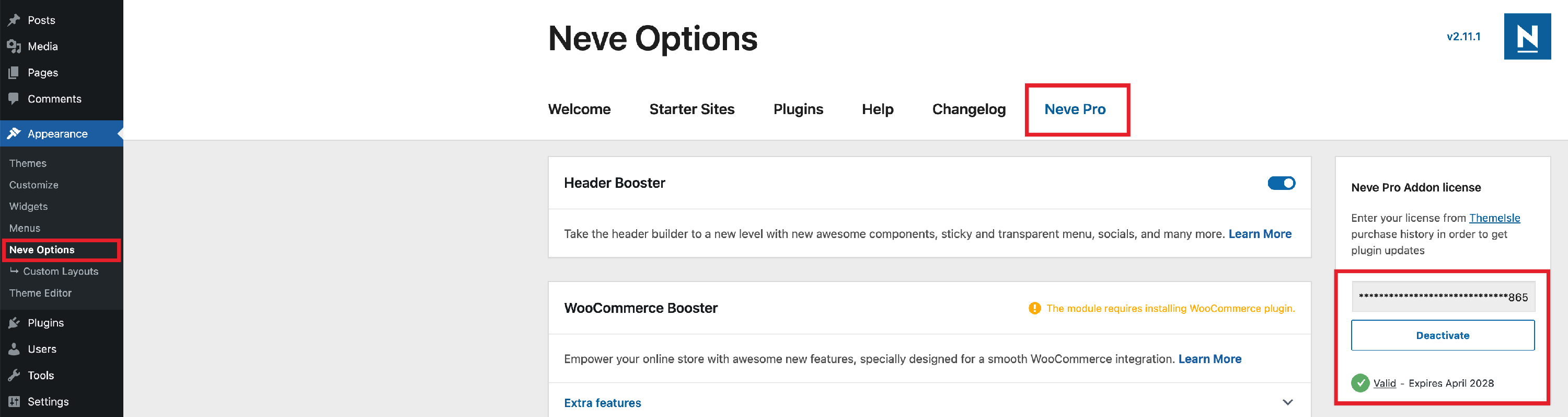
Install and activate the plugin.
For the development team
If you have access to the GitHub repository of the plugin and want to install it from a pull request, make sure to download the build - an example below.
