Neve: How to display the featured image on pages
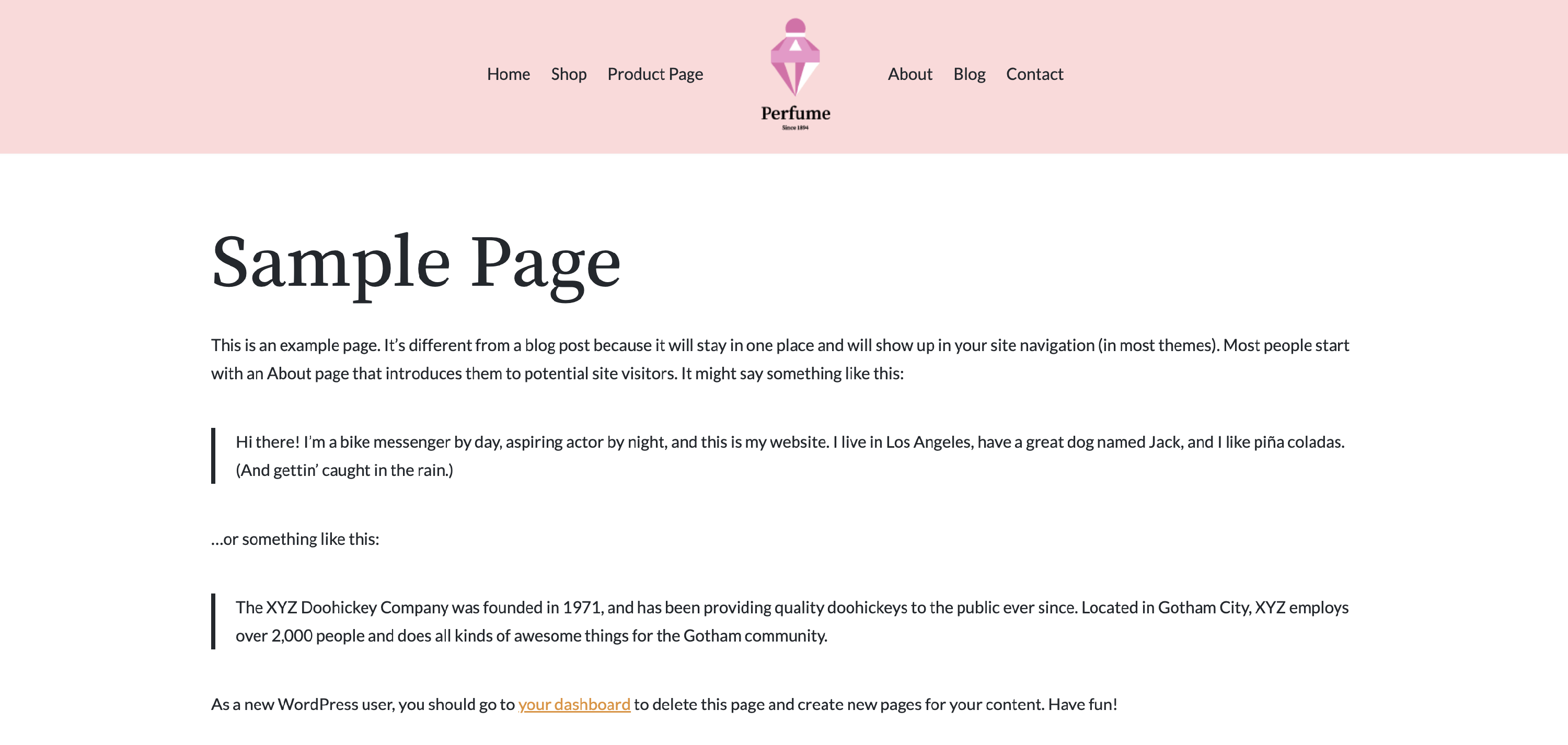
By default, featured images don't display on single pages, just on single posts.
Before
If you want to change this behavior and have the featured images show up on pages, follow the steps below:
Step 1
Create a child theme for Neve following this doc or use our ready-to-use basic child theme from here.
Step 2
At the end of the functions.php file of the child theme, add the following code:
function neve_child_new_single_page_layout() {
    echo '<div class="nv-thumb-wrap">';
    echo get_the_post_thumbnail(
        null,
        'neve-blog'
    );
    echo '</div>';
    echo '<div class="nv-content-wrap entry-content">';
    the_content();

    do_action( 'neve_before_page_comments' );
    if ( comments_open() || get_comments_number() ) {
        comments_template();
    }

    echo '</div>';
    do_action( 'neve_do_pagination', 'single' );
}
function neve_child_replace_current_single_page_layout() {
    remove_all_actions( 'neve_do_single_page' );
    add_action( 'neve_do_single_page','neve_child_new_single_page_layout' );
}
add_action( 'init', 'neve_child_replace_current_single_page_layout' );
Step 3
Save the file.
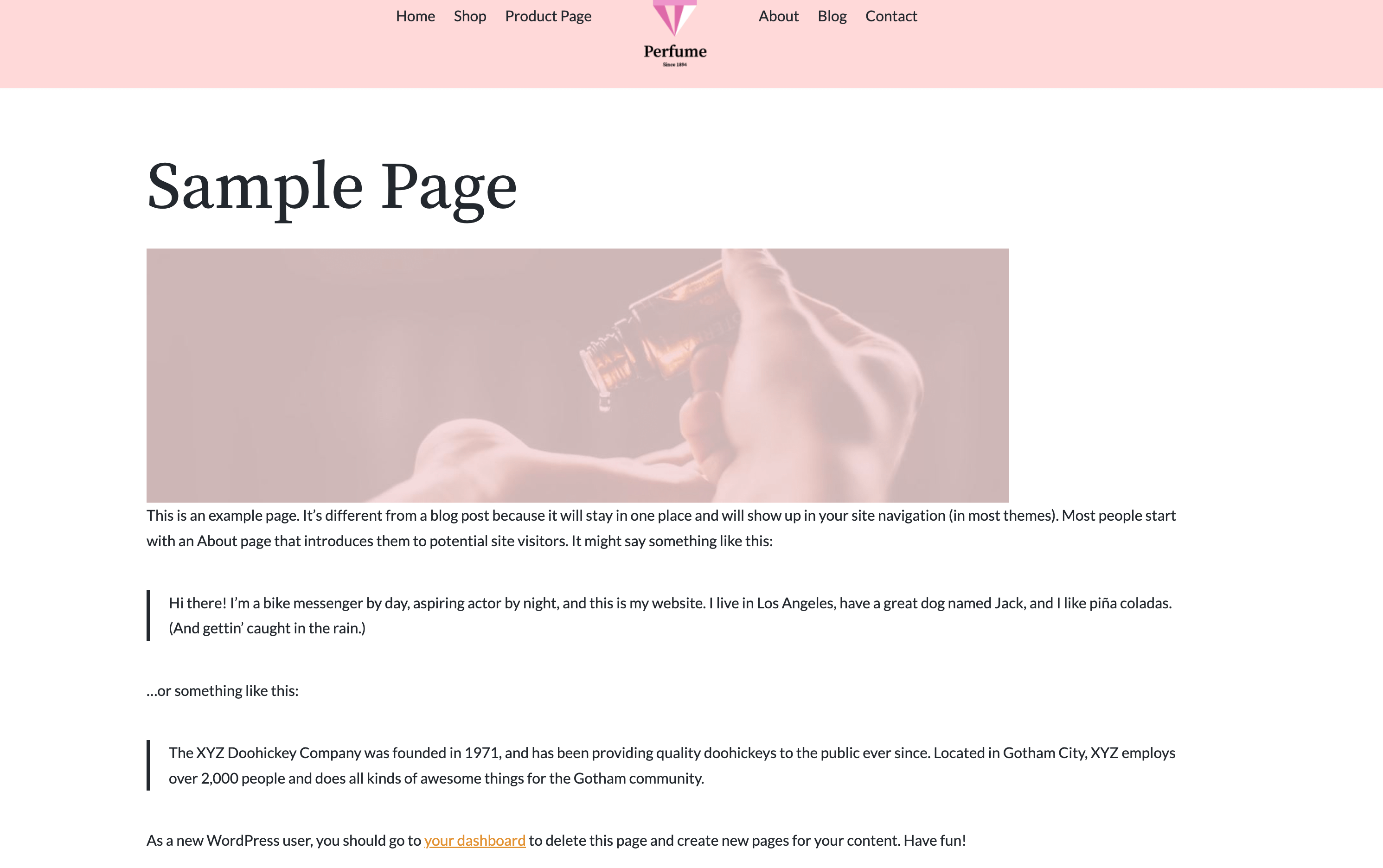
That's all. At this moment, the featured images set for each page should show up on pages too.
After