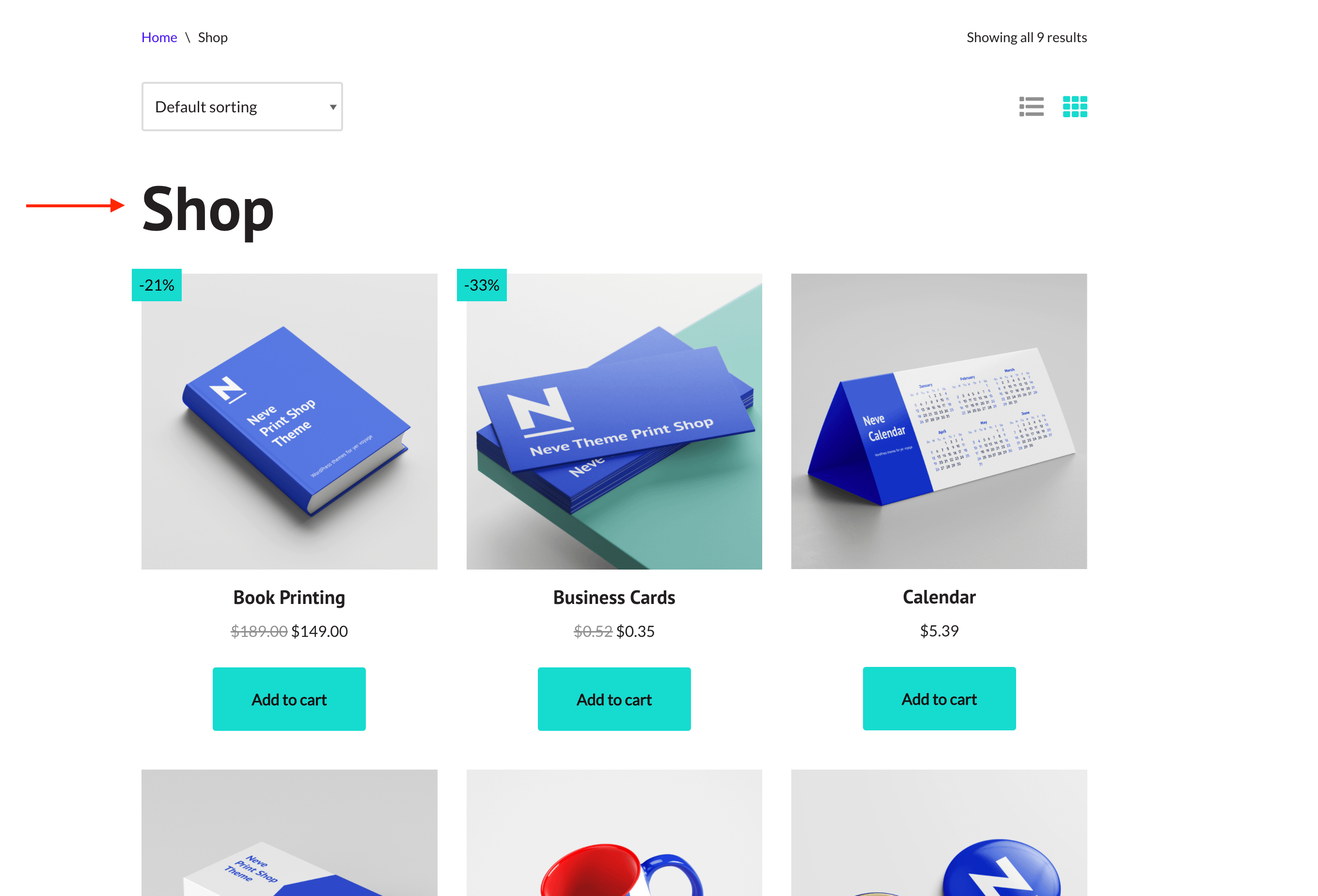
How to display the shop title in Neve
The title of the shop page is hidden by default in Neve. In order to add the title of the shop page, two ways can be followed:
- using the Custom Layouts PRO module - here is a video about using it to display the title.
- using CSS code - presented in this article.
Before
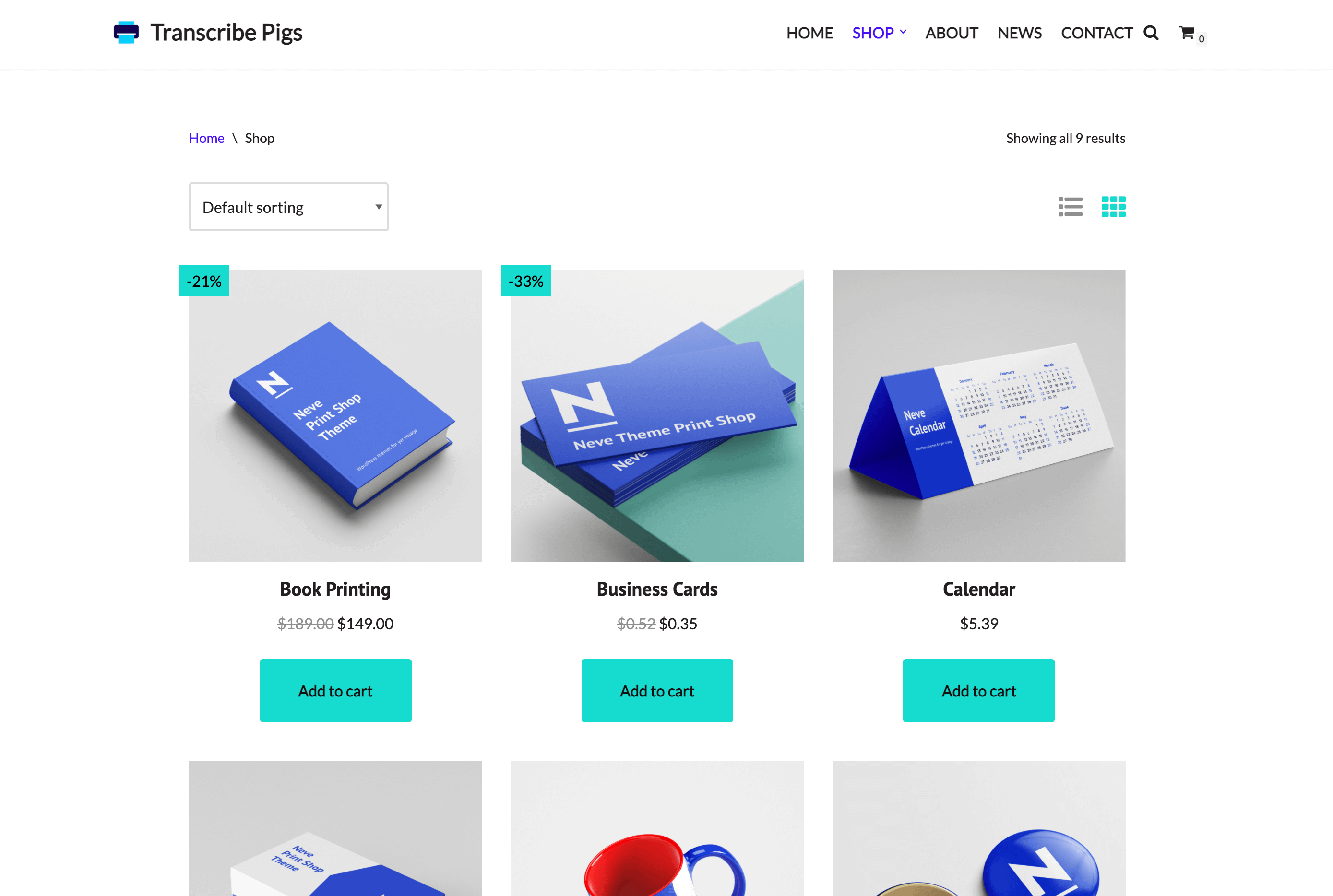
After
To enable it, download a ready-made child for the theme on this page, install and activate it. After that, add the following code at the end of the functions.php file of the child theme.
/* Themeisle Support - display shop title in Neve */
add_action( 'wp',function() { add_filter( 'woocommerce_show_page_title', '__return_true' ); }, 12 );