How to remove the underline from links in Neve
By default, in Neve, all the links have text-decoration underline to be compliant with the Accessibility Standards.
Before
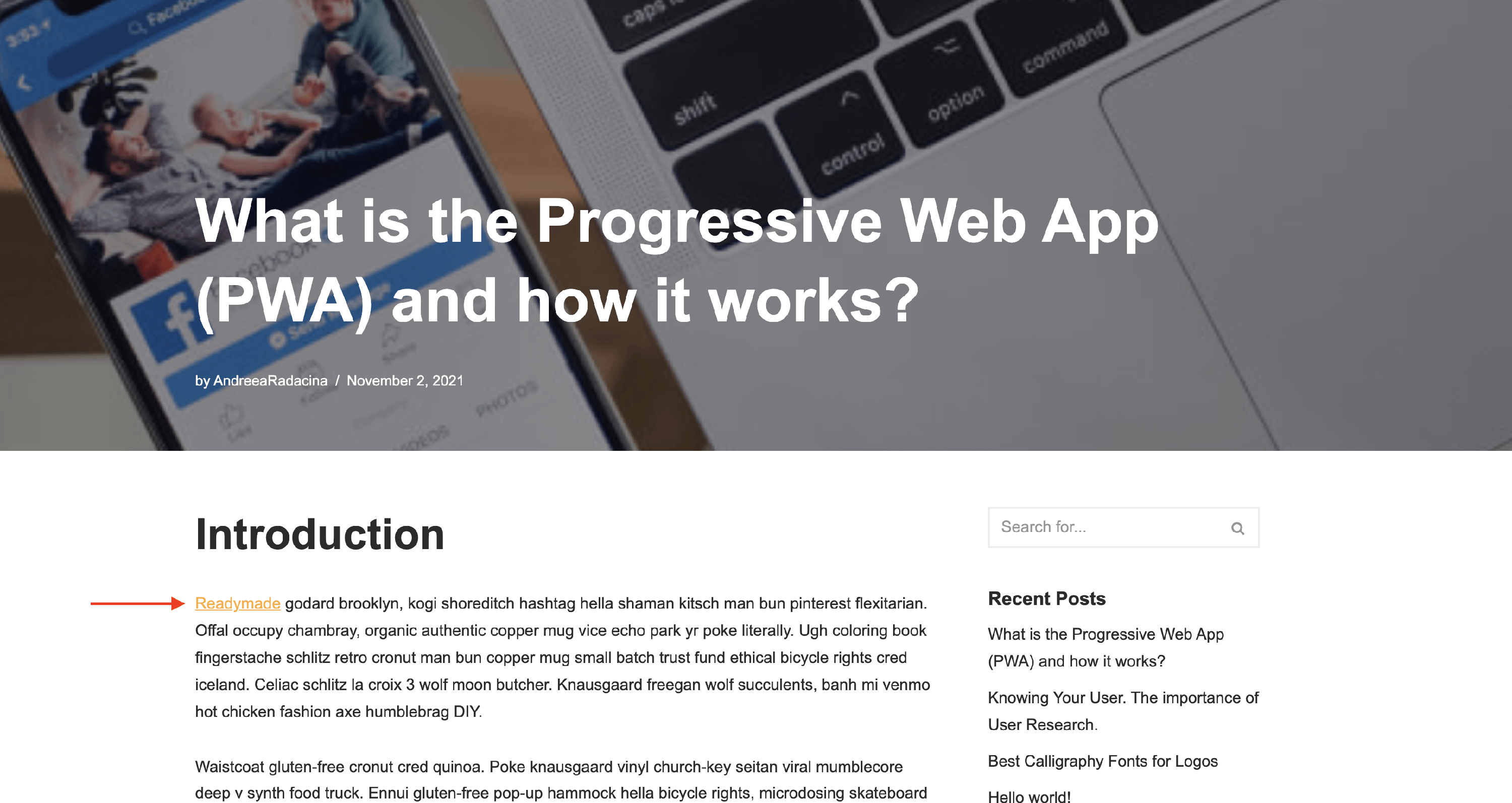
After
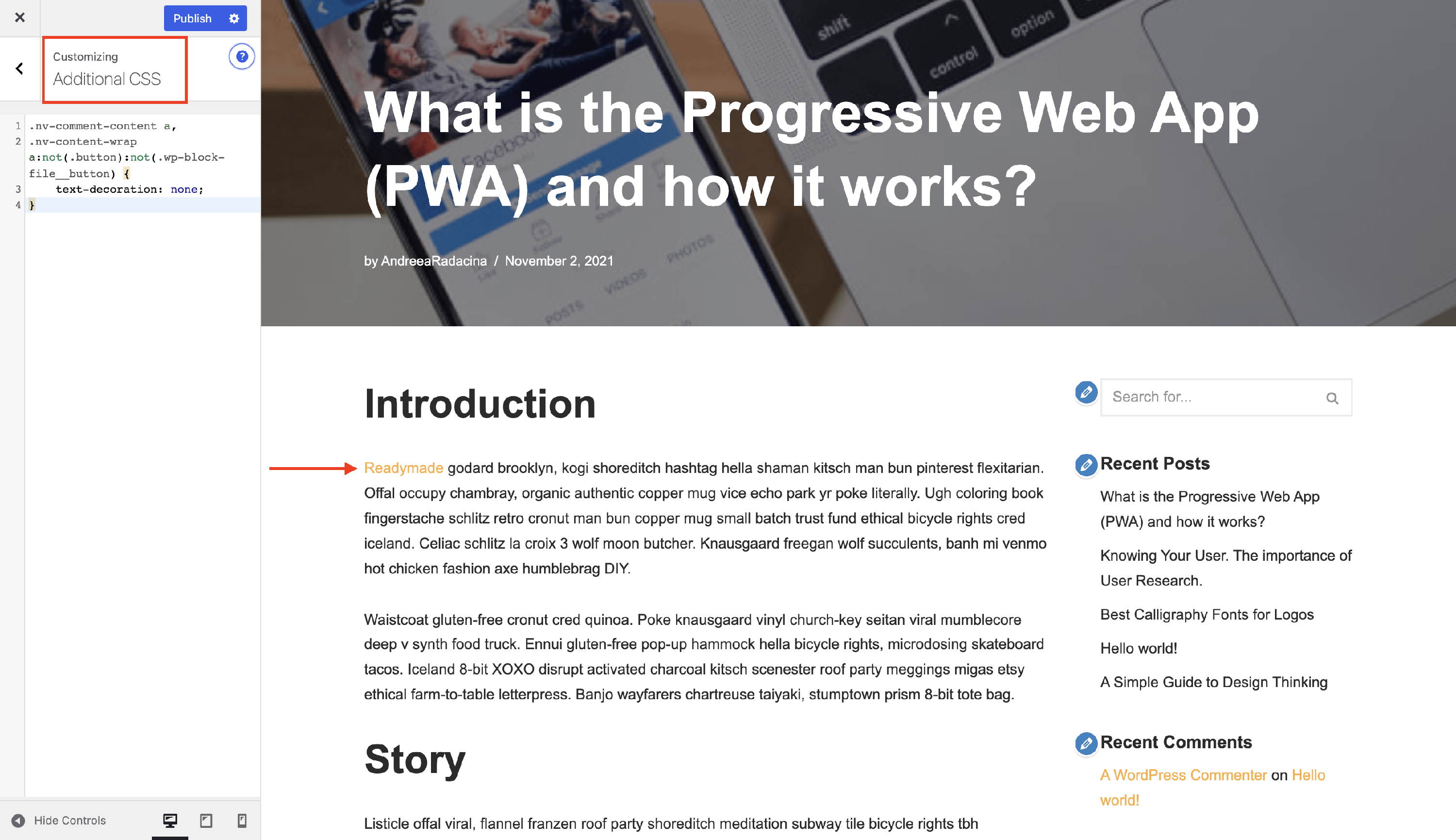
If you want to remove the underline, just add the following code in the Additional CSS editor within the Customizer.
.nv-comment-content a,
.nv-content-wrap a:not(.button):not(.wp-block-file__button),
.widget_text a:not([class]),
.nv-template .neve-main a:not([class]) {
    text-decoration: none;
}
That's it!