Change list style in Neve
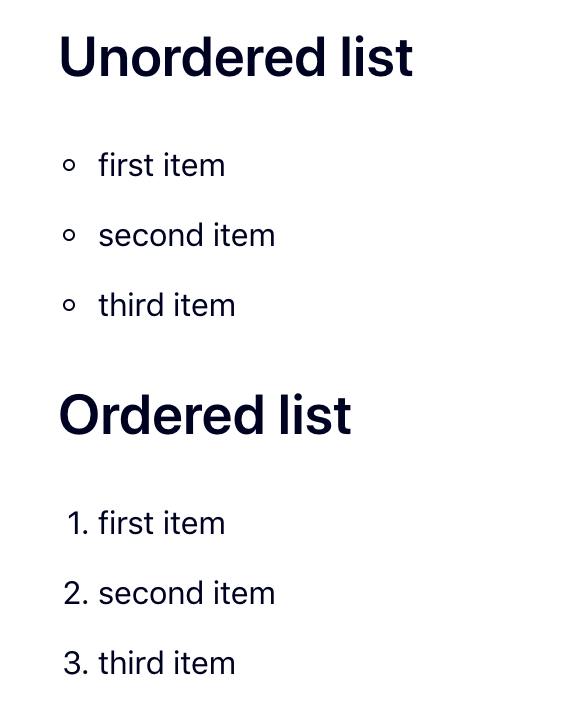
By default, Neve uses solid dots for unordered list items. You can switch to a circle with a simple CSS snippet in the Customizer.
Before
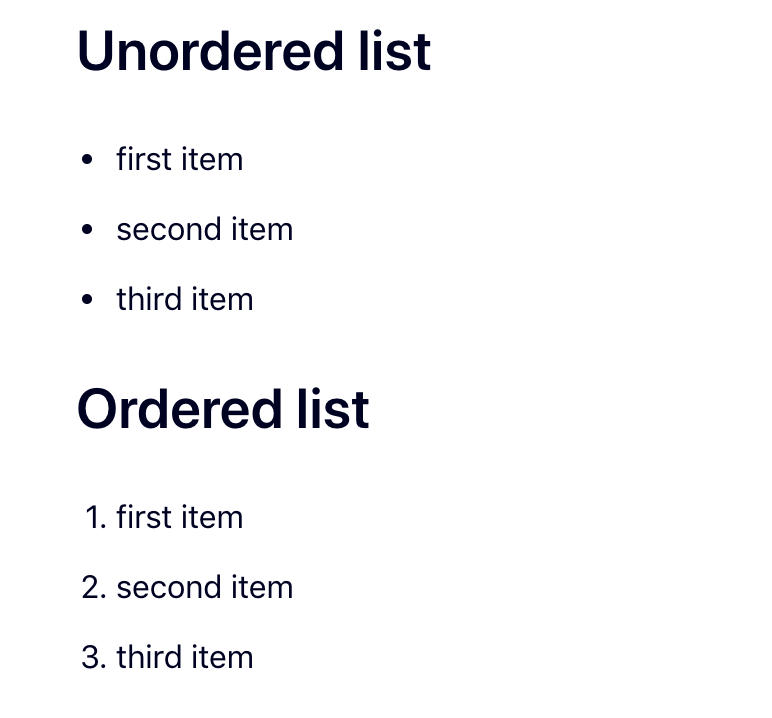
By default, Neve uses solid dots (disc) for unordered lists, as seen in the image below:
After
To change the list style to a circle, add the following CSS code in Appearance > Customize > Additional CSS:
.excerpt-wrap ul, .nv-content-wrap ul {
    list-style-type: circle !important;
}
The lists will show up like this: