Show the updated date in posts - Neve
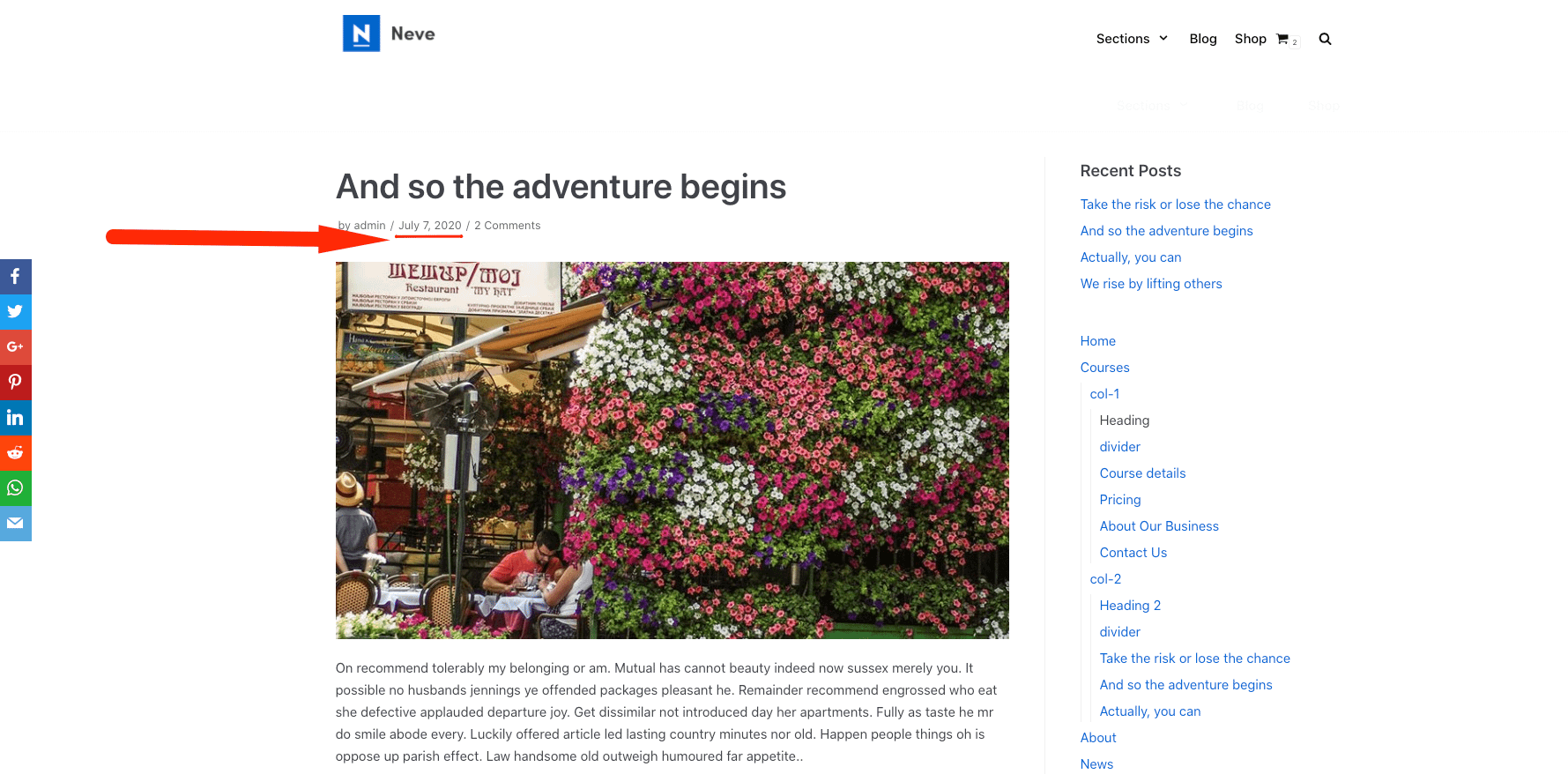
In Neve, by default, the published date is shown in the post metadata.
Before
After
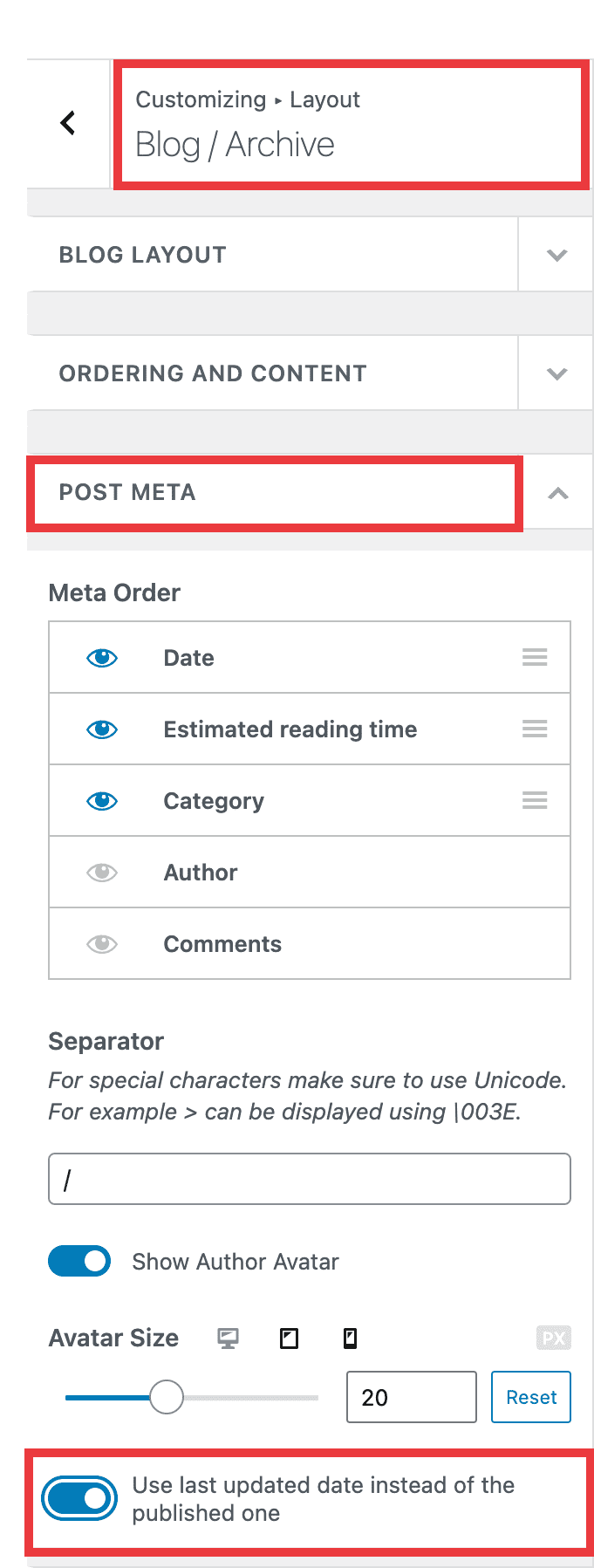
In case you want to show to updated one, just navigate to Appearance > Customize > Blog > Blog / Archive, open the Post Meta accordion, and enable the use of the last updated date.
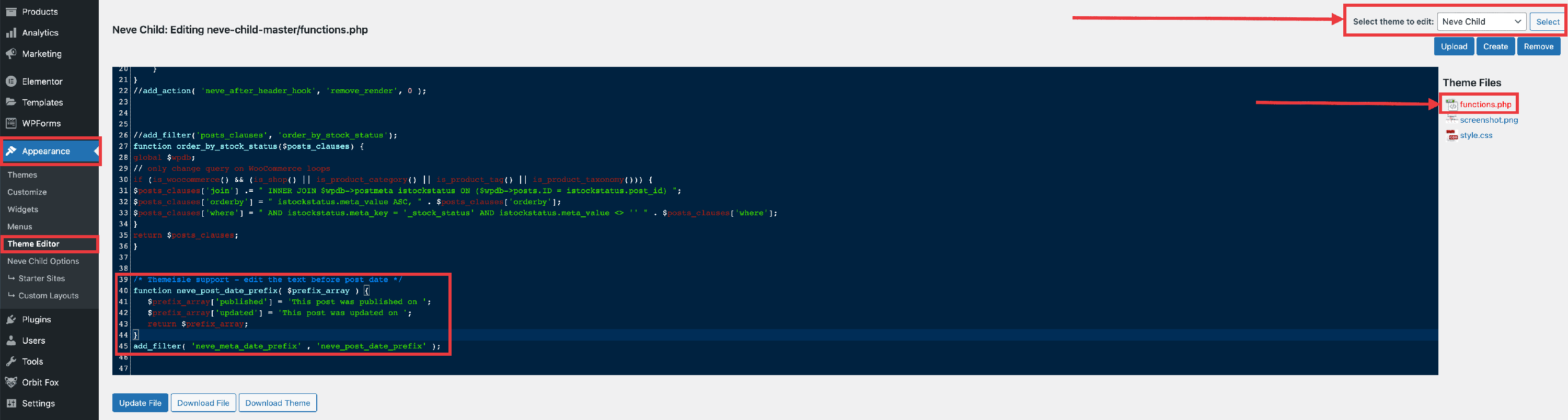
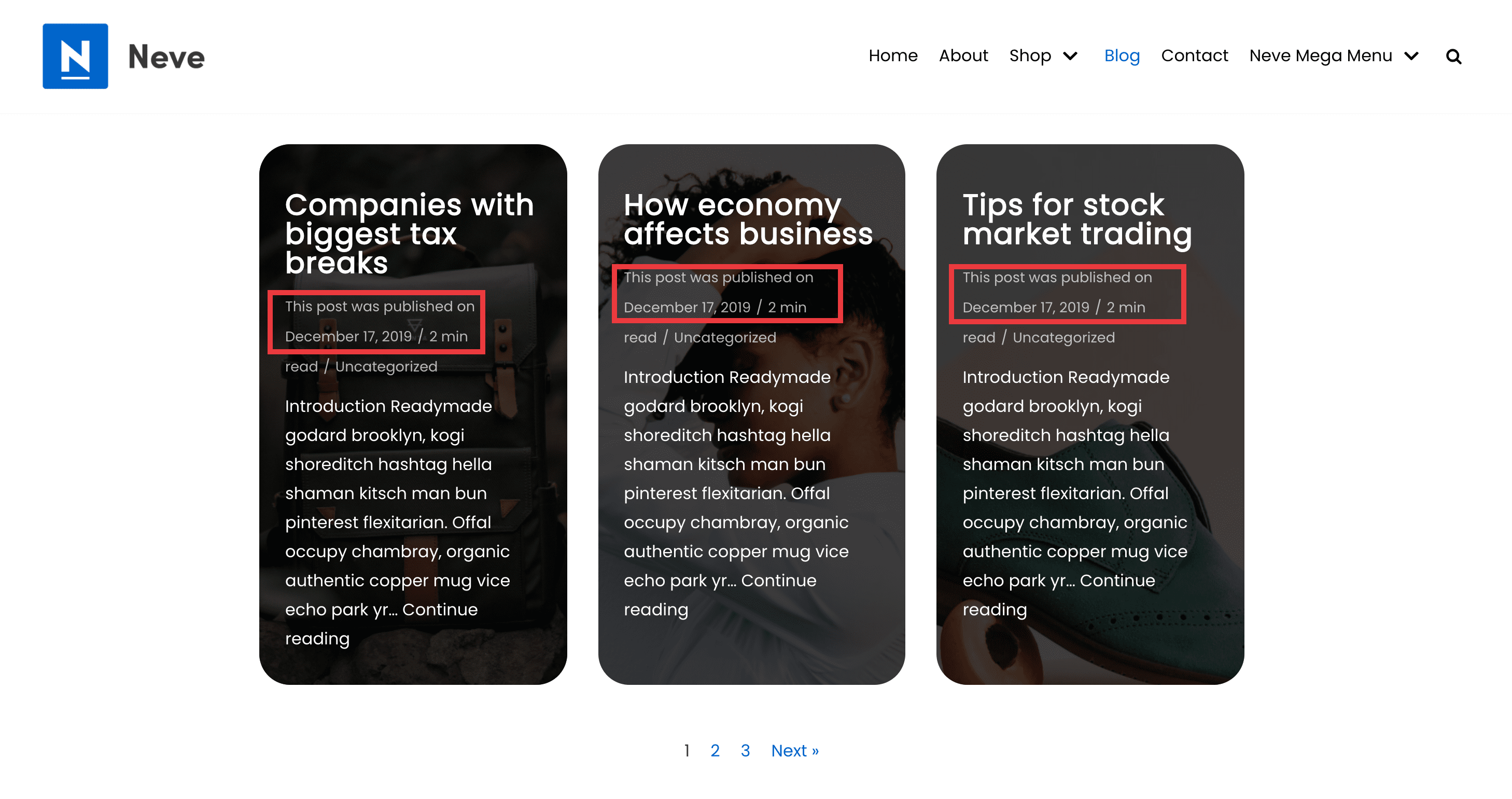
It is also possible to edit the text next to the date. This can be achieved by downloading a ready-made child theme for Neve( available here) and add the following code at the end of the functions.php file of the child theme.
function neve_post_date_prefix( $prefix_array ) {
   $prefix_array['published'] = 'This post was published on ';
   $prefix_array['updated'] = 'This post was updated on ';
   return $prefix_array;
}
add_filter( 'neve_meta_date_prefix' , 'neve_post_date_prefix' );
The following screenshots highlight where to add the code and how it works.