
How To Display Multiple Authors in Neve?
Sometimes, the blog posts may have more than one author. To display all of them, Neve can be used with the Co-Authors plugin.
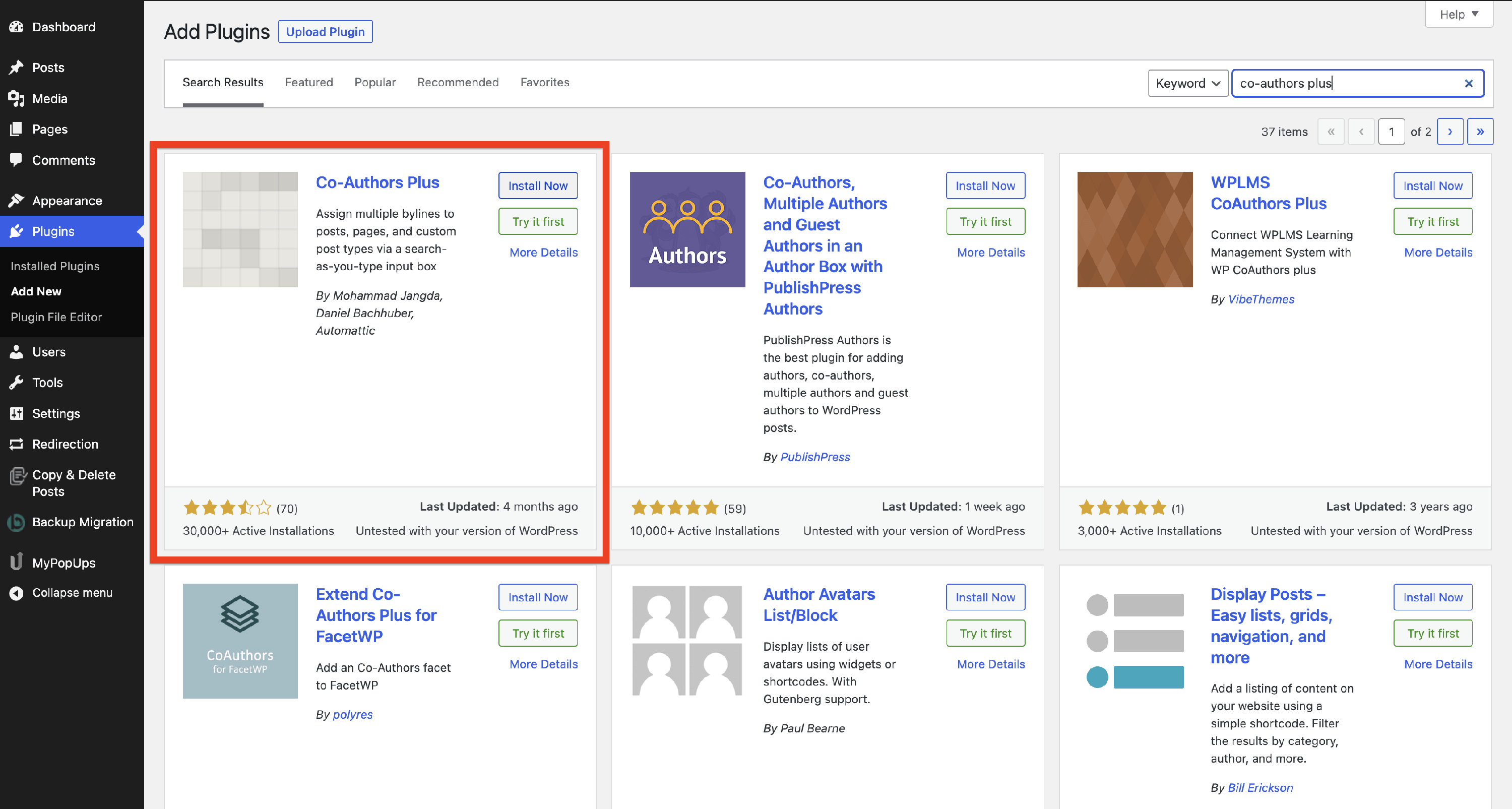
1. Navigate to Plugins > Add New.
2. Search for the Co-Authors Plus plugin and install it.
3. Navigate to the functions.php file of the Neve theme and paste the code below.
add_filter( 'the_author_posts_link', function( $markup ) {
	if ( ! function_exists( 'coauthors_posts_links' ) ) {
		return $markup;
	}

	ob_start();
	coauthors_posts_links();
	$output = ob_get_contents();
	ob_end_clean();
	return $output;
} );
4. Navigate to the post where you have more authors and open it.
5. Expand the new Authors accordion and search for the authors you want to add.
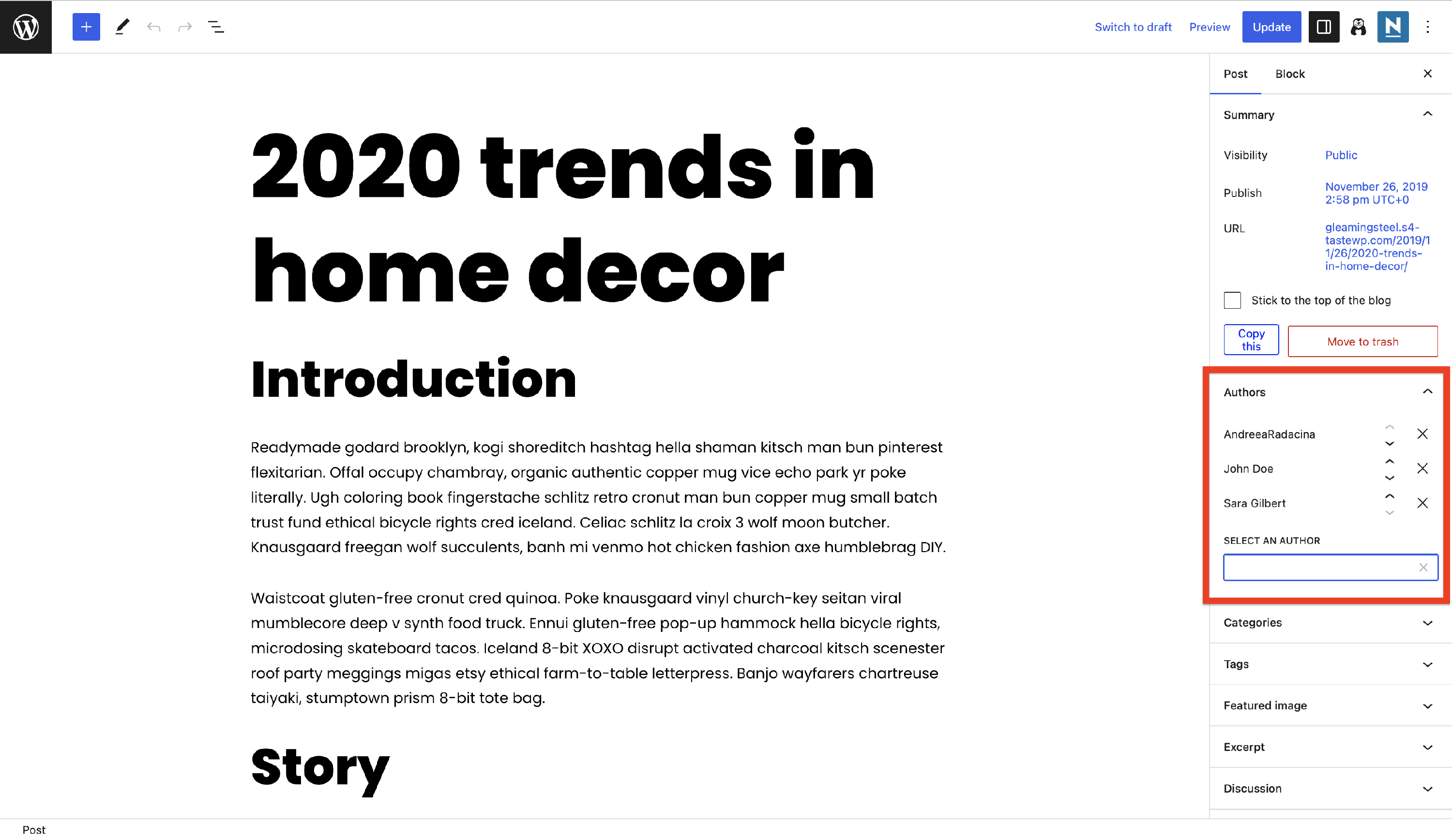
6. Publish the changes and check the post.
Result

How it appears on Singke Post
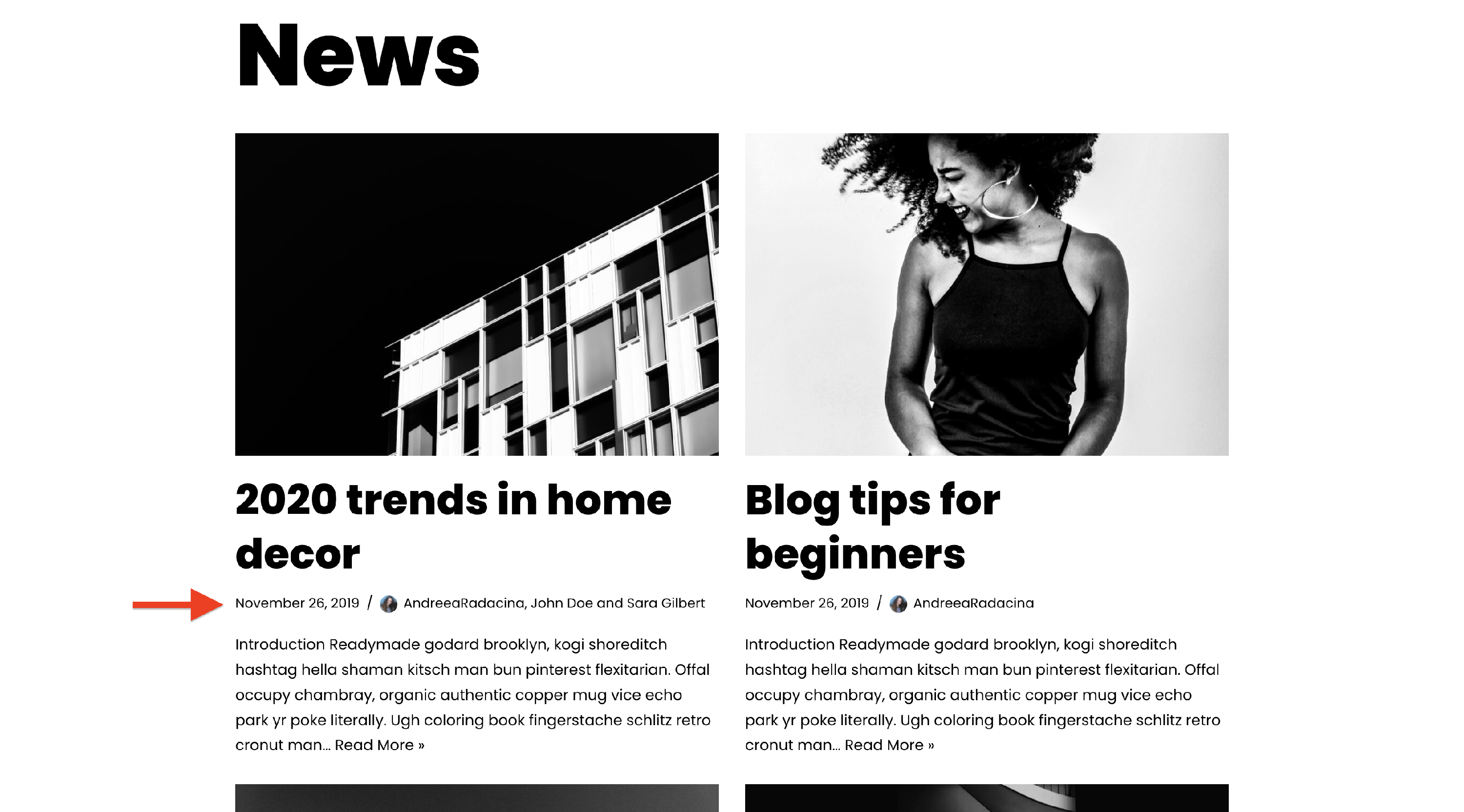
How it appears on Blog/Archive page