
Breadcrumbs in Neve
Neve supports breadcrumbs on WooCommerce shop, archive, single product, product tag, and product taxonomy pages out of the box, and integrates with popular SEO plugins to display breadcrumbs across other page types. Neve PRO adds a Breadcrumbs component for the header builder, giving you full control over placement.
In this article
Neve
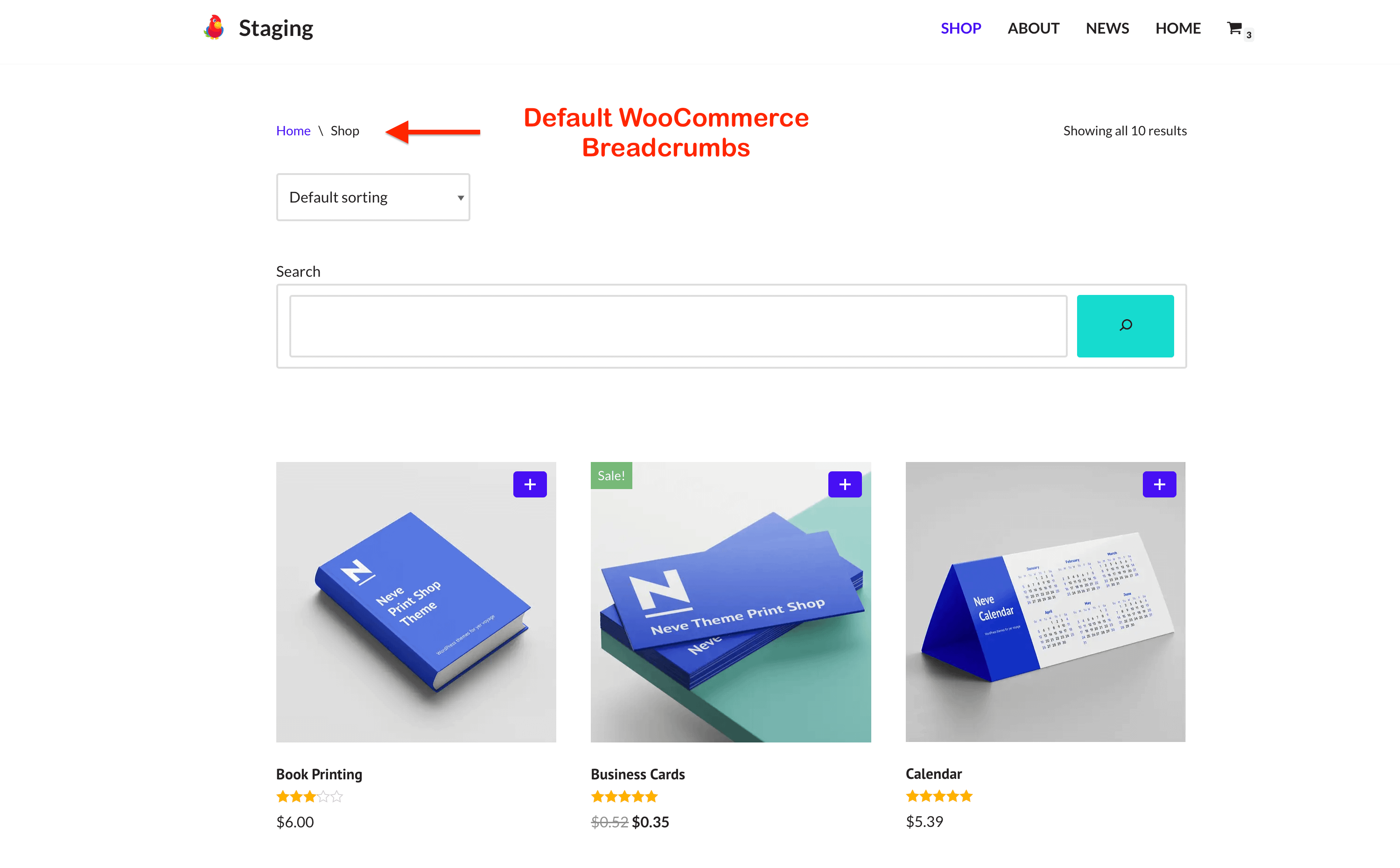
By default, Neve supports breadcrumbs on the Shop/Archive (WooCommerce), Single Product, product tag, and product taxonomy pages.
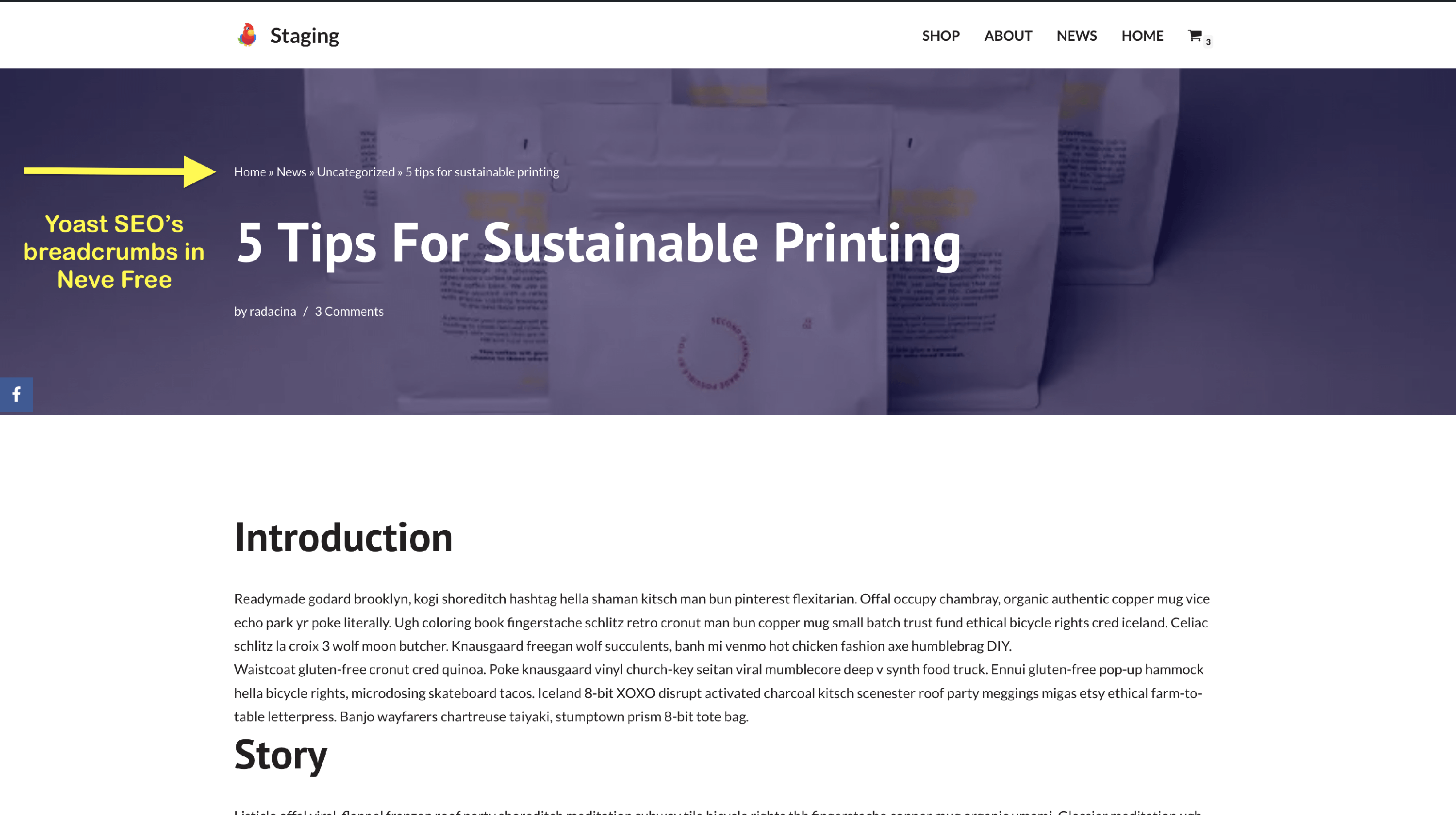
But Neve also supports the most popular plugins used for breadcrumbs: Yoast SEO, Rank Math SEO, Breadcrumb NavXT, and SEOPress.
All you need to do is install & activate one of these plugins and activate their breadcrumbs functionality. After that, Neve will display the breadcrumbs:
Neve Pro
The Pro version offers more control for placing the breadcrumbs. In the free version, you have no control over where the breadcrumbs appear; in Neve Pro, you have the Breadcrumbs components for the header builder that can be placed anywhere in the header area.
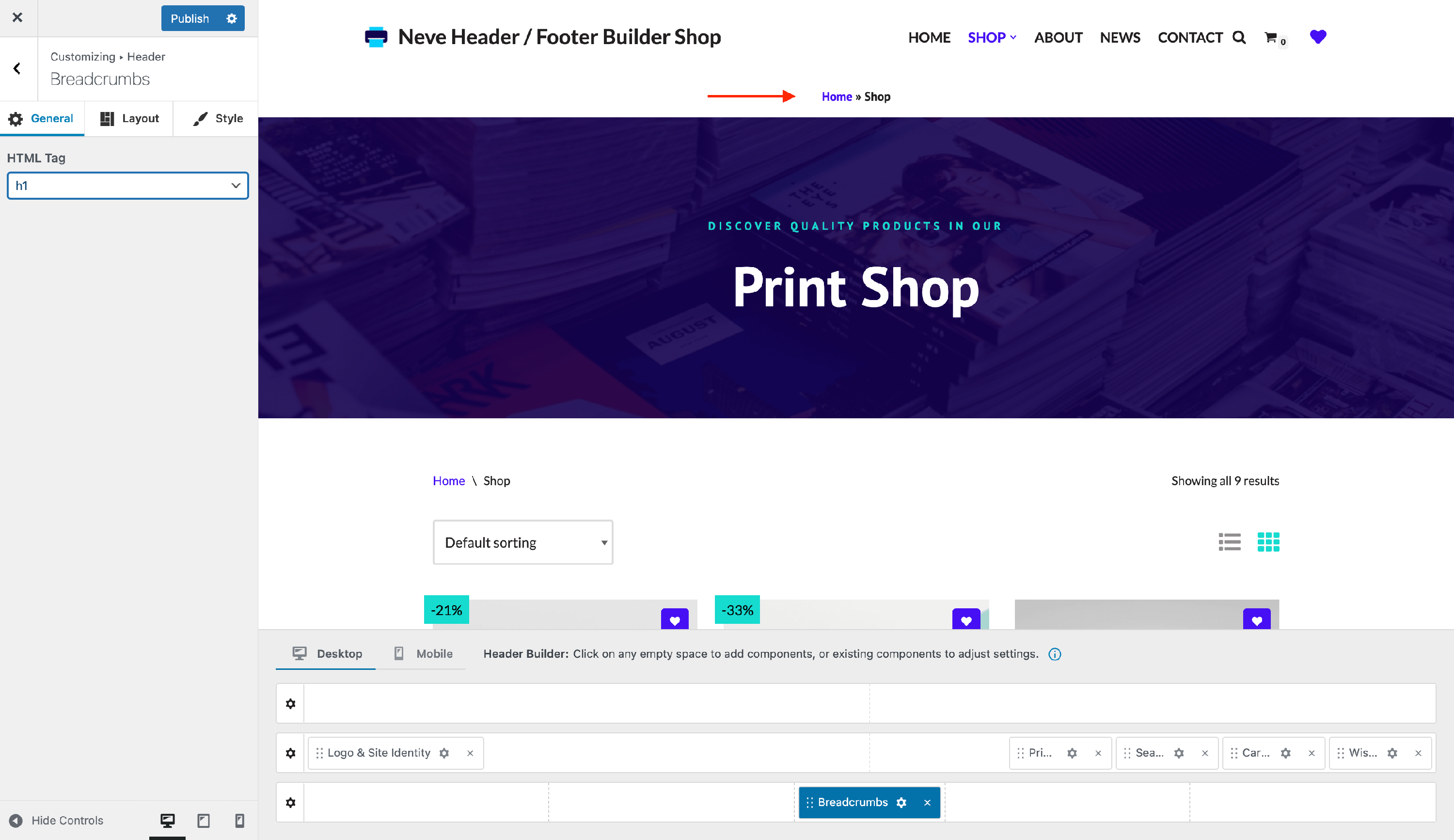
📝Note: Read more about Neve Pro's Header Booster module.
Remove breadcrumbs
Neve does not generate breadcrumbs on its own. On regular pages and posts, it displays the breadcrumbs produced by your active SEO plugin (Yoast SEO, Rank Math SEO, Breadcrumb NavXT, or SEOPress). On WooCommerce shop, archive, and single product pages, it displays WooCommerce's built-in breadcrumbs. Where you remove them depends on the source.
Remove breadcrumbs on pages and posts
To stop breadcrumbs from appearing everywhere, disable the breadcrumb feature in the SEO plugin that generates them, using that plugin's own settings. Once the plugin stops outputting breadcrumbs, Neve has nothing to display.
If you want to keep breadcrumbs enabled in your SEO plugin but stop Neve from showing them above your page and post titles, add the following to the functions.php file of your child theme. For more information about child themes, check this guide.
add_filter( 'neve_show_breadcrumbs', '__return_false' );To remove breadcrumbs on only specific pages or posts instead of everywhere, use the conditional examples in the sections below.
📝 Note: In Neve Pro, the Breadcrumbs component under Appearance > Customize > Header controls only where breadcrumbs appear, not whether they exist. Removing it from the header does not remove your breadcrumbs — they fall back to their default position above the page or post title. To remove them completely, disable breadcrumbs in your SEO plugin or use the neve_show_breadcrumbs filter shown above.
Hide breadcrumbs on pages
If you want to hide the breadcrumbs on a specific page, you can easily use the neve_show_breadcrumbs filter.
Below is an example of hiding breadcrumbs on the Sample Page page.
The code should be added at the end of the functions.php file within your child theme. For more information about child themes, check this guide.
function hide_breadcrumbs_on_certain_page( $input ) {
   if( is_page('sample-page') ) {
      return false;
   }

   return $input;
}
add_filter( 'neve_show_breadcrumbs', 'hide_breadcrumbs_on_certain_page', 10, 1 );
Hide breadcrumbs on posts
If you want to hide the breadcrumbs on a specific post, you can easily use the neve_show_breadcrumbs filter.
Below is an example of hiding breadcrumbs on the Single Post page.
The code should be added at the end of the functions.php file within your child theme. For more information about child themes, check this guide.
function hide_breadcrumbs_on_certain_page( $input ) {
   if( is_single('single-post') ) {
      return false;
   }

   return $input;
}
add_filter( 'neve_show_breadcrumbs', 'hide_breadcrumbs_on_certain_page', 10, 1 );
Remove breadcrumbs on WooCommerce pages
On shop, archive, product category, product tag, product taxonomy, and single product pages, the breadcrumbs come from WooCommerce rather than from your SEO plugin. To hide them, add the following to the functions.php file of your child theme:
add_filter( 'neve_breadcrumbs_toggle', '__return_false' );Position the breadcrumbs in the page content
If you want the breadcrumbs to show up in a different area of the page, you can always use shortcodes for that. Most of the breadcrumb plugins offer this functionality. For example, Yoast has the shortcode:
[wpseo_breadcrumb]Replace the WooCommerce breadcrumbs
In case you are using a dedicated SEO plugin that also has the breadcrumbs functionality, you can display the plugin breadcrumbs on the WooCommerce pages by downloading this zip file and installing it as a regular plugin.
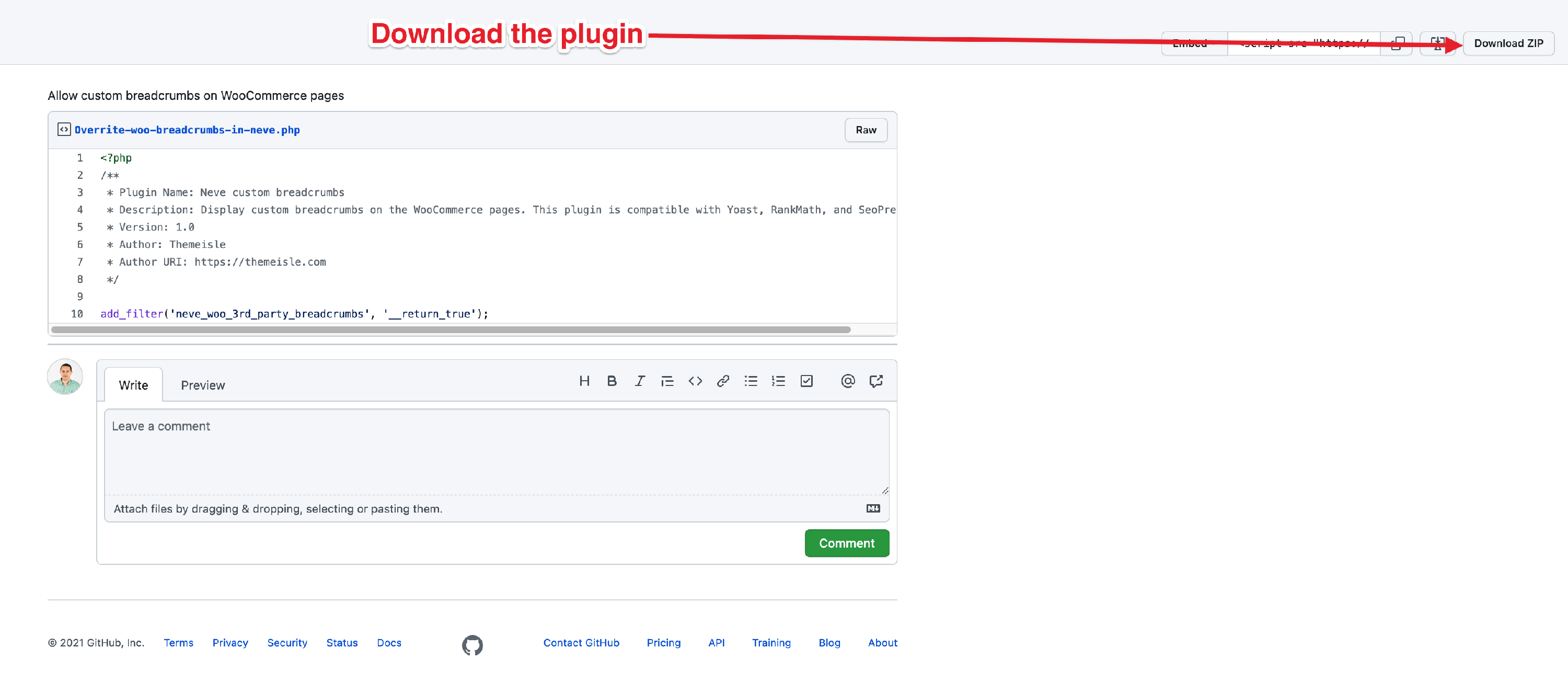
This integration works with Yoast SEO, Rank Math SEO, and SEOPress.