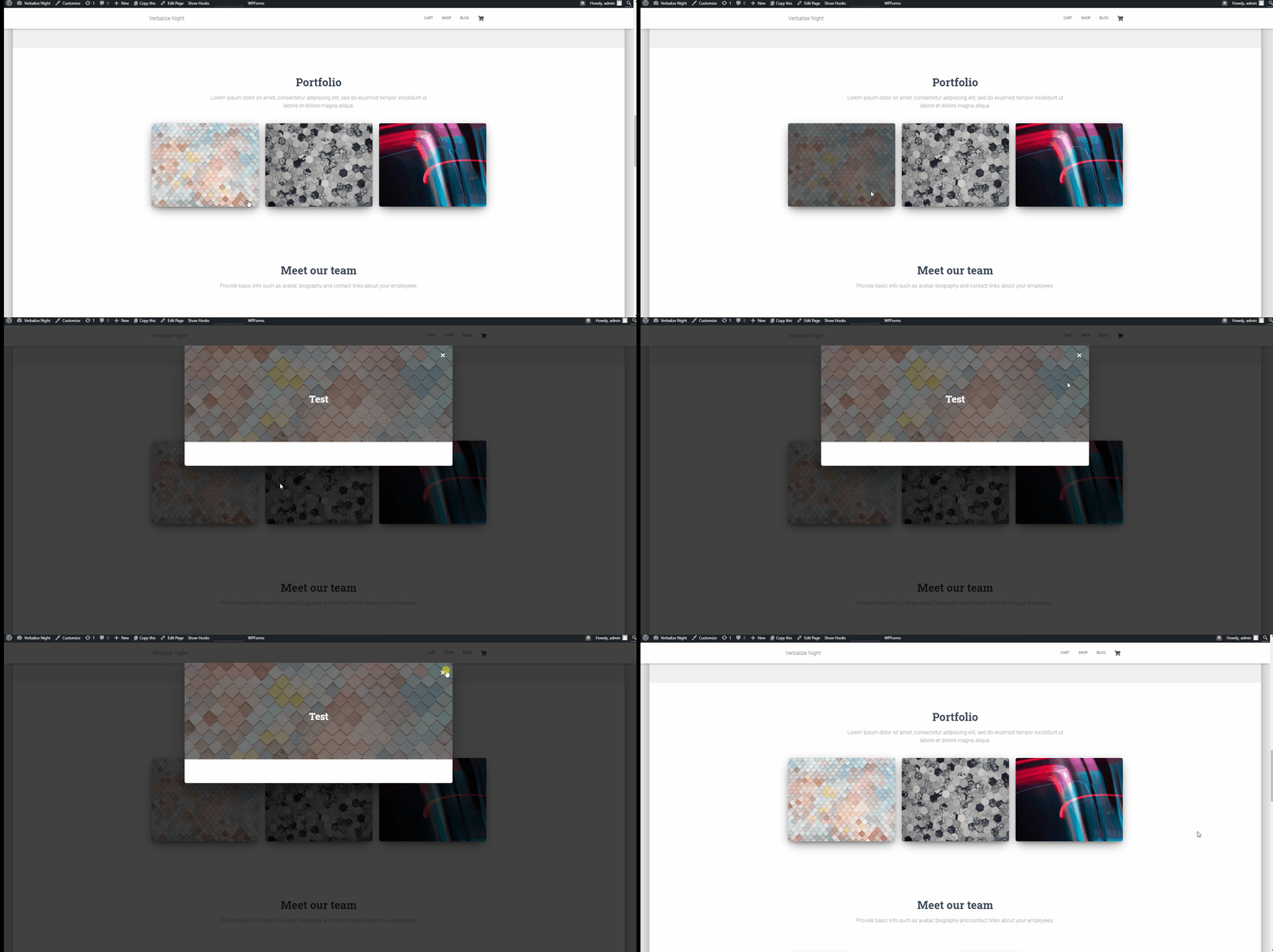
How to Customize the Portfolio section in Hestia PRO?
The Portfolio section in Hestia Pro lets you display portfolio items on your homepage by connecting to the Jetpack plugin's portfolio post type.
📝 Note: This section is exclusive to the Hestia Pro theme, available after installing the Jetpack plugin. Steps to follow in order to create your own portfolio:
1. Install the plugin using this doc.
2. Activate the Jetpack plugin and navigate to Jetpack > Settings.
3. Go into the Writing menu, scroll down, and enable the Portfolio option.
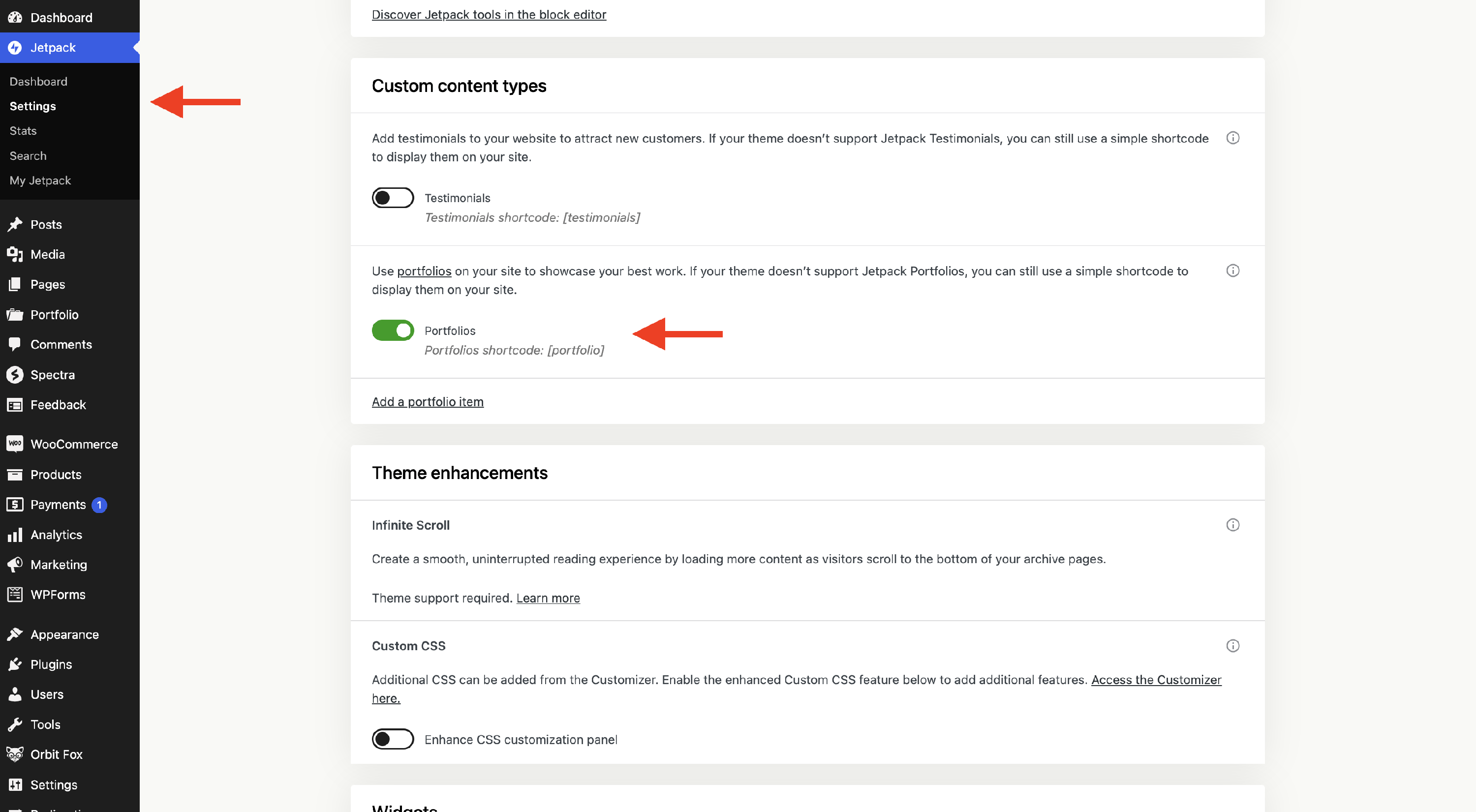
4. Click on Add a portfolio item, and you will be redirected to a sample page.
5. Start customizing the portfolio using the available settings. There is a dedicated Portfolio section.
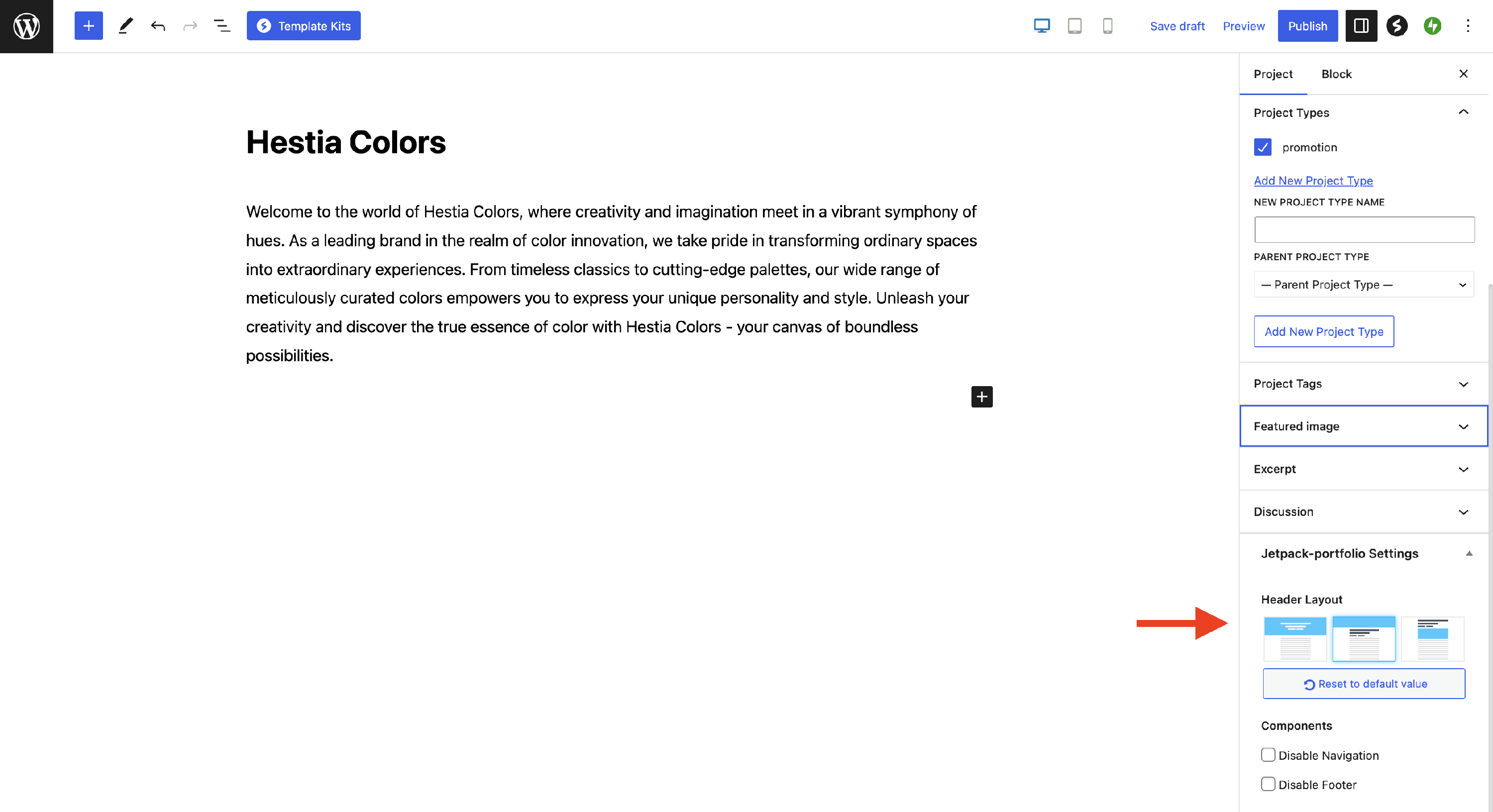
6. Publish the changes and go see the website.
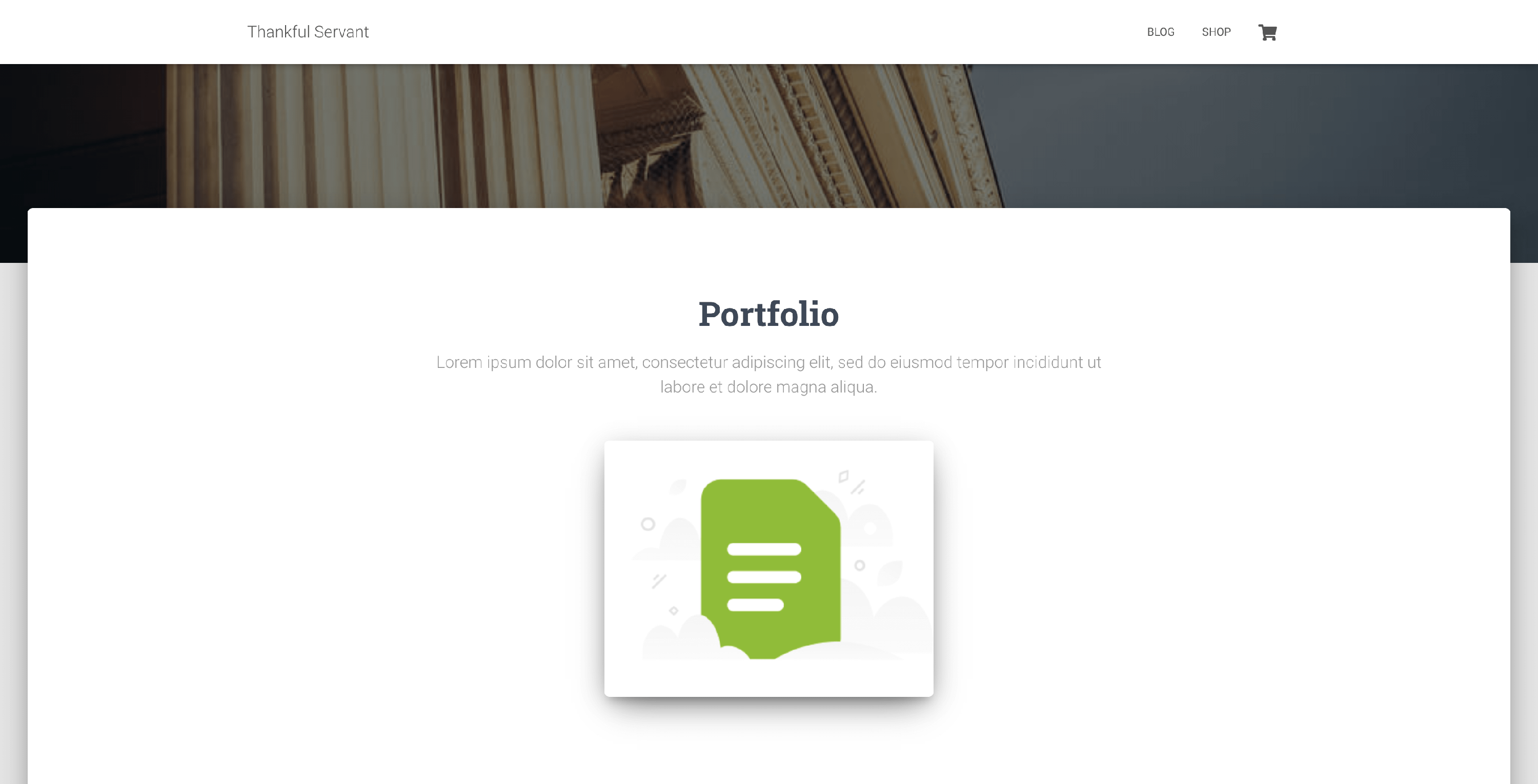
Portfolio item
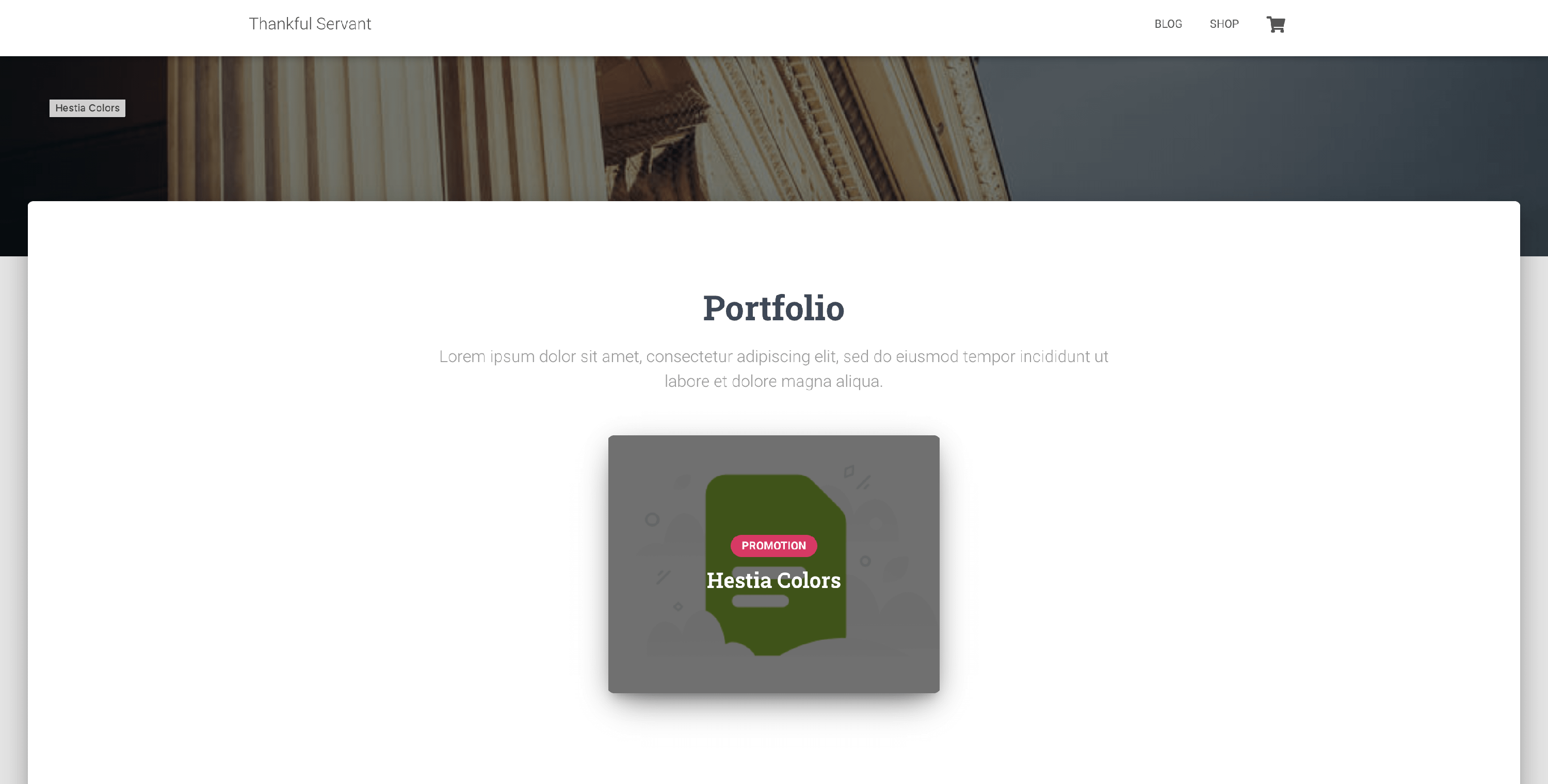
Portfolio on Hover
Options available here:
- Disable section
- Section Title and Subtitle
- Number of Items - type what number of items you want to be displayed.
- Enable big boxes - will enlarge the boxes, but it requires more than three items.
- Open in Lightbox - opens the image in a lightbox.