How to Increase Site Title Font Size in Hestia?
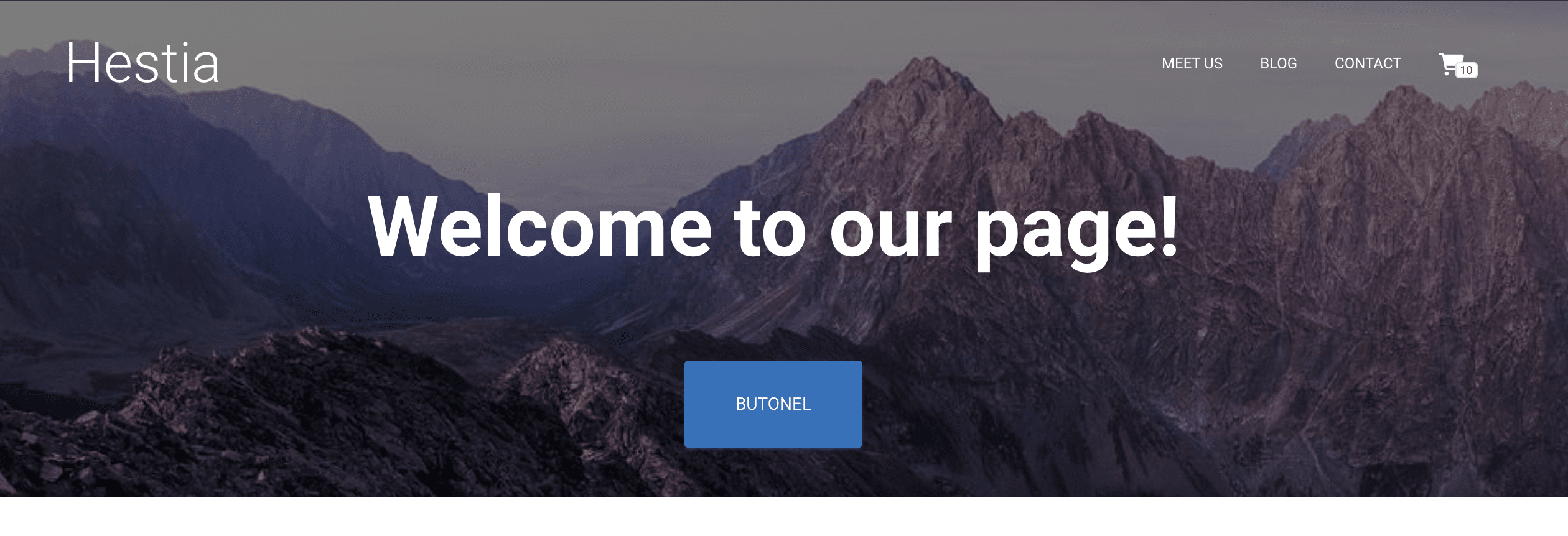
The site title in Hestia appears in the navigation header and can be made larger by adding a CSS rule to the Customizer's Additional CSS section.
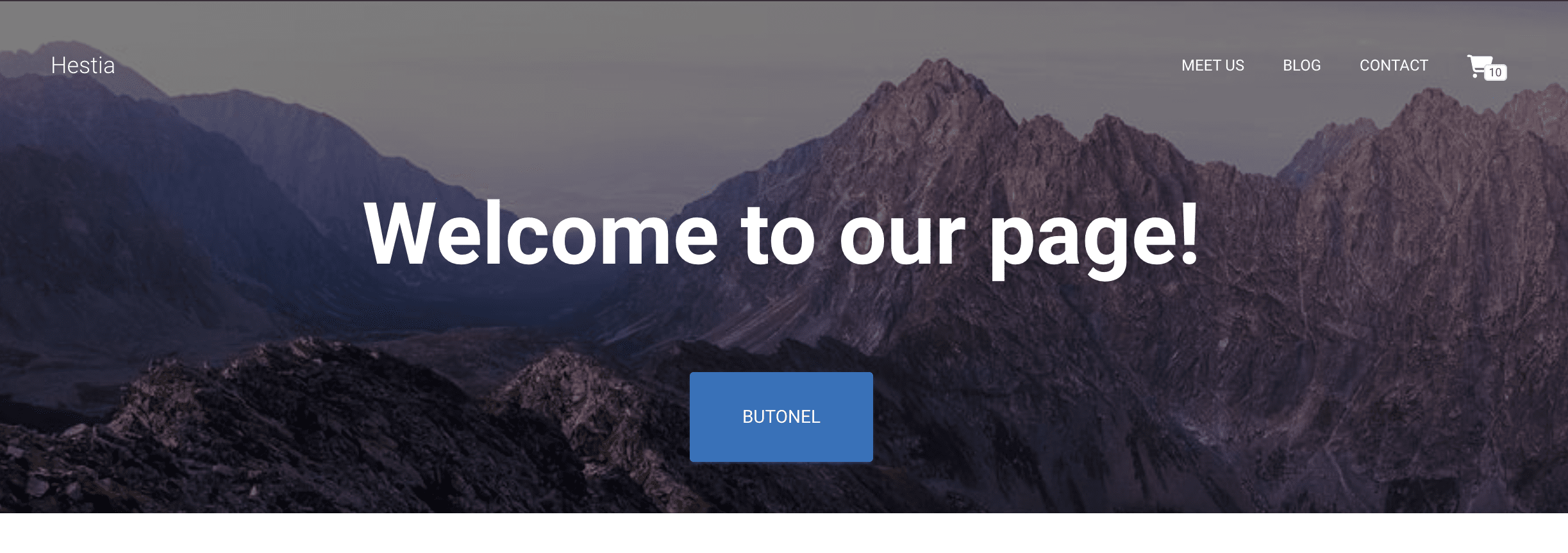
Before
After
To increase the site title font size in Hestia, navigate to Customizer > Additional CSS and paste this code snippet:
.navbar .navbar-brand {
font-size: 45px;
}
📝 Note: Feel free to adjust the font size according to your needs.
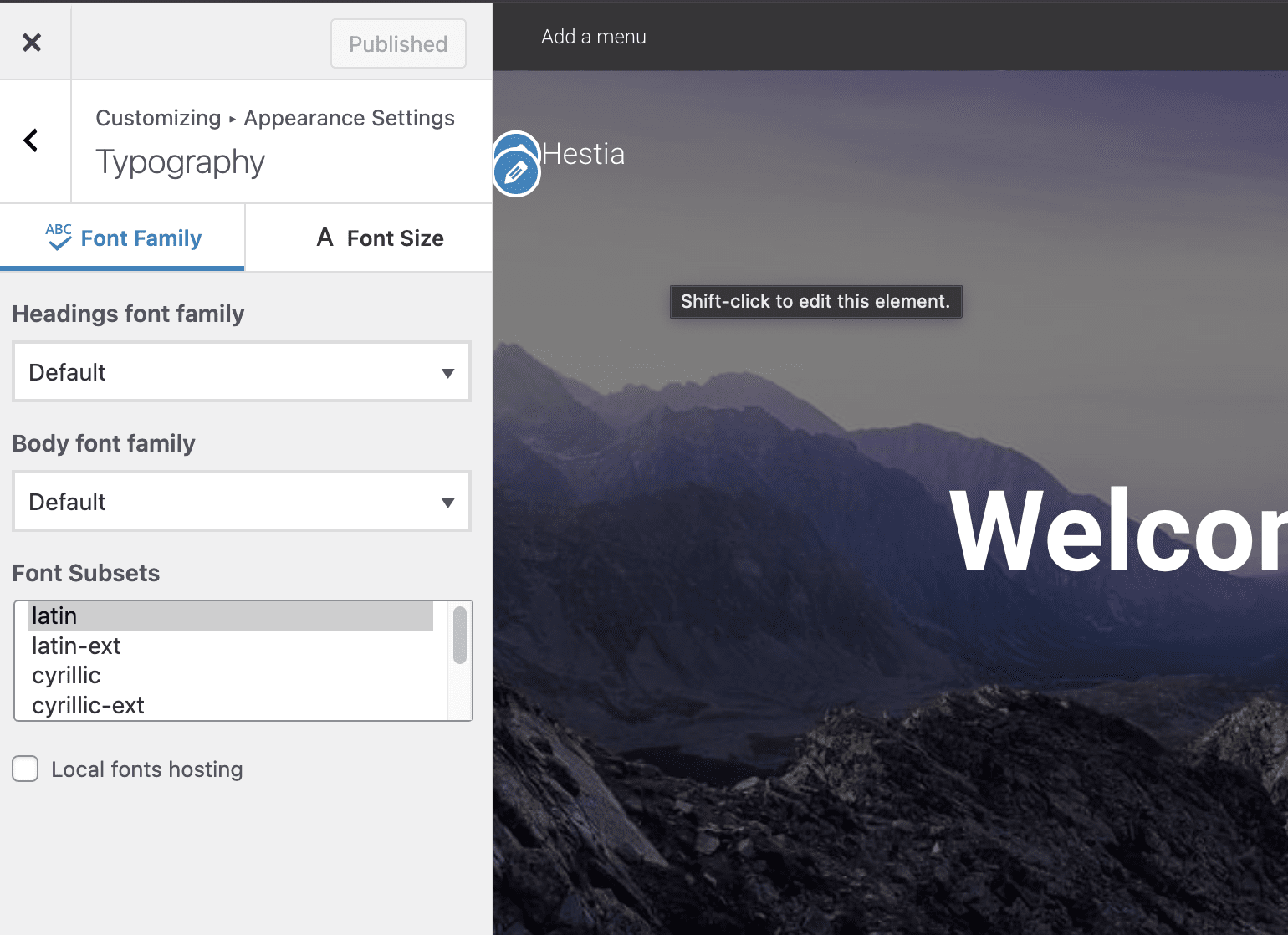
More typography options can be found in Appearance > Customize > Appearance Settings > Typography.