How to remove the header on product category in Hestia
Hestia theme adds a header area on all pages and the theme options don't allow this one to be removed from the WooCommerce Category Page.
This can be achieved by adding the following code in Dashboard -> Appearance -> Customize -> Additional CSS.
.archive.woocommerce-page.tax-product_cat .main.main-raised  {
	margin: 0;
	box-shadow: none;
	background-color: inherit;
	padding-top: 100px;
}
.archive.woocommerce-page.tax-product_cat .page-header  {
	display: none;
}
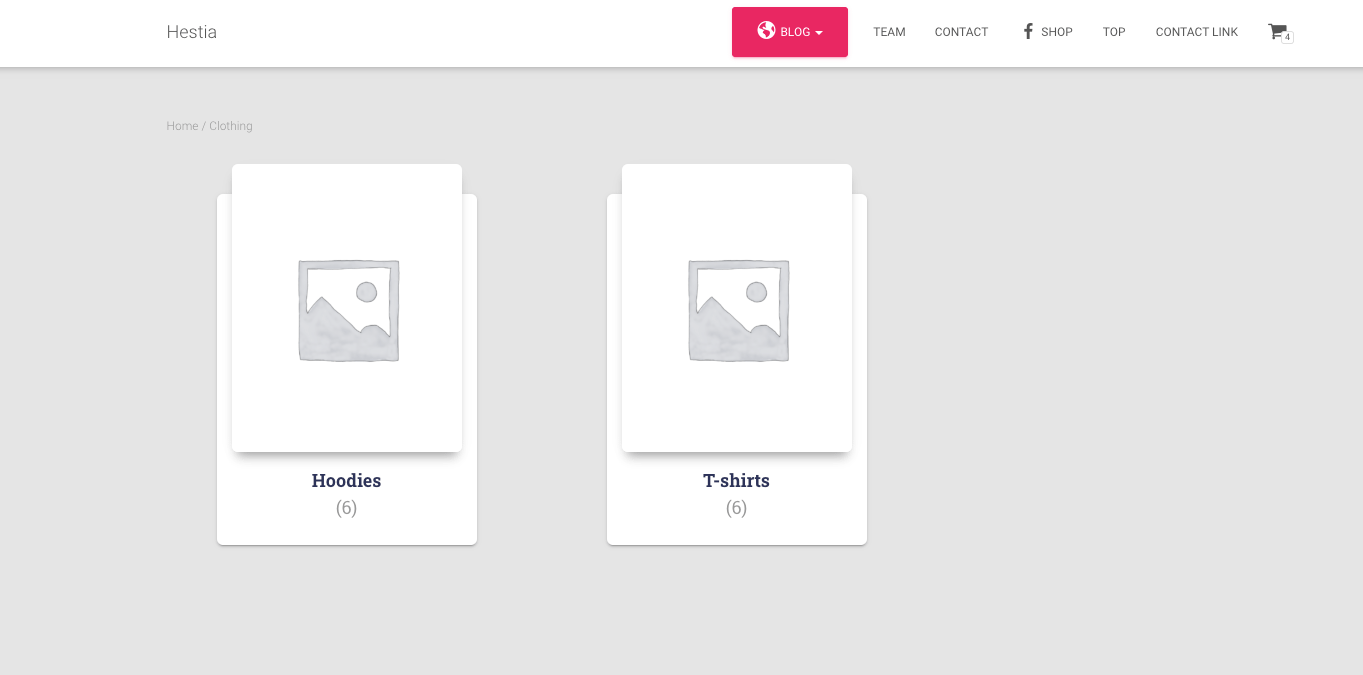
How it looks by default
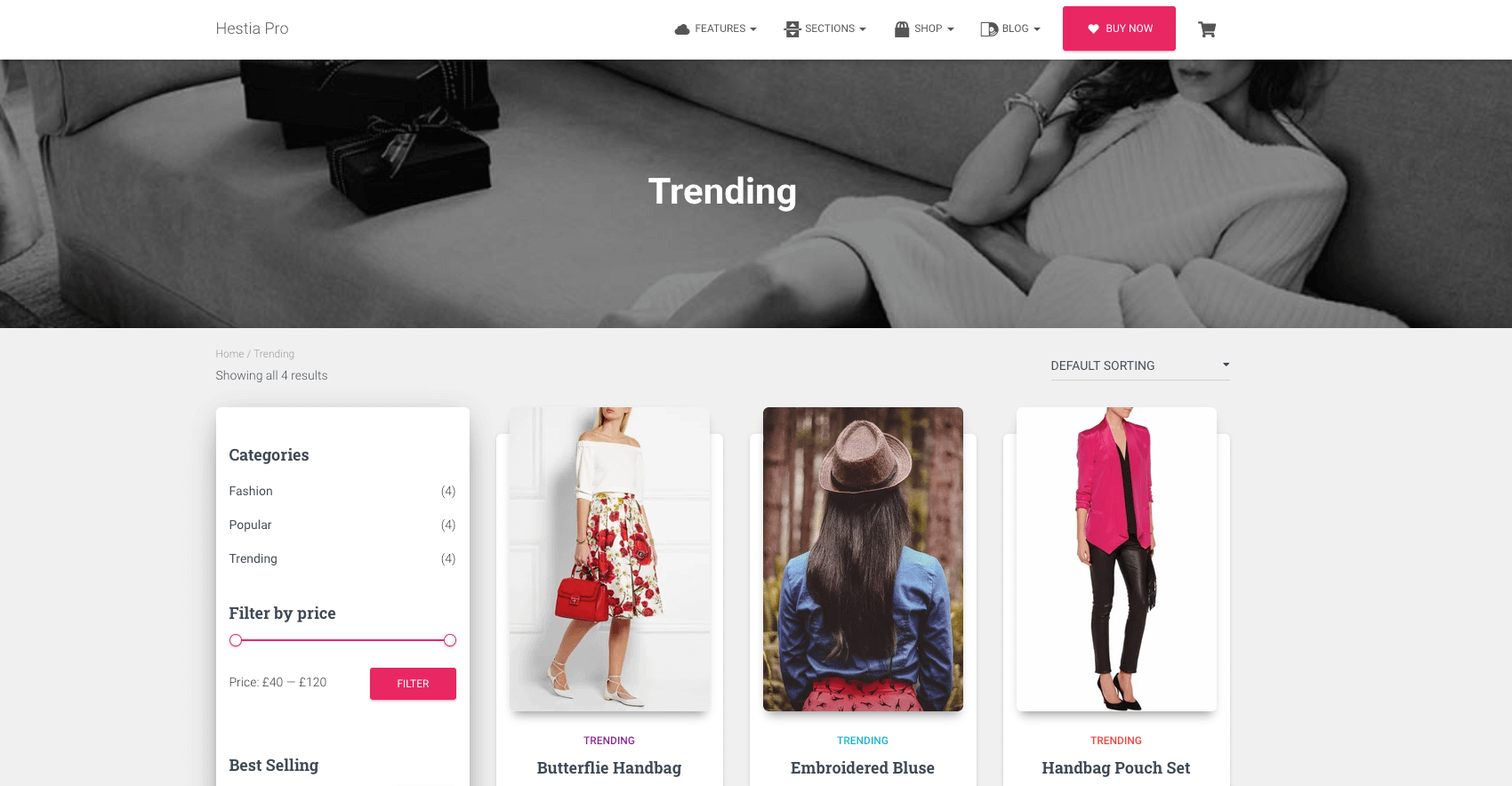
How it should look with this code