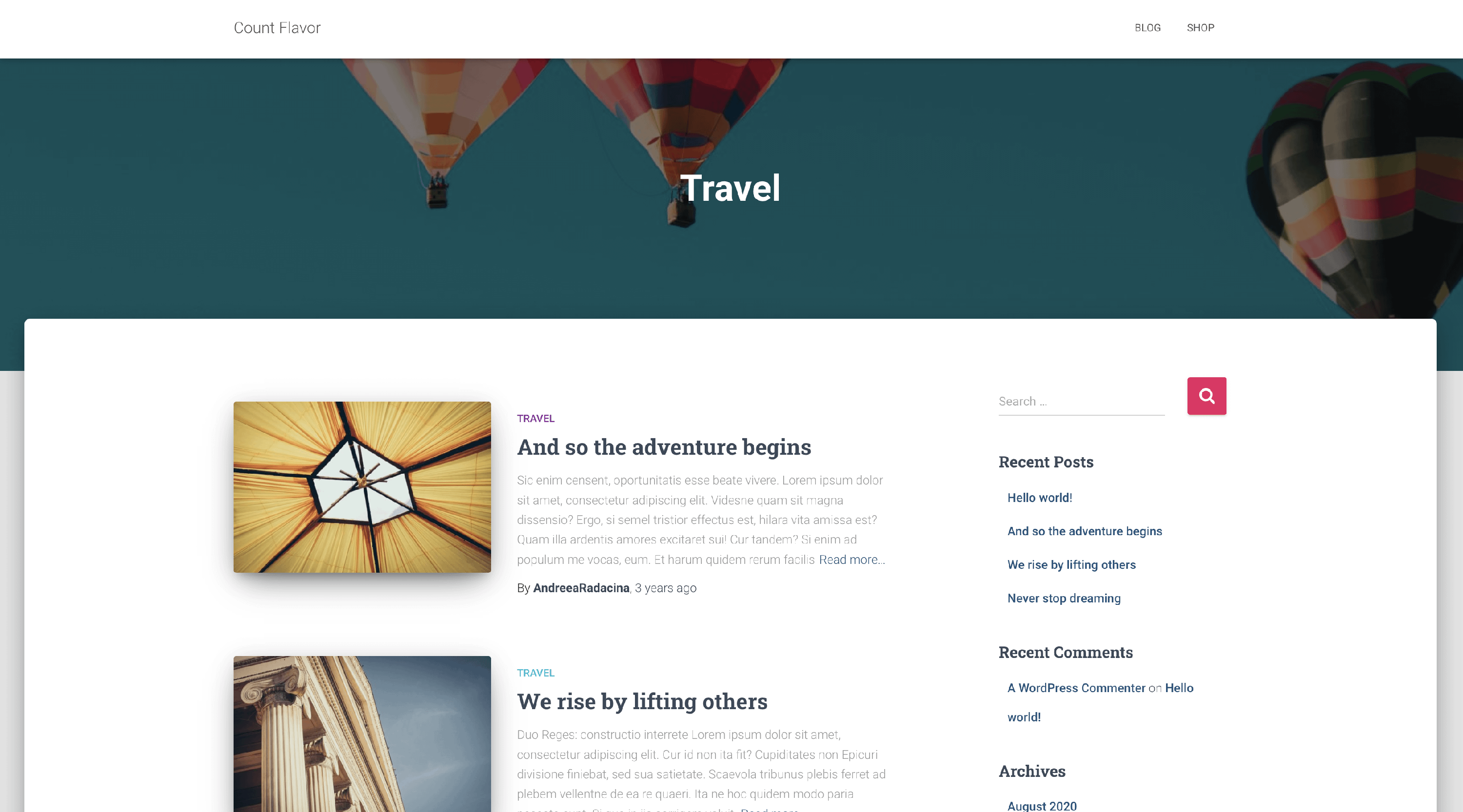
How to use categories featured images as header image in Hestia
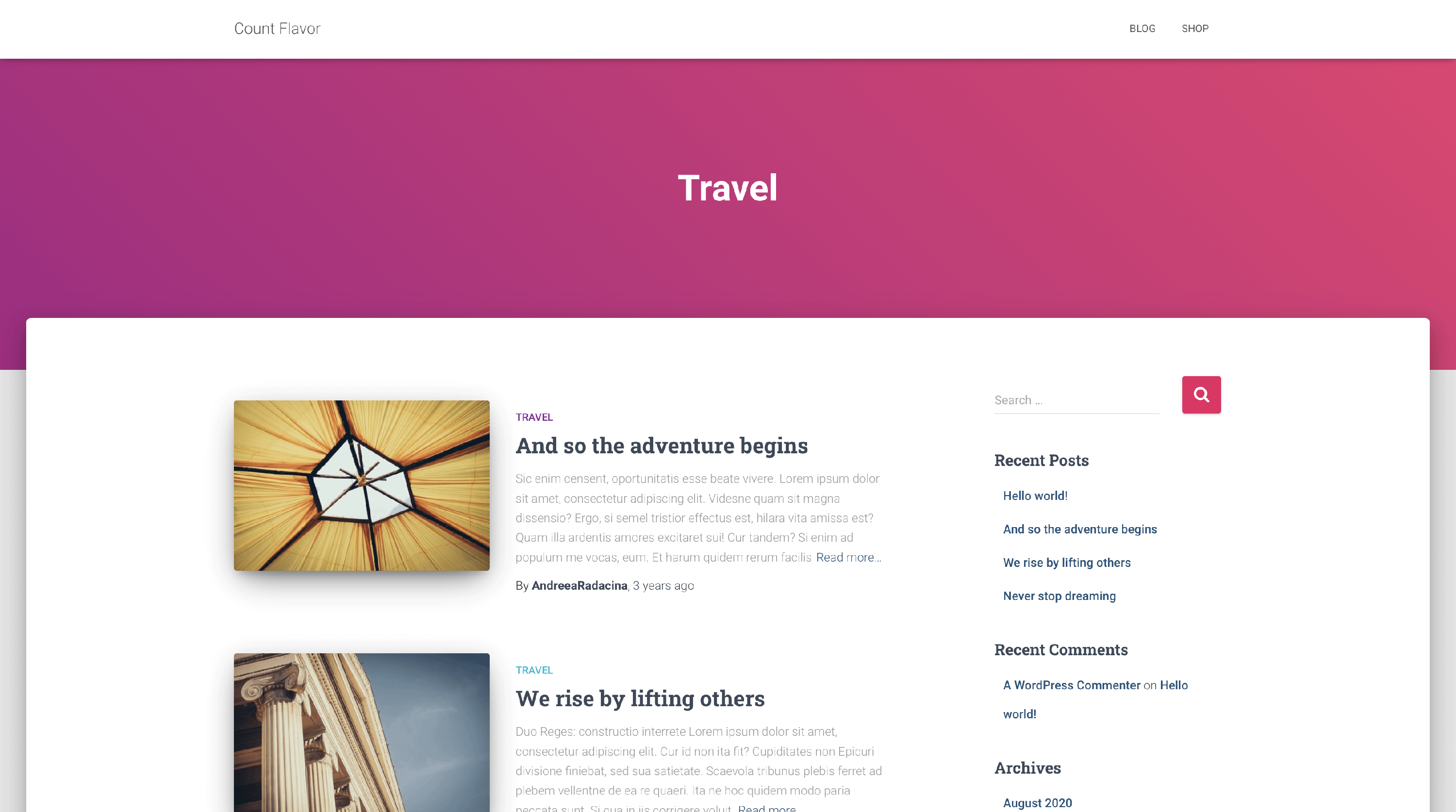
As WordPress doesn't offer by default a featured image option for the categories, for the main header image on the categories pages, Hestia uses the Header image ( Appearance > Customize > Header Options > Posts & Pages - Header ) or, if that image is not set, a gradient color ( Appearance > Customize > Appearance Settings > Colors > Accent Color ).
If you want to change this behavior and have a featured image for each category page, you can follow this tutorial.
Before
1. Install and activate Categories Images plugin.
2. Add featured images for each category following the plugin's documentation.
3. Create a child theme using this document .
4. And last but not least, add this code in your child themes functions.php file :
add_filter( 'hestia_header_wrapper_background_filter','your_child_theme_header_wrapper' );

function your_child_theme_header_wrapper( $args ) {

	if( is_category() ) {

		if ( function_exists('z_taxonomy_image_url') ) {
			$z_taxonomy_image_url = z_taxonomy_image_url();

			if ( ! empty($z_taxonomy_image_url) ) {
				return '<div data-parallax="active" class="header-filter" ></div>';
			}
		}

	}
	return $args;
}
After