
How to remove the product zoom effect in Hestia
The product thumbnail in the Hestia theme is zoomed when the user hovers over the image.
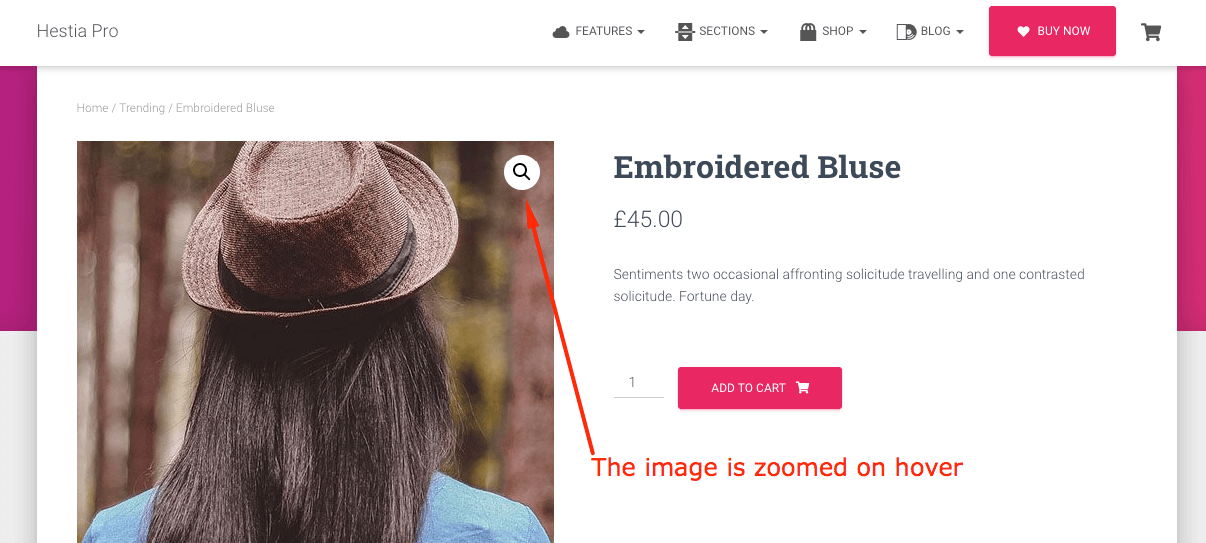
This can be disabled by adding the following code at the end of the functions.php file of the child theme.
Here is a guide on how to create/download a child theme for Hestia (Pro).
function remove_zoom_effect_from_products() {
   remove_theme_support( 'wc-product-gallery-zoom' );
}
add_action( 'after_setup_theme', 'remove_zoom_effect_from_products', 100 );