
Disable Social Share Buttons in Hestia
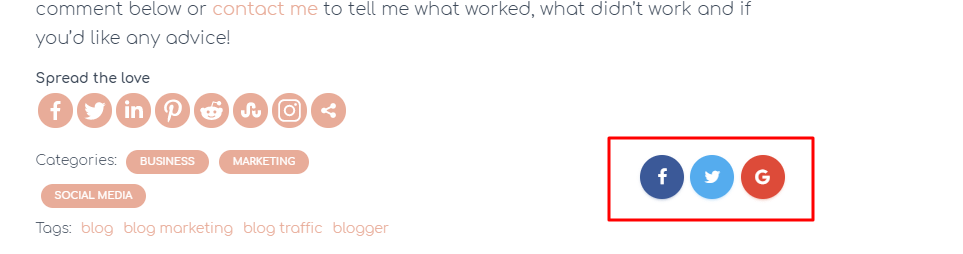
To disable the social sharing buttons which shows up on the blog posts of Hestia you need to go to Appearance > Customize > Blog Settings > Posts & Pages and uncheck the Enable Sharing Icons checkbox:
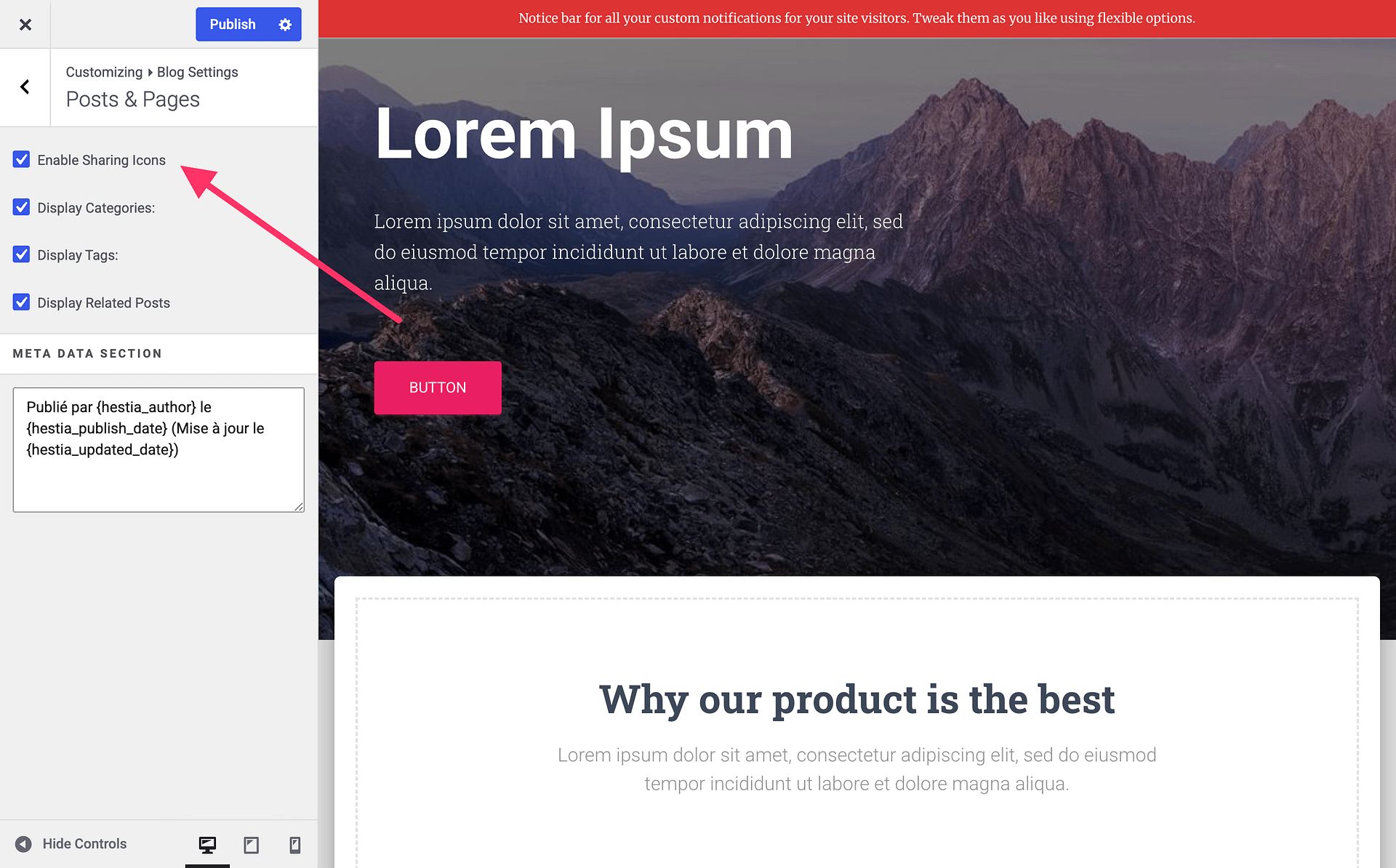
That's it! Publish your changes and you're done.