
Increase feature section image/icon width in Hestia
Go to WP-admin > Appearance > Customize > Additional CSS and add the following code there:
.hestia-features .feature-box img, .features .feature-box img { max-width: 100%; }You can change the width as per your requirements.
| Without CSS | With CSS |
|---|---|
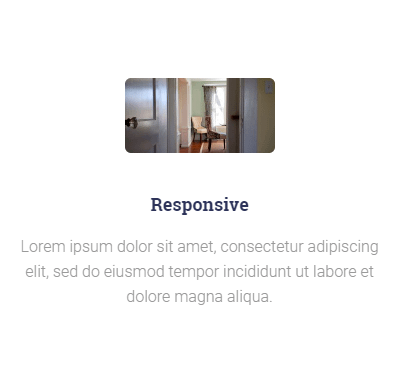 | 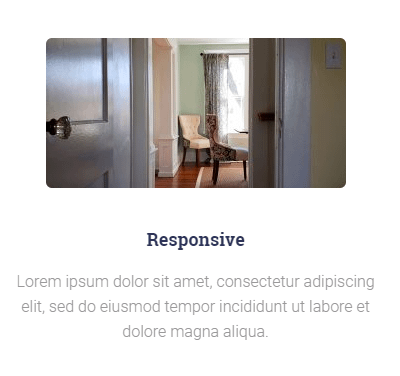 |