How to decrease Hestia Post header height
You can reduce the padding above and below the post or page header in Hestia by adding a small CSS snippet to the Customizer's Additional CSS panel.
Before
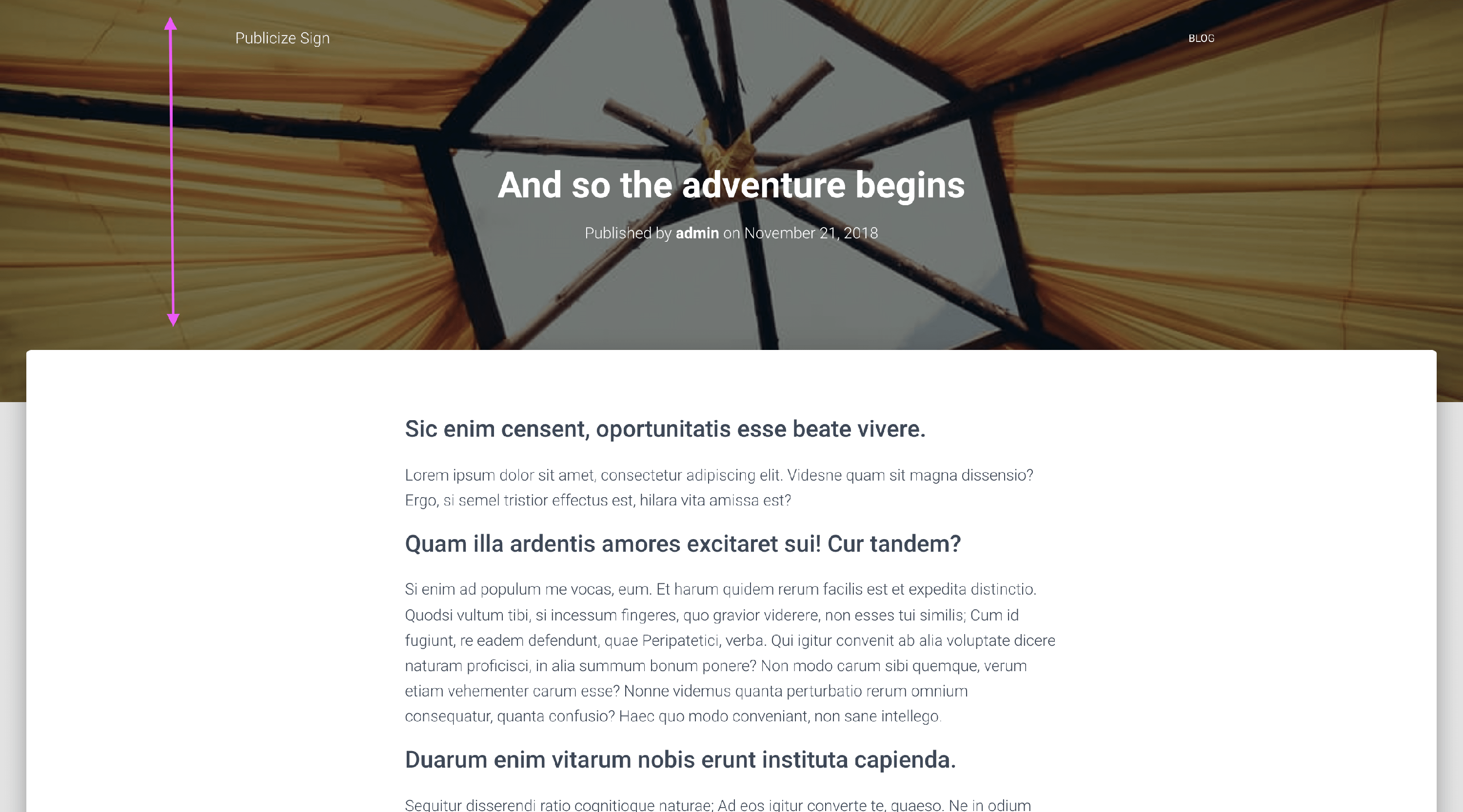
After
If you'd like to decrease the area below and above the header then please go to Appearance > Customize > Additional CSS and add the following code:
.page-header.header-small .container{
    padding-top:  130px !important;
    padding-bottom: 67px !important;
}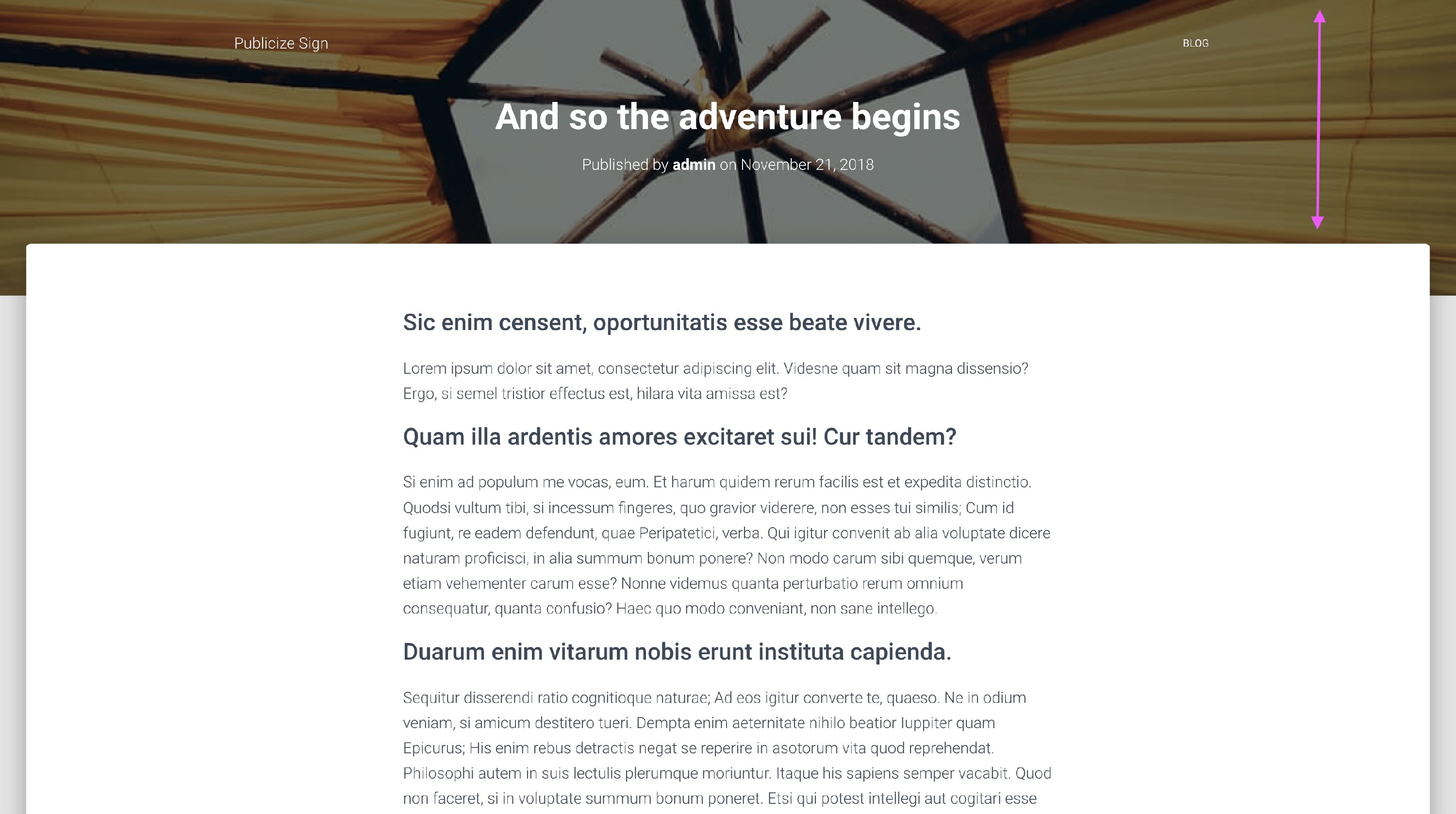
📝 Note: Adjust the top and bottom padding as you wish by changing the number value. The least the bottom padding can go down to is 67px.
Save your changes and that's it!
Looking to decrease the height of the Slider section?
Before

After
This can be achieved by adding the following code to the Additional CSS editor within the Customizer, and adjust the value of 600px as you need.
/* Themeisle Support - decrease big title section's height */
.carousel .page-header {
	min-height: 600px !important;
}