
How to add a logo image in the middle of the slider
If you want to add a logo image in the middle of the slider of Hestia Pro theme then you can achieve this by adding the following code to the title field of the slider.
<img src="path of your image" alt="logo">
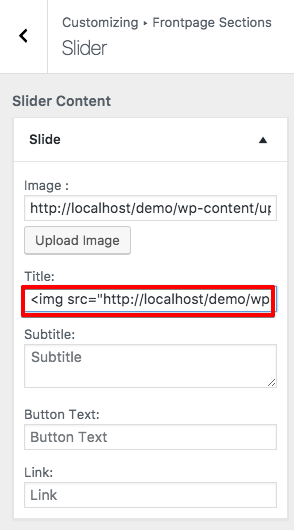
If you are using the free version of the Hestia theme, follow the same steps and add the code to the slider's title field.