
How to remove Related Products from Hestia
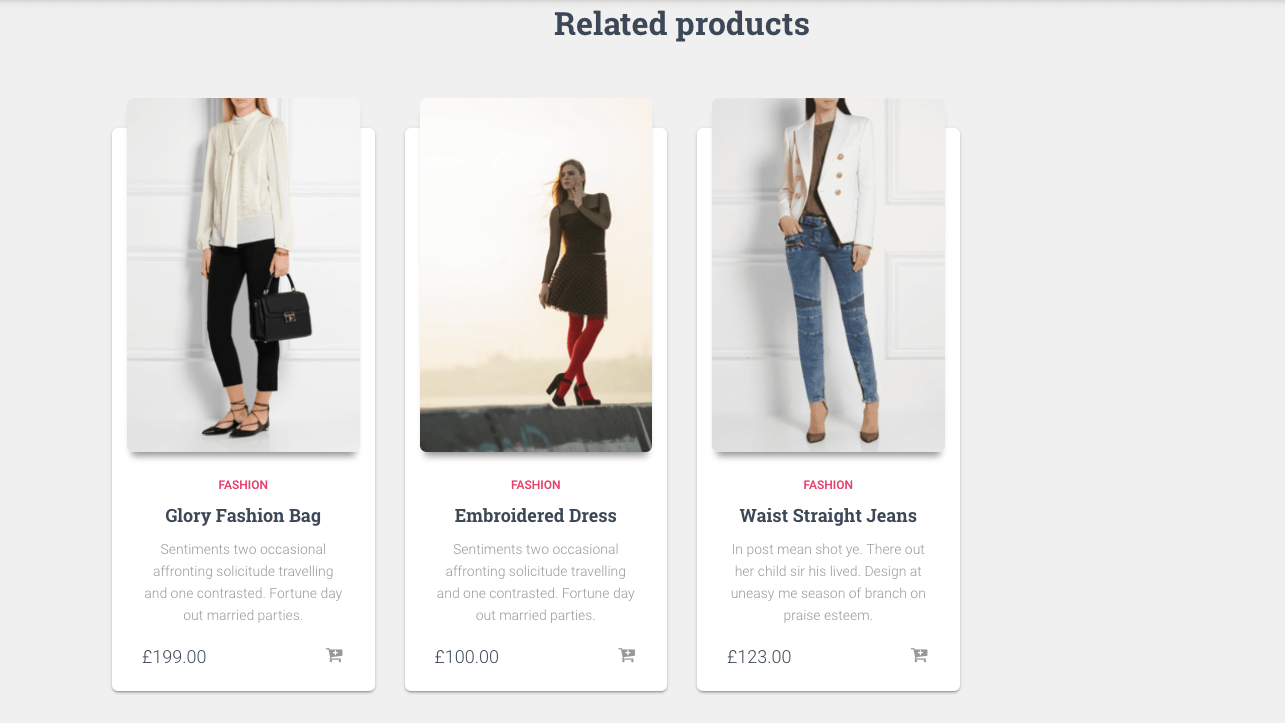
If you want to remove the related products in the Hestia theme, then add the following code to the functions.php file of your child theme.
For downloading a ready-made child theme for Hestia we recommend following our guide, How to create a child theme for Hestia.
💡 Tip: Hestia Pro includes a built-in Hide related products toggle in Appearance > Customize > WooCommerce > Single Product. If you use Hestia Pro, you can enable that option instead of adding code.
function remove_related_products() {
	add_filter('woocommerce_product_related_posts_query', '__return_empty_array', 20);
}
add_action( 'after_setup_theme', 'remove_related_products' );
Save the changes and that's it.