
How to change testimonials text alignment in Hestia
Hestia's Testimonials section displays testimonial text centered by default, but you can change the alignment to left, right, or justify using a CSS snippet.
📍 Appearance > Customize > Frontpage Sections > Testimonials
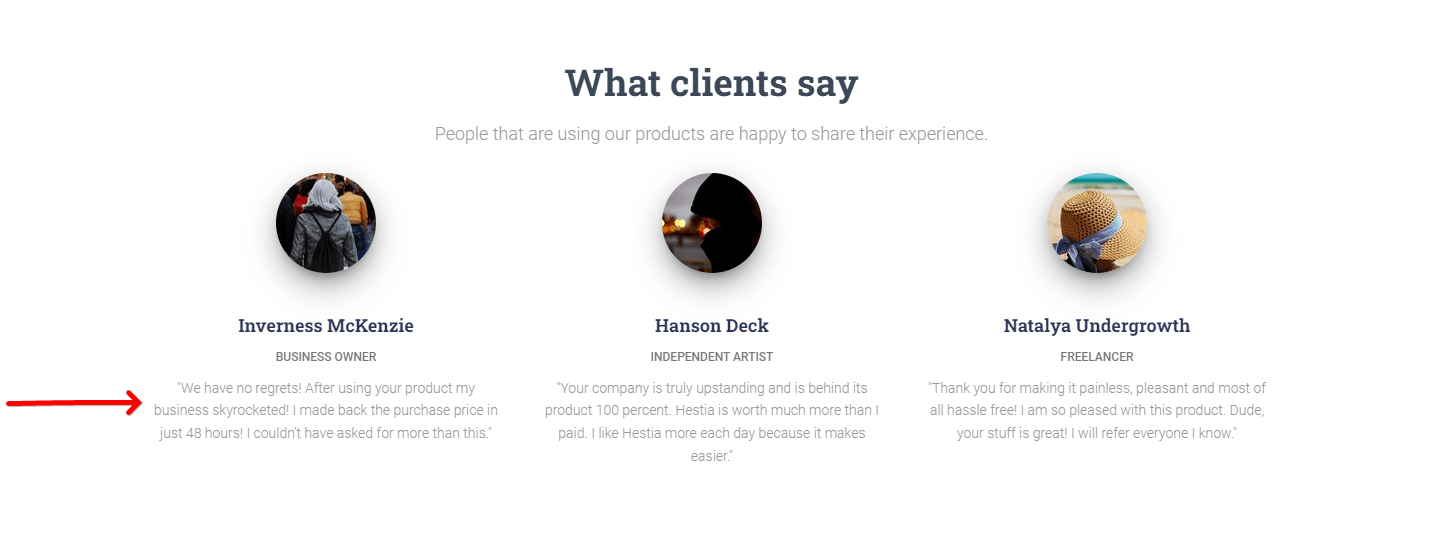
Before changing the alignment
By default, the text-align property is set to center, but it can be adjusted to be left, right, or justify.
.card-testimonial {
	text-align: center;
}
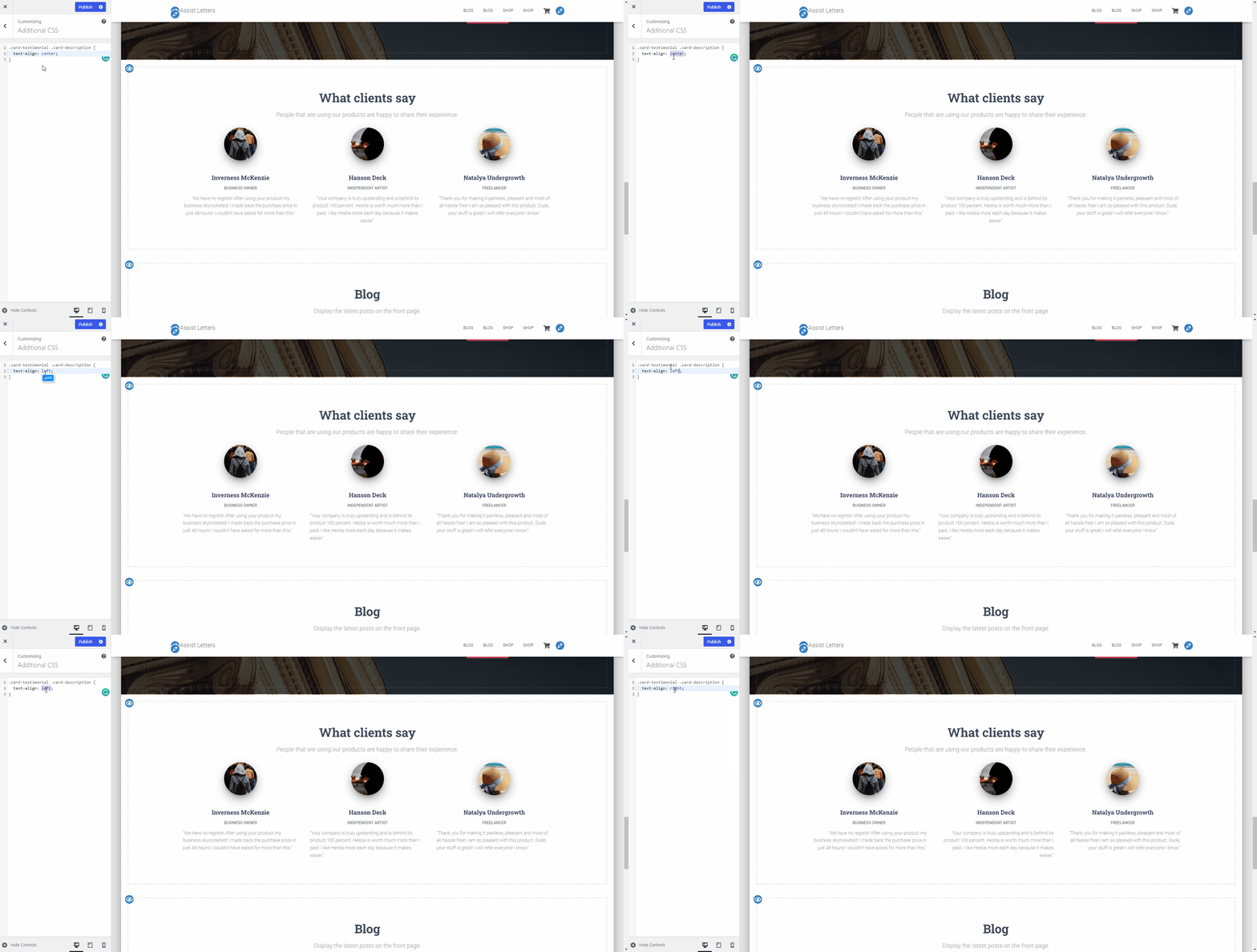
After changing the alignment
To change the testimonials text alignment in Hestia, please navigate to Appearance > Customize > Additional CSS section and add the following code:
.card-testimonial .card-description {
	text-align: left;
}📝Note: The word "left" can be replaced with any direction desired, like right or justify.
That's it! Save your changes and you're done.