
How to add shop sidebar in Hestia
Hestia supports sidebar layouts for WooCommerce shop pages, which you can enable from the Customizer and populate with widgets.
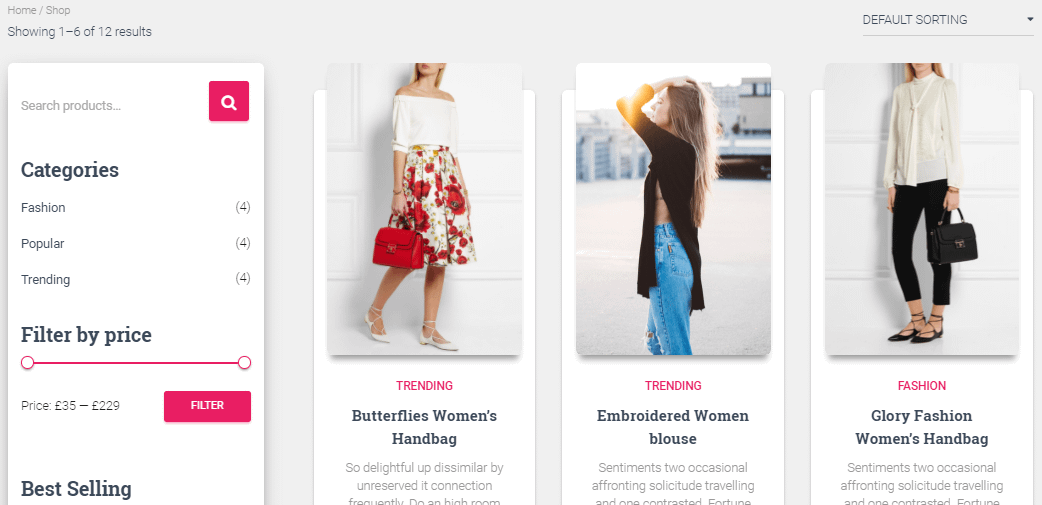
To add the sidebar to your Hestia Shop firstly go to Appearance->Customize->Appearance Settings a select the Shop Sidebar Layout you'd like.
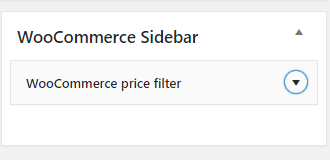
Sidebar not appearing? Be sure to go to WordPress Dashboard->Appearance->Widgets and add your desired widgets to the WooCommerce Sidebar area:
That's it! Interested in Hestia Pro? Click here to see Hestia vs Hestia Pro