
How to change the number of Features/Testimonials/Blog items on a line in Hestia
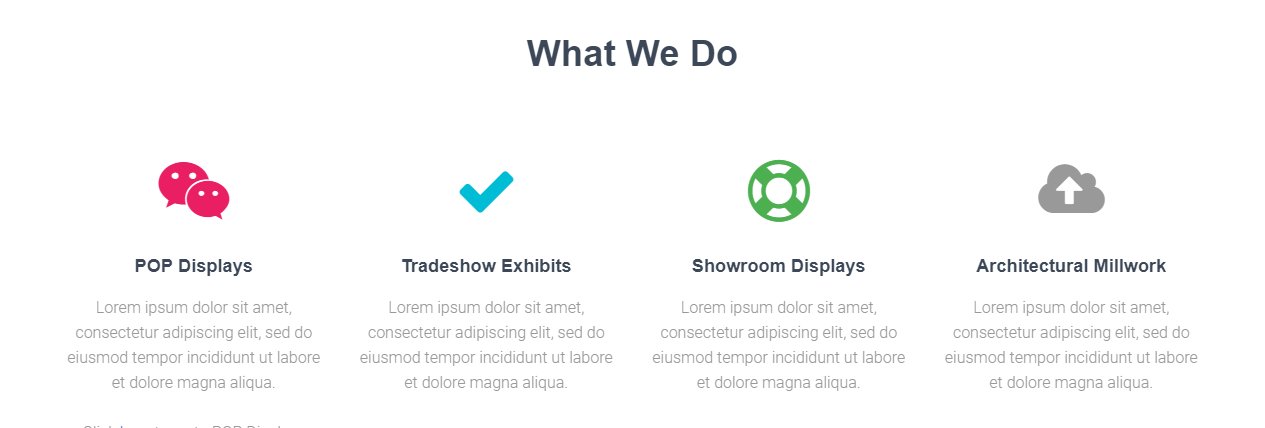
If you are not happy with the number of Features, Testimonials or Blog posts boxes that appears by default, on a row in Hestia, you are about to find an easy way to change it. Just follow the next steps:
1. First, you need to make sure you are using a child theme. For this, you can follow this doc .
2. In your child theme's functions.php file, filter the number of elements per row like in the following example:
For example, to have 4 features on the row you would add this:
add_filter( 'hestia_features_per_row_class', 'my_child_theme_custom_features_per_row_class' );
function my_child_theme_custom_features_per_row_class() {
  return 'col-md-3'; /* Change this corresponding to the number of features per row */
}
The relationship between the number of items per row ( in this example 4 ) and the class ( in this example col-md-3 ) is the following ( corresponding to Bootstrap's strucure ):
1 <> col-md-12

2 <> col-md-6

3 <> col-md-4

4 <> col-md-3

6 <> col-md-2

12 <> col-md-1
To change the number of items for the Testimonials or Blog sections you would just need to use their corresponding filters, that you can find below:
Filters used for the Features section:
hestia_features_per_row_classFilters used for the Testimonials section:
hestia_testimonials_per_row_classFilters used for the Blog section:
hestia_blog_per_row_class
hestia_blog_per_row_noNote: Like Hestia? You might want to upgrade to the Pro after checking out the difference between Hestia Free & Hestia Pro! Click here.