
Change Hestia site title and hamburger menu color on mobile
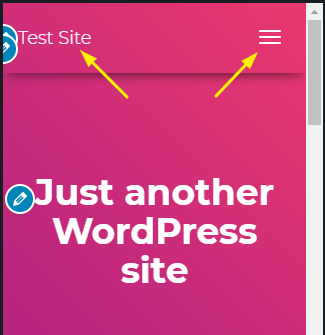
If you'd like to change the Site title and hamburger menu colors then you can add the following CSS to your WordPress website to do just that. Go to Appearance->Customize->Additional CSS and add the code below:
@media screen and (max-width: 768px){

/* hamburger menu color */
.navbar button.navbar-toggle{ color: #fff !important; }

/* site title */
.navbar .navbar-brand p{ color: #fff !important; }

}
You can change the HEX color code to any color of your choice, you can easily generate a custom color on the following website: https://www.hexcolortool.com/