
How to center one team member in Hestia
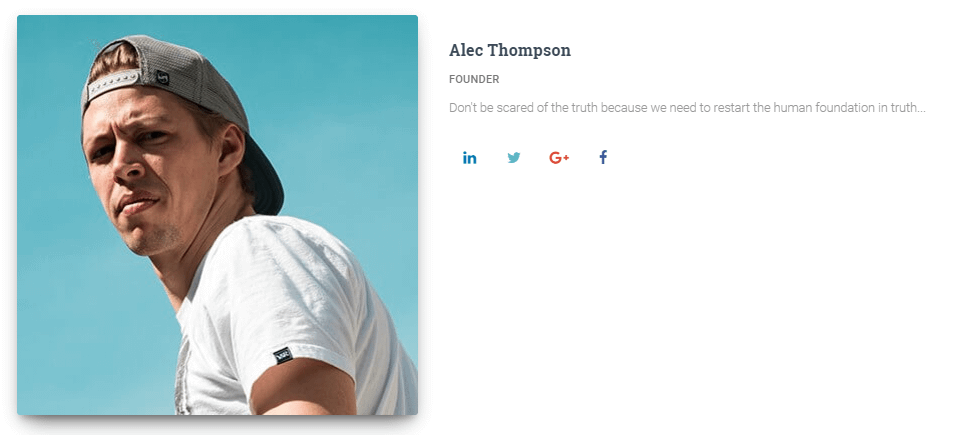 In this quick tutorial, you'll see how to make team members each appear on their own line and centered. Start by navigating to Appearance -> Customize -> Additional CSS and add the following code:
@media screen and (min-width: 768px){
#team .col-xs-6.col-ms-6.col-sm-6 {
    width: 100% !important;
    min-height: 400px !important;
}
}
Adjust the min-height value as you wish so that there's some spacing between your team member images. Save your changes and that's it!