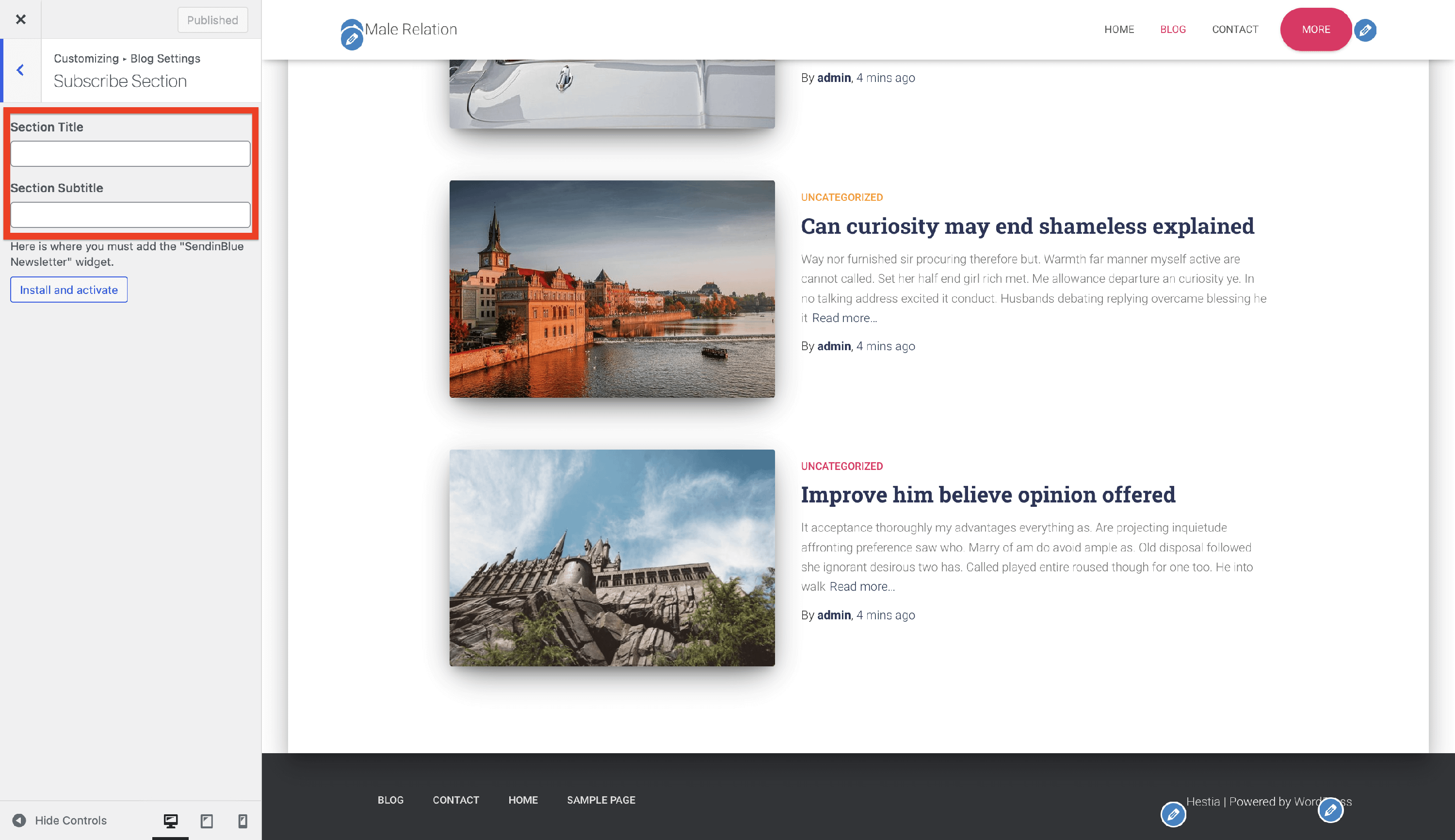
How to hide the subscribe section on Hestia blog
📝Note: This is part of Hestia Pro, which you can get from here.
On the blog page of Hestia Pro, a subscribe section can be displayed after the posts above the footer.
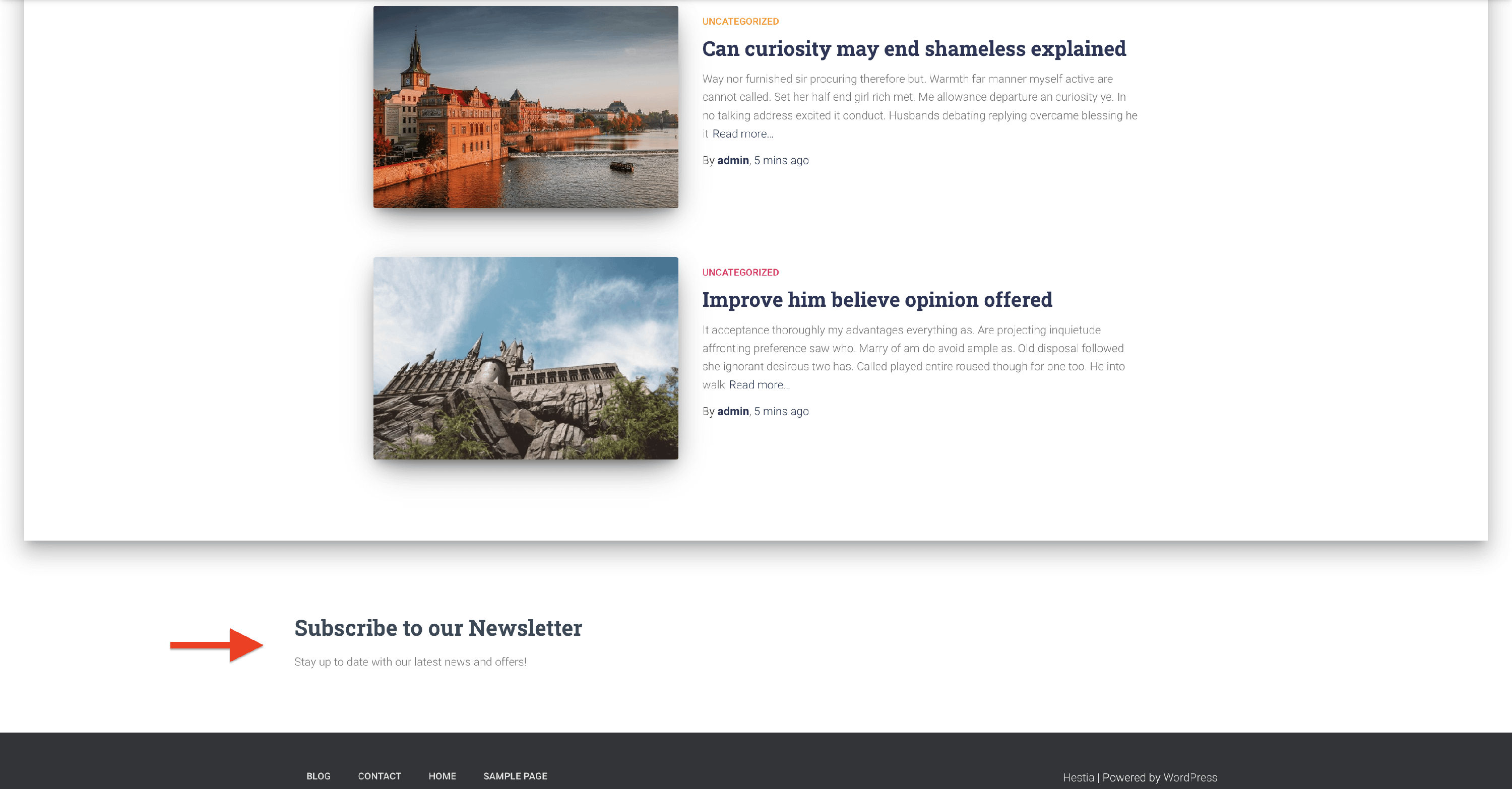
If you want to disable it, follow these steps:
1. Navigate to Appearance > Customize > Blog Settings > Blog.
2. Scroll to the Subscribe Section heading within the Blog options.
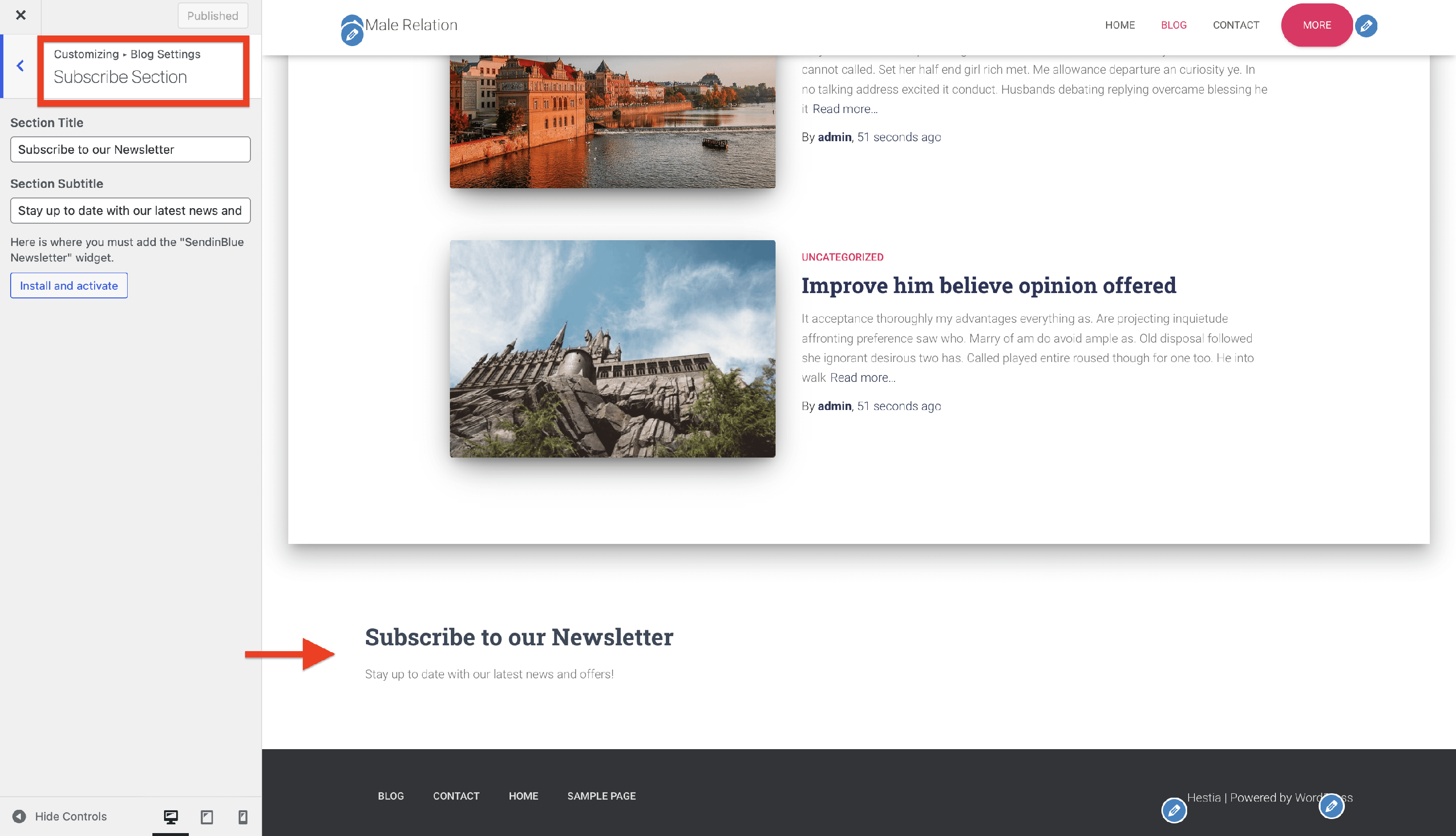
3. Enable the Disable section checkbox.
4. Publish the changes and refresh the page.