
How to make Hestia blog images full width
By default, blog post images in Hestia are displayed in a column layout beside the excerpt. You can make them span the full content width by adding a short CSS snippet to the Customizer's Additional CSS section.
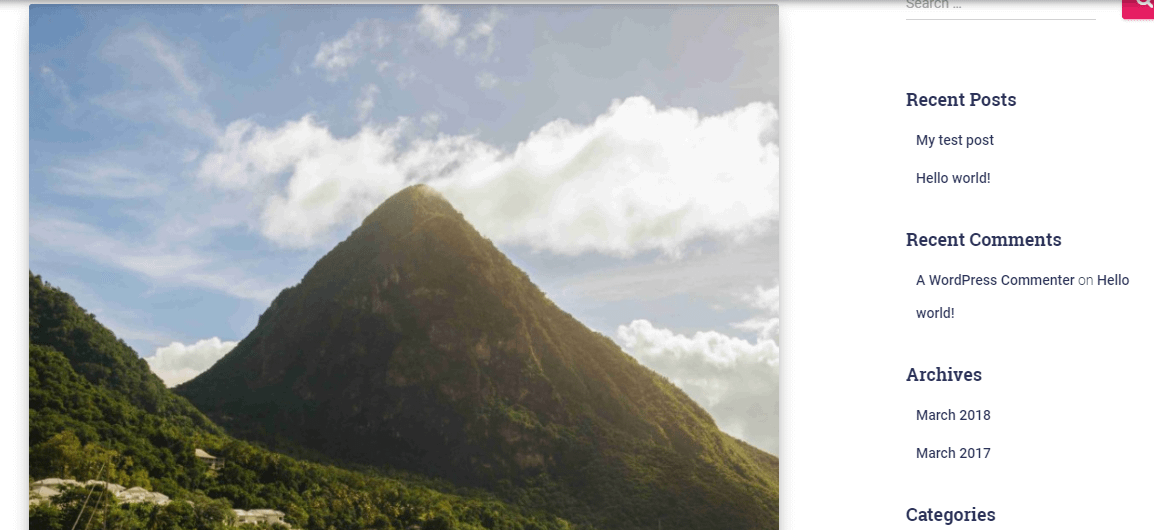 To achieve this go to Appearance->Customize->Additional CSS and add the following code:
.blog-posts-wrap .col-sm-5, .blog-posts-wrap .col-sm-7{
width: 100% !important;
}
After entering this code your images might look distorted. Follow this guide on how to change your image sizes: Hestia Recommended Image Sizes it's recommended that you upload all your blog post featured images in the same sizes so that they all get adjusted the same.
If you can't have all blog post featured images in the same height and width(example all featured blog images being 800px width by 350px height) when uploading, then when following the guide in the link above set the crop value to true
Note: If you're using the alternate blog layout, the one highlighted in the image below:
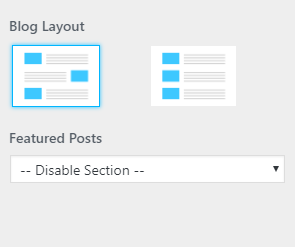
Your post except and blog metadata will appear above every even-numbered post.