How to display Team description on mobile in Hestia
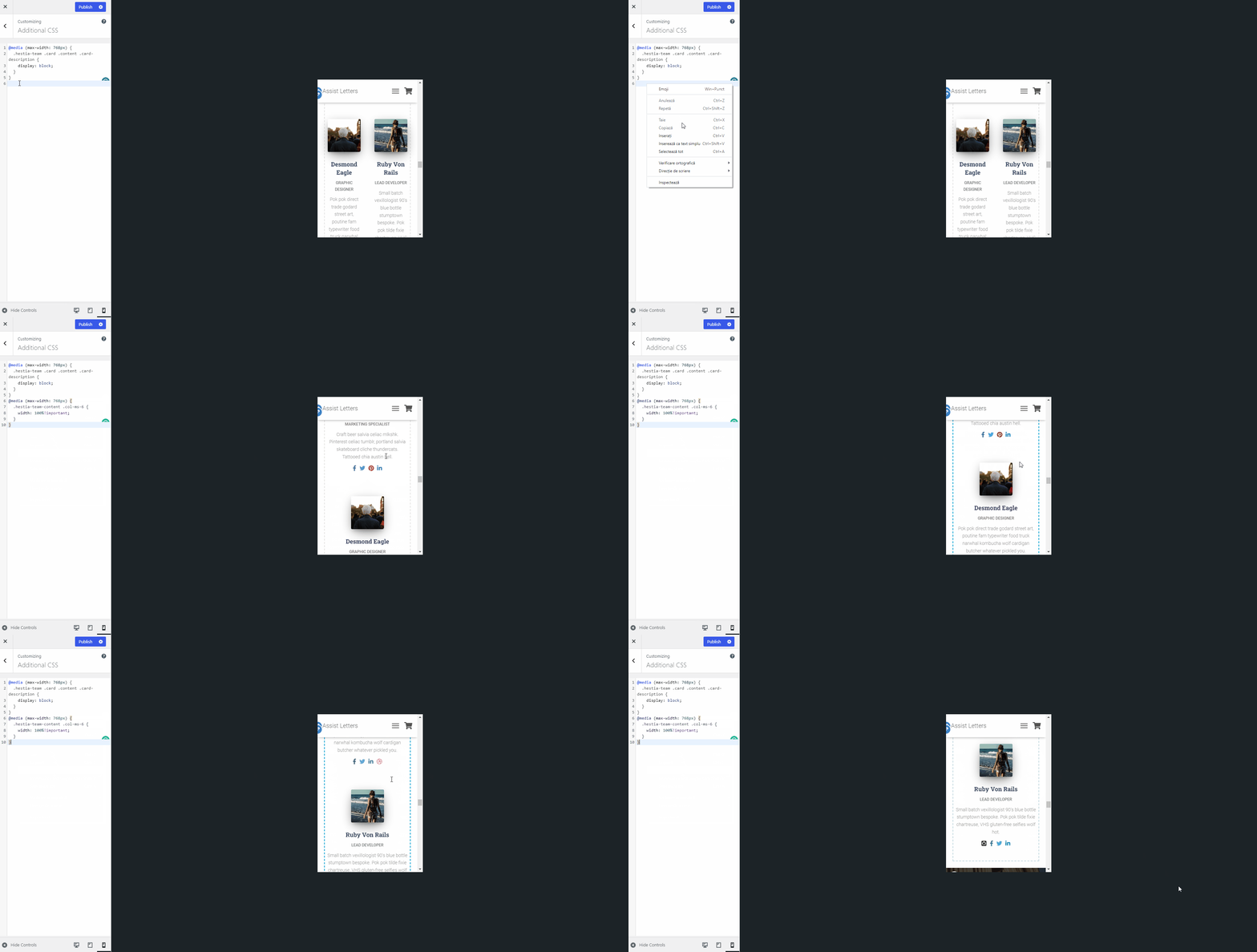
Hestia hides team member description text on mobile by default; you can make it visible on smaller screens with a CSS snippet added to the Customizer's Additional CSS section.
📍 Appearance > Customize > Frontpage Sections > Team
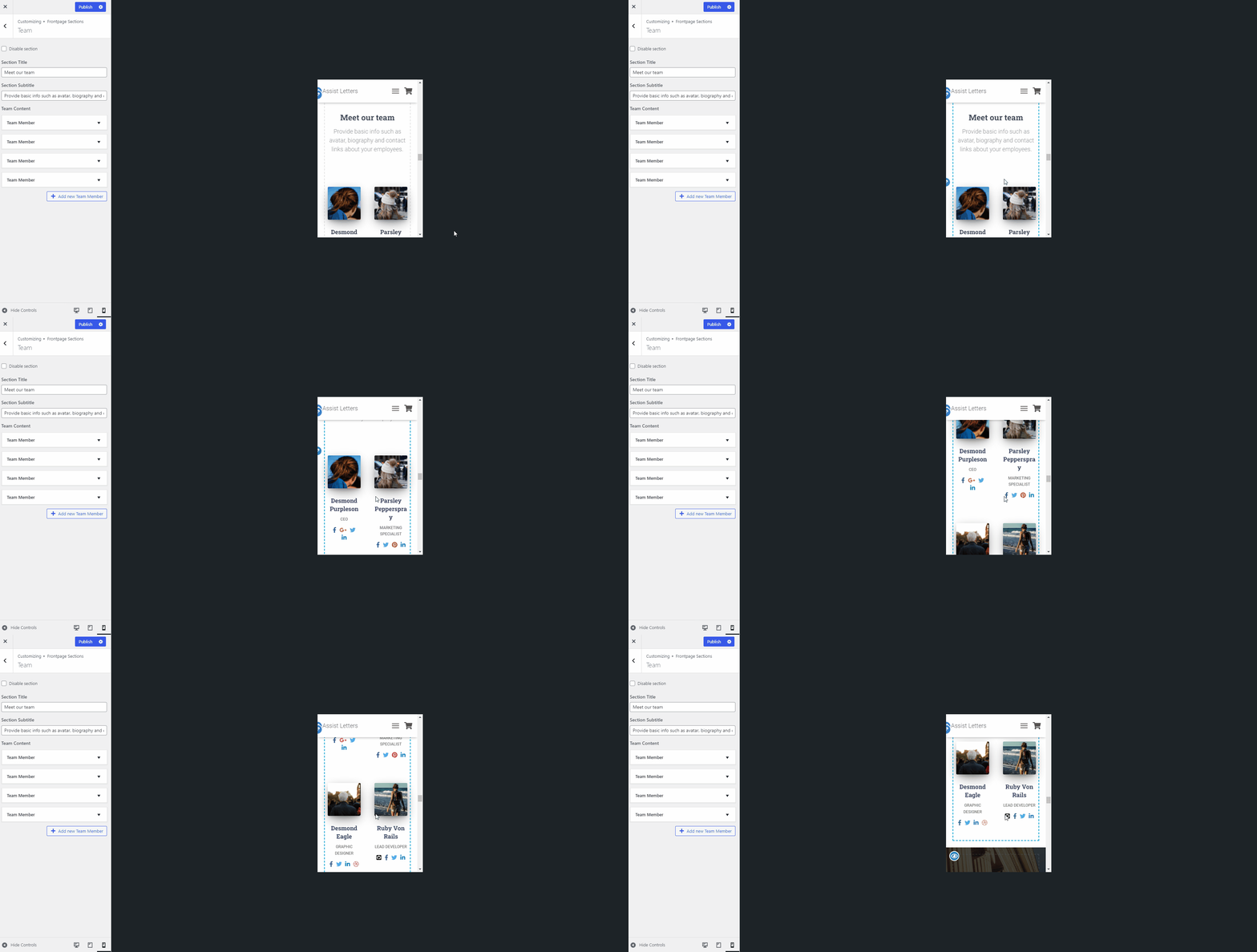
Before displaying team description
By default, Hestia removes the description of Team members from small screens, to match the design.
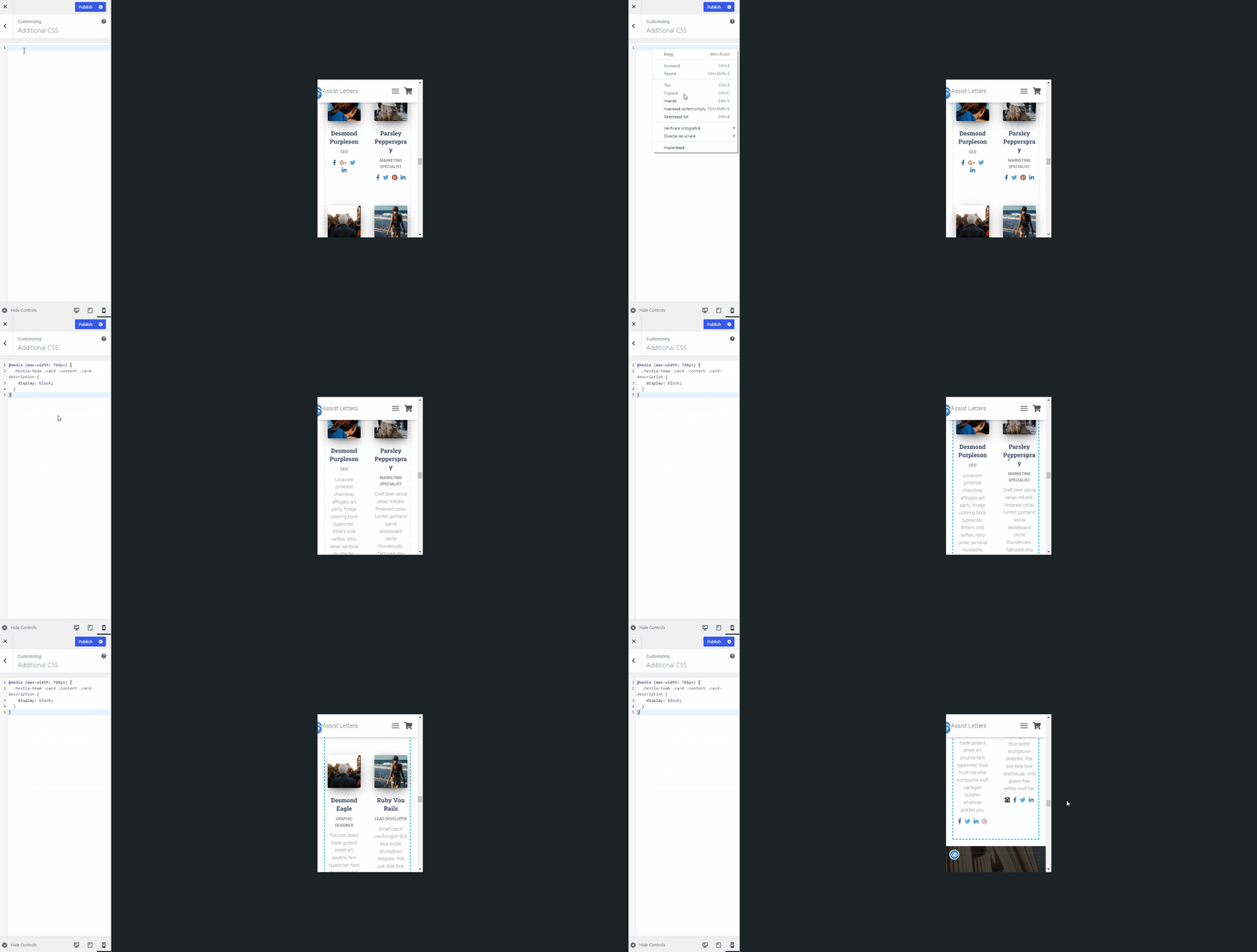
After displaying team description
To display the team description on your website, please navigate to Appearance > Customize > Additional CSS section and add the following code:
@media (max-width: 768px) {
  .hestia-team .card .content .card-description {
    display: block;
  }
}
Useful
Use the following code if you want to show the team member widget in one column on mobile devices:
@media (max-width: 768px) {
	.hestia-team-content .col-ms-6 {
		width: 100%!important;
  }
}