
How to fix FontAwesome icons in Hestia
If you are using the Hestia (Pro) theme and some of the icons look like in the following screenshot, you can try to fix it by installing this plugin.
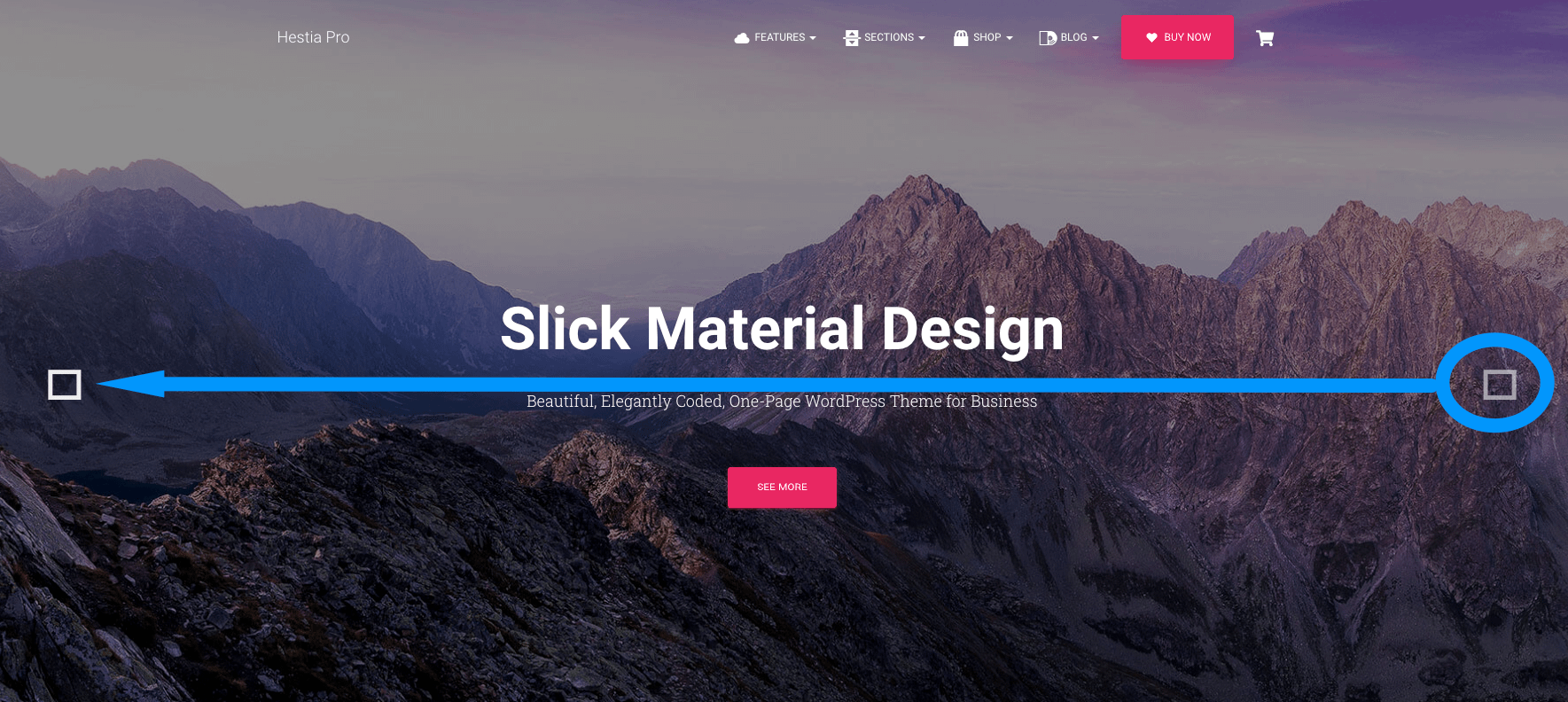
In case this doesn't help, feel free to contact us on this page.