
How to install WordPress Themes
📝 Note: If you have just purchased a Themeisle theme, please refer to this guide in order to get started with it.
There are 2 scenarios that you may follow in order to install a WordPress Theme:
In this article
Directly from WordPress
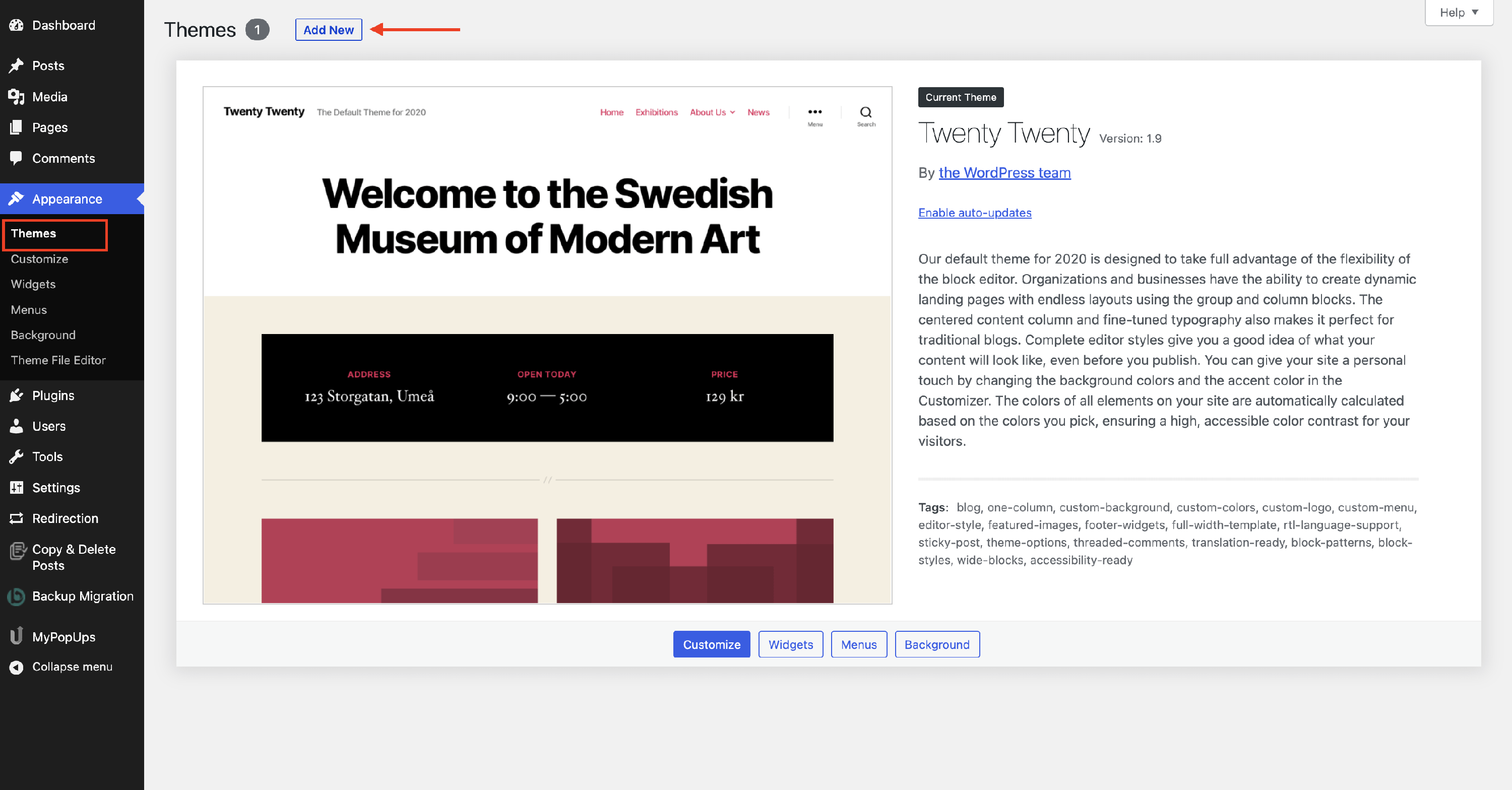
1. Navigate to Appearance > Themes.
2. Click on the Add New button.
3. Type the name of the desired theme in the Search bar.
4. Once the theme appears, click on the Install button.

5. Activate the theme by clicking on the Activate button.
Upload its file
1. Once you are in the Dashboard, go to Appearance > Themes.
2. To install your new WordPress theme click on the Add New tab.
3. Click the Upload Theme button in the WordPress Dashboard.
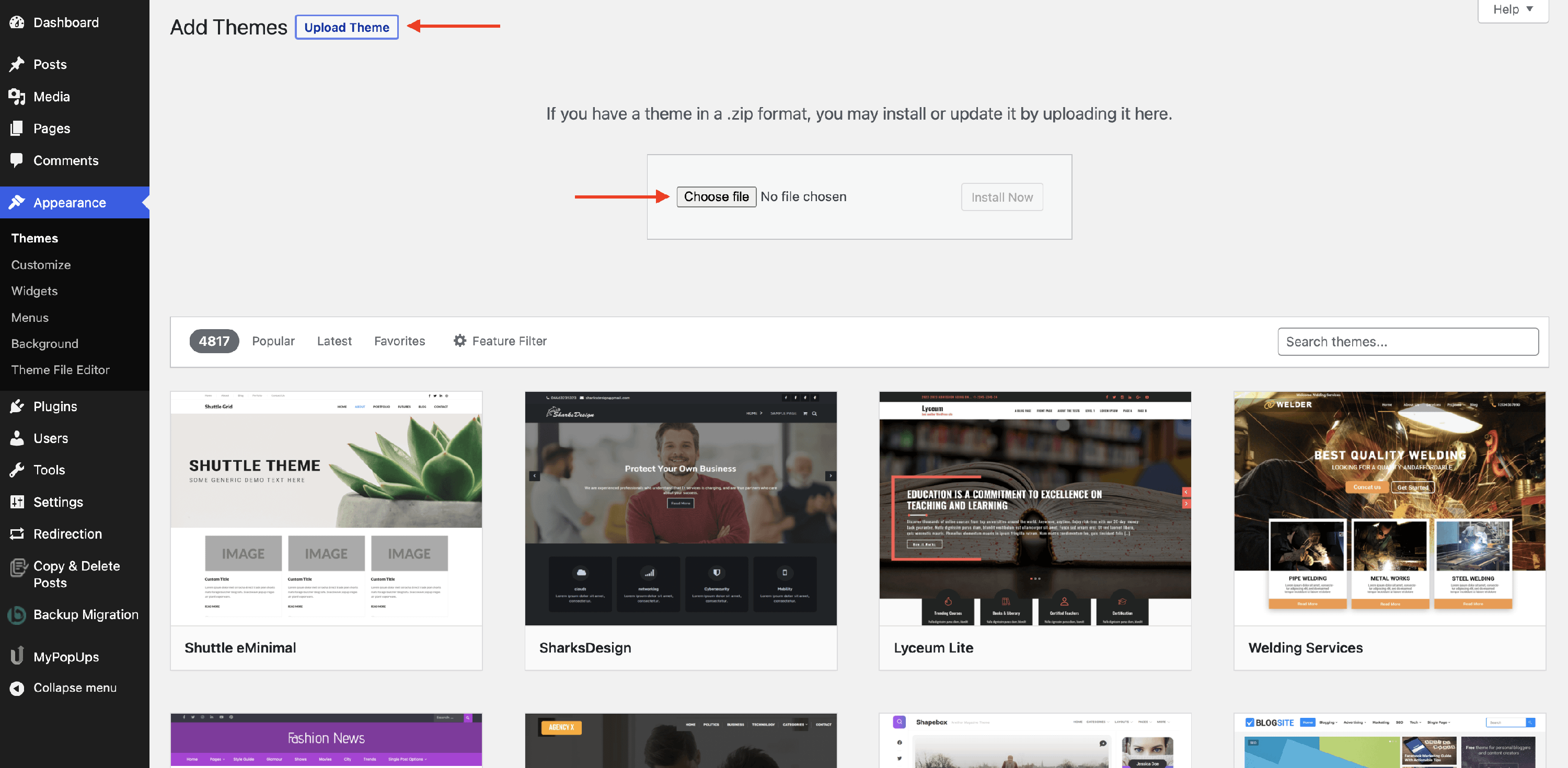
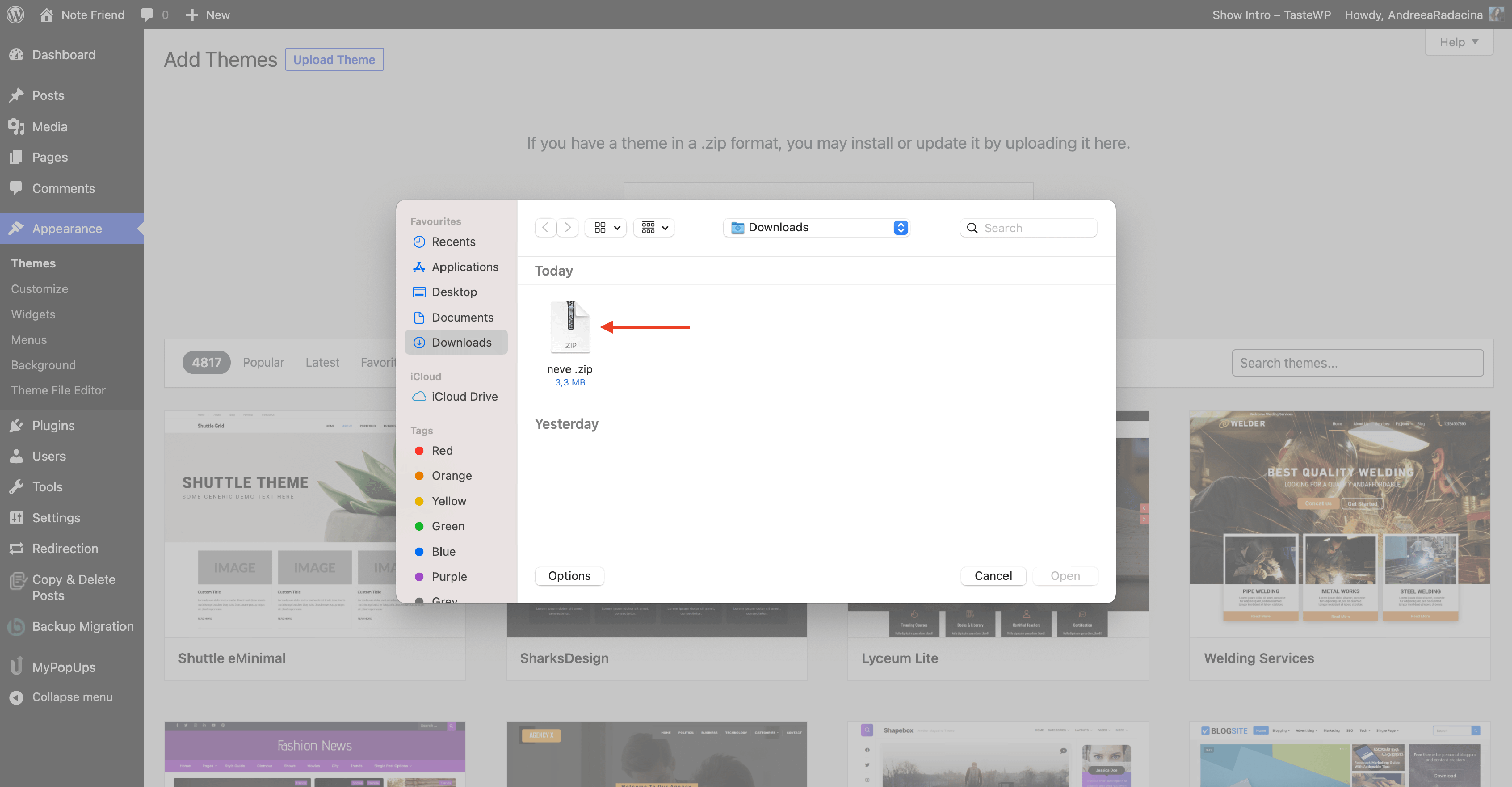
4. Click the Choose File button, select the ZIP archive of your theme from your local computer, and press the Install Now button.
5. Click on the Activate button.
We're done! You have successfully installed your WordPress theme. You can now go to the front end of your site and see the newly installed theme in action.