
How to Reset Customizer options?
After trying a lot of operations like imports, adjustments, updates, the visual aspect and also functionality of your website might become deprecated. A good fact is that you can undo the changes by resetting the Customizer options.
This article will present step by step how to reset the Customizer options.
1. Install and activate the Customizer Reset plugin, using these instructions.
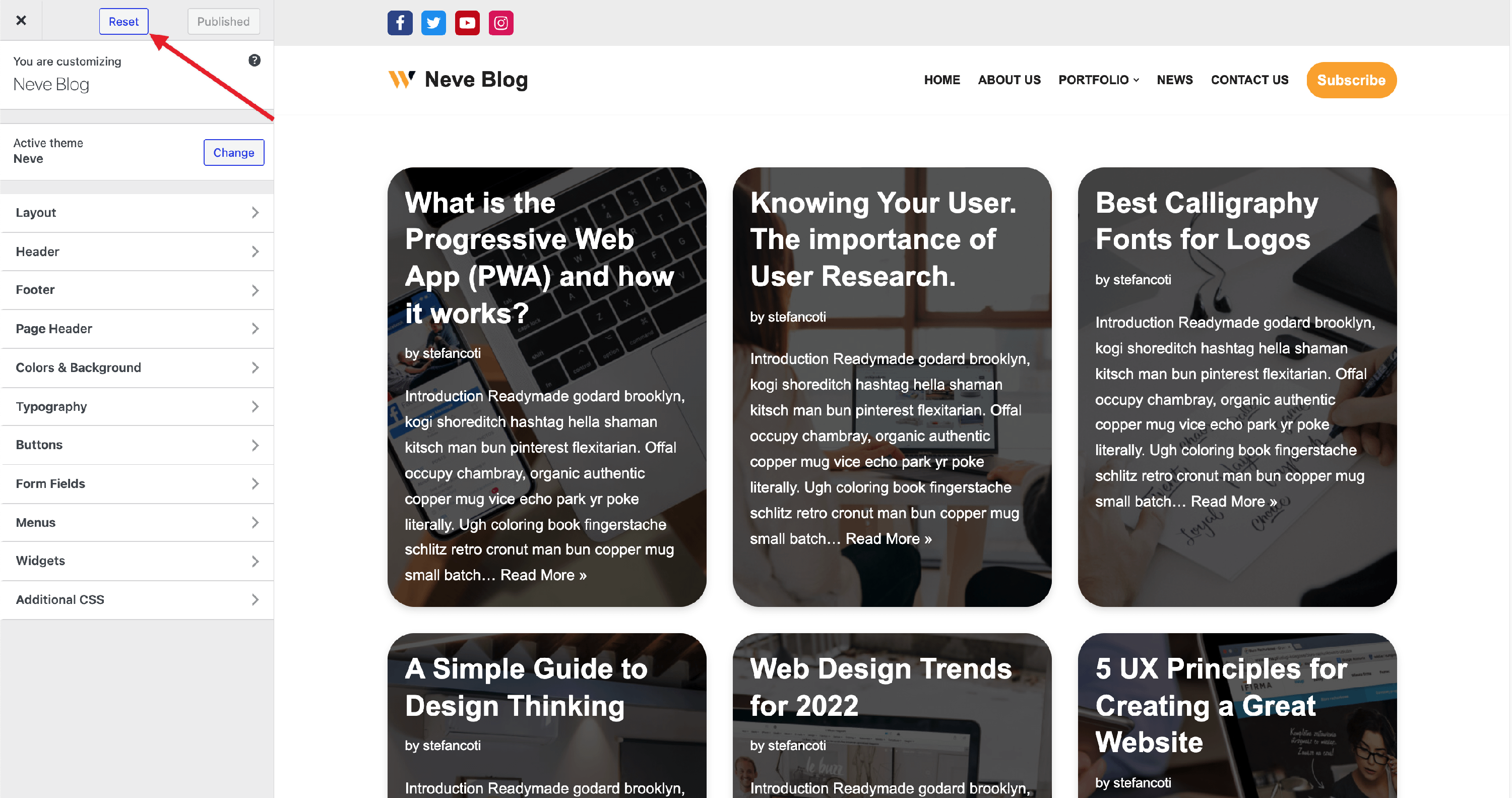
2. Navigate to Appearance > Customize and you will notice a new Reset button, at the top of the Customizer.
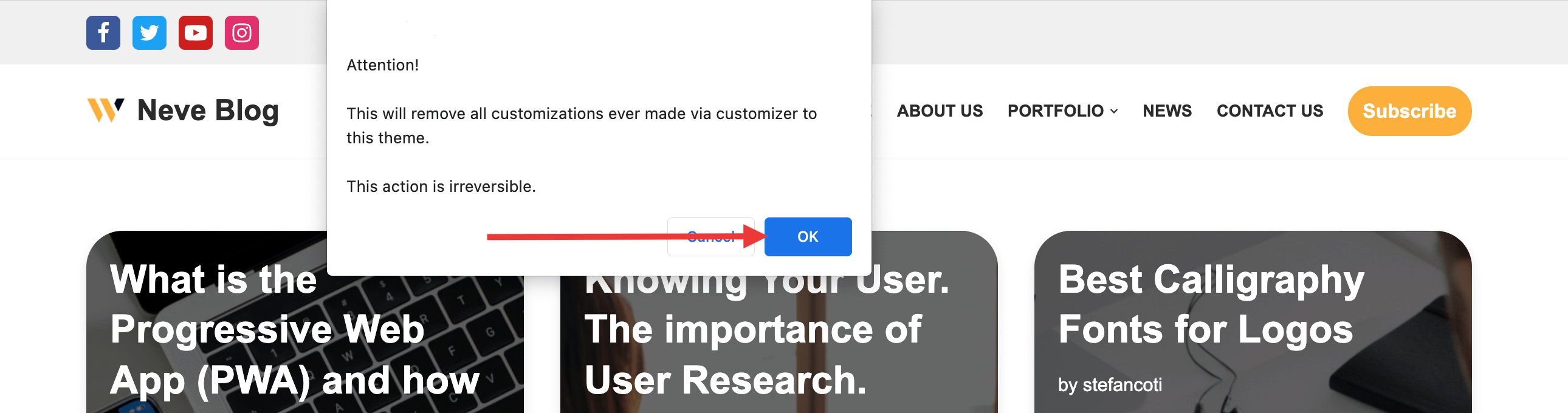
3. After clicking on this button, a pop-up will appear, to announce to you that the changes are irreversible.
Result
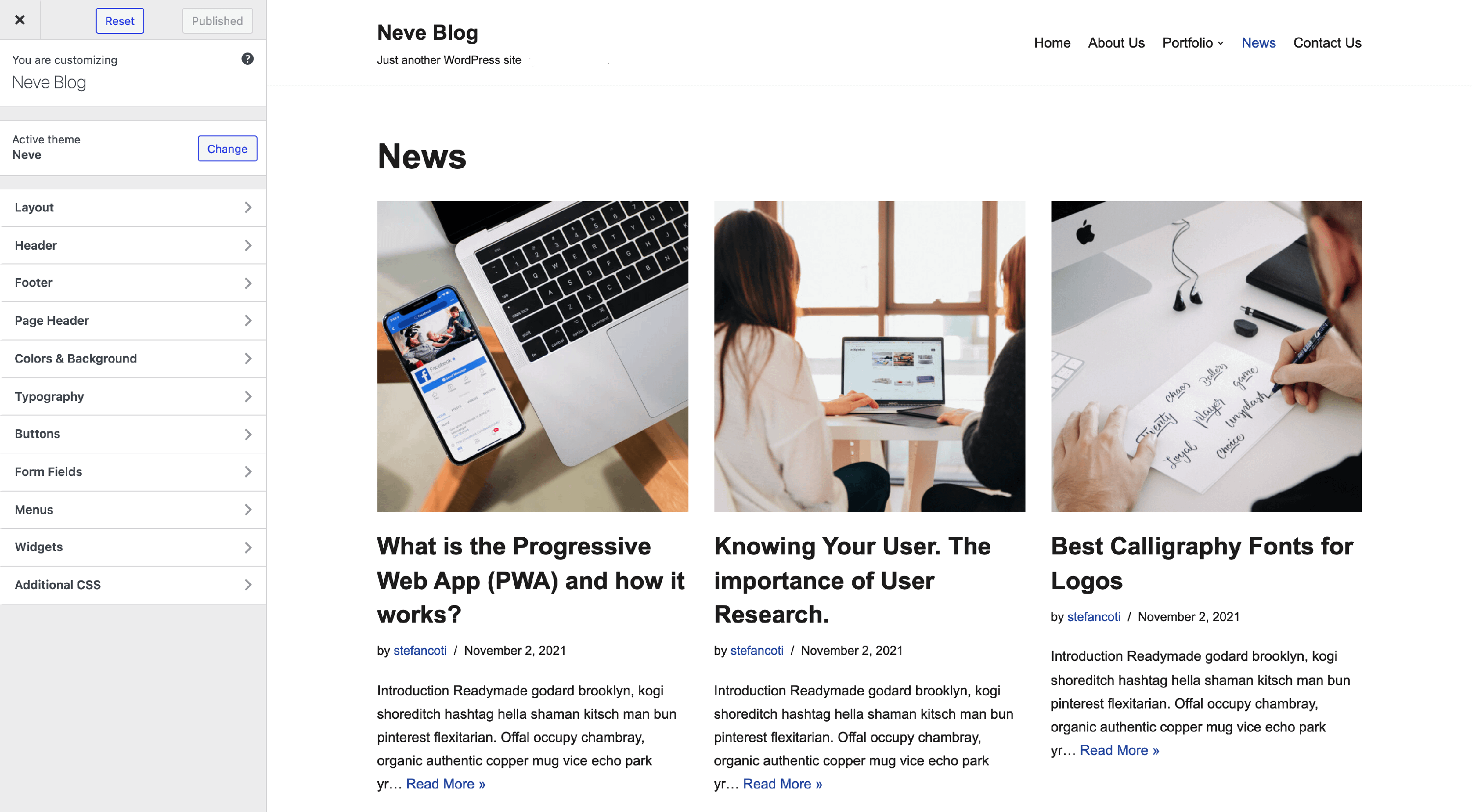
This is how the front page looks like after the reset has been made.
📝Note: This plugin removes all the changes registered via the Customizer API.