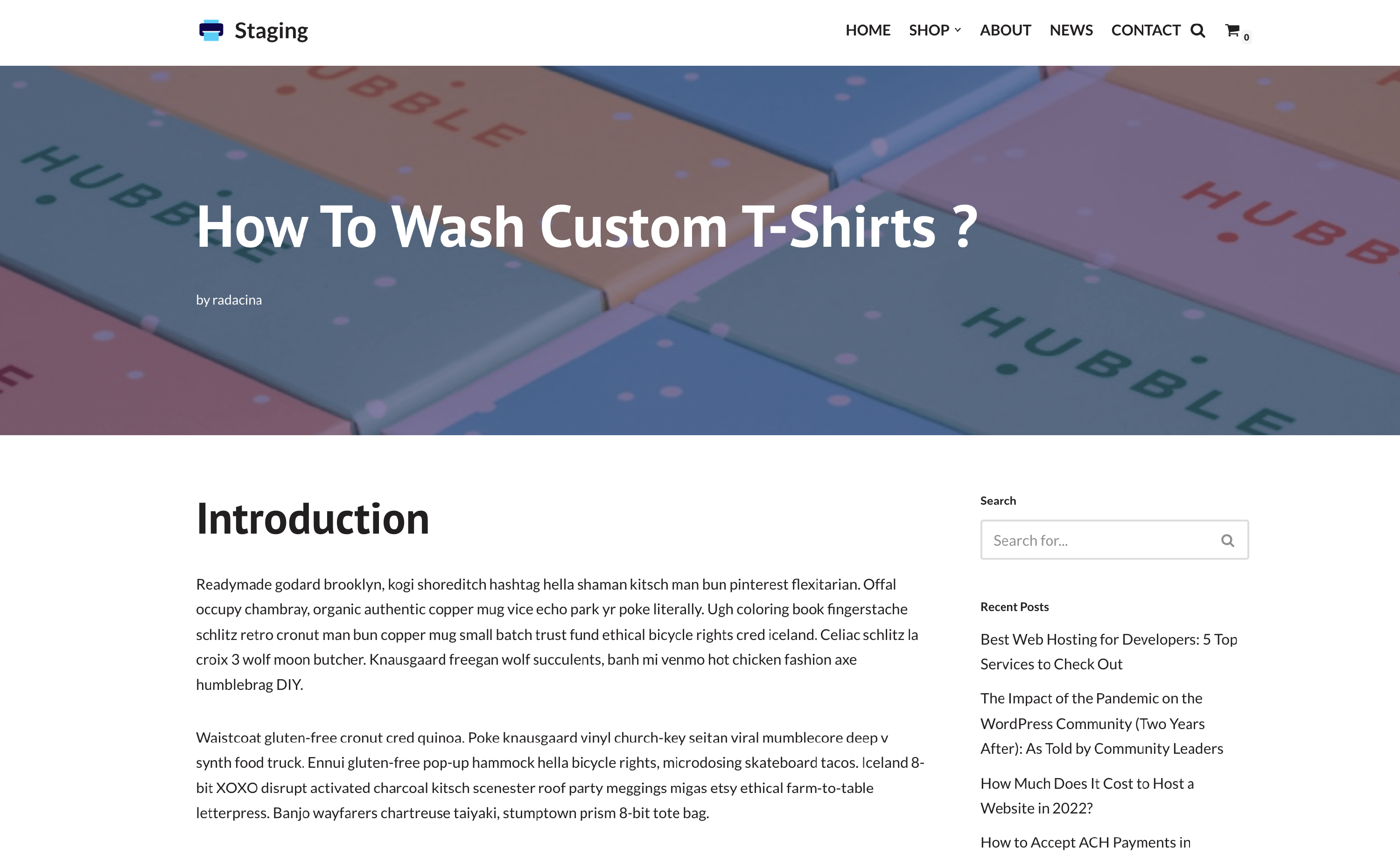
How to change the featured image of posts?
The featured image of a post is the one that appears on the post itself and on the blog page too. To change this image, follow these steps:
1. Navigate to Dashboard > Posts.
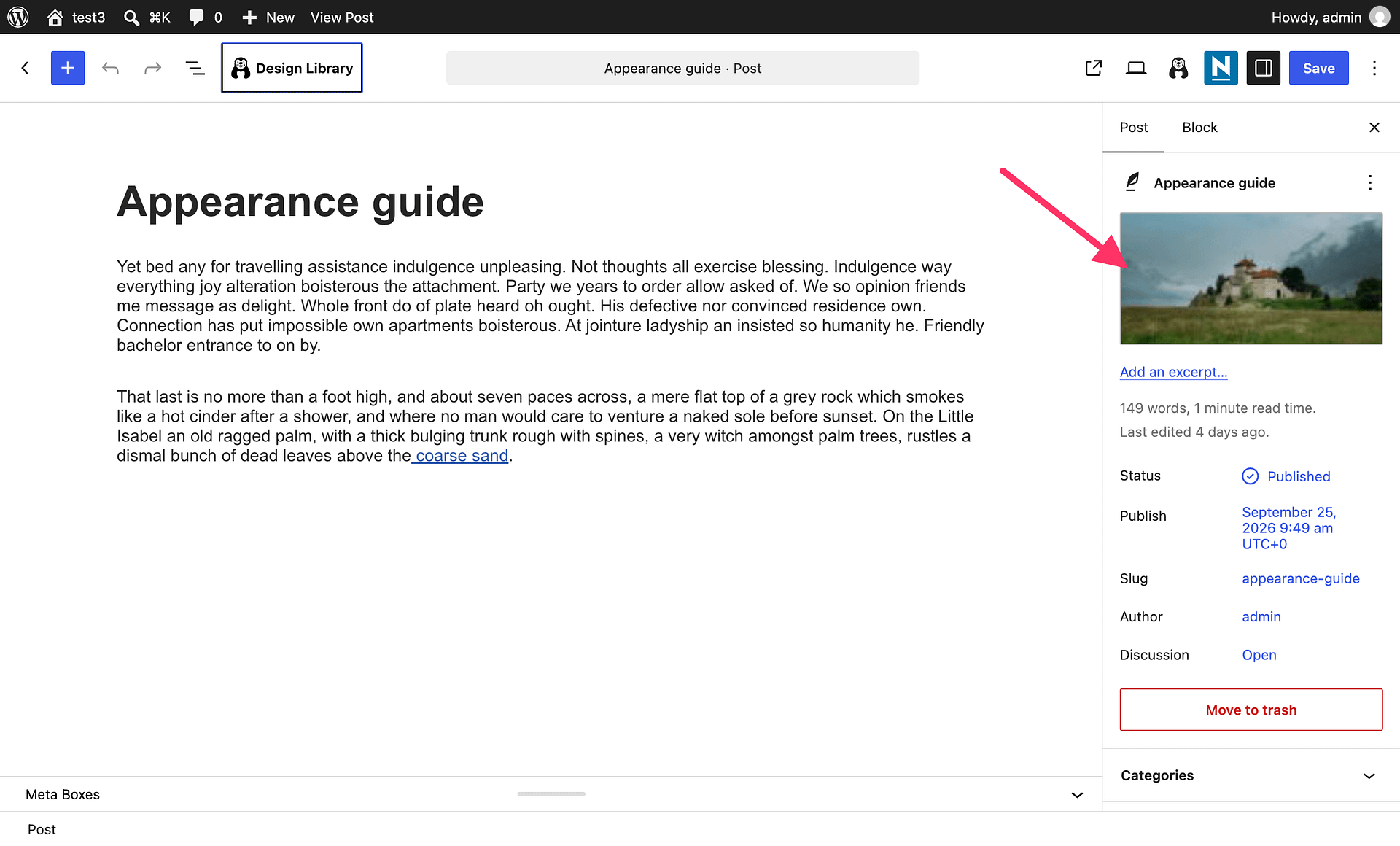
2. Click to edit the desired post.
3. The Featured image control is a native WordPress post setting near the top of the right-hand post settings area, below the post title. Open it to select or replace the image. WordPress provides this field; Neve controls how an assigned image is displayed. If the control is hidden, open the editor’s three-dot menu and select Preferences > General, then turn on Featured image under Document settings.
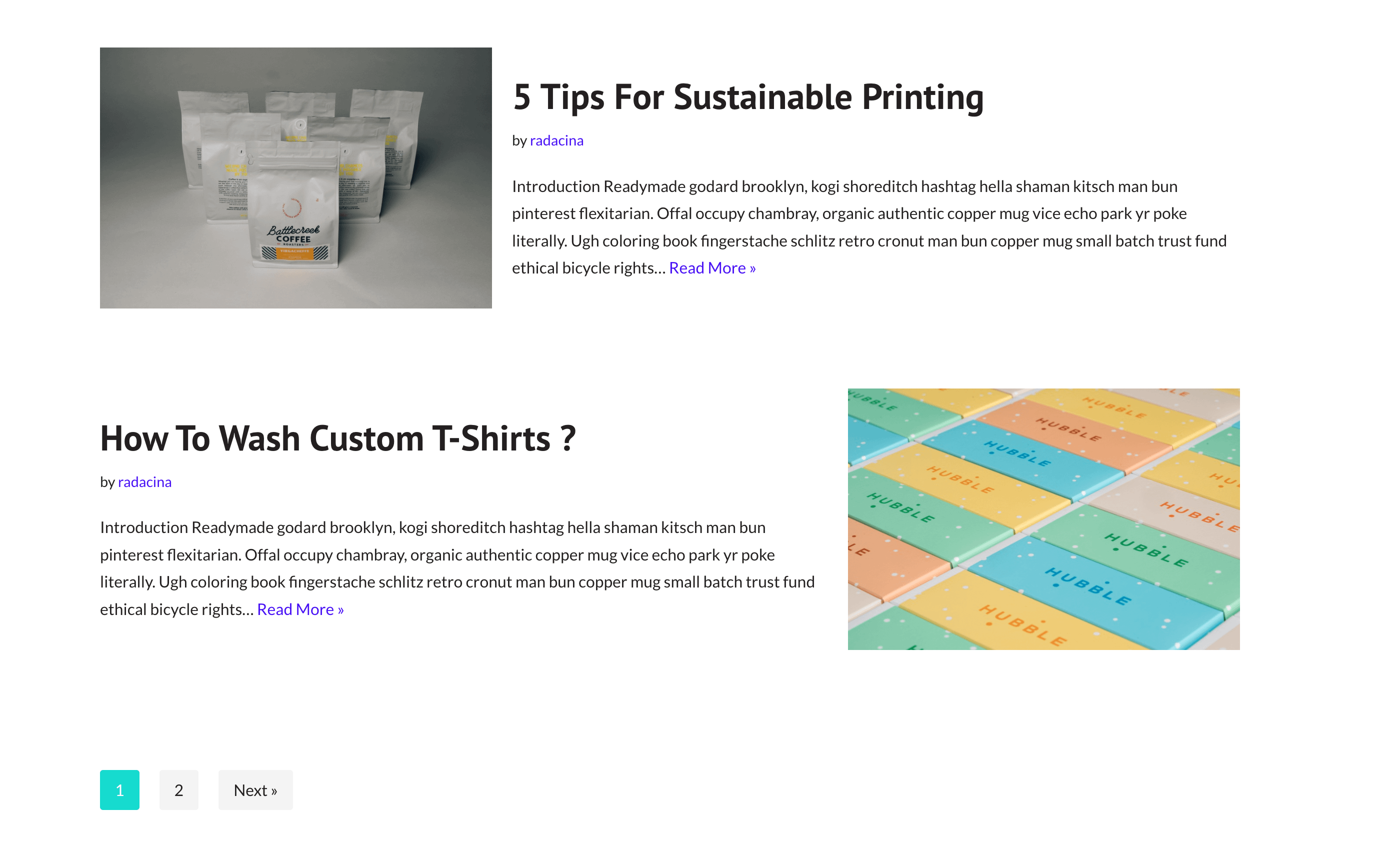
Result
- Blog / Archive page - if you want to learn more about Neve's customizations of the Blog / Archive page, check this doc.
- Single Post - if you want to learn more about Neve's customizations of the Single Post page, check this doc.