How to Integrate Shopify with WordPress?
Shopify is a popular e-commerce platform that allows businesses to create and operate online stores. It is known for its ease of use and user-friendly interface, making it accessible to businesses of all sizes. This article will explain how to integrate your Shopify store with your WordPress website.
1. First, you need to set up your Shopify store and add a few products.
2. Install the ShopWP plugin in Dashboard > Plugins > Add New.
3. Navigate to the ShopWP menu in the Dashboard to start the configuration.

4. Click on the Begin the connection process.
5. Insert the store domain and click on Connect your Shopify store.
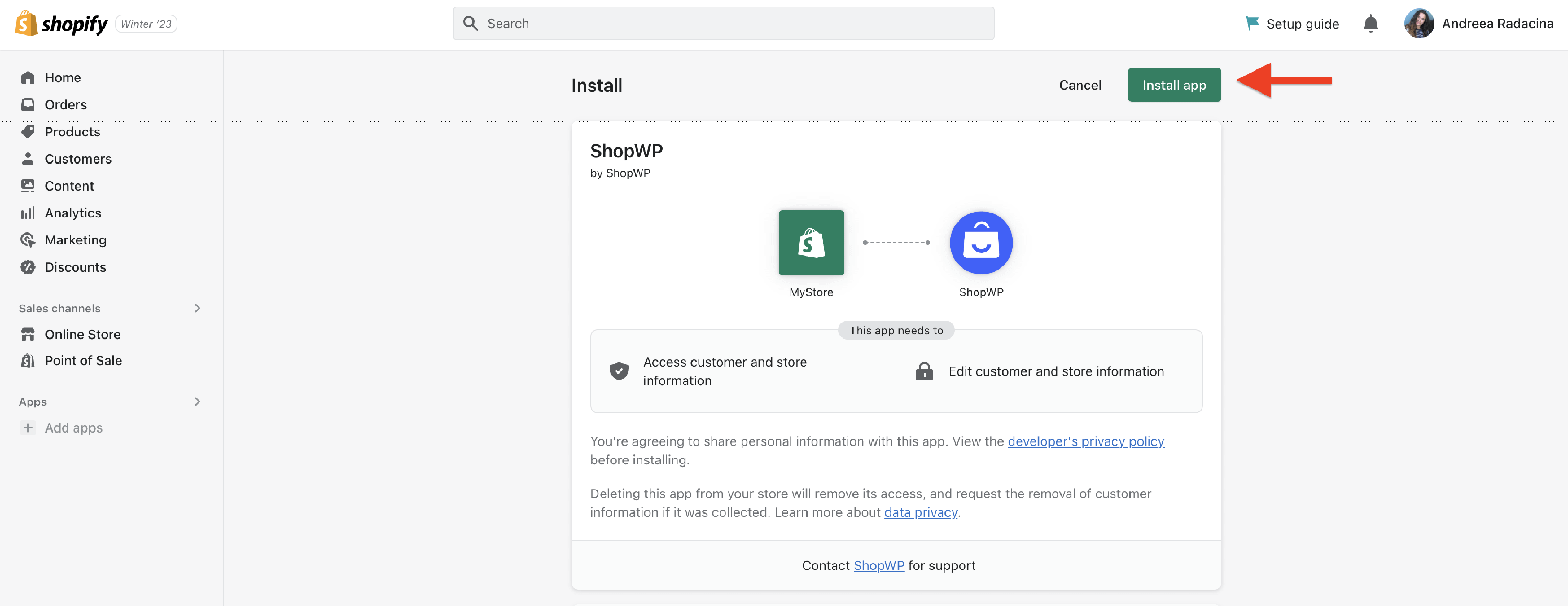
6. The system will redirect you to the Shopify Dashboard, where you should click the Install App button.
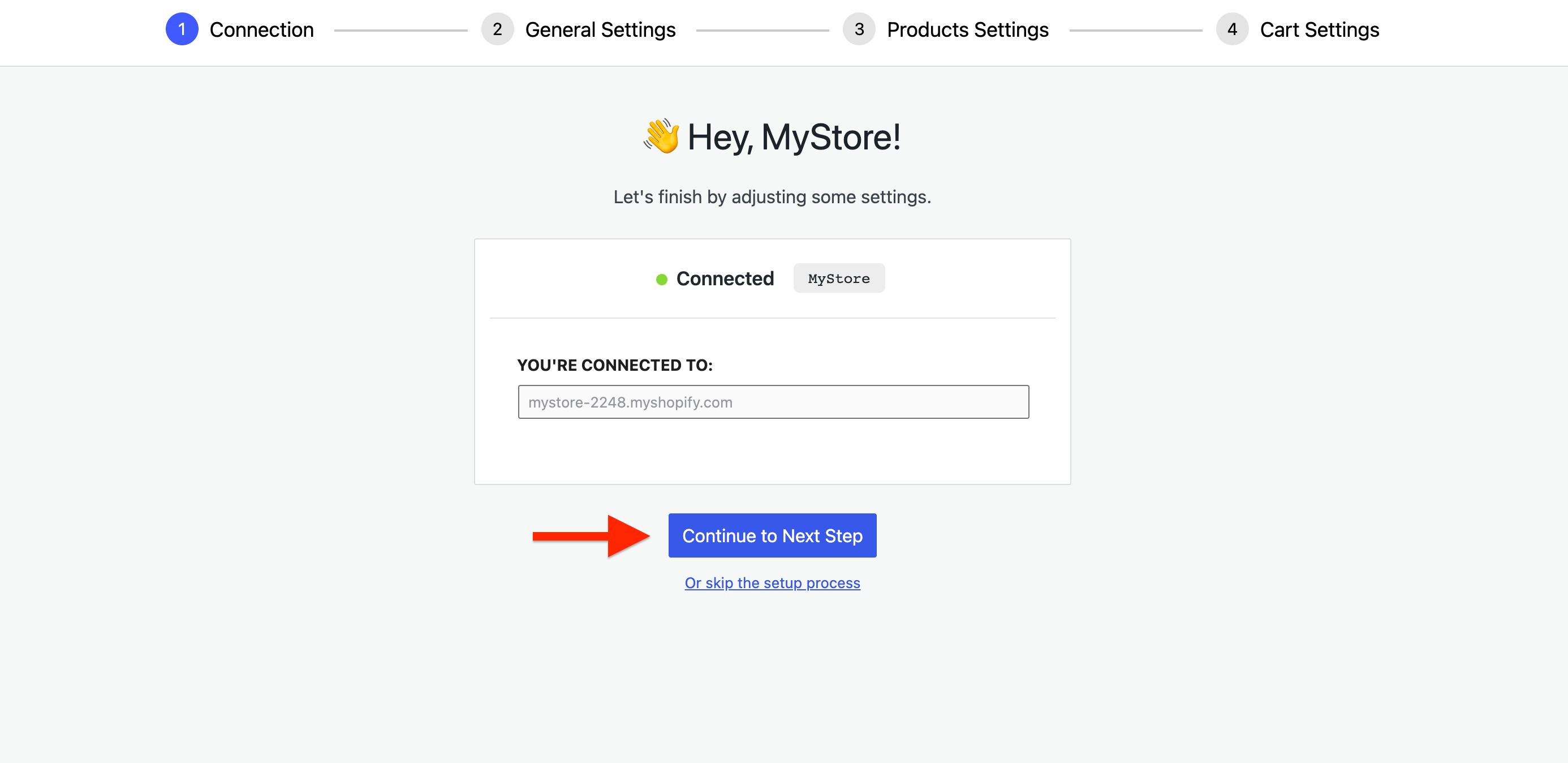
7. Once you have done that, the import wizard will open again, and you must click the Continue to Next Step button.
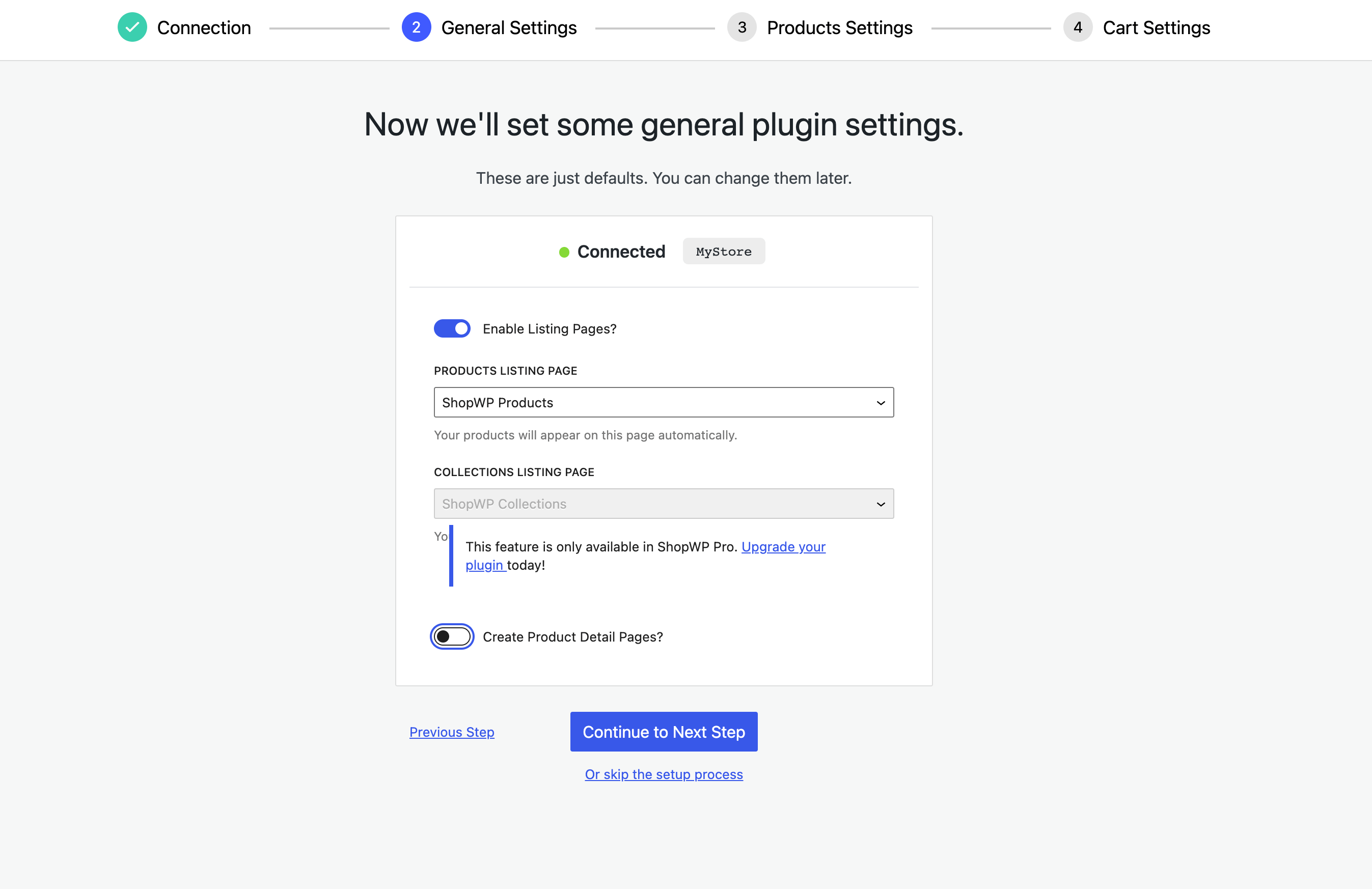
8. Configure store settings: enable Shopify listing pages or use WordPress default.
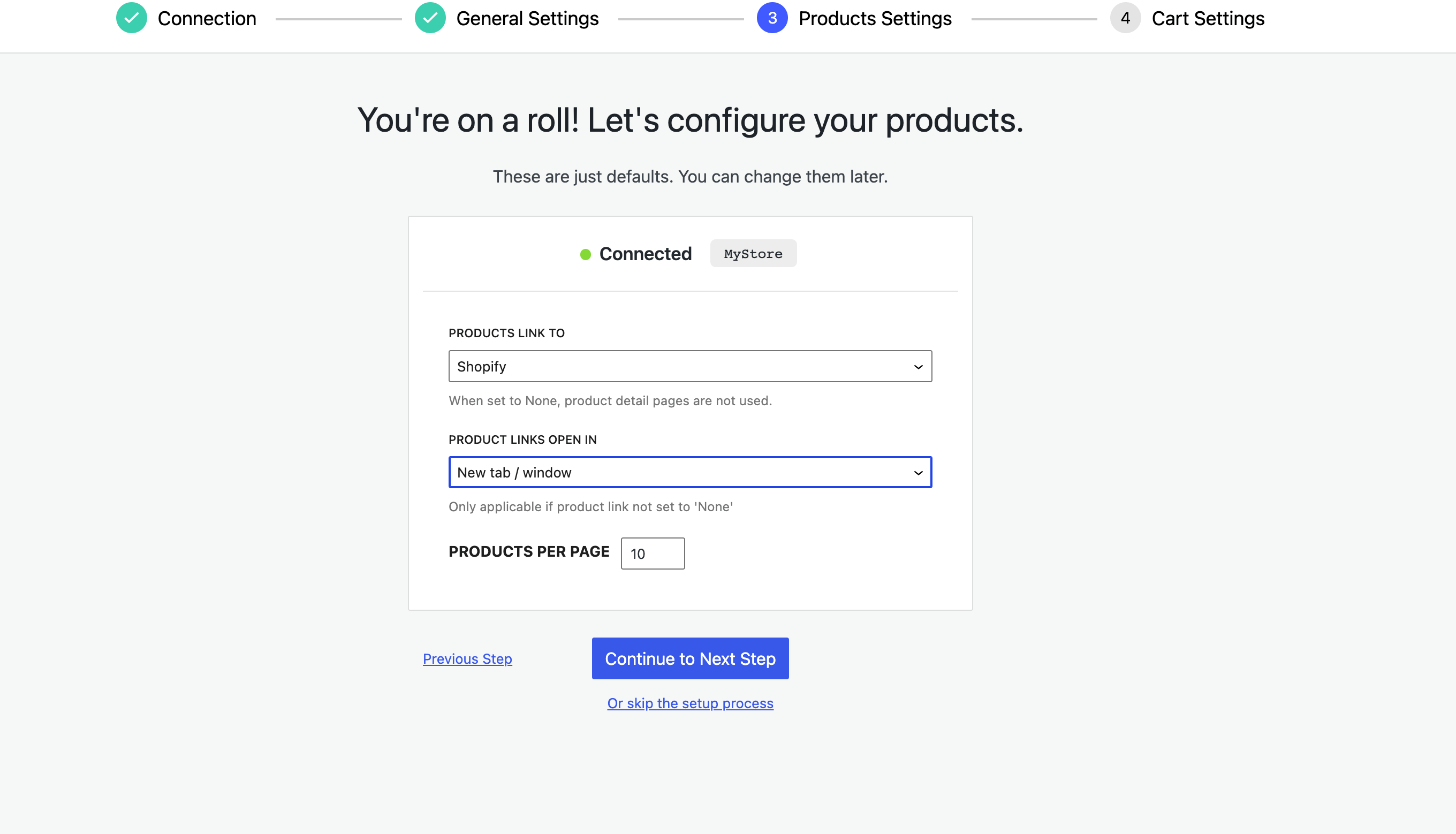
9. Customize product behavior: link to Shopify/WordPress/modal, number of products per page, and link behavior.
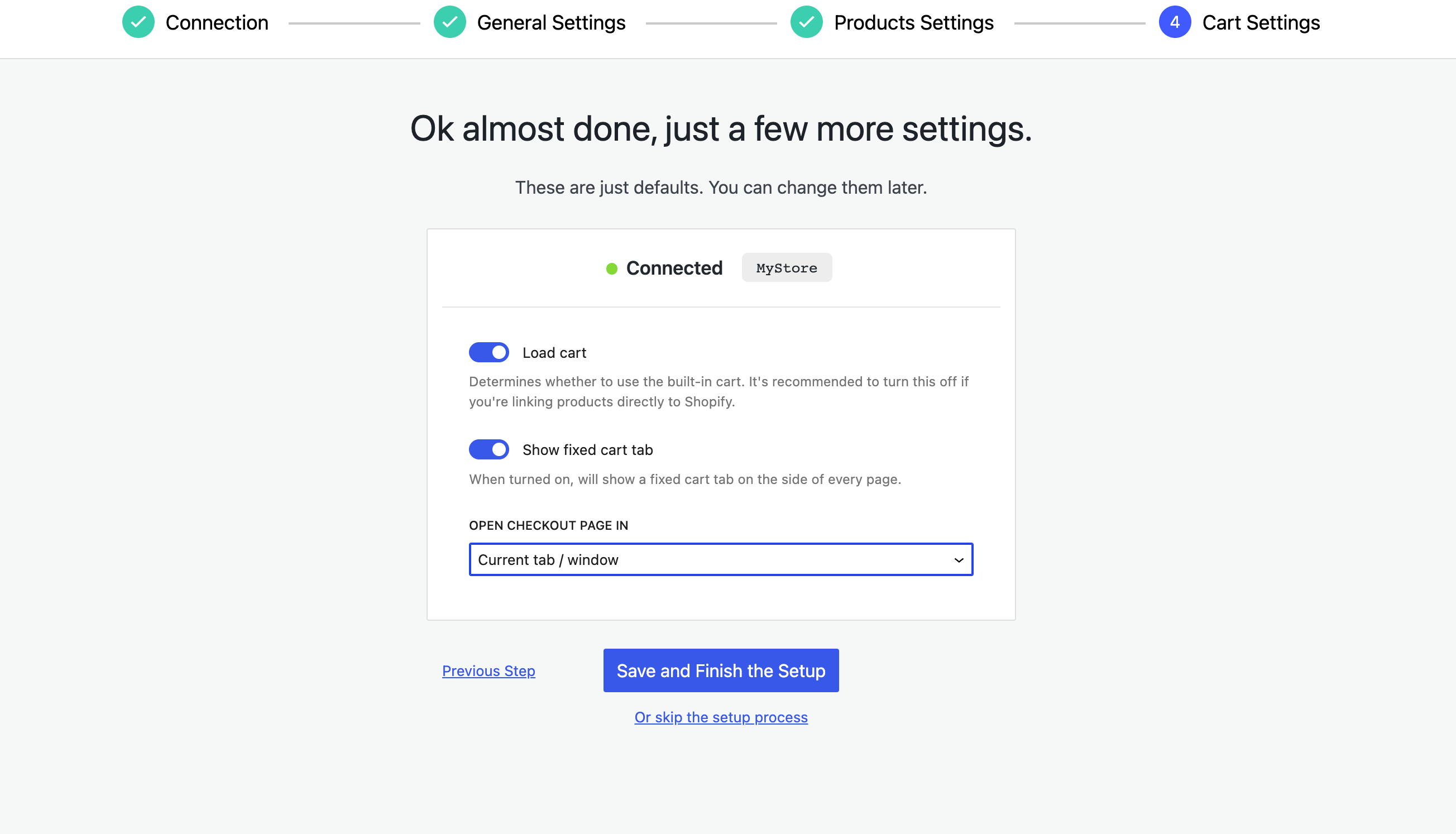
10. In the last step, you can configure the cart, which can be loaded and shown as a fixed cart tab.
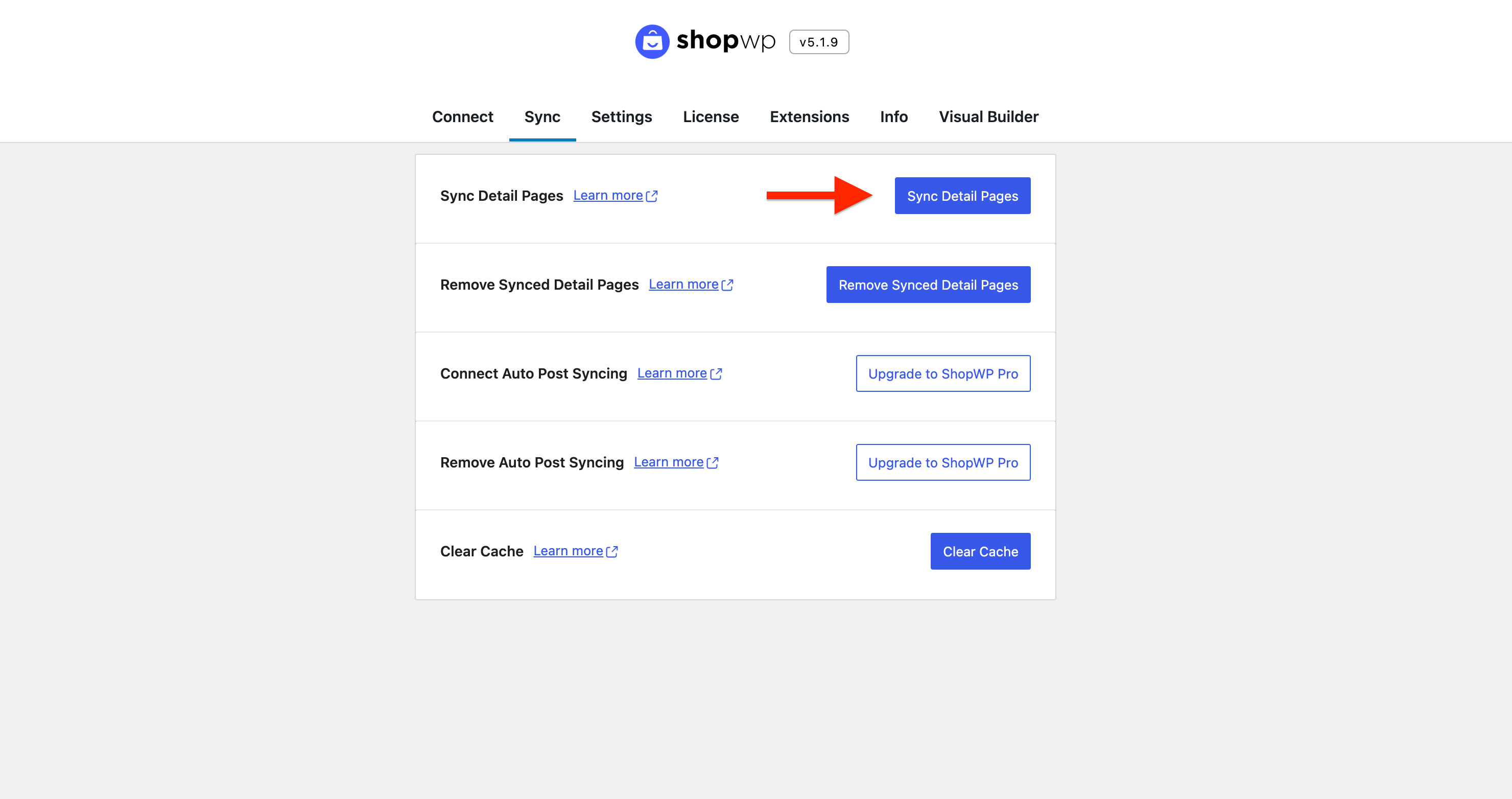
11. After configuring, sync products between WordPress and Shopify by clicking " Sync Detailed Pages" in the Sync tab.
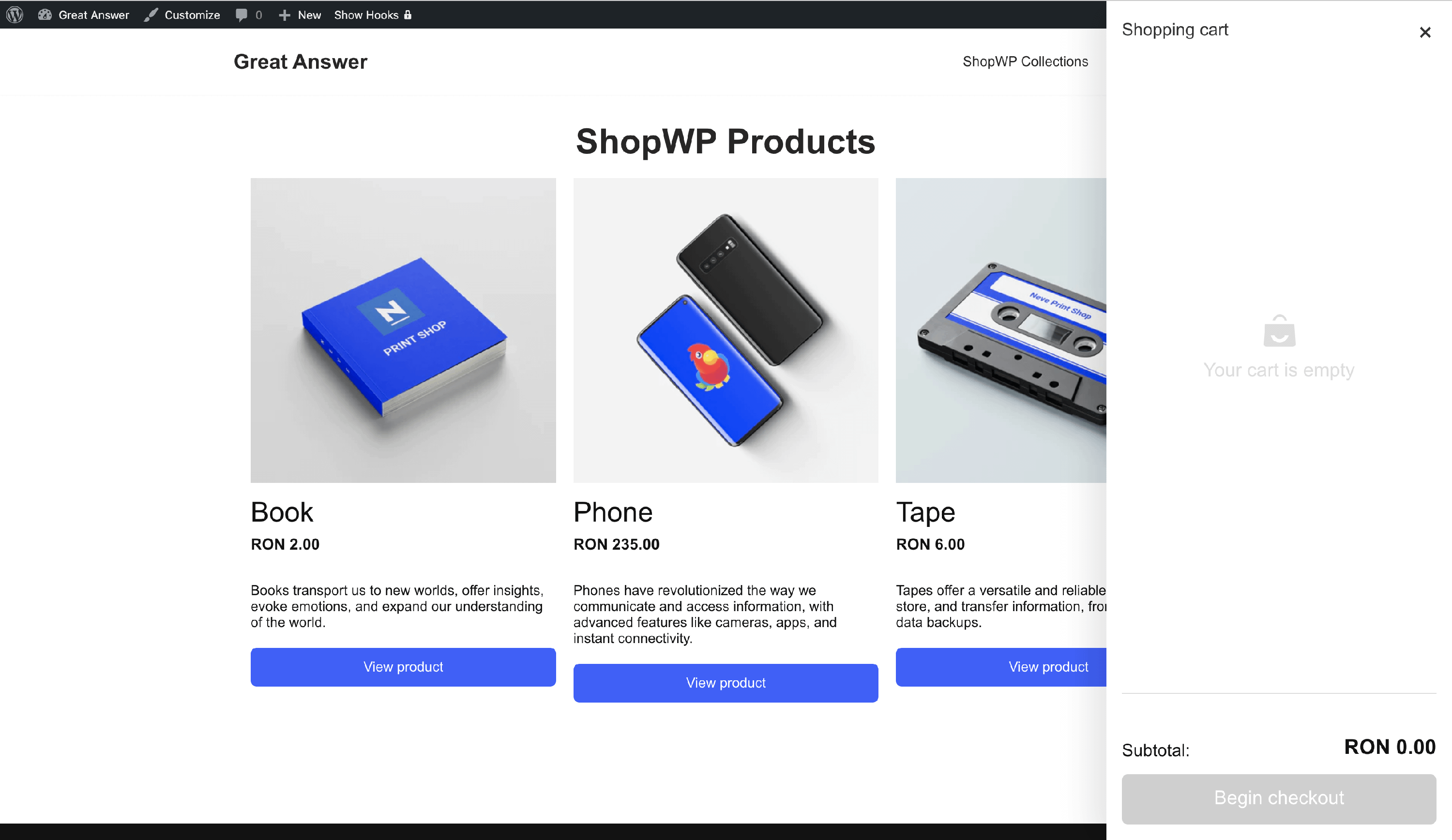
Now, navigate to Pages and open the ShopWP Product page. The products will be listed there, and the cart will be shown as a slide.