
Tracking Blocks
📝 Note: These blocks are part of the Otter Blocks plugin, which you can get from here.
📝 Note: The blocks' appearance can be improved using the Otter features, such as Transform to Sticky, Visibility conditions, Dynamic Values or Images, as well as Counting / Typing / Loading animations, and 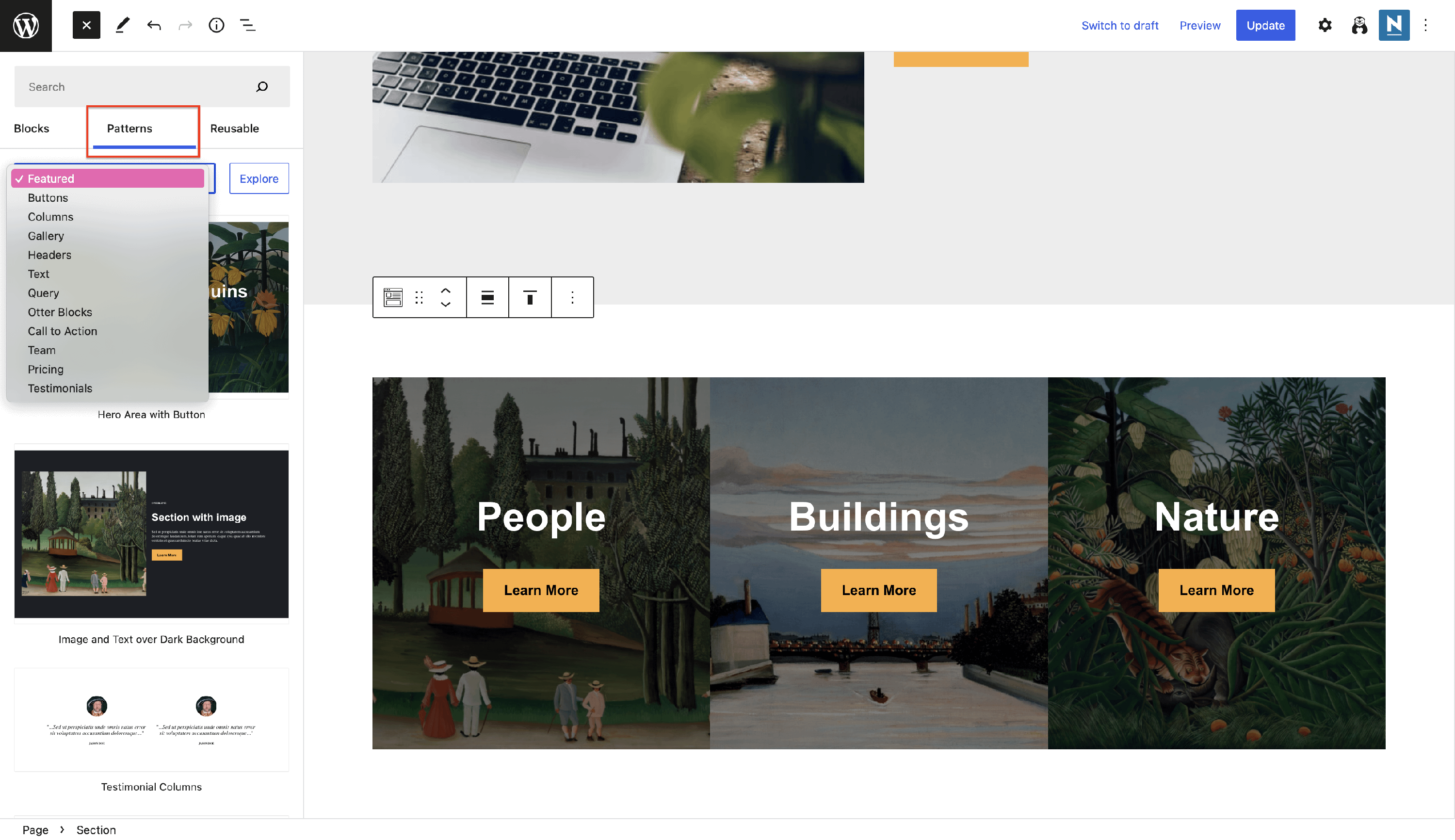 Patterns.
With the Otter Blocks plugin, building a dynamic website is much easier. The tracking blocks allow you to create unique sections:
In this article
Circle Counter
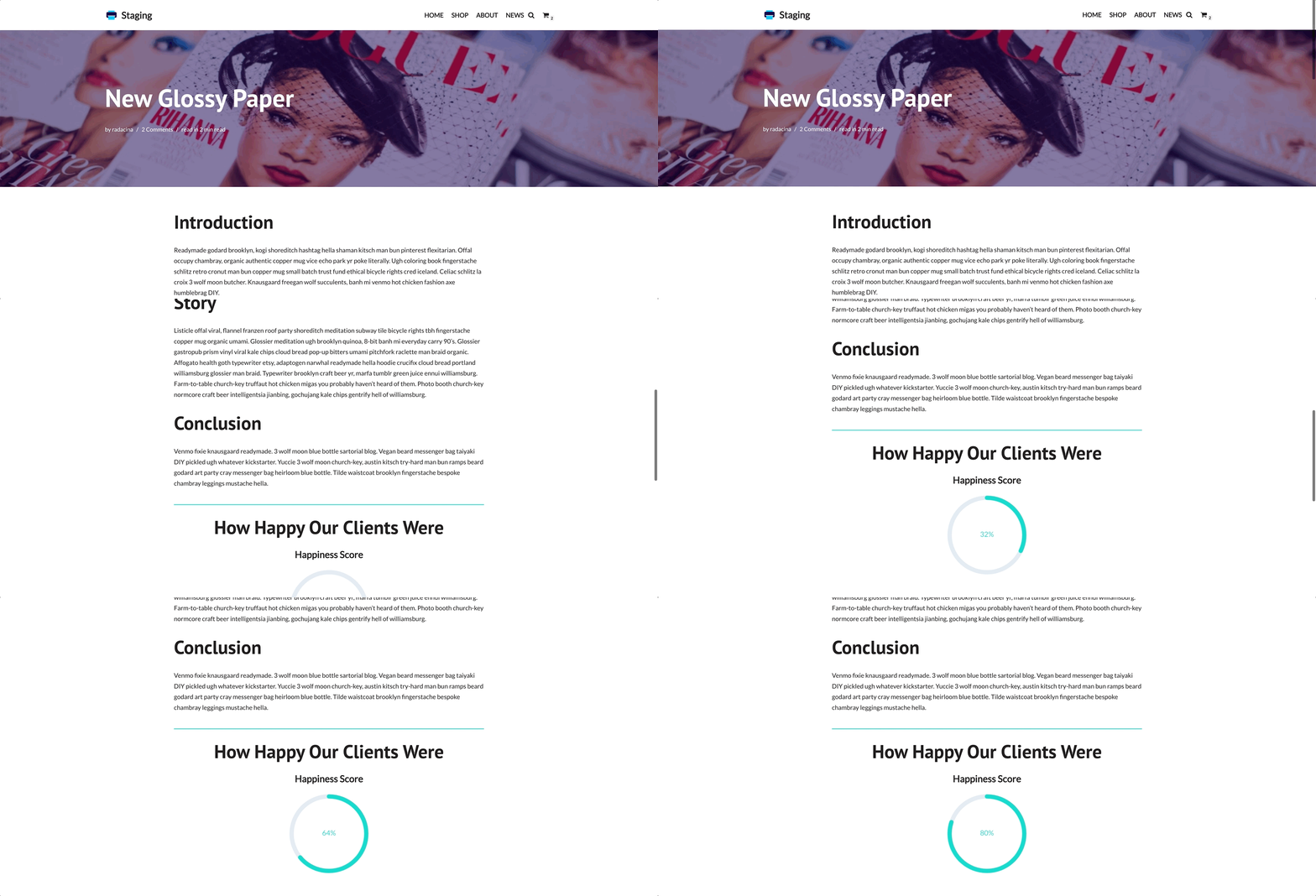
As expected from the name, this block highlights the progress through an animated circle counter.
The specific customizations available for this block cover two areas:
Settings - allows you to configure basic settings of the block, such as the percentage that the count shows.
Style - this area contains customizations of the circle counter, including how long the animation should be ( duration ) and the title style. You can also adjust the height, stroke width of the circle, font size, and elements' colors.
Use cases for the Circle Counter block
- highlight the happiness score of your clients
Progress Bar
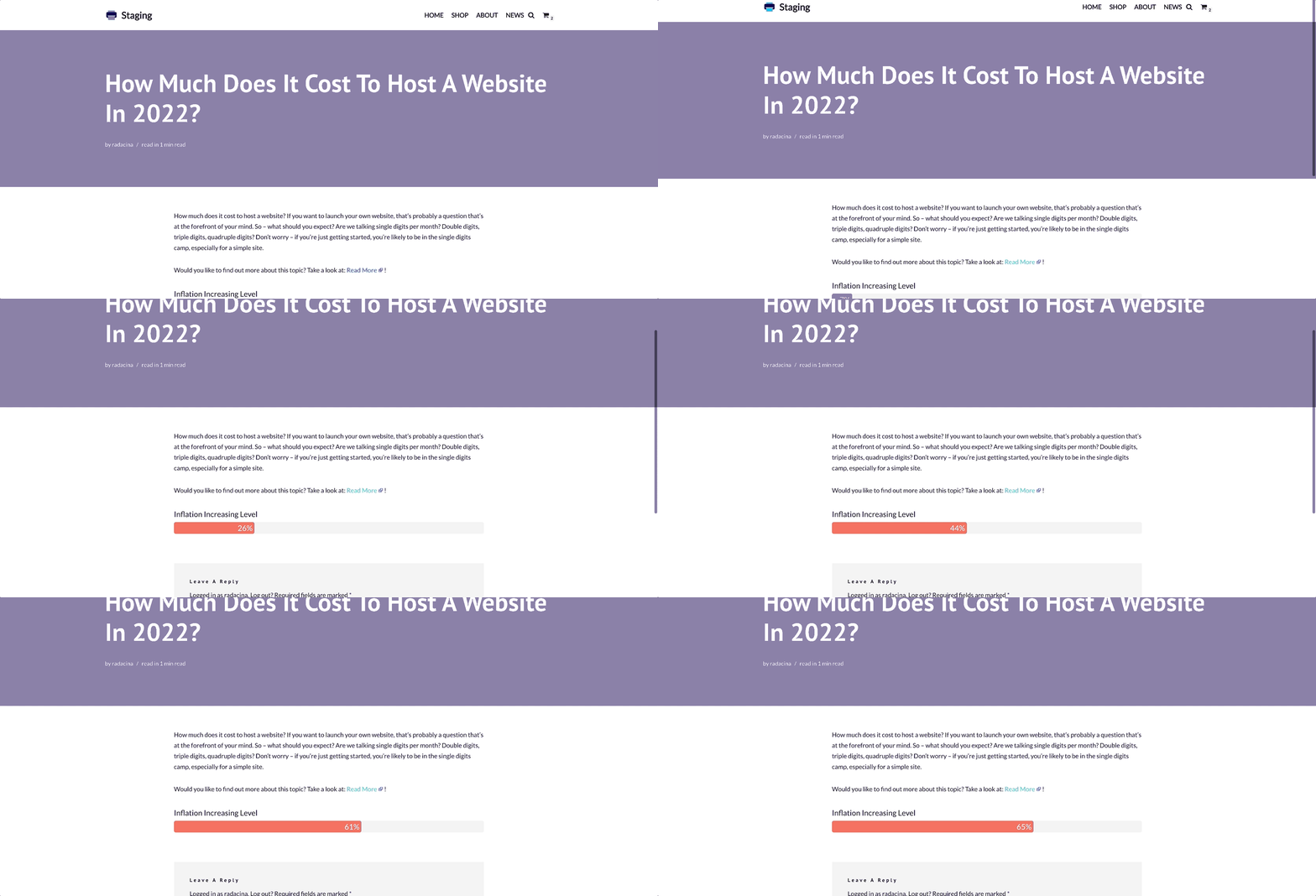
The Progress Bar block showcases progress within a beautifully animated progress bar.
The specific customizations available for this block cover two areas:
Settings - similar to the previous block, allows you to configure basic settings of the block, such as adding a title and the percentage that the bar shows.
Style - this area contains customizations of the progress bar, including how long the animation should be ( duration ), how the title should be styled, and the position of the percentage. You can also adjust the height, how rounded the bar should be, and the elements' colors.
Use cases for the Progress Bar block
- emphasize an essential factor of the post's topic
Countdown
As expected from the name, this block is perfect for keeping the evidence of the time until a certain date.
The specific customizations available for this block cover the following areas:
Time - select the date for the countdown using the calendar.
Settings - includes basic block options, such as the availability of displaying certain elements.
Dimensions - dimensions and position adjustments.
Typography - font size and font weight, with responsive settings.
Color - choose from the Global Colors or select a custom color for multiple areas.
Border - pick the border type and adjust border radius.
Use cases of the Countdown block
- create a sales countdown timer to let your visitors know how long the sale will take
📝 Note: Unlock more features using the PRO version of the plugin.