
The Dynamic Link Feature - Otter Features Library
The Dynamic Link feature in Otter Blocks lets you bind hyperlinks to live data from your site (such as a post URL, author page, featured image URL, or custom field) so links update automatically based on the current post or page context. It is available for both free and Pro users, with field types like Site URL, Post Custom Fields, and ACF unlocked in Otter Pro.
In this article
Using the Feature
The Otter plugin enhances your visitors' experience by allowing you to insert dynamic links on your website to display information.
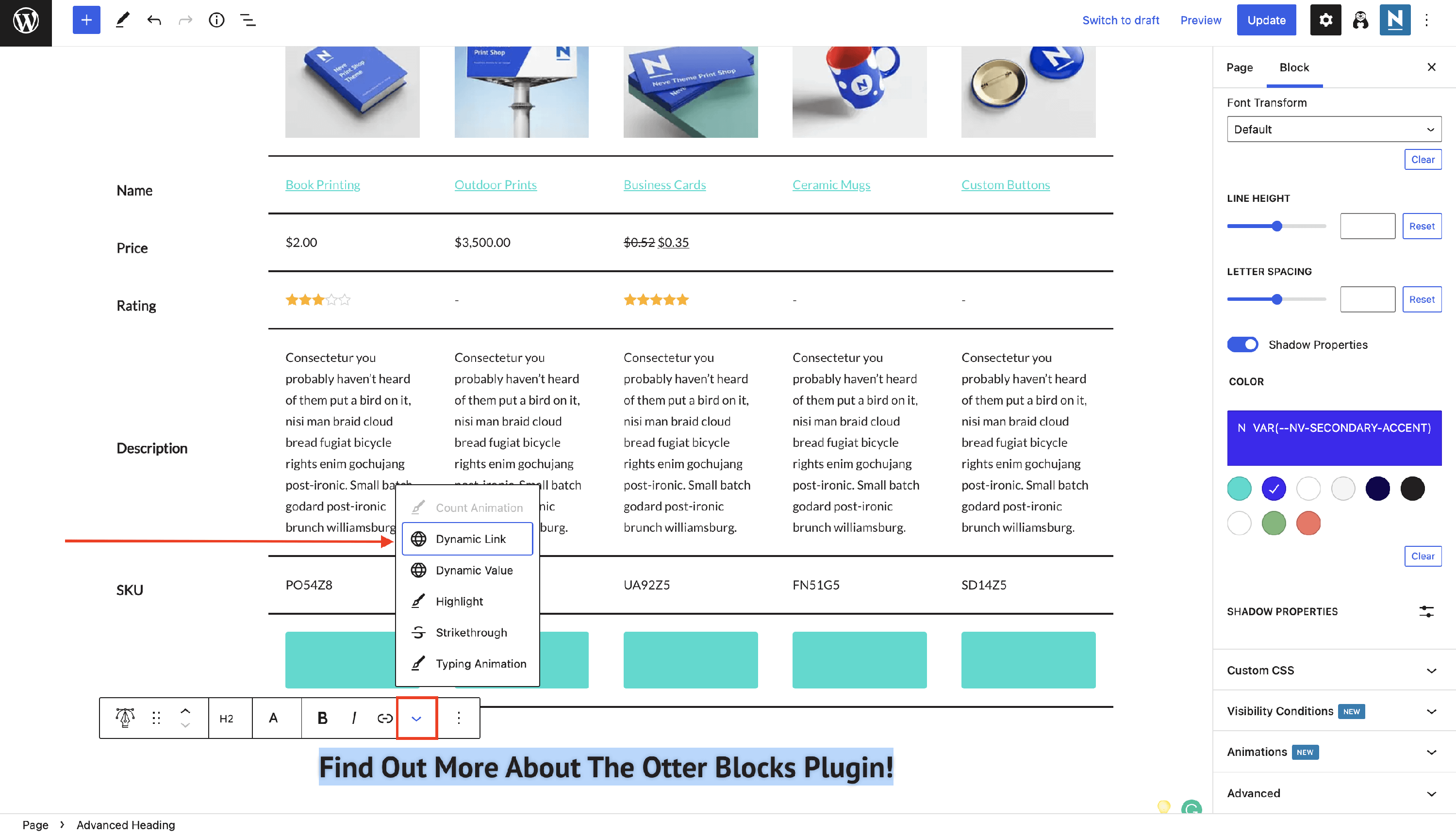
To do that, select the text that you want to link, click on the 🔽 icon, then select the Dynamic Link option:
Once you've done that, you can select a data type, and the plugin will automatically populate this link according to the choice:
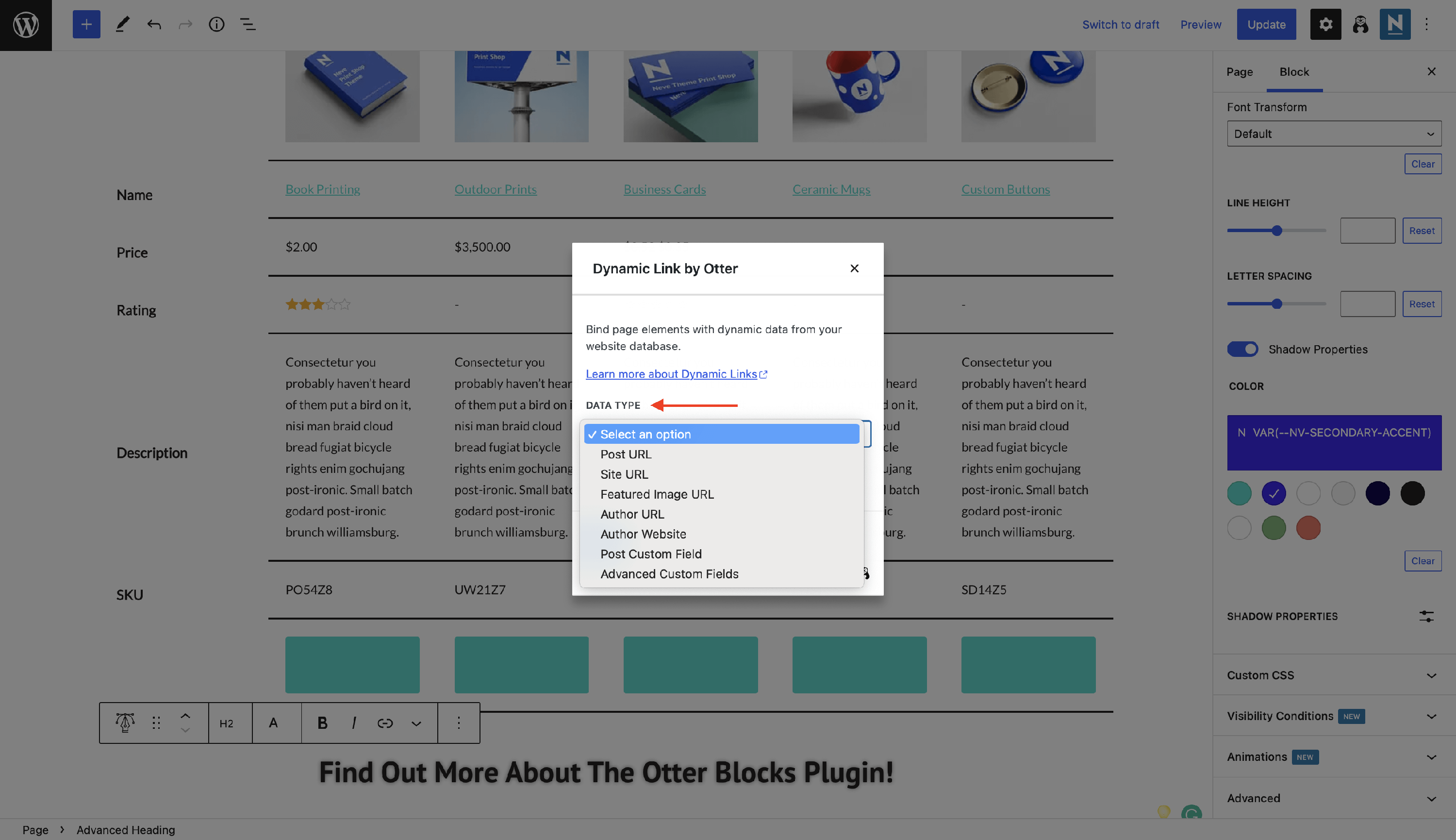
The following data types are available according to your plans:
- Post URL
- Site URL - PRO
- Featured Image URL
- Author URL
- Author Website
- Post Custom Field - PRO
- Advanced Custom Fields - PRO
You can also open the link in a new tab by enabling the option.
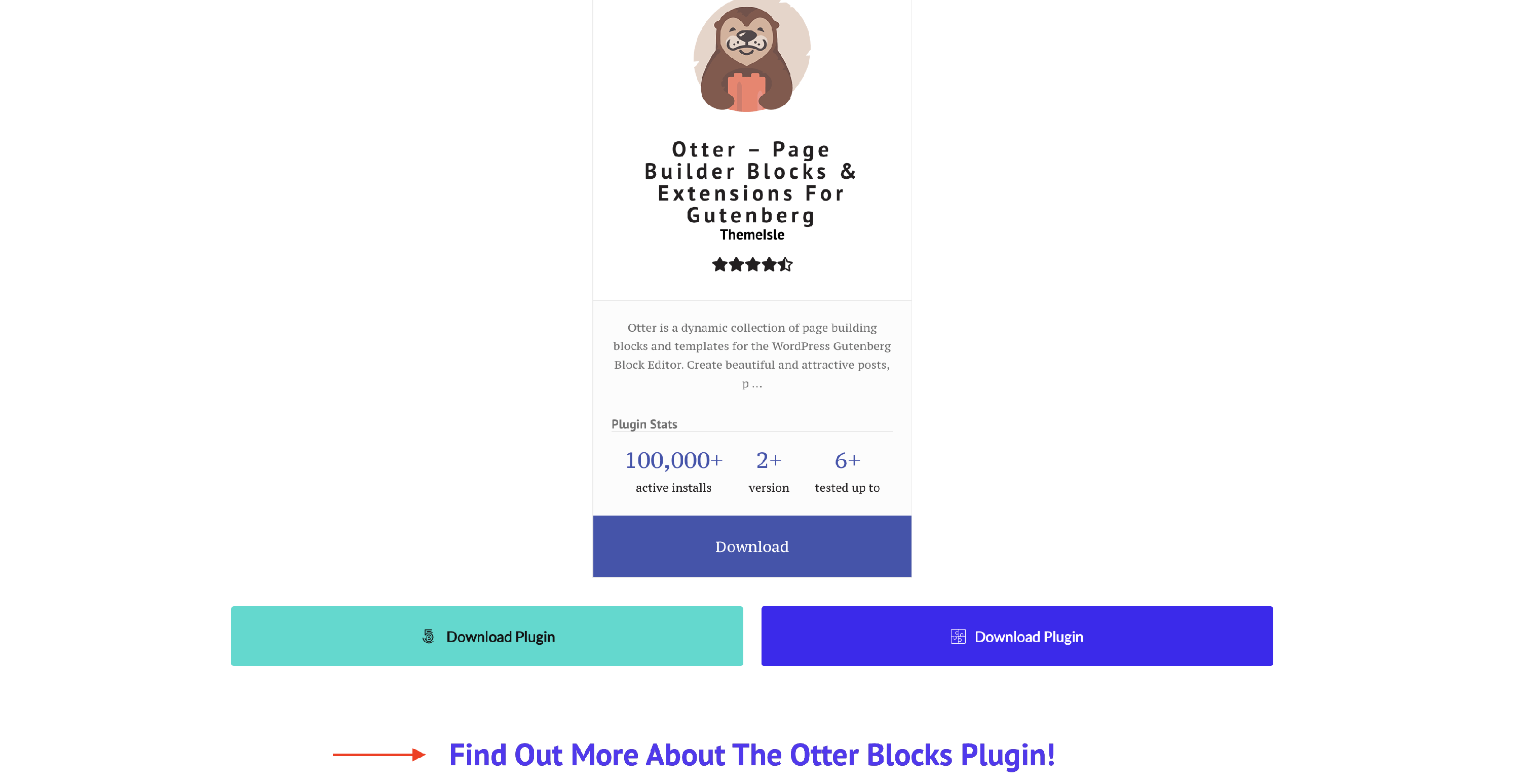
💡 Result - how it appears on the frontend
Use Cases
- creating a single post template using dynamic content and Custom Layouts - check this video
- design dynamic archive pages using dynamic content and Custom Layouts - check this video