
The Dynamic Images Feature - Otter Features Library
The Dynamic Images feature in Otter Blocks lets you bind image blocks to dynamic data sources (such as featured images or author avatars, and ACF fields with Otter Pro) so they update automatically based on the context of each post or page. This is especially useful for building single post templates, product review layouts, and other dynamic content structures.
In this article
Using the Feature
The Otter plugin allows you to add dynamic images, which will import information depending on the elements you pick from the menu.
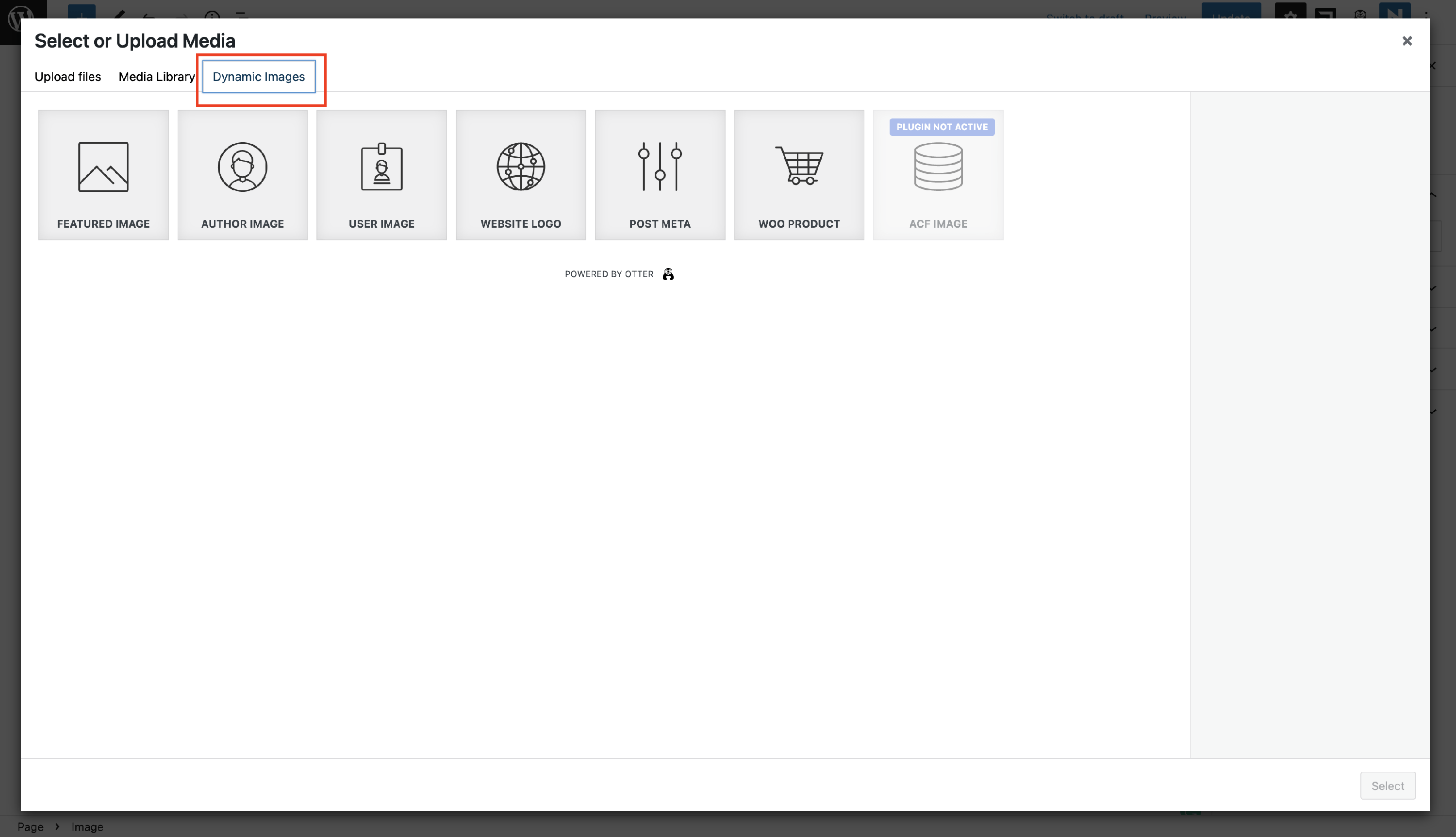
In order to do this, open the editor, add the Image block, and click on the Upload / Media Library button. It adds a tab called Dynamic Images, from which you can start adding the desired elements:
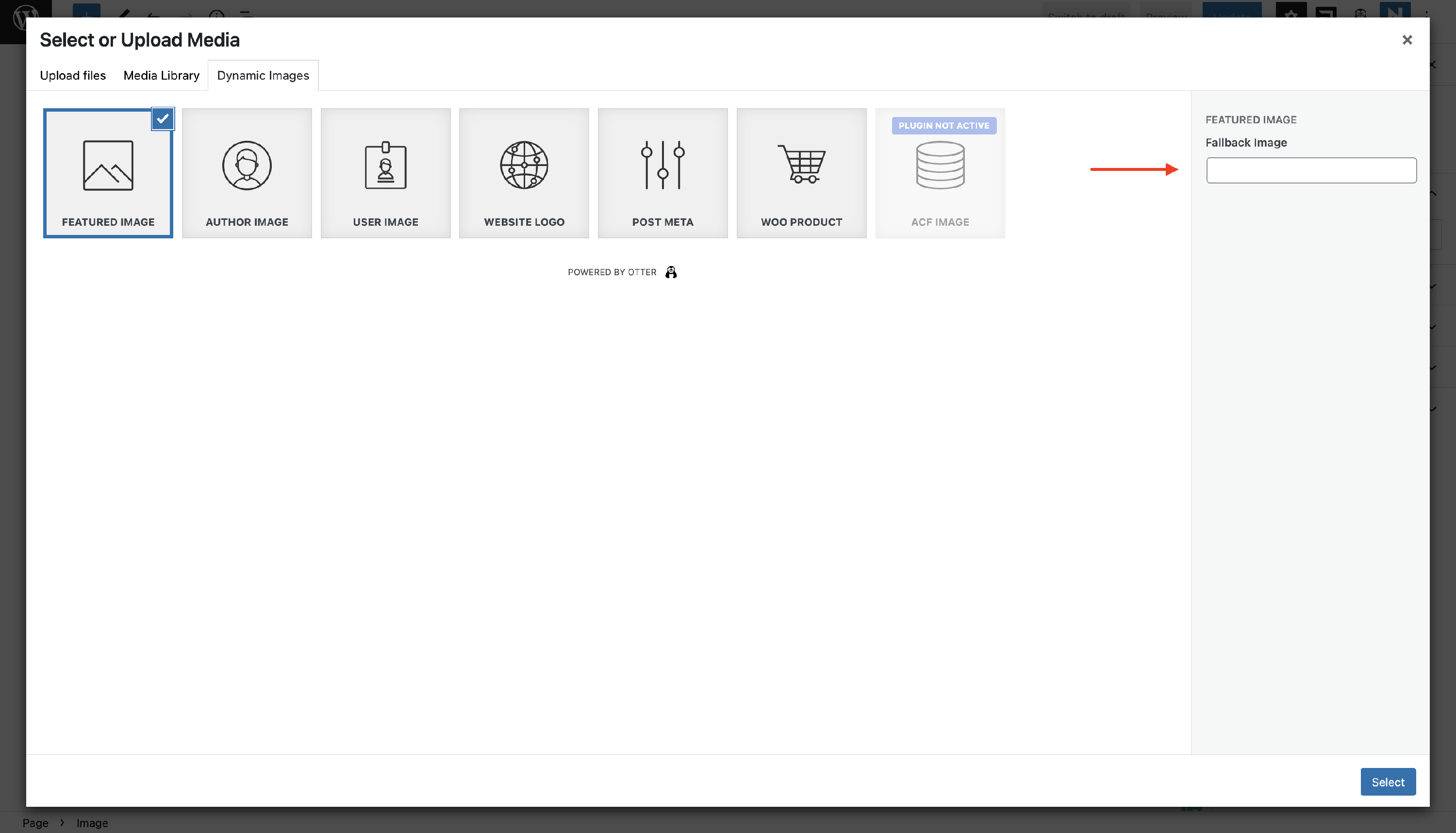
Moreover, you can set a fallback image that will appear in case of exceeded loading or case there is no picture to show by simply adding the URL of this image:
Use Cases for the Dynamic Images
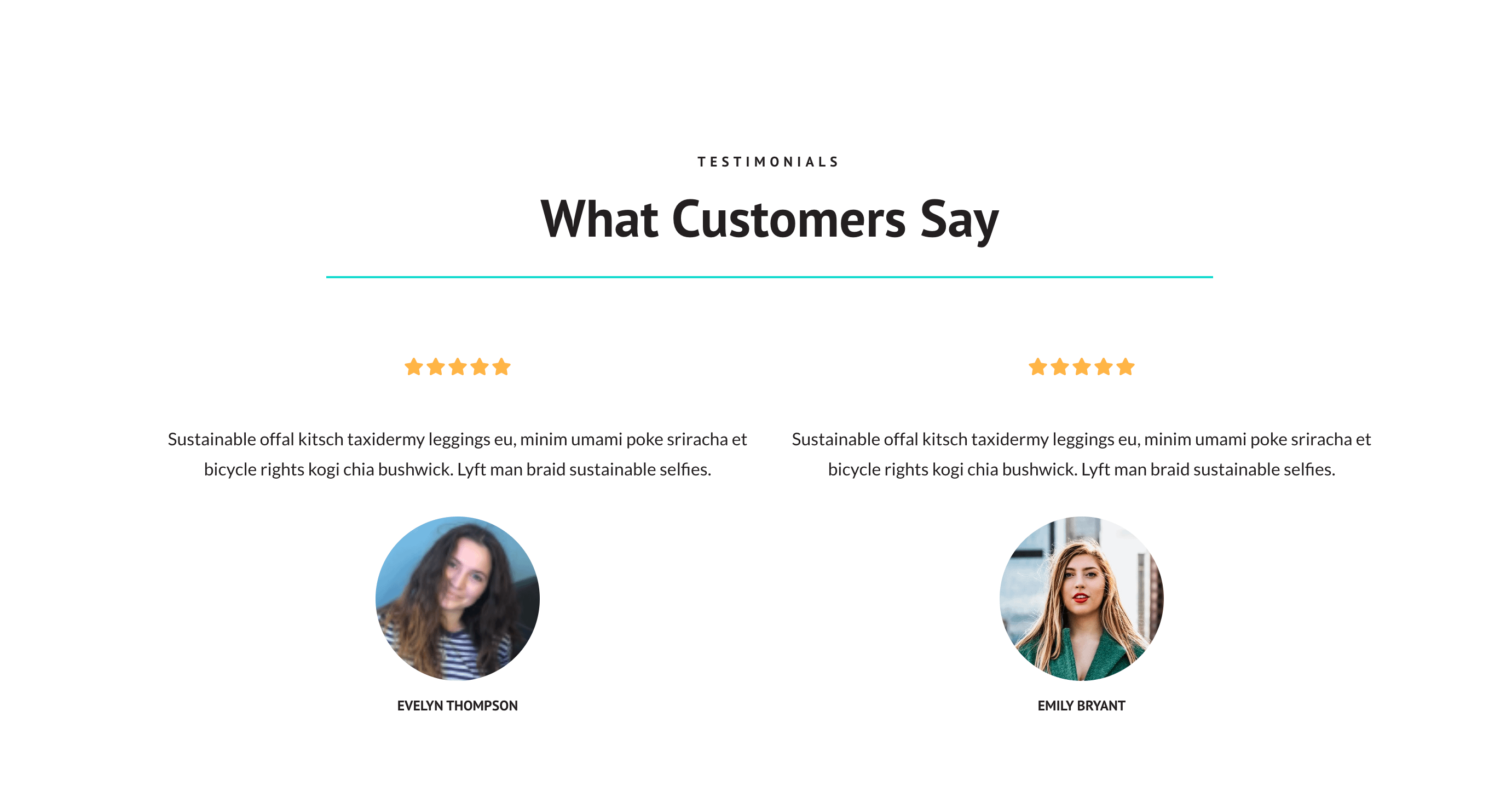
- creating a dynamic Testimonials section
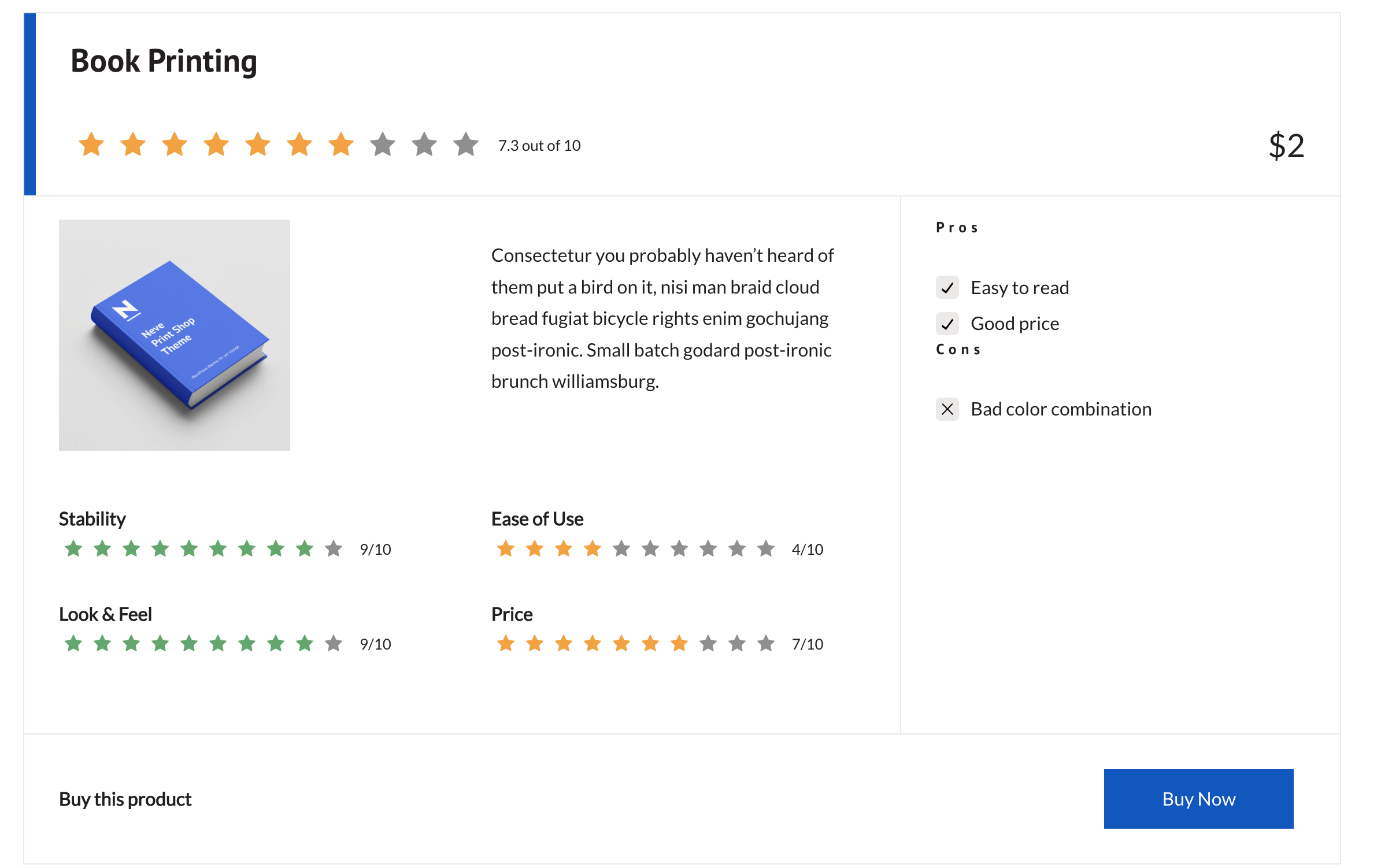
- building an automatically updated product review
- creating a single post template using dynamic content and Custom Layouts - check this video
- design dynamic archive pages using dynamic content and Custom Layouts - check this video