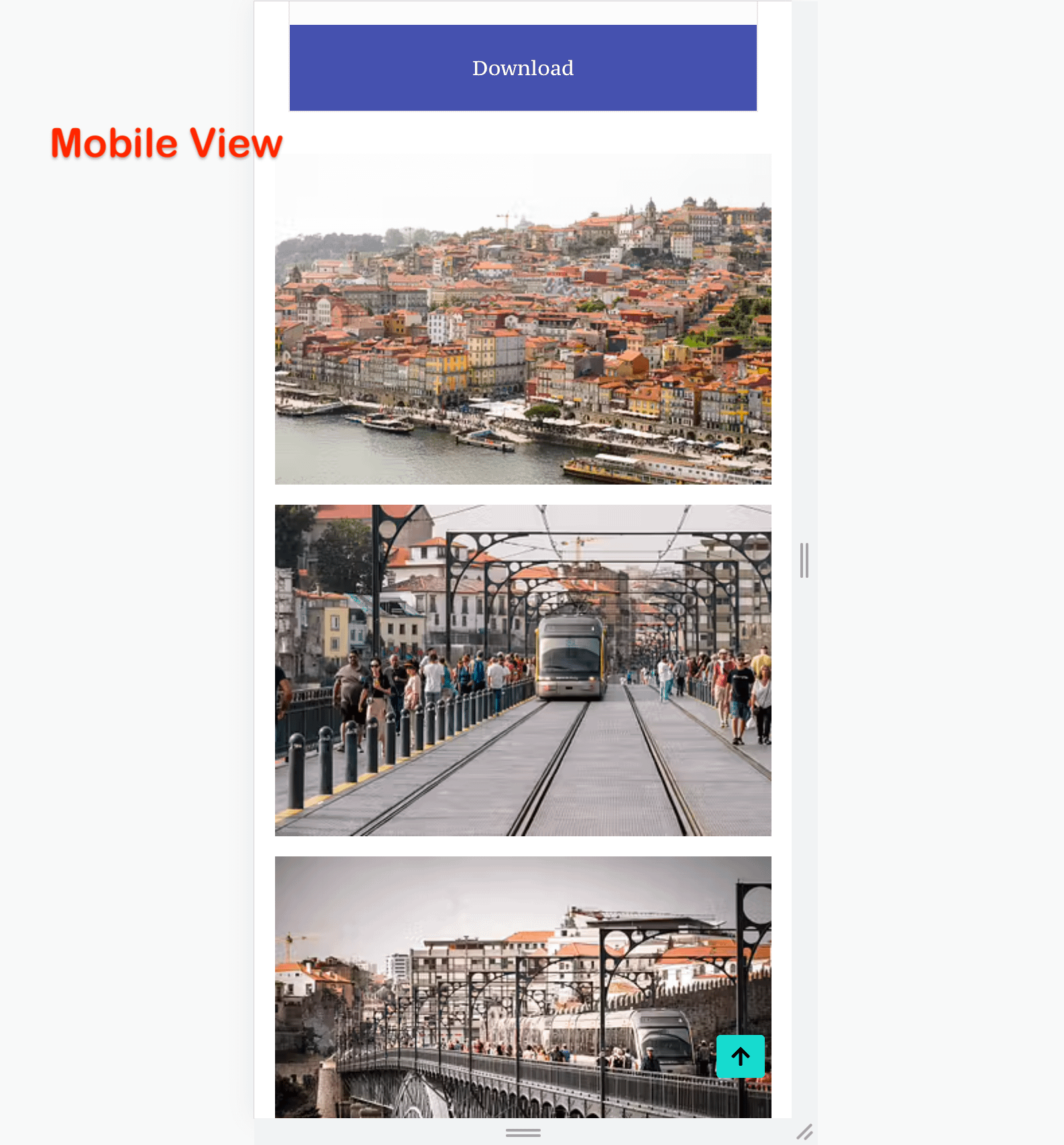
How to reverse columns on mobile using Otter's section block?
Otter's Section block lets you reverse the column order on mobile devices from the Responsive settings, keeping your layout readable on smaller screens.
1. Insert a section block and pick a layout with more than one column.
2. Select the whole section and in the Settings tab, open the Responsive accordion.
3. Enable the Reverse Columns in Mobile devices? toggle.
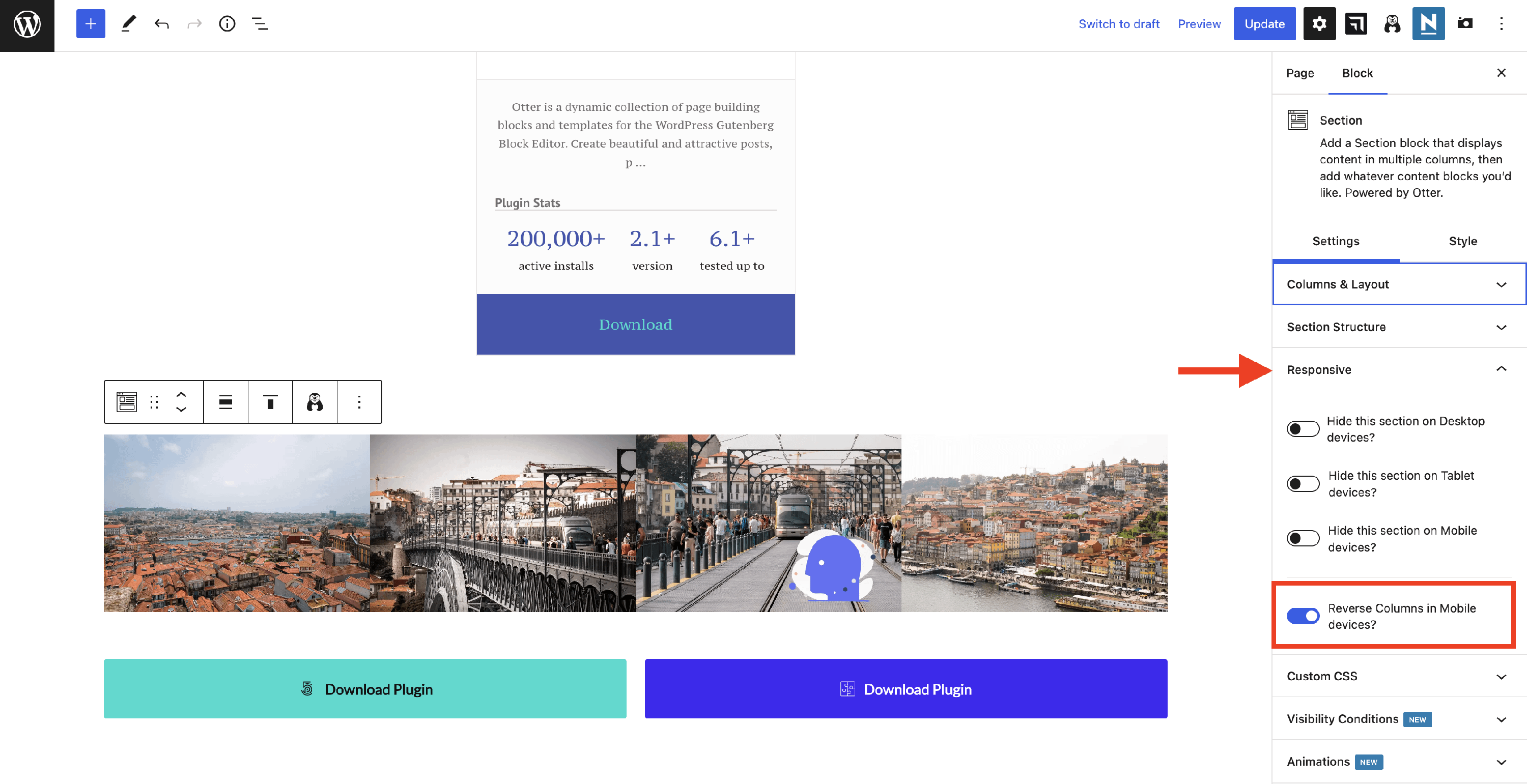
📝 Note: The option appears only when the section's mobile layout is set to collapsed rows.
How it appears on the front